Work Schedule Template
Build a weekly shift plan in minutes so every day has the right people in the right roles.
About the Work Schedule Template
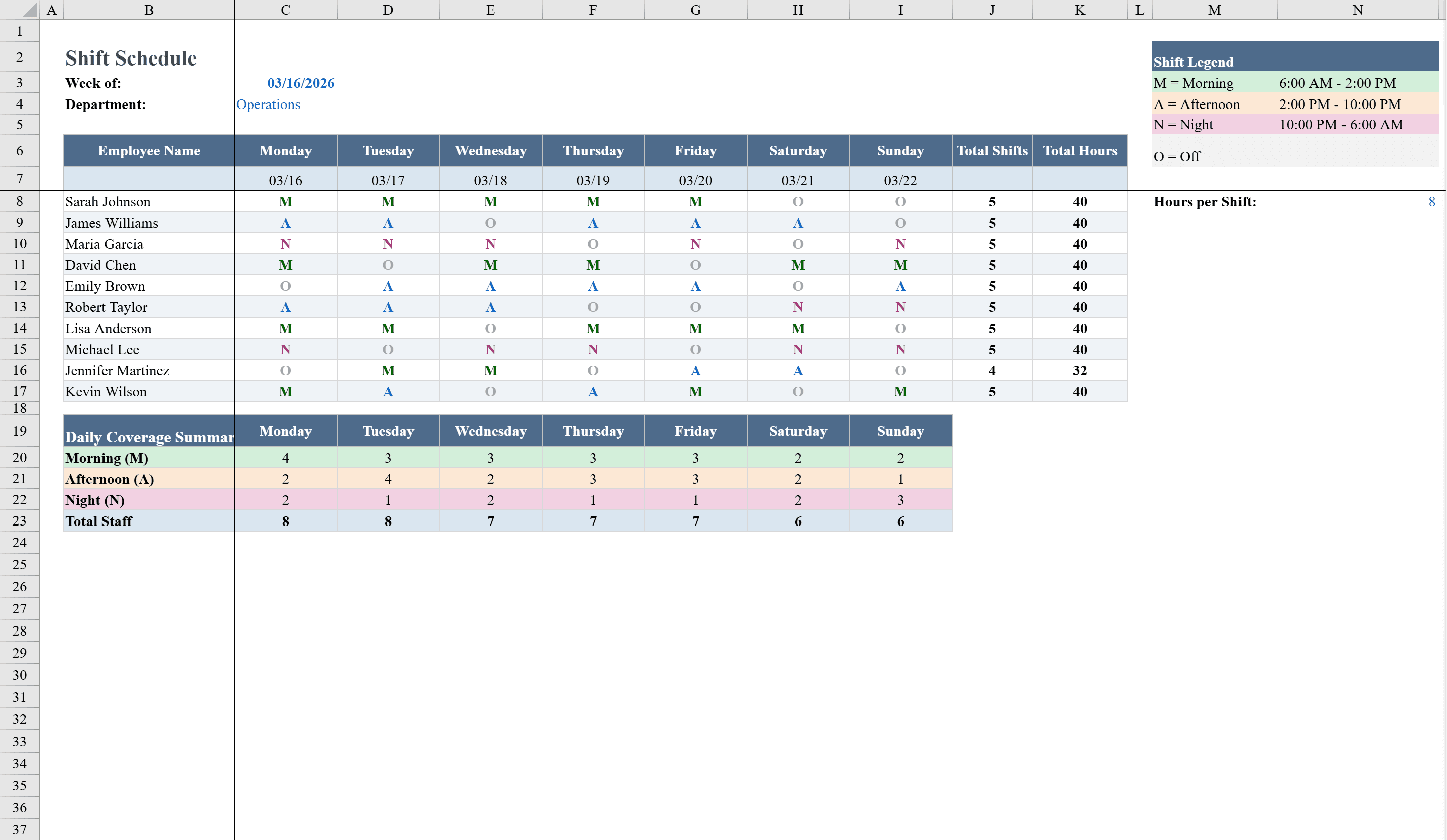
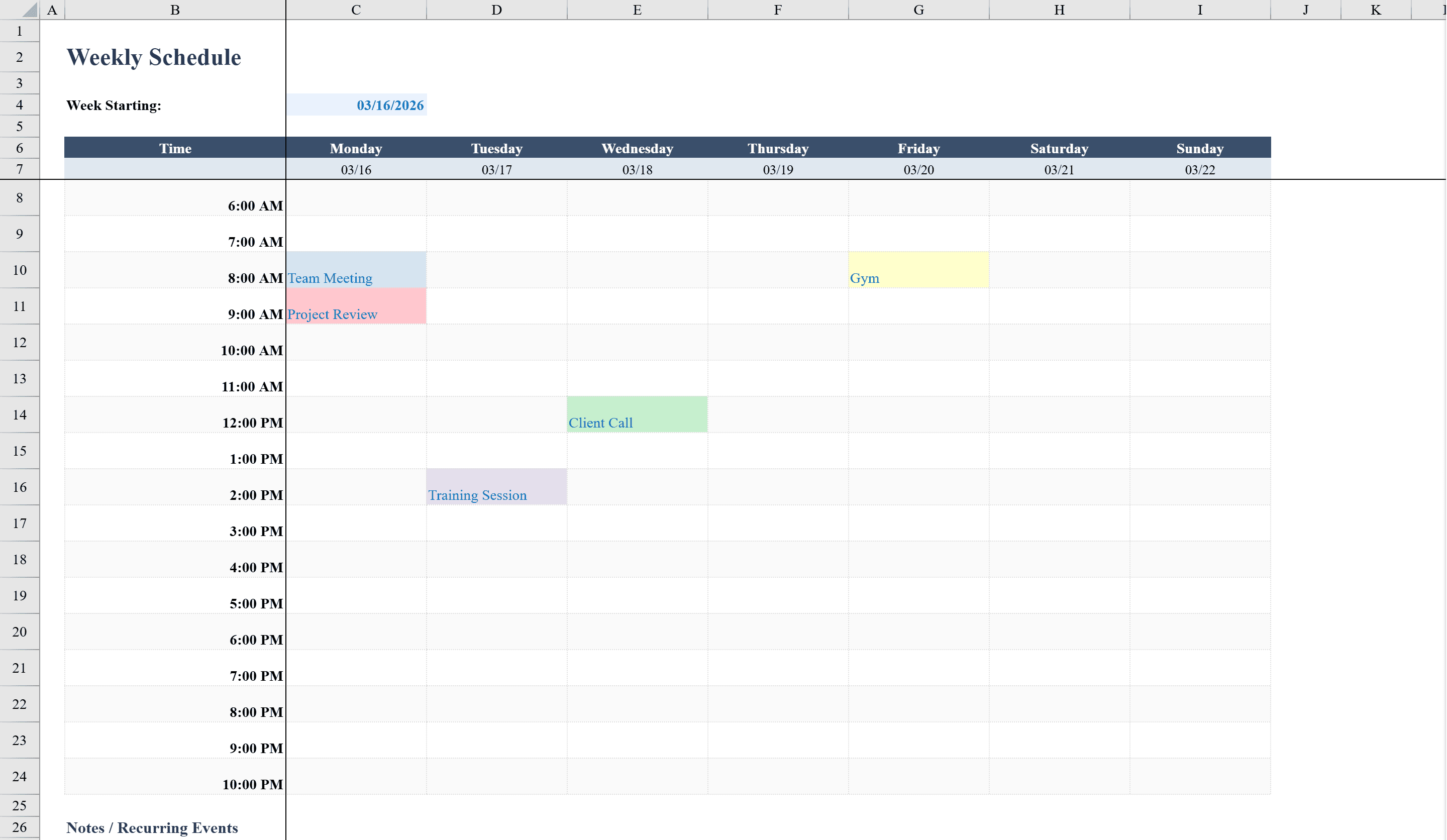
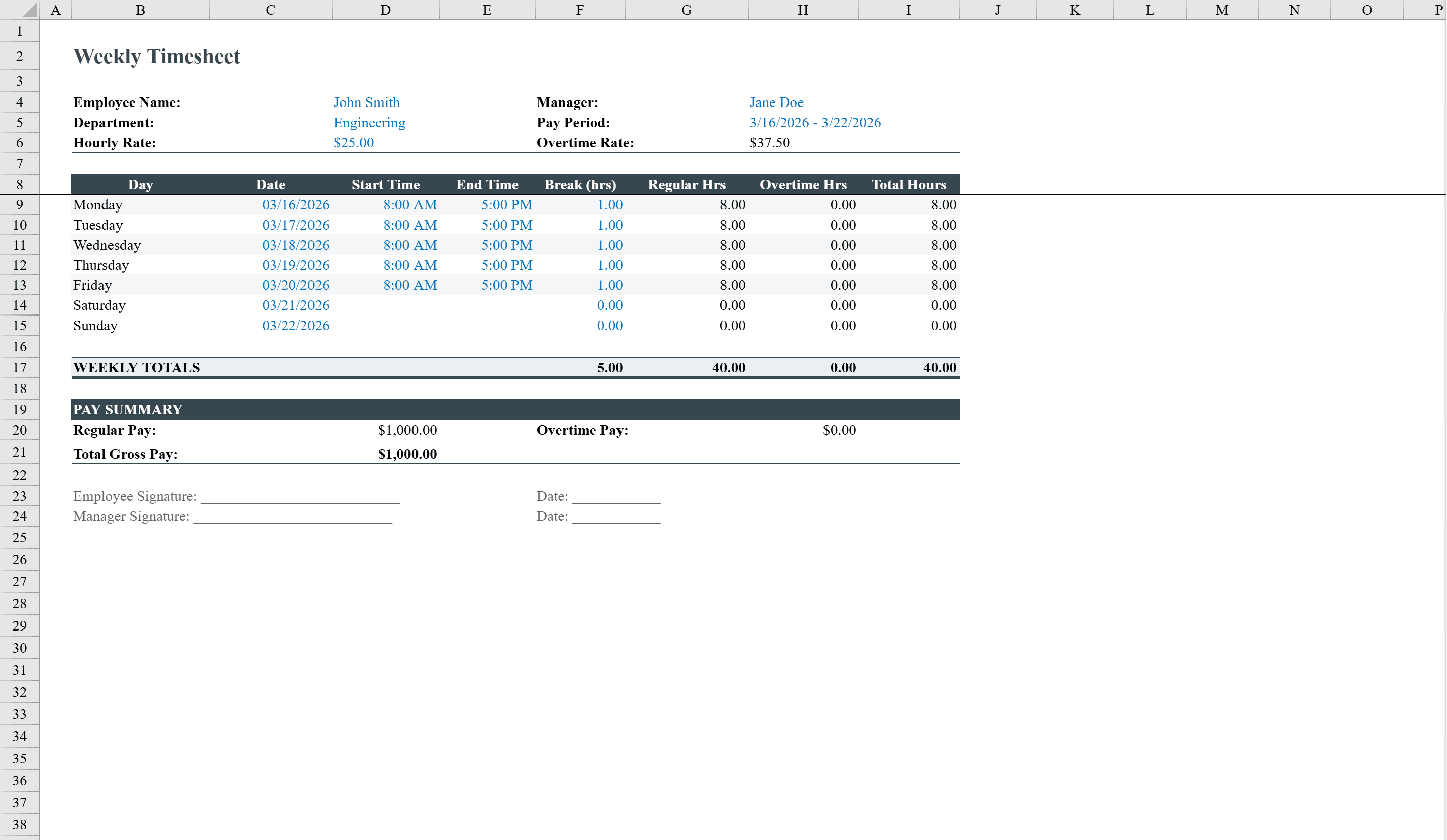
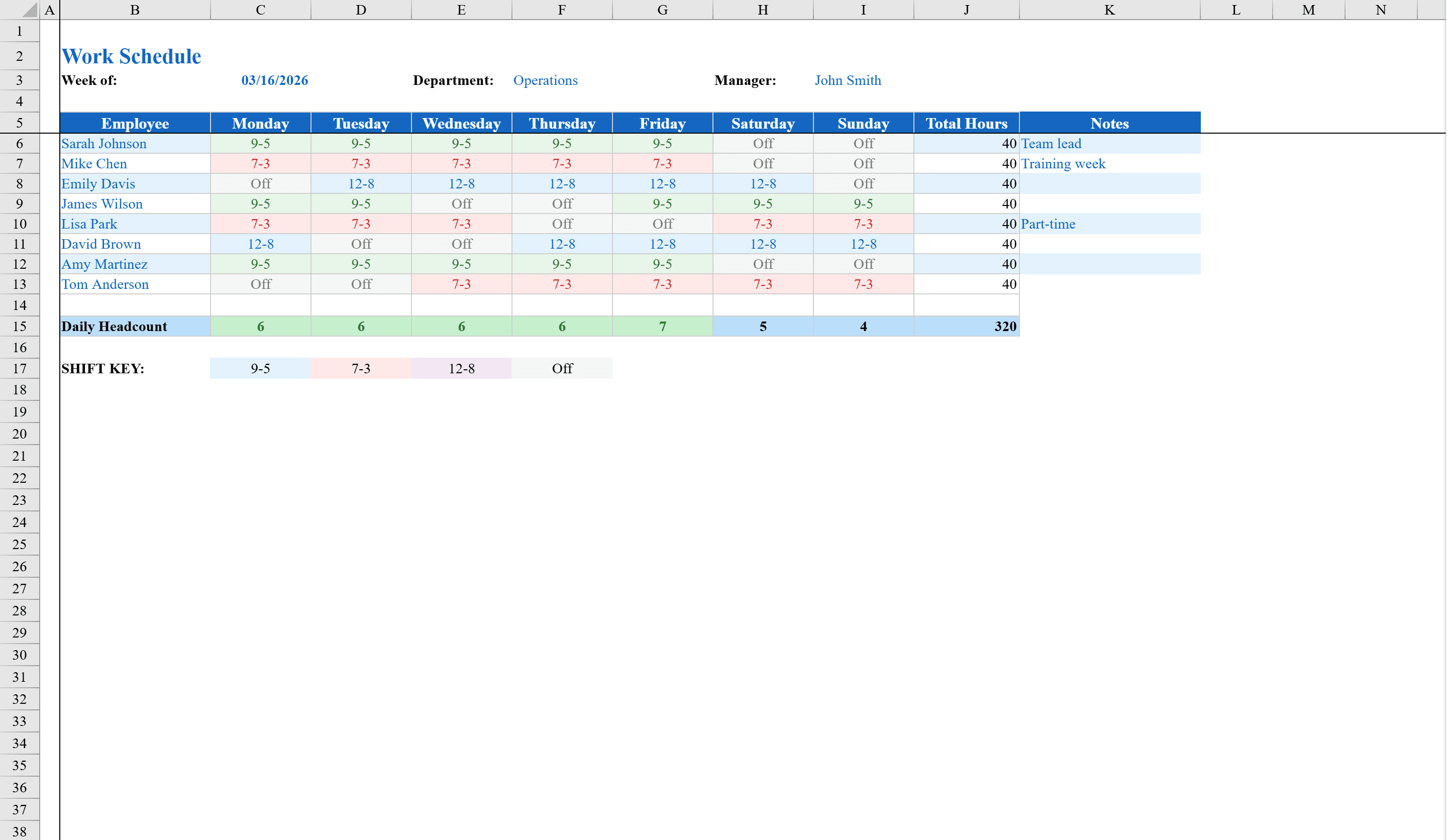
This work schedule template gives managers a clear, organized way to plan and communicate weekly employee shifts. Built for teams of up to eight staff members, it displays the full week with shift assignments selectable from a dropdown of standard shifts including 9-5, 7-3, 12-8, and Off. Formulas automatically tally total hours per employee and daily headcount across the team. Conditional formatting color-codes each shift type for instant visual clarity and flags days with high or low staffing levels. A shift key legend and space for notes round out this ready-to-use scheduling tool. Once shifts are set, use the Timesheet Template to track actual hours worked.
Work Schedule Template Features
- Weekly shift grid for up to 8 employees with dropdown shift selection
- Standard shift options including 9-5, 7-3, 12-8, and Off
- Automatic total hours per employee and daily headcount tallies
- Color-coded conditional formatting for each shift type
- Staffing level alerts flag days with high or low coverage
How to Use This Work Schedule Template in Excel
- 1
Add employee names
Enter up to 8 employee names in the left column of the schedule grid.
- 2
Assign shifts
Use the dropdown menus to select a shift type for each employee on each day of the week.
- 3
Review coverage
Check the daily headcount row to ensure adequate staffing, with alerts for under- or over-staffed days.
- 4
Share the schedule
Print or distribute the color-coded schedule so the team knows their shifts at a glance.
Work Schedule Template FAQ
- How many employees can this schedule handle?
- The template supports up to 8 employees. You can add more rows and extend the dropdown validation to accommodate larger teams.
- Can I add custom shift times?
- Yes, you can modify the dropdown list to include custom shift options beyond the standard 9-5, 7-3, 12-8, and Off presets.
- How does the staffing alert work?
- Conditional formatting monitors daily headcount and highlights days where staffing falls below or exceeds your target range, helping you spot coverage gaps quickly.