Shift Schedule Template
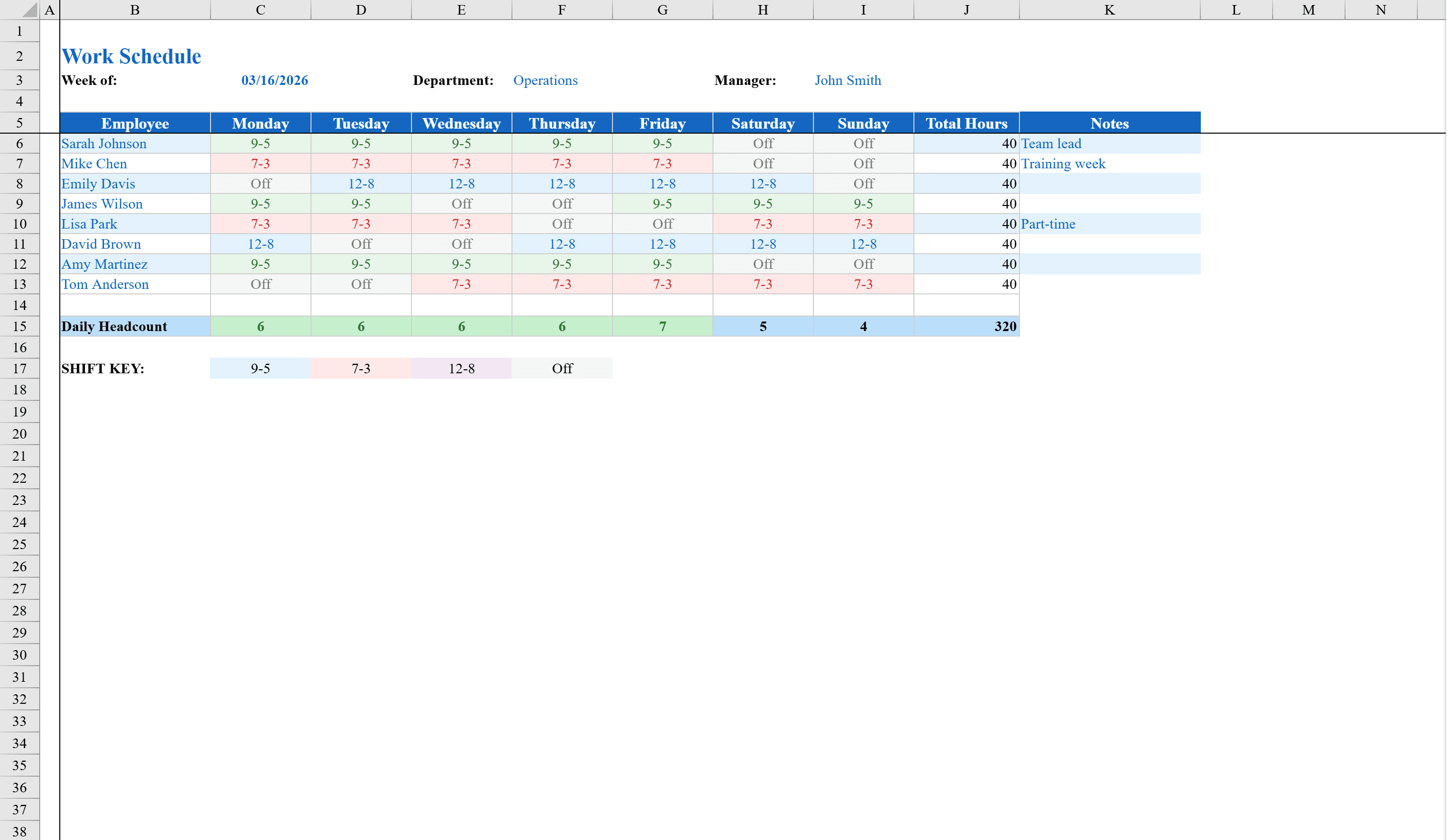
Eliminate shift confusion with a color-coded roster your entire team can read at a glance.
About the Shift Schedule Template
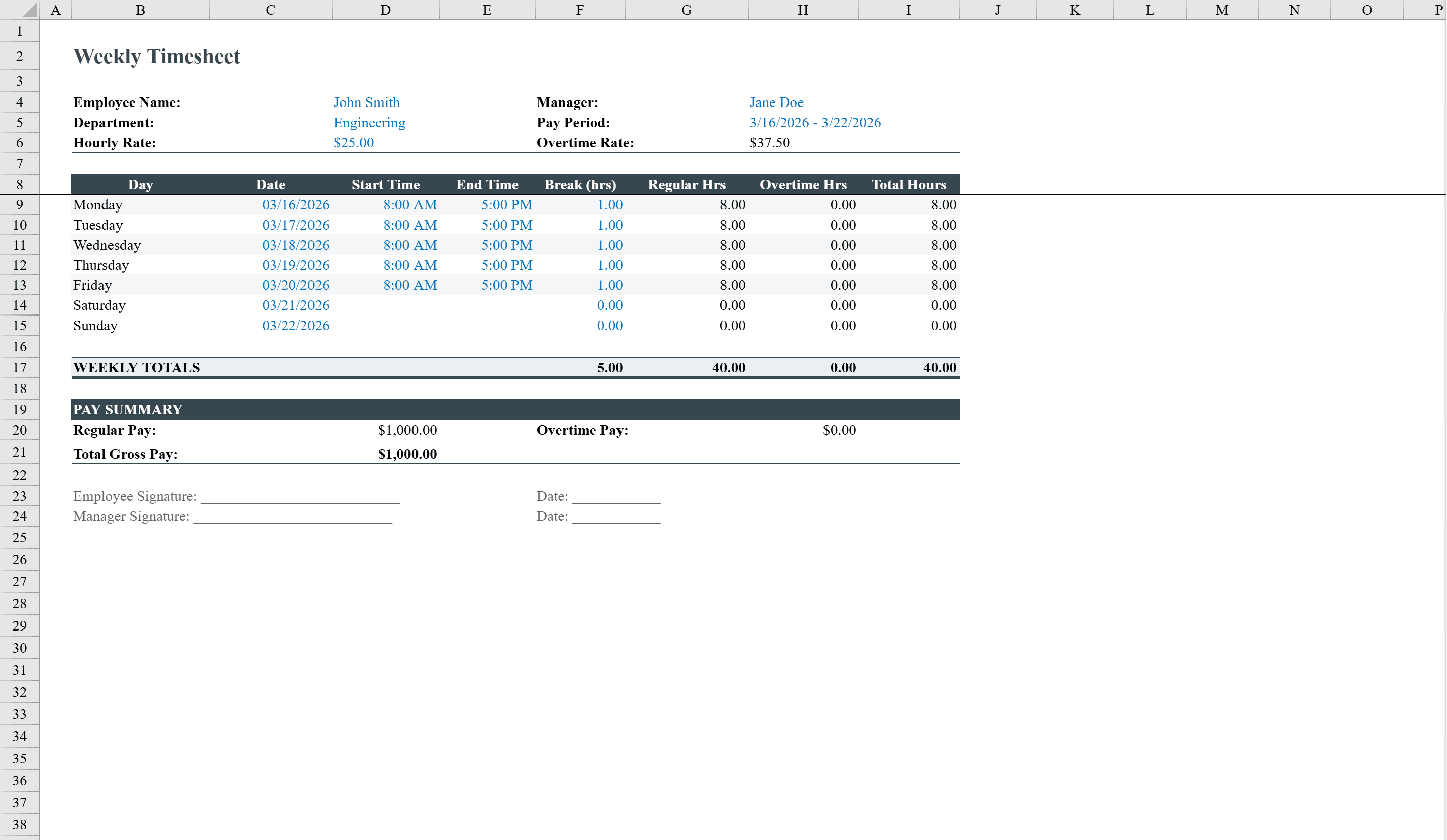
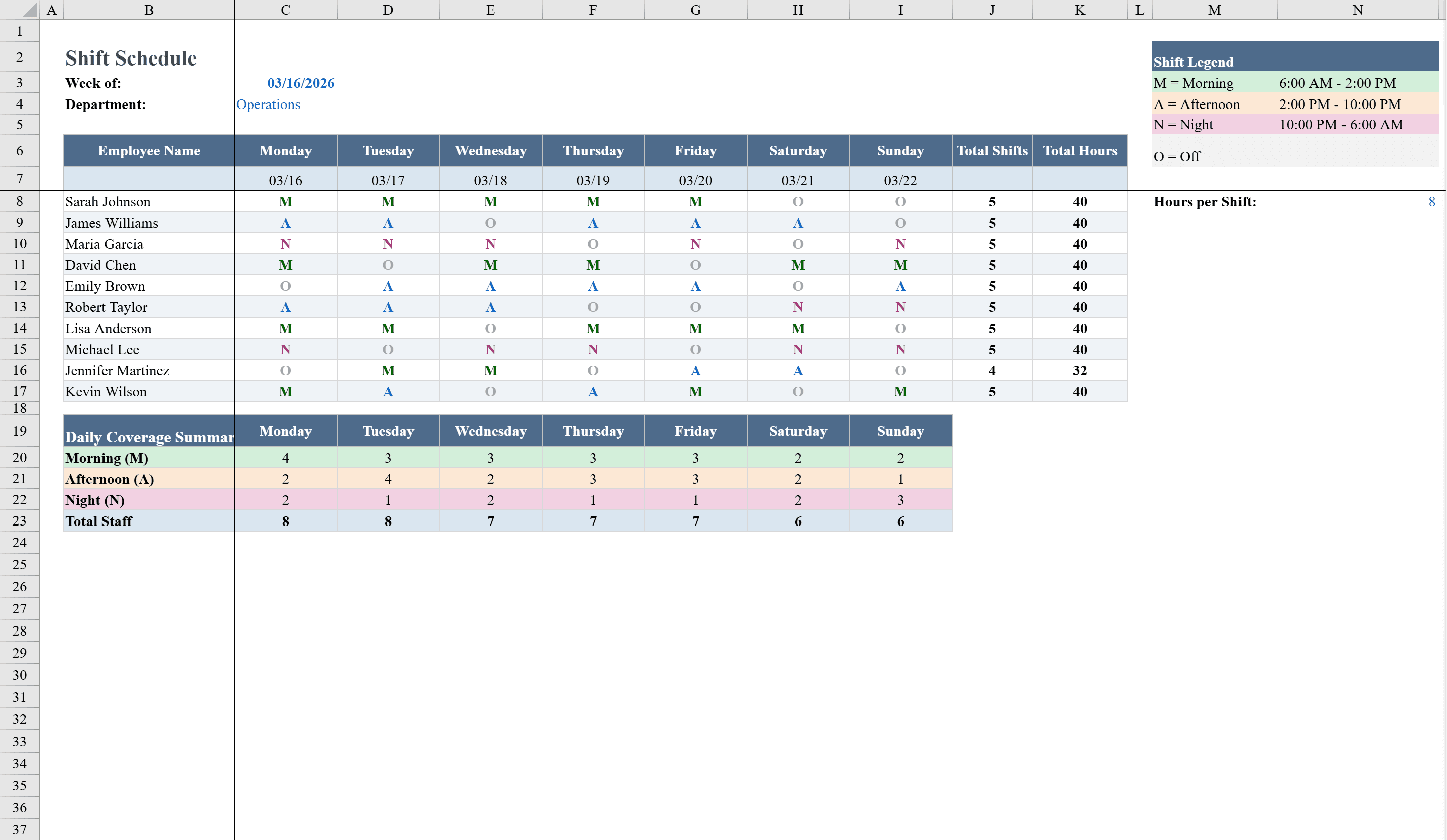
The Shift Schedule Template is a ready-to-use Excel workbook designed for managers and team leads who need to organize weekly staff shifts. It features a clean, color-coded grid where you assign Morning, Afternoon, Night, or Off shifts for up to 10 employees across 7 days using simple dropdown menus. Built-in formulas automatically tally total shifts worked and calculate weekly hours per employee, with conditional formatting that highlights overtime in red. Summary rows at the bottom count how many workers are on each shift per day, giving you instant daily coverage visibility. After shifts are complete, capture actual hours with the Timesheet Template.
Shift Schedule Template Features
- Color-coded shift grid for Morning, Afternoon, Night, and Off assignments
- Supports up to 10 employees across 7 days with dropdown menus
- Auto-calculated total shifts and weekly hours per employee
- Conditional formatting highlights overtime in red
- Summary rows counting workers per shift per day for coverage visibility
How to Use This Shift Schedule Template in Excel
- 1
Enter employee names
Add up to 10 employee names in the left column of the shift grid.
- 2
Assign shifts
Use dropdown menus to select Morning, Afternoon, Night, or Off for each employee on each day.
- 3
Monitor overtime
Check the weekly hours column — conditional formatting highlights any employee exceeding standard hours in red.
- 4
Review daily coverage
Use the summary rows at the bottom to verify adequate staffing levels for each shift on each day.
Shift Schedule Template FAQ
- How many employees can this shift schedule handle?
- The template supports up to 10 employees out of the box. You can add more rows and extend the dropdown validation to accommodate larger teams.
- What shift types are available?
- The dropdown includes Morning, Afternoon, Night, and Off. Each type is automatically color-coded for quick visual recognition.
- How is overtime detected?
- The template calculates weekly hours per employee and applies red conditional formatting when total hours exceed the standard threshold, alerting you to overtime situations.