Timesheet Template
Accurately track hours, overtime, and pay so every employee gets paid correctly.
About the Timesheet Template
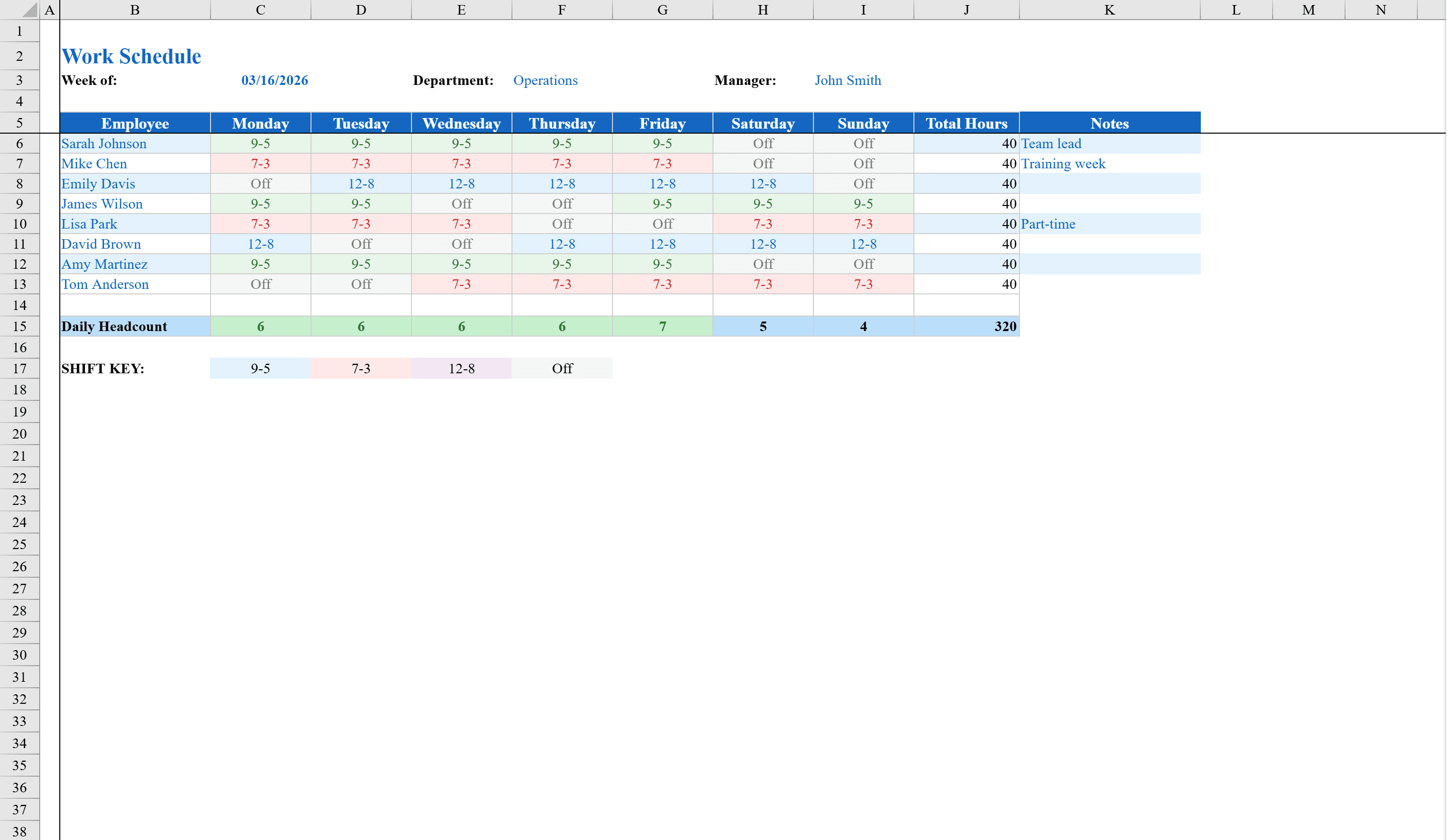
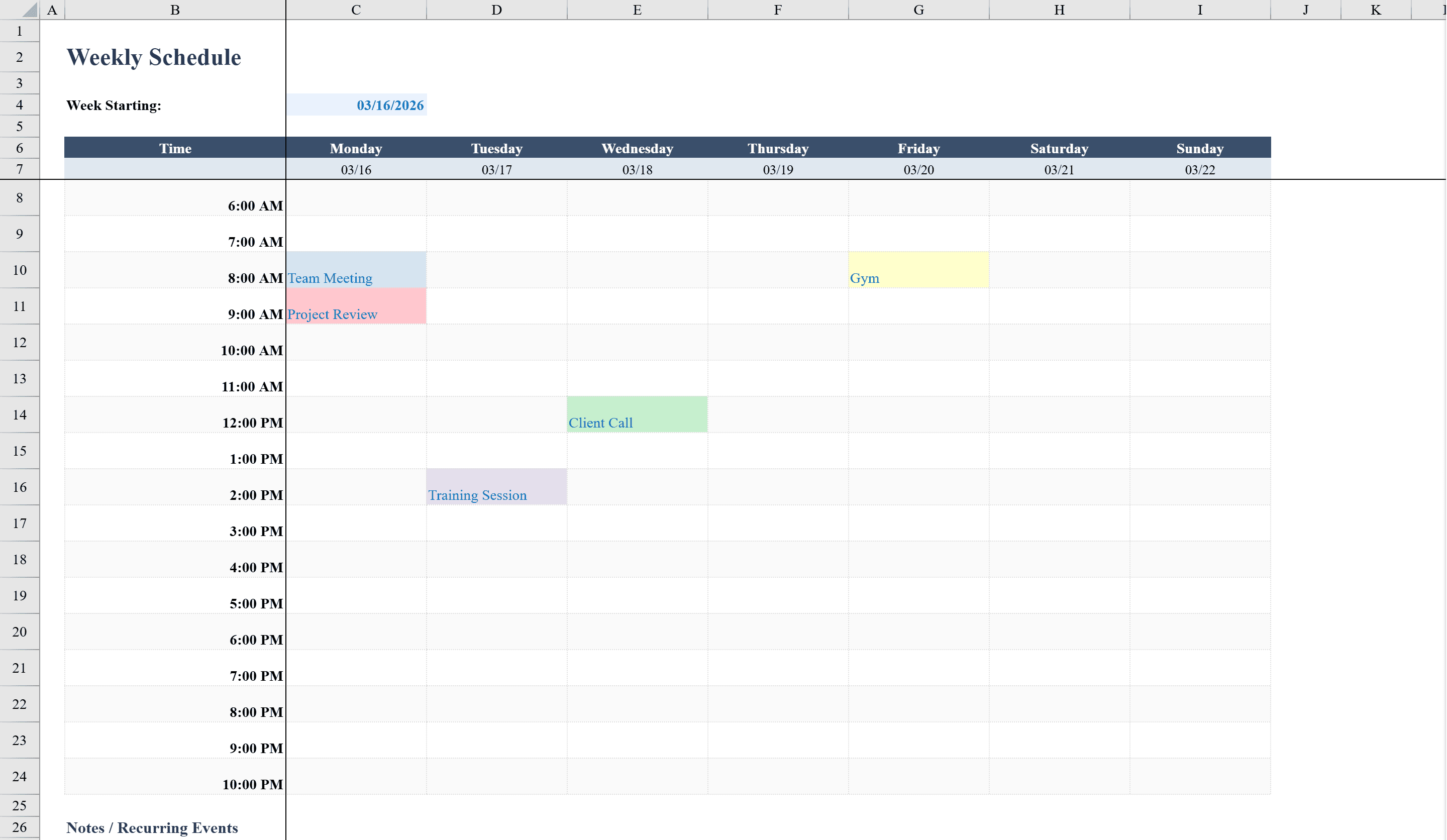
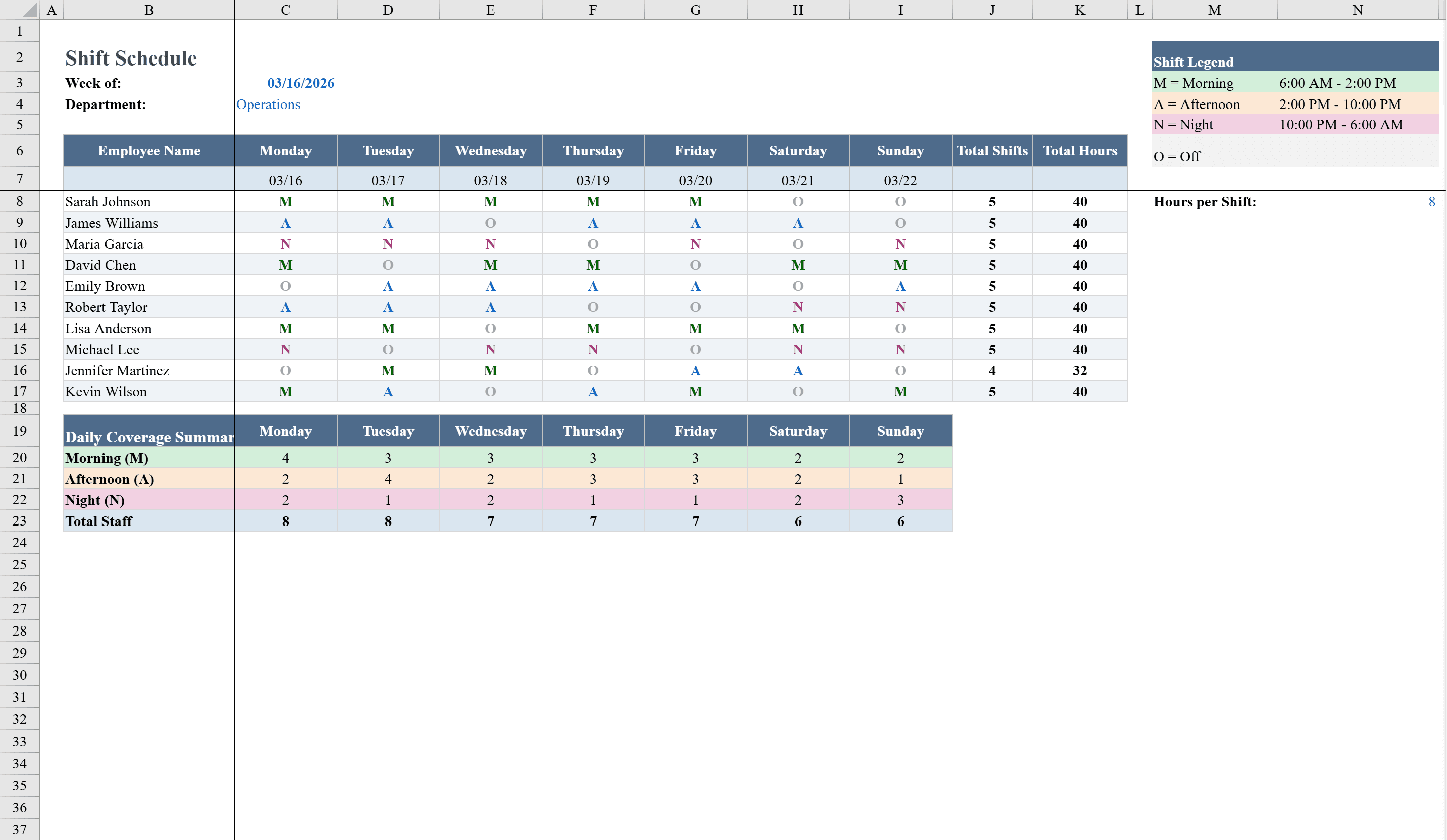
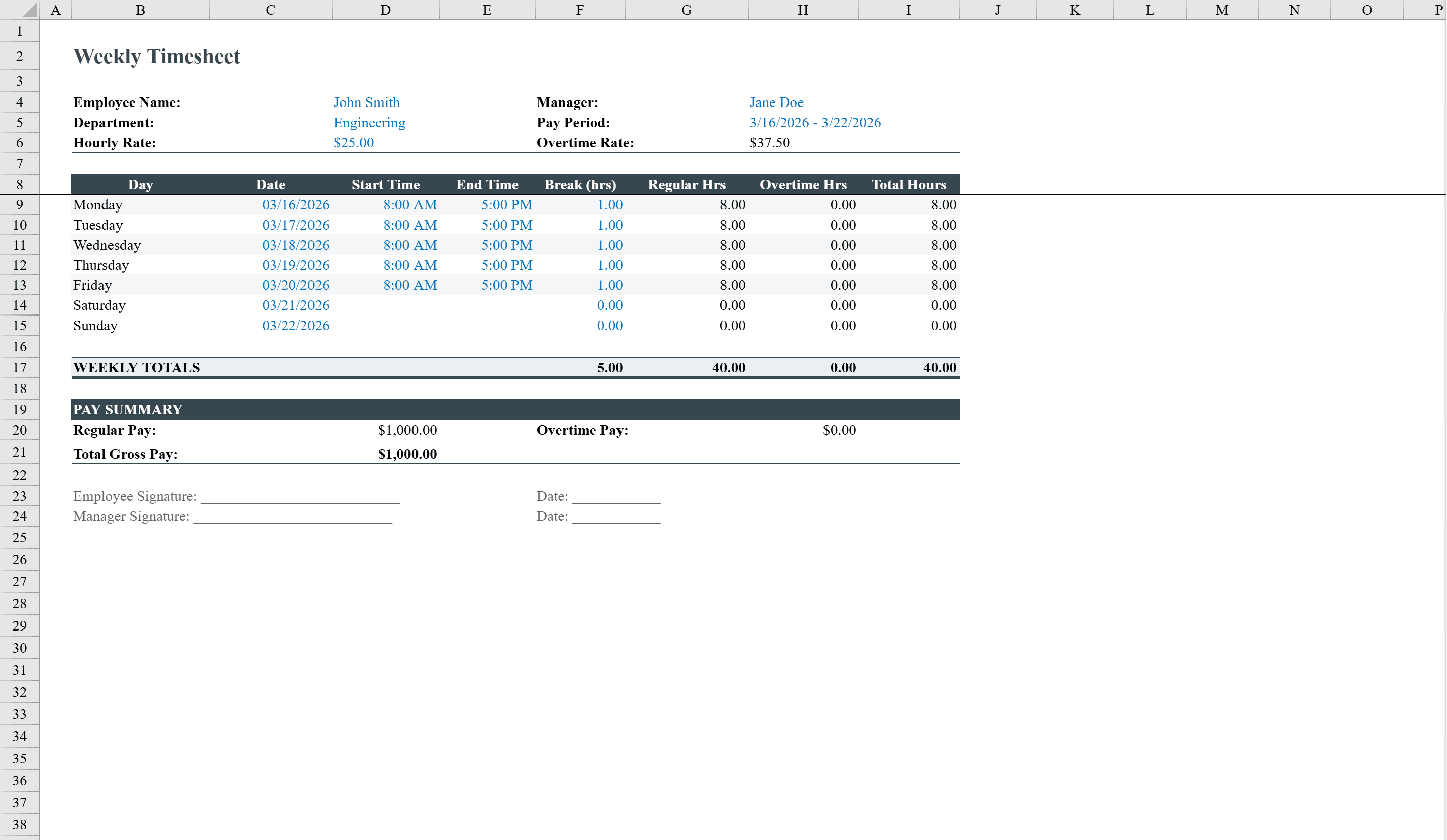
This weekly timesheet template streamlines employee time tracking and pay calculation. Designed for hourly workers and their managers, it captures daily start times, end times, and break hours for a full seven-day week, then automatically calculates regular hours, overtime hours, and total hours per day. The pay summary section computes regular pay, overtime pay at 1.5x the hourly rate, and total gross pay. Conditional formatting flags overtime and weekend work, while data validation ensures valid department selections, hourly rates, and break entries. Signature lines for employee and manager approval are included. Need to plan shifts before tracking hours? Start with the Work Schedule Template.
Timesheet Template Features
- Daily start time, end time, and break hour tracking for 7 days
- Automatic regular hours and overtime hours calculation
- Pay summary with regular pay, overtime at 1.5x, and gross pay
- Conditional formatting flags overtime and weekend work
- Employee and manager signature lines for approval
How to Use This Timesheet Template in Excel
- 1
Enter employee info
Fill in the employee name, department, hourly rate, and pay period at the top of the timesheet.
- 2
Log daily hours
Enter start time, end time, and break hours for each day of the week.
- 3
Review calculated hours
Check the automatically computed regular hours, overtime hours, and total hours per day.
- 4
Submit for approval
Review the pay summary and use the signature lines for employee and manager sign-off.
Timesheet Template FAQ
- How is overtime calculated in this timesheet?
- Any hours exceeding 8 per day are automatically classified as overtime. The pay summary multiplies overtime hours by 1.5 times the hourly rate.
- Can I track breaks and lunch hours?
- Yes, each day has a dedicated break hours column. Break time is automatically subtracted from total hours worked.
- Does the template support multiple employees?
- Each sheet tracks one employee per week. Duplicate the sheet for additional team members or create a new sheet for each pay period.