Fiscal Year Calendar
Generate a complete twelve-month calendar grid for any fiscal year start month so your finance team always has the right dates on hand.
About the Fiscal Year Calendar
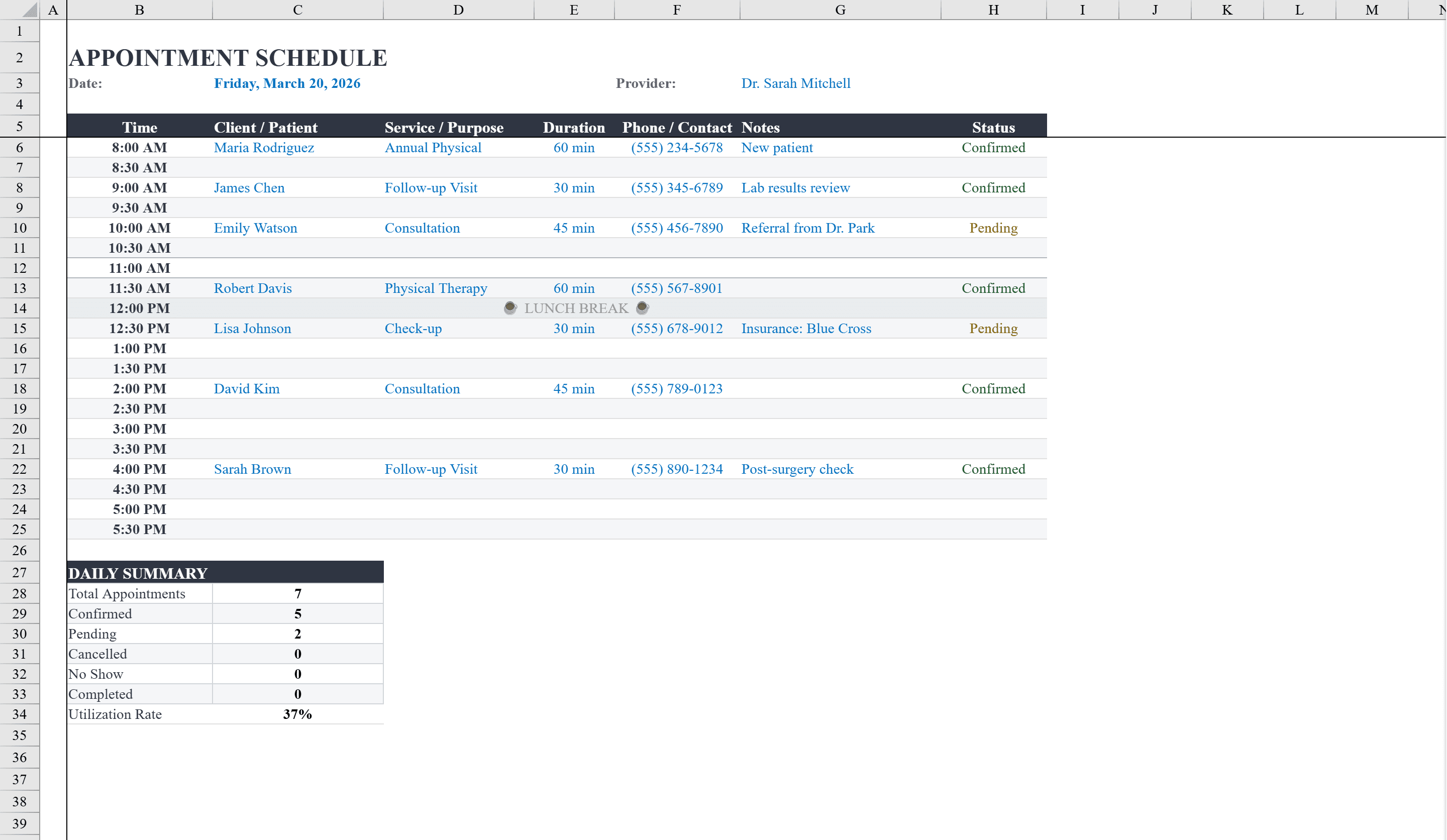
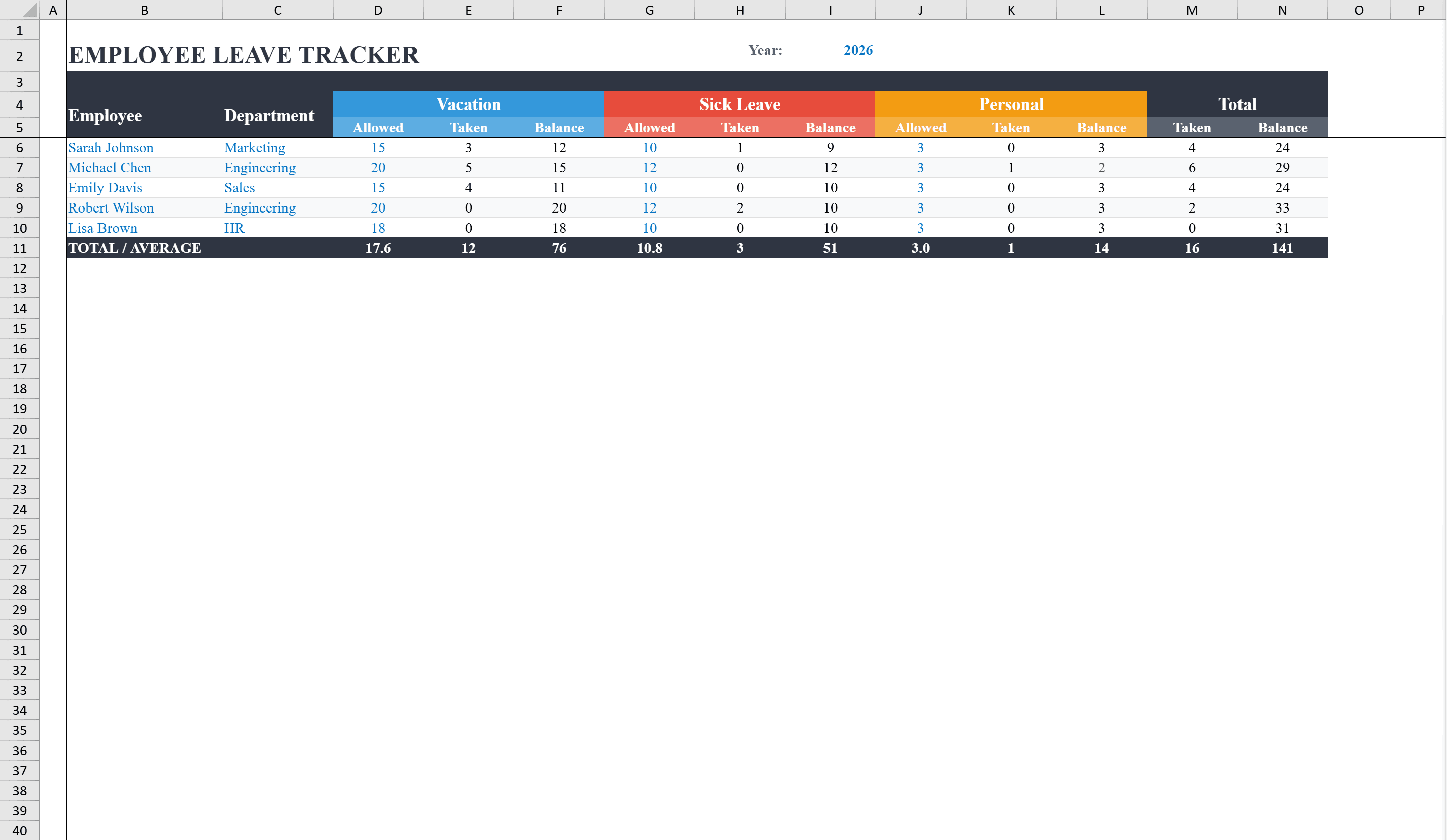
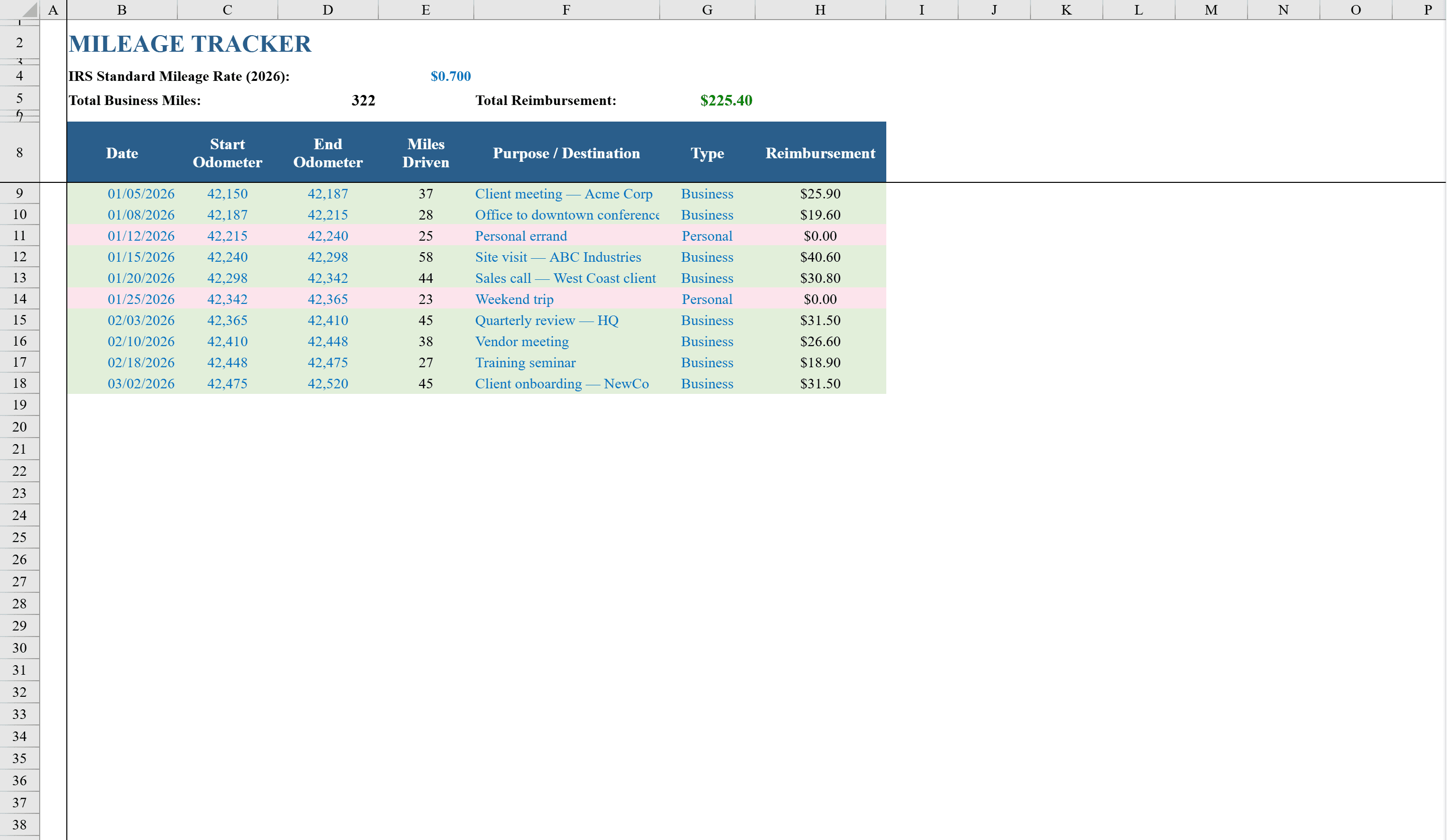
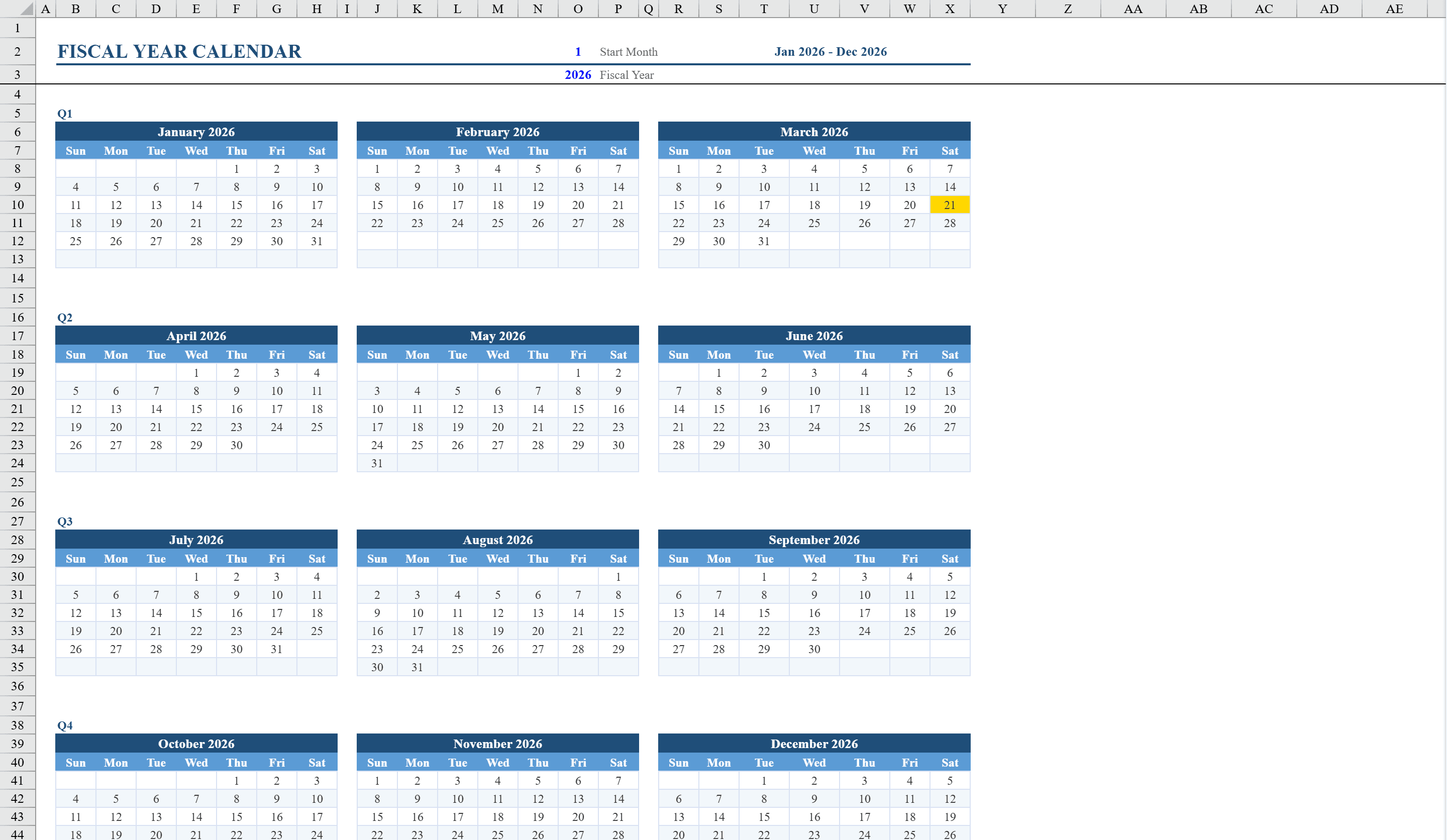
This Excel fiscal year calendar template generates a complete twelve-month calendar grid that adapts to any fiscal year start month and year. Users simply enter the starting month number and year into validated input cells, and all month headers, day-of-week columns, and date numbers recalculate automatically using built-in formulas. The calendar displays four quarters in a clean three-months-per-row layout, with day-of-week headers for each month. Conditional formatting highlights today's date in gold across all twelve months, making it easy to spot the current day. The template is ideal for finance teams, accountants, or any organization operating on a non-calendar fiscal year. Pair it with an appointment schedule to plan key dates or a vacation tracker to align leave policies with your fiscal calendar.
Fiscal Year Calendar Features
- Adapts to any fiscal year start month and year via validated inputs
- Automatic date and day-of-week calculations for all twelve months
- Four-quarter layout with three months per row
- Conditional formatting highlights today's date in gold
- Works for any non-calendar fiscal year configuration
How to Use This Fiscal Year Calendar in Excel
- 1
Set your fiscal year start
Enter the starting month number (1-12) and year in the input cells at the top. All twelve months recalculate automatically.
- 2
Review the calendar layout
The calendar displays four quarters with three months per row. Day-of-week headers and date numbers populate based on your start month.
- 3
Spot today's date
Conditional formatting highlights the current date in gold across all twelve months for quick reference.
- 4
Print or share
The layout is print-optimized for a clean fiscal year calendar you can post, distribute, or include in reports.
Fiscal Year Calendar FAQ
- Can I start the fiscal year in any month?
- Yes. Enter any month number from 1 to 12 and the entire calendar recalculates. Common fiscal year starts include April (government), July (education), and October (US federal).
- Does the calendar update for leap years?
- Yes. The date formulas account for leap years automatically. February will show 29 days when appropriate based on the year you enter.
- Can I add events or notes to specific dates?
- The template is a calendar grid, not an event planner. You can add notes by inserting comments on date cells or create a companion events sheet that references calendar dates.