Appointment Schedule
Fill your daily calendar with client appointments and instantly see utilization rates, no-shows, and scheduling gaps at a glance.
About the Appointment Schedule
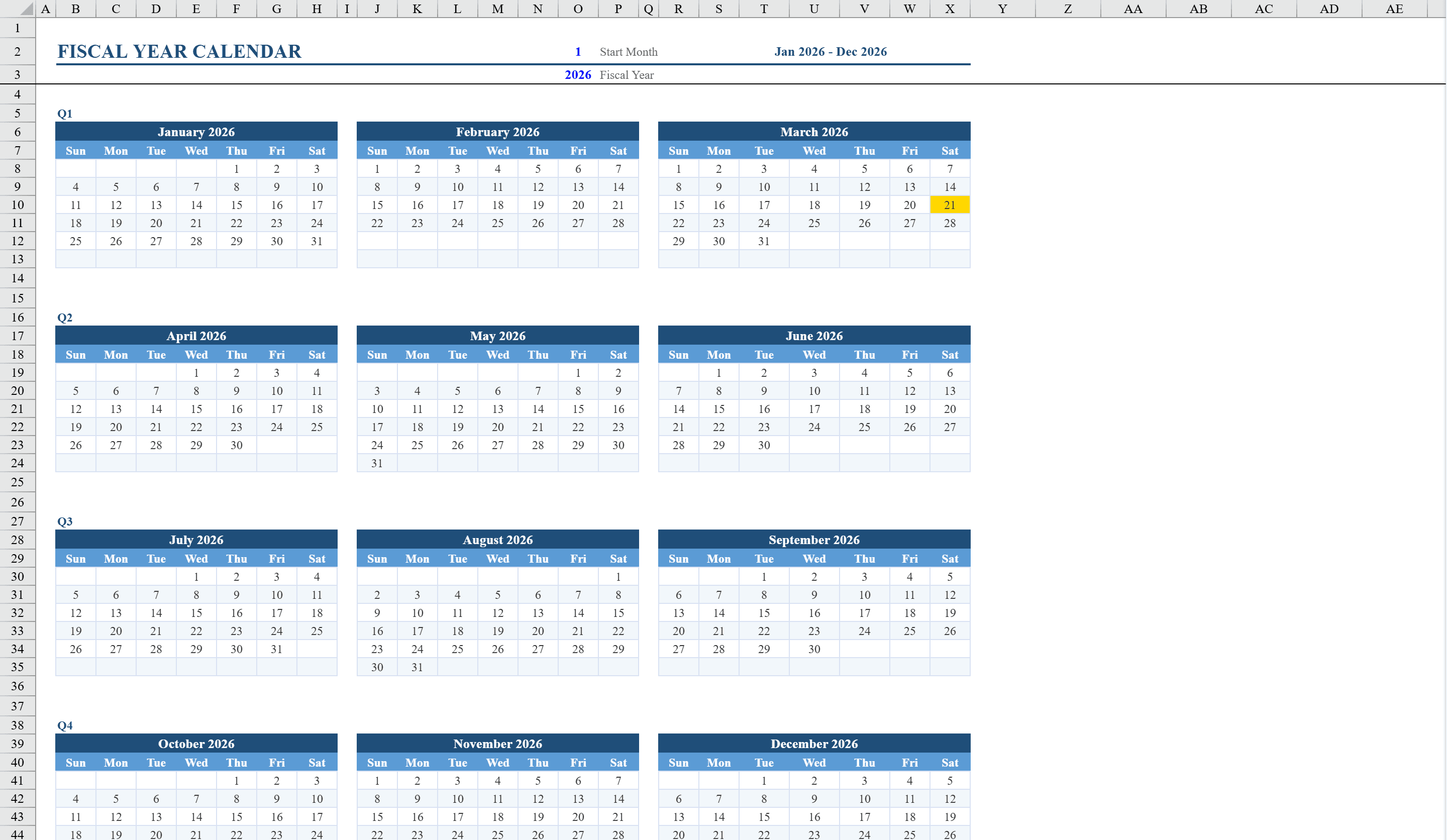
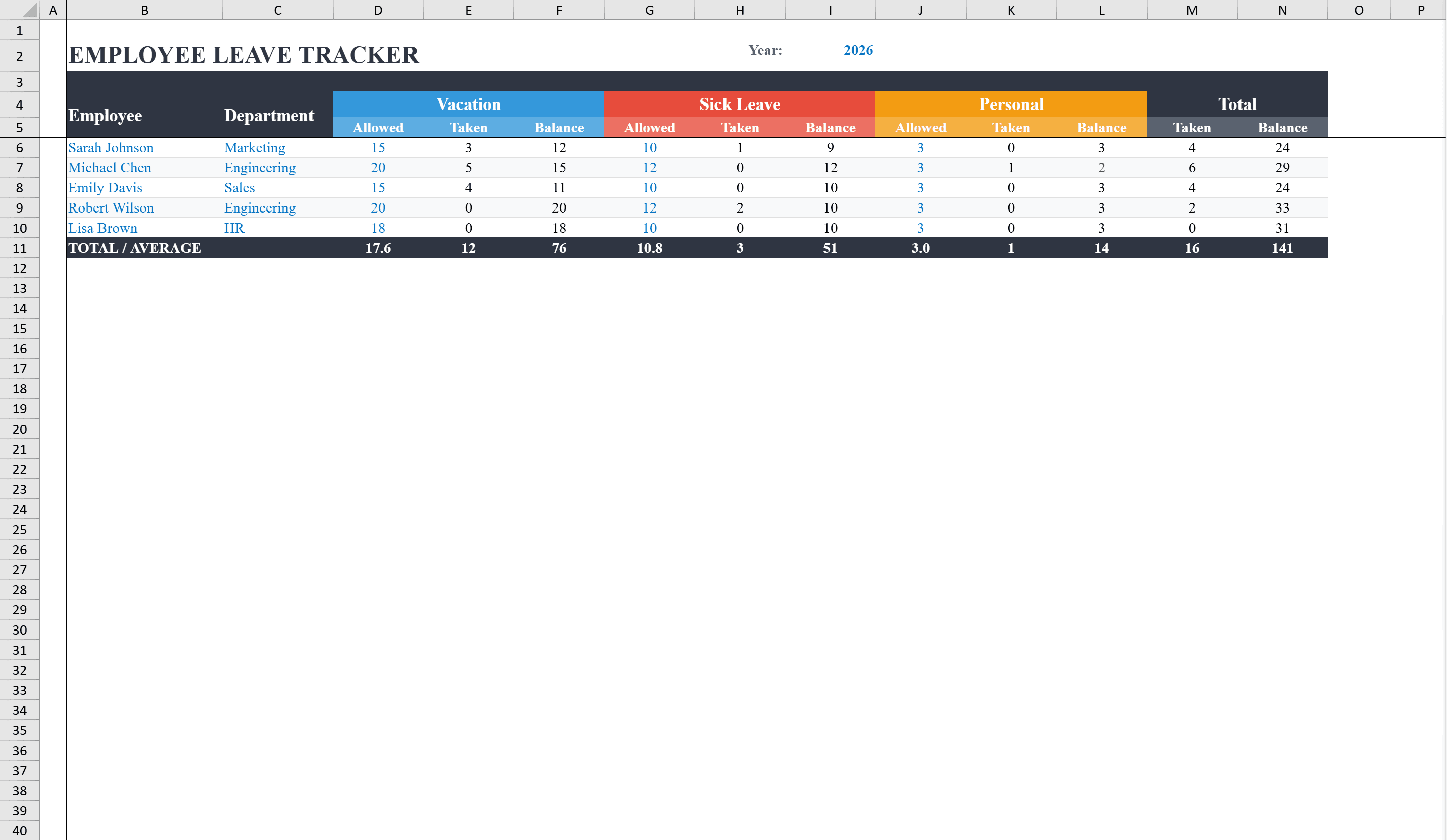
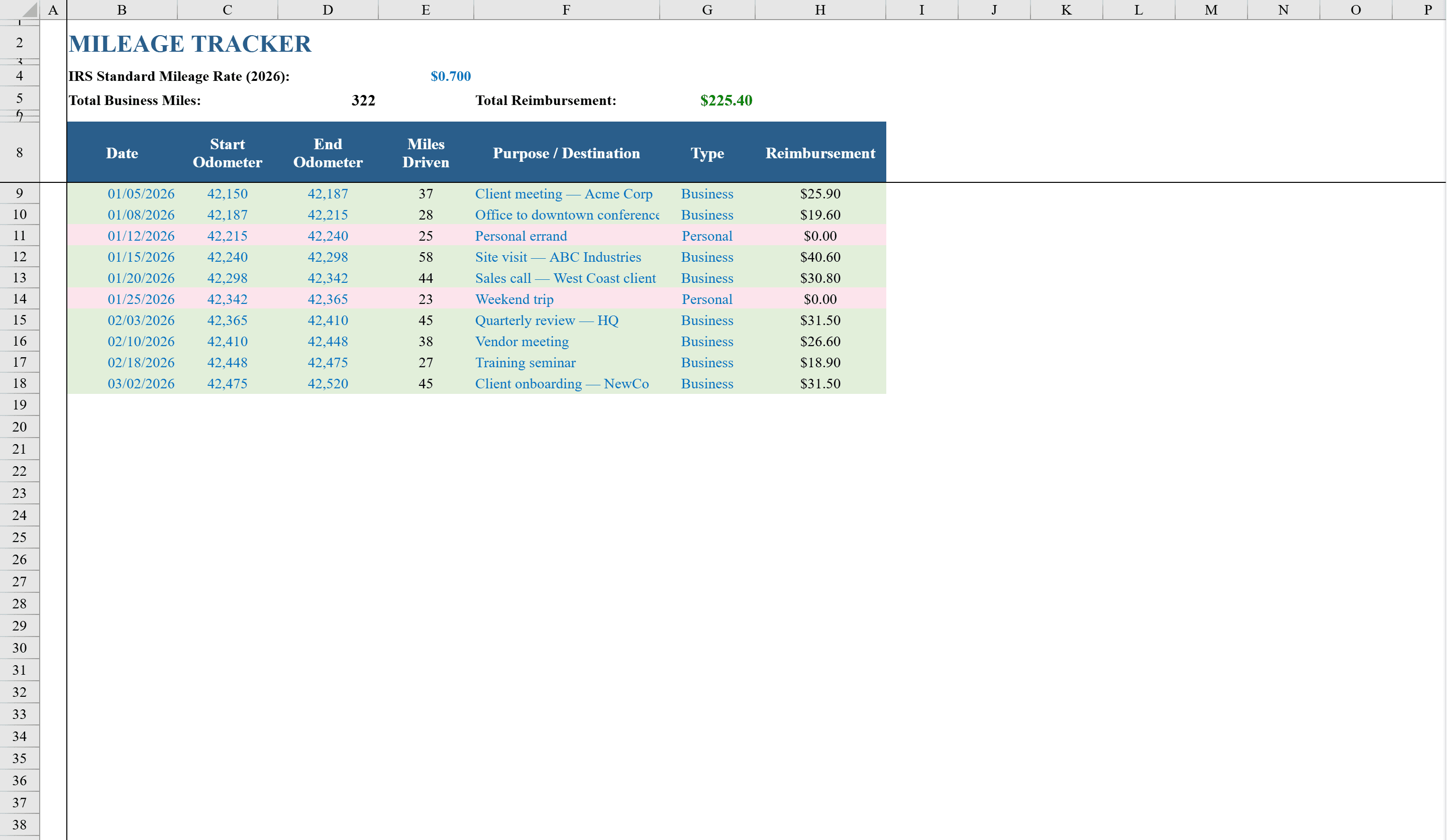
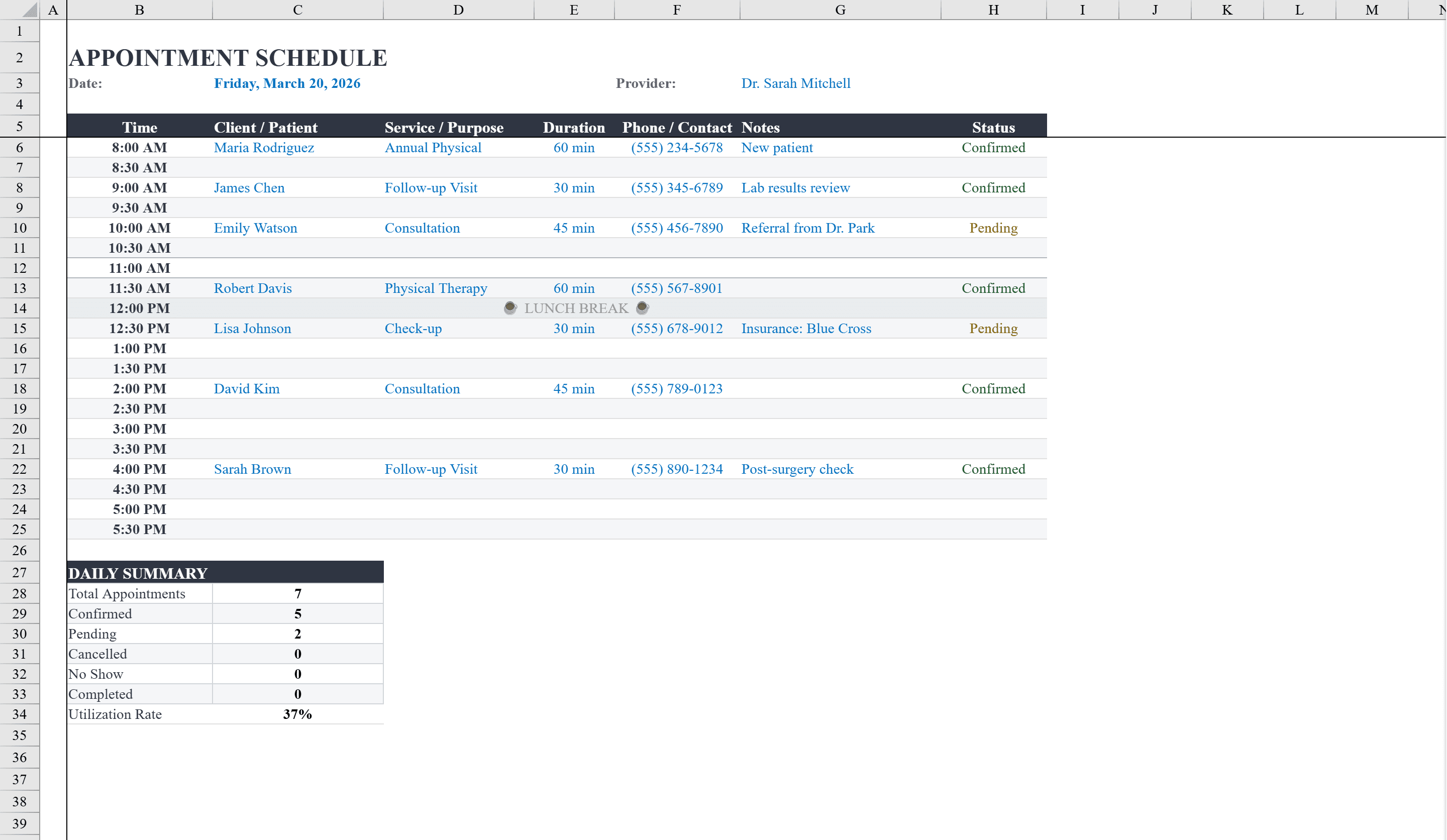
This Excel appointment schedule template is built for medical offices, clinics, salons, or any service provider managing a daily calendar. It displays 30-minute time slots from 8:00 AM to 5:30 PM with columns for client name, service type, duration, phone number, notes, and status. Alternating row shading and a designated lunch break row keep the schedule easy to scan. A daily summary section at the bottom automatically counts total appointments, confirmed, pending, cancelled, no-show, and completed visits, plus calculates a utilization rate. Dropdown status menus with color-coded conditional formatting let staff instantly see appointment states at a glance. Coordinate staff availability with a vacation tracker or plan across your fiscal year calendar.
Appointment Schedule Features
- 30-minute time slots from 8:00 AM to 5:30 PM
- Columns for client name, service type, duration, phone, notes, and status
- Daily summary counting total, confirmed, pending, cancelled, and no-show appointments
- Automatic utilization rate calculation
- Color-coded status dropdowns via conditional formatting
How to Use This Appointment Schedule in Excel
- 1
Enter appointments
Fill in client name, service type, duration, and phone number in the appropriate time slot row.
- 2
Set appointment status
Use the status dropdown to mark each appointment as Confirmed, Pending, Cancelled, No-Show, or Completed.
- 3
Add notes as needed
Use the notes column for special instructions, room assignments, or follow-up reminders.
- 4
Review daily summary
Check the summary section at the bottom for appointment counts by status and your daily utilization rate.
Appointment Schedule FAQ
- Can I change the time slot intervals?
- Yes. The default is 30-minute slots, but you can modify the time labels and add or remove rows to create 15-minute or 60-minute intervals as needed.
- Does this template support multiple providers?
- This template is designed for a single provider per sheet. Duplicate the sheet and rename it for each provider to manage multiple schedules in one workbook.
- Can I track appointment history over time?
- Each sheet represents one day. Create a new sheet for each day, or duplicate the template to build a weekly or monthly appointment log.