Employee Schedule Template
Build balanced weekly schedules for your team with built-in overtime alerts.
About the Employee Schedule Template
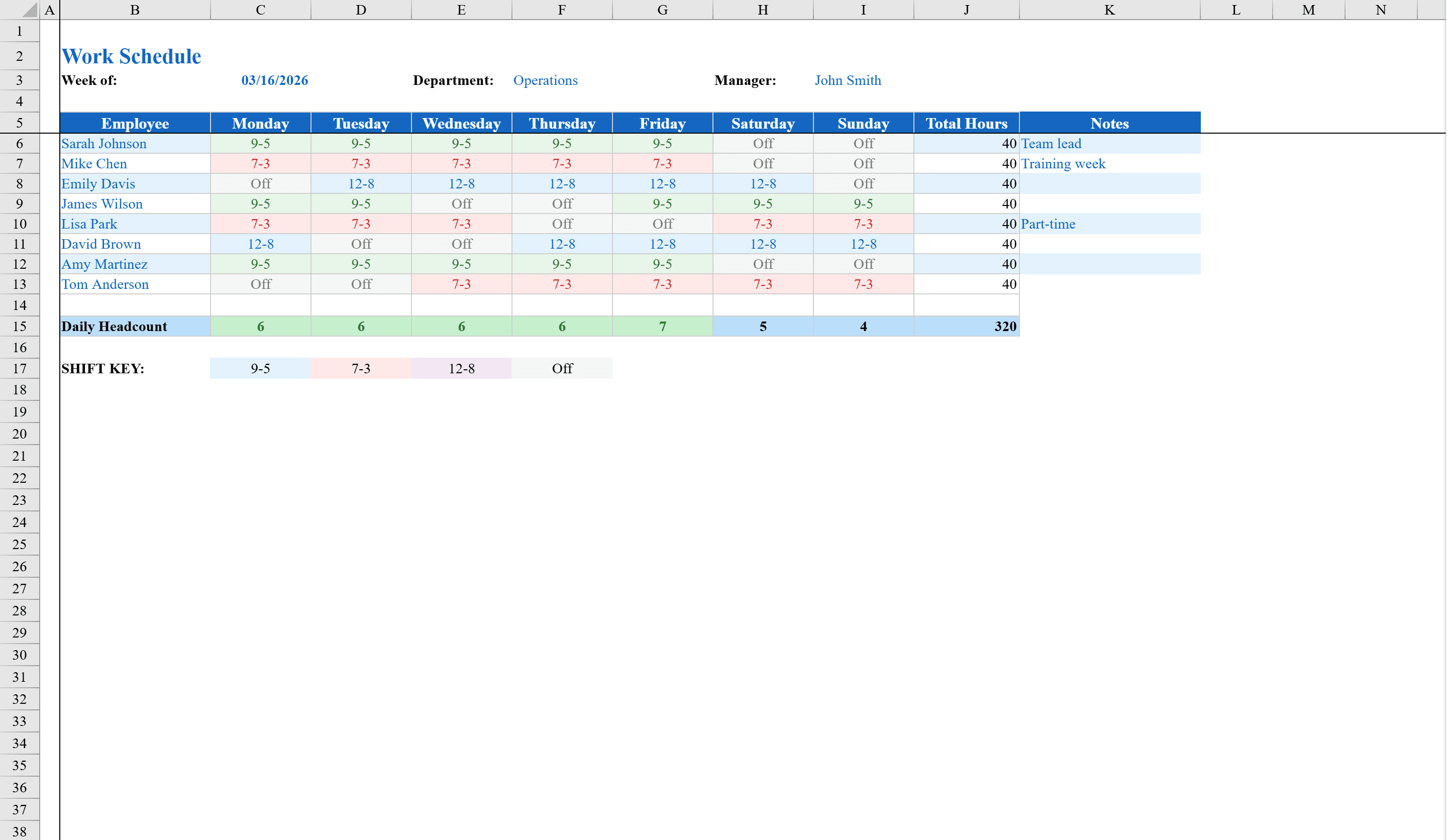
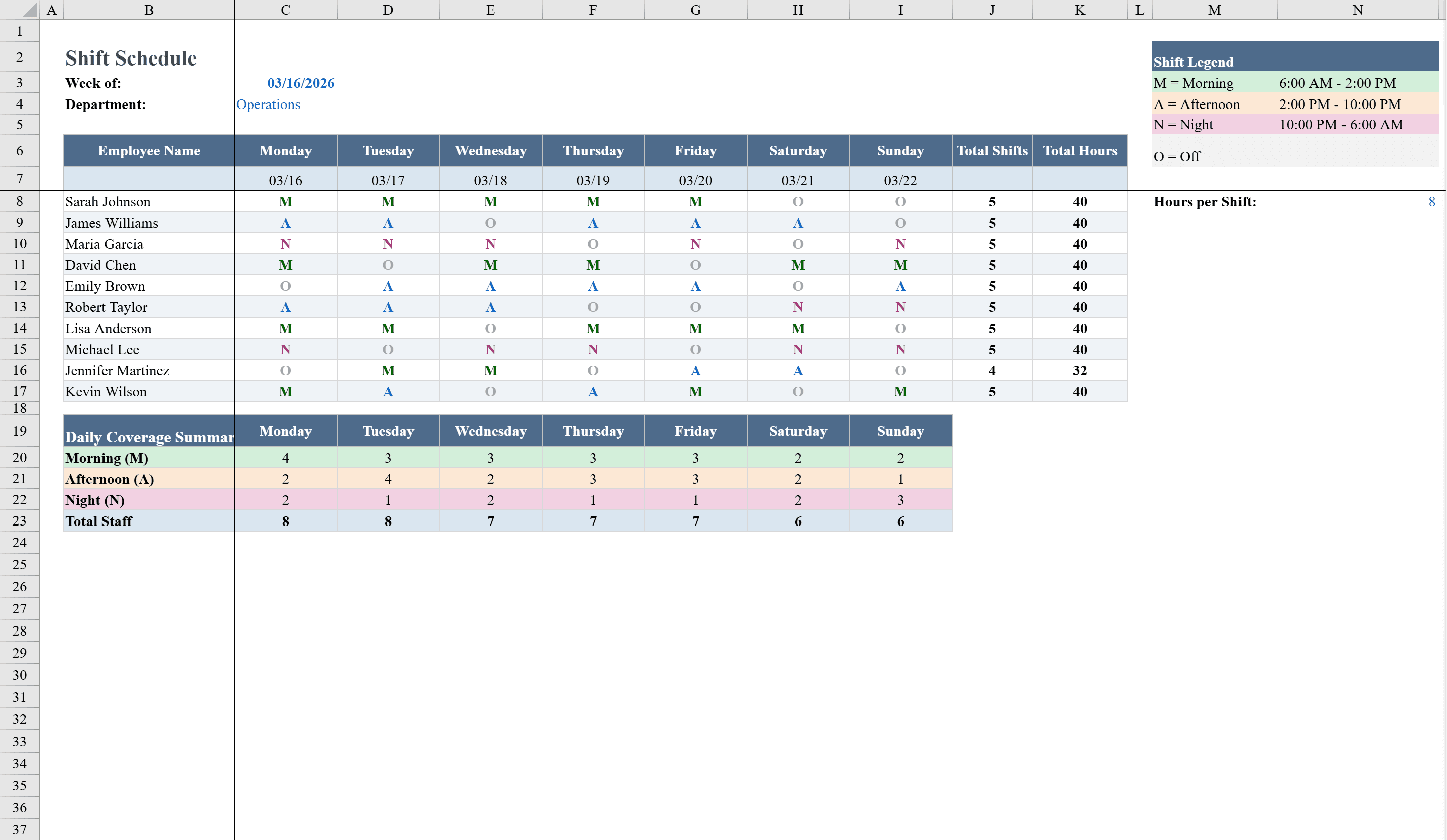
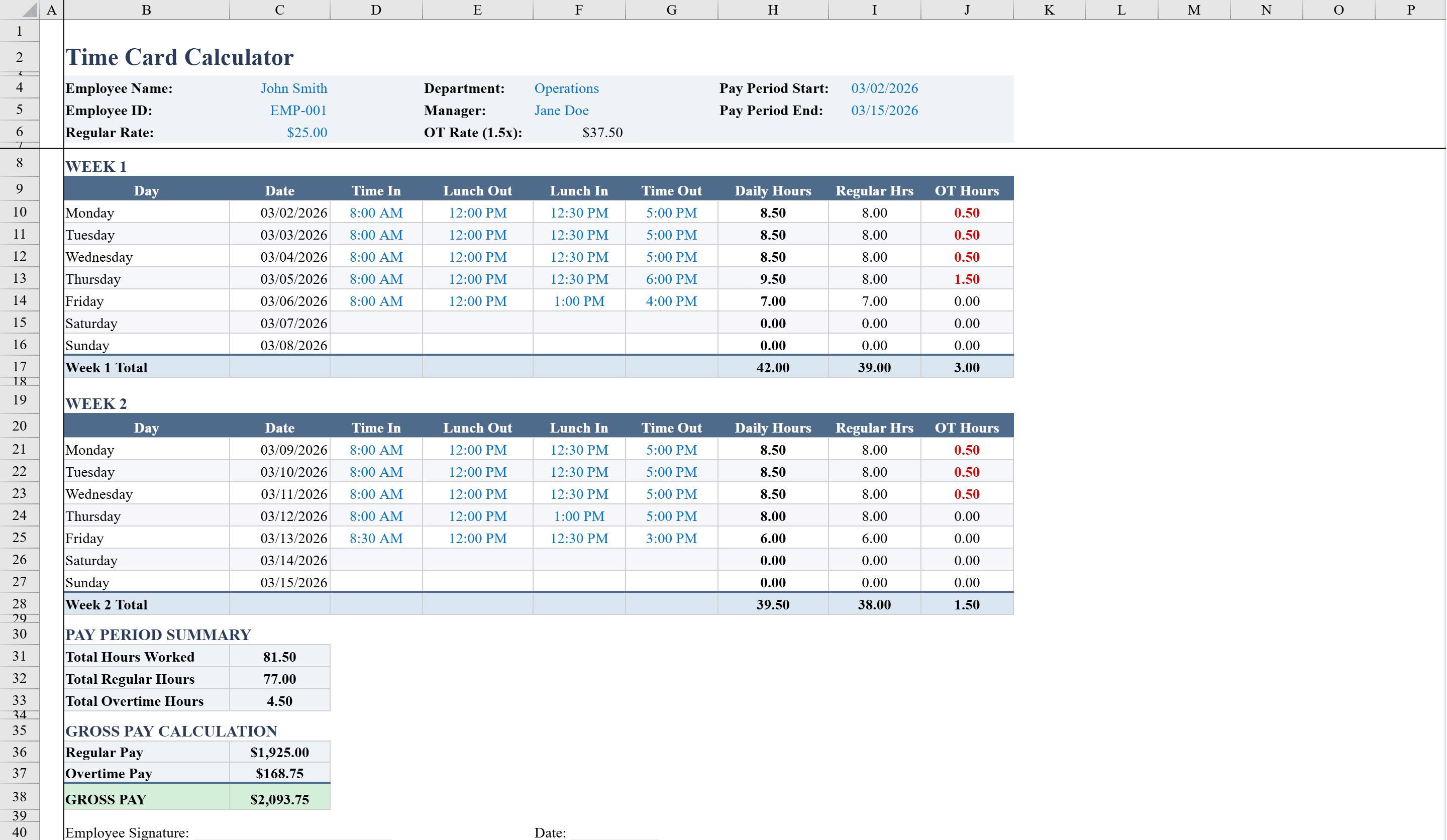
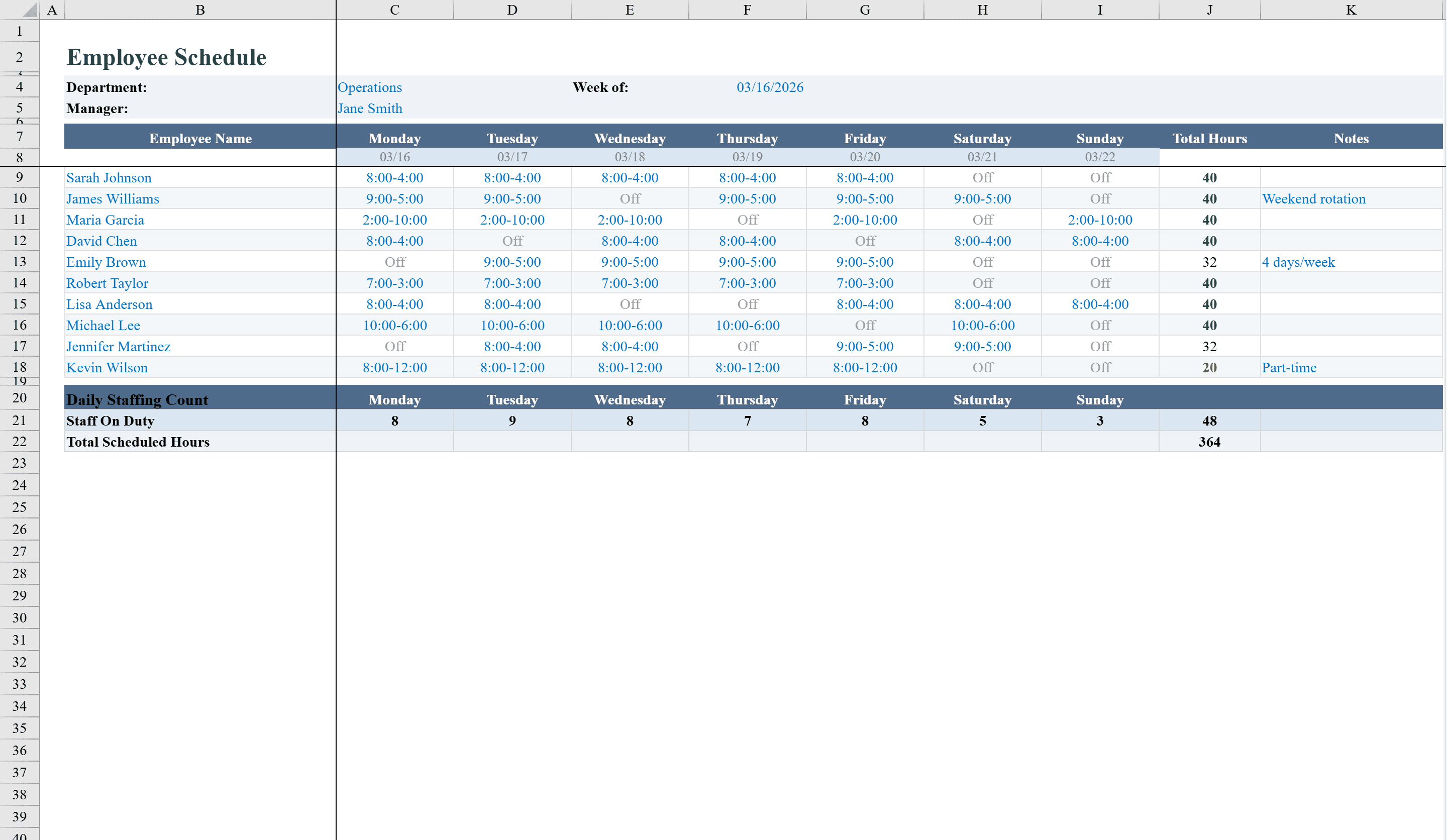
The Employee Schedule Template is a streamlined Excel workbook built for managers who coordinate weekly staff across departments. It supports up to 10 employees with shift assignments for each day of the week using convenient dropdown menus offering common shift times like 8-4, 9-5, and 2-10, plus an Off option. Formulas automatically calculate total weekly hours for each employee, and conditional formatting flags overtime above 40 hours in red, exactly 40 in green, and under 32 in amber. A summary row counts how many employees are scheduled per day, and a department selector keeps everything organized. For rotating or multi-shift teams, see the shift schedule template, or track actual hours worked with the time card calculator.
Employee Schedule Template Features
- Supports up to 10 employees with 7-day weekly scheduling
- Dropdown menus with common shift times (8-4, 9-5, 2-10, Off)
- Automatic weekly hours calculation per employee
- Color-coded overtime alerts: red over 40hrs, green at 40, amber under 32
- Summary row counting scheduled employees per day
How to Use This Employee Schedule Template in Excel
- 1
Add employee names
Enter up to 10 employee names and select the department using the built-in department selector.
- 2
Assign shifts
Use the dropdown menus to assign shift times (8-4, 9-5, 2-10, or Off) for each employee across all 7 days.
- 3
Check hours and overtime
Review the automatic weekly hours column and watch for color-coded overtime alerts flagging over or under scheduling.
- 4
Verify daily coverage
Check the summary row at the bottom to ensure adequate employee coverage for each day of the week.
Employee Schedule Template FAQ
- How many employees can this schedule handle?
- The template supports up to 10 employees with shift assignments for each day of the week, plus a department selector to keep teams organized.
- What shift options are available in the dropdowns?
- The dropdown menus include common shift times like 8-4, 9-5, and 2-10, plus an Off option. You can customize these to match your business hours.
- How does the overtime alert system work?
- Conditional formatting automatically flags employees with over 40 hours in red, exactly 40 in green, and under 32 in amber so you can balance schedules effectively.