WBS Template
Break complex projects into trackable tasks with automatic progress rollups.
About the WBS Template
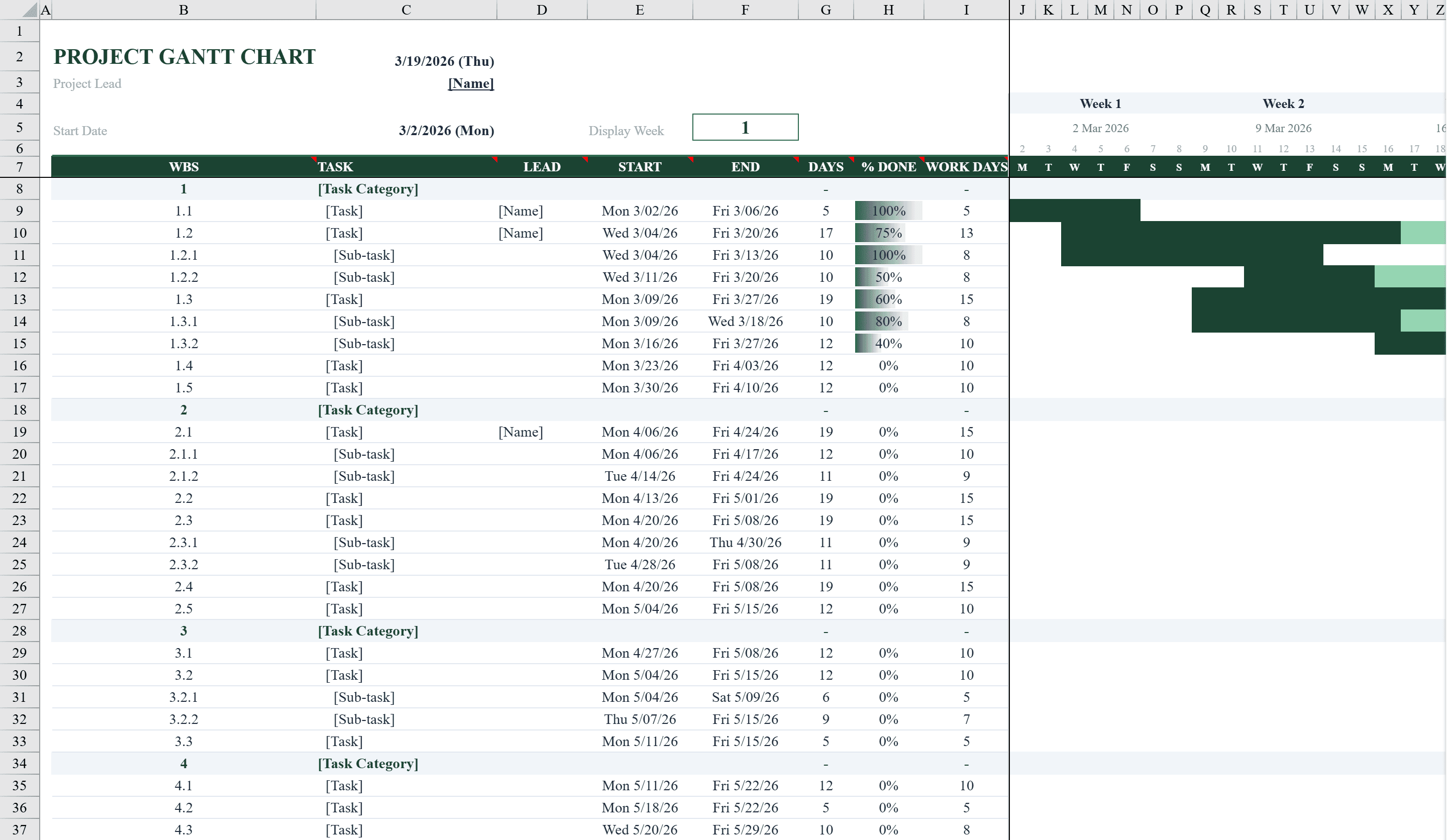
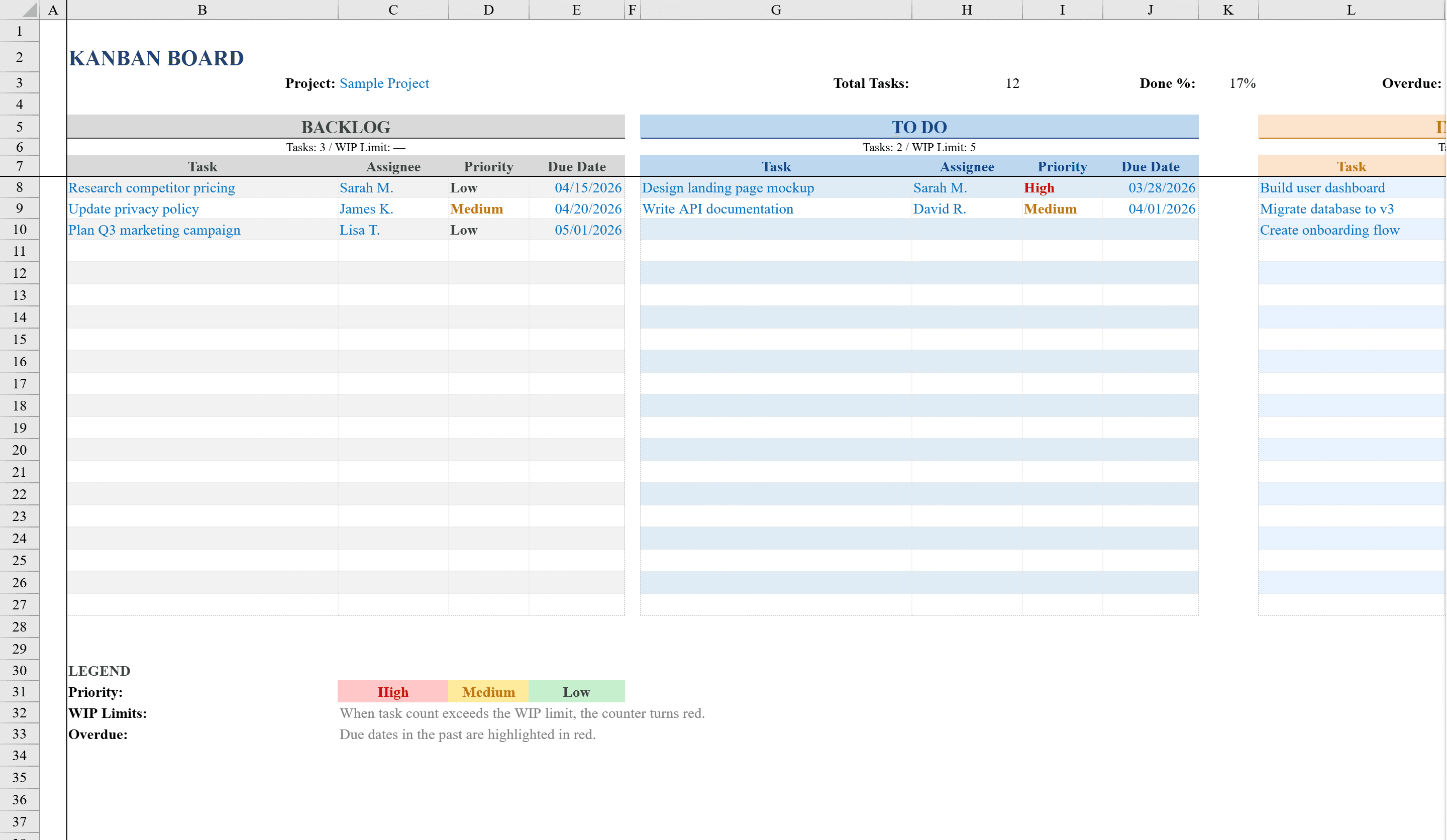
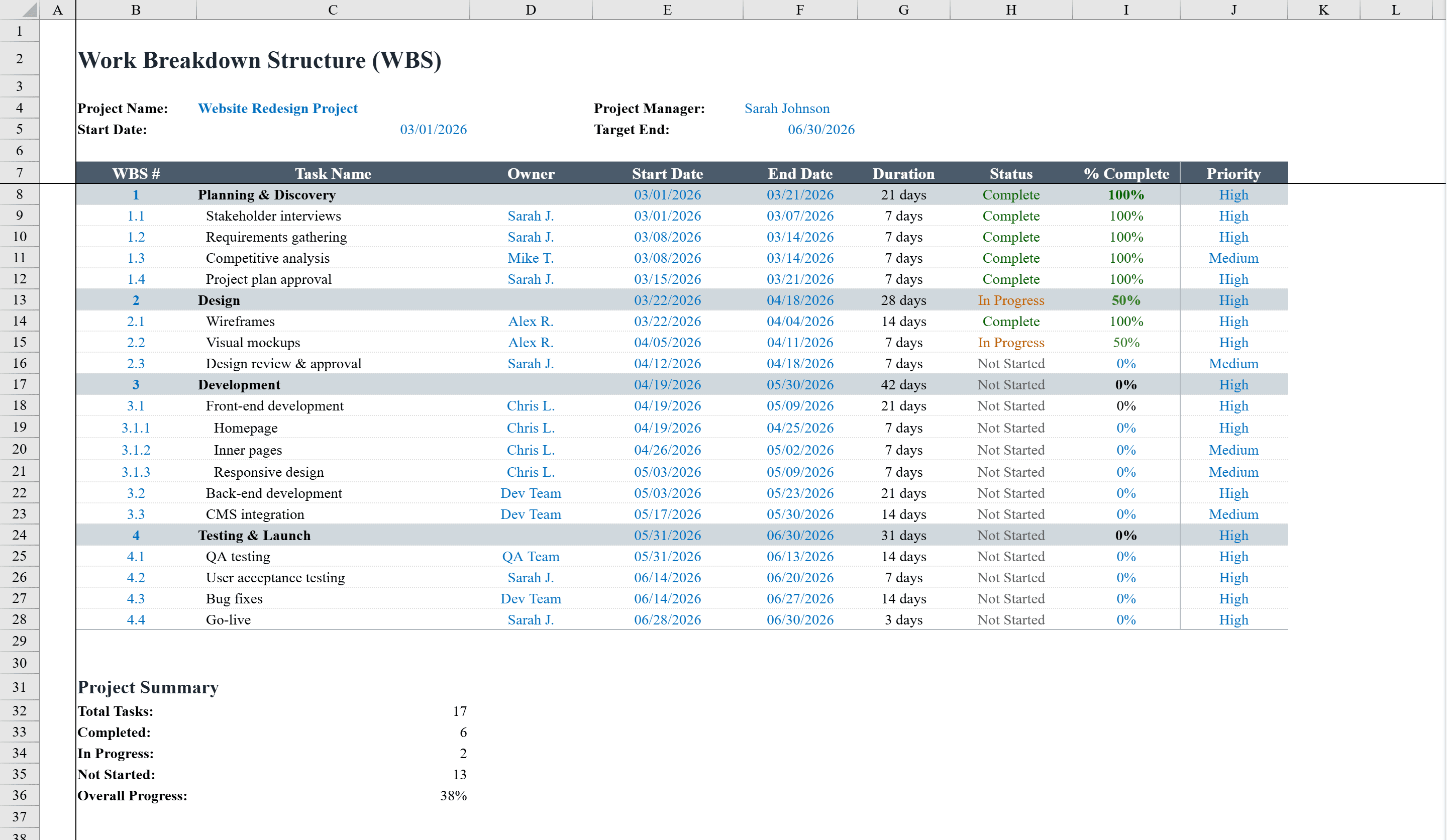
This work breakdown structure (WBS) template helps project managers decompose complex projects into manageable tasks and track their progress. It provides a hierarchical task structure with WBS numbering, task descriptions, assigned owners, start and end dates, automatic duration calculations, status tracking, completion percentages, and priority levels. Conditional formatting color-codes task status (Complete, In Progress, Not Started, On Hold) and highlights completion progress. Summary rows automatically average completion across subtasks. Dropdown menus for status and priority ensure consistent data entry. A project summary section tallies total tasks, completion counts, and overall project progress. Visualize the same tasks on a timeline with the Gantt chart template, or manage flow in a Kanban board.
WBS Template Features
- Hierarchical WBS numbering with task descriptions and assigned owners
- Start dates, end dates, and automatic duration calculations
- Status tracking with color-coded conditional formatting
- Completion percentages with summary rows averaging across subtasks
- Project summary section with total tasks, completion counts, and overall progress
How to Use This WBS Template in Excel
- 1
Define the project hierarchy
Create your WBS structure with numbered phases and tasks, entering descriptions and assigning owners for each item.
- 2
Set dates and durations
Enter start and end dates for each task. Duration calculations happen automatically.
- 3
Track status and completion
Use dropdown menus to update task status and enter completion percentages as work progresses.
- 4
Monitor project progress
Review the project summary section for overall completion counts and progress, with summary rows averaging subtask completion.
WBS Template FAQ
- What is a work breakdown structure?
- A WBS decomposes a project into hierarchical tasks and subtasks, making complex projects manageable by breaking them into smaller, trackable pieces.
- How does status tracking work?
- Dropdown menus let you set task status to Complete, In Progress, Not Started, or On Hold, with conditional formatting color-coding each status for instant visual recognition.
- Does it calculate overall project progress?
- Yes, summary rows automatically average completion percentages across subtasks, and a project summary section tallies total tasks, completed tasks, and overall progress.