RACI Matrix Template
Eliminate role confusion by mapping every task to exactly one accountable owner.
About the RACI Matrix Template
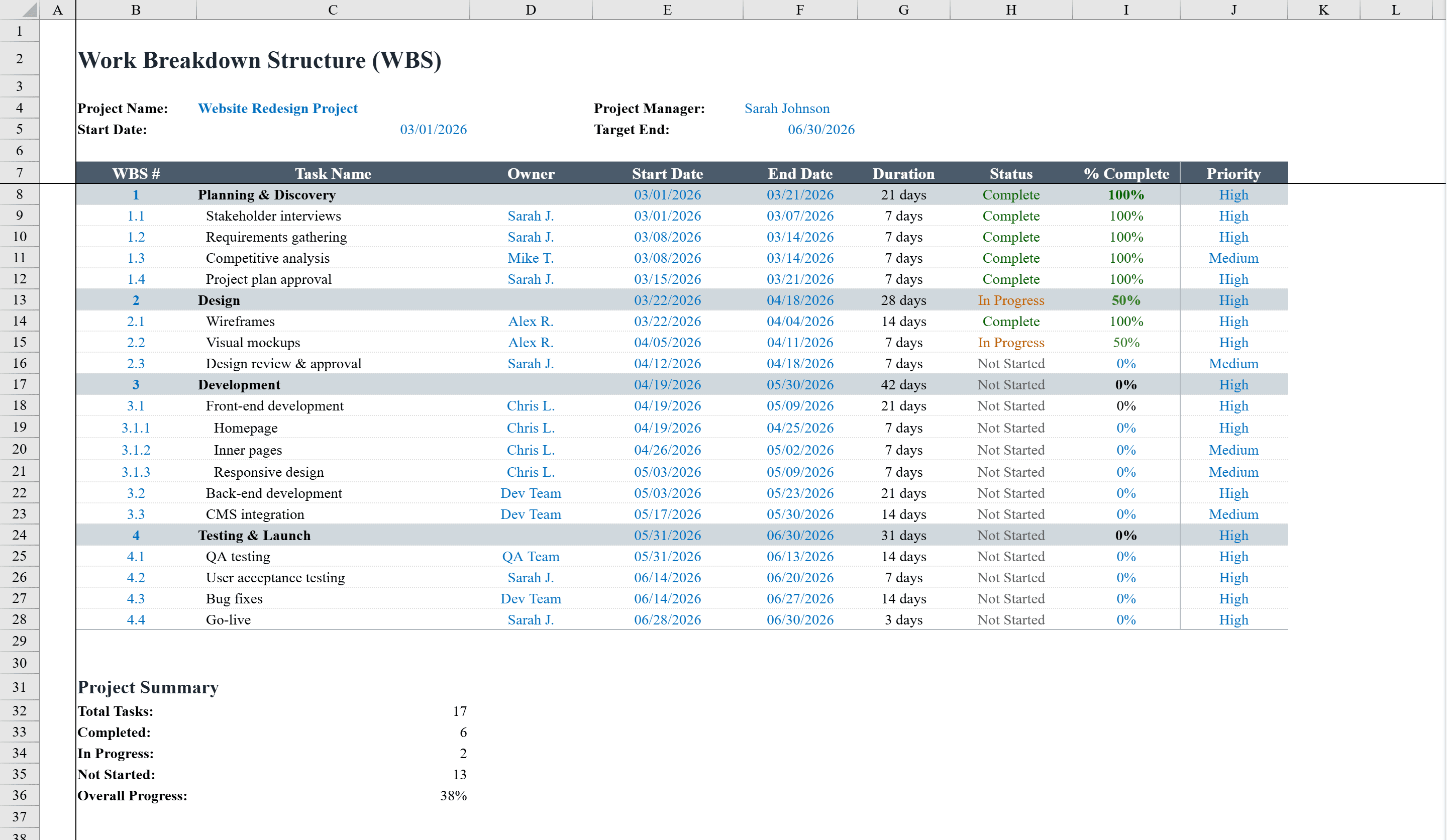
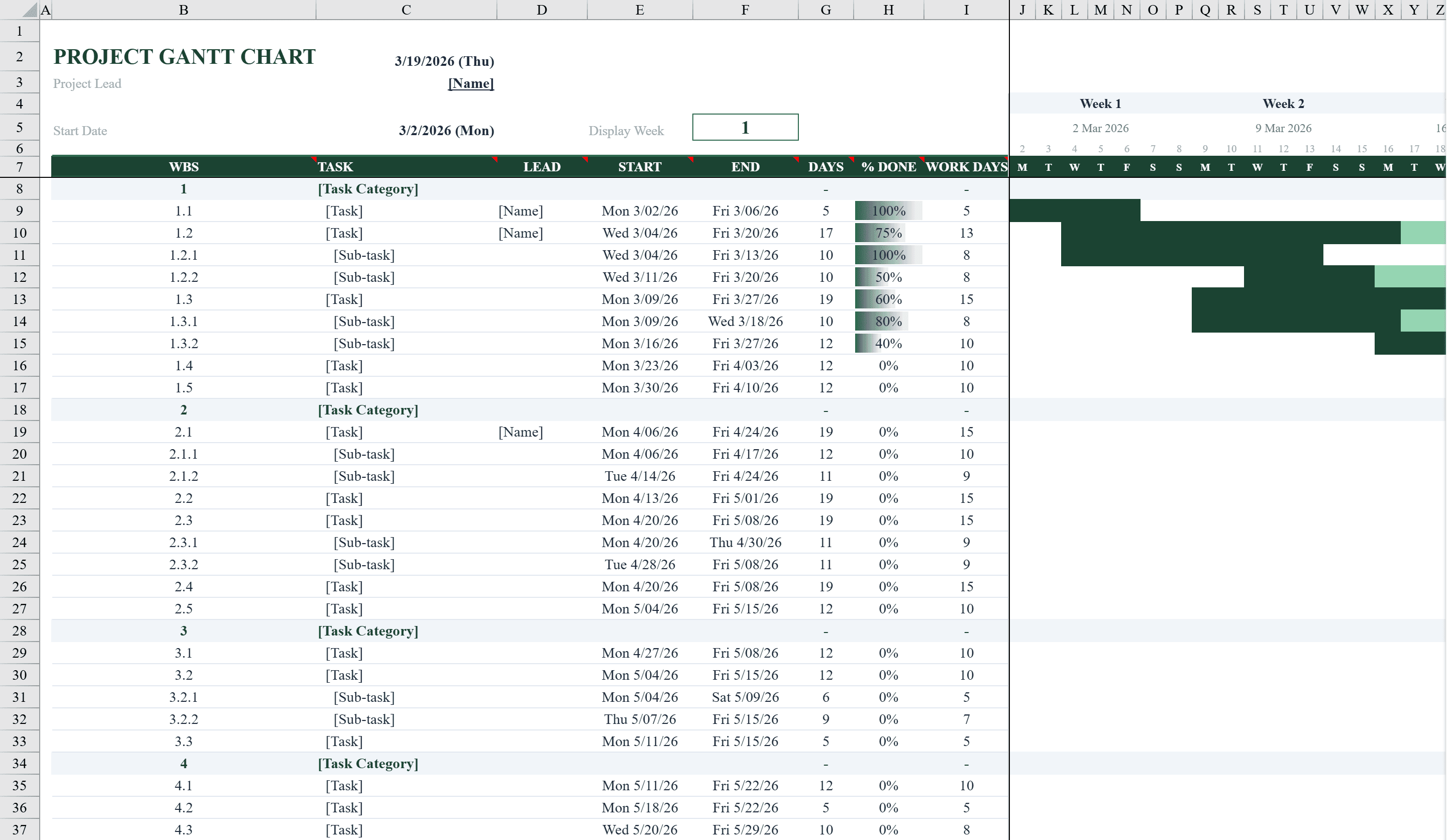
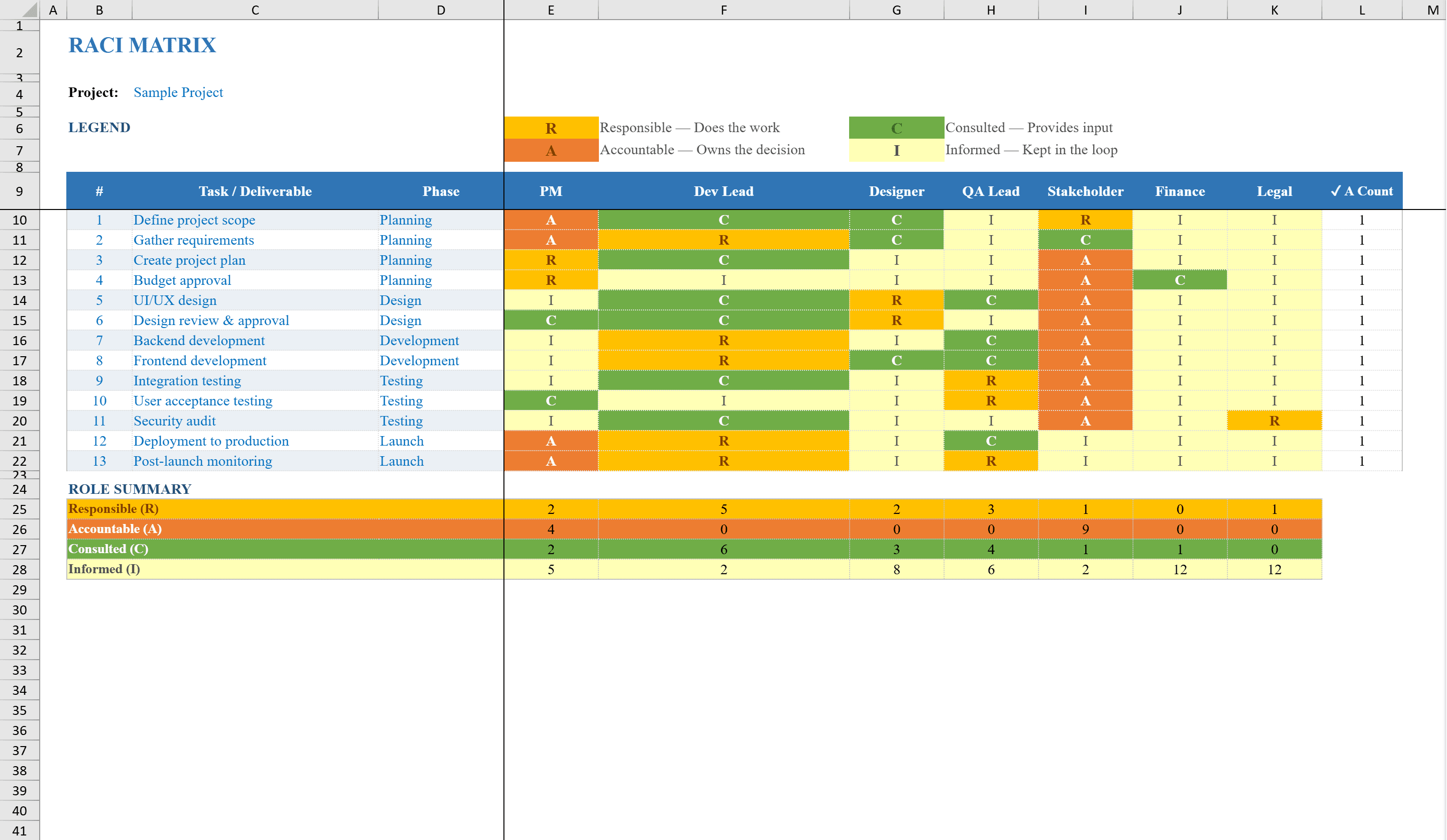
This RACI Matrix Template for Excel streamlines project role assignment by mapping tasks to team members using the Responsible, Accountable, Consulted, and Informed framework. Ideal for project managers and team leads, it supports up to 13 tasks across 7 team members with dropdown-based role selection and automatic validation. Conditional formatting color-codes each RACI designation for instant visual clarity, while a built-in accountability checker flags any task that does not have exactly one person accountable. The template includes summary counts by role type, an instructions sheet, and phase-based task categorization for organized project governance. Define the tasks themselves in a WBS template and schedule them on a Gantt chart.
RACI Matrix Template Features
- Supports up to 13 tasks across 7 team members
- Dropdown-based RACI role selection with automatic validation
- Color-coded conditional formatting for each RACI designation
- Accountability checker flags tasks without exactly one accountable person
- Summary counts by role type with instructions sheet included
How to Use This RACI Matrix Template in Excel
- 1
List tasks and team members
Enter your project tasks (up to 13) in the rows and team member names (up to 7) in the columns.
- 2
Assign RACI roles
Use dropdown menus to assign Responsible, Accountable, Consulted, or Informed roles for each task-person combination.
- 3
Check accountability
Review the built-in accountability checker that flags any task missing exactly one accountable person.
- 4
Review summary counts
Check the summary section to see role counts per team member and ensure balanced workload distribution.
RACI Matrix Template FAQ
- What does RACI stand for?
- RACI stands for Responsible (does the work), Accountable (owns the outcome), Consulted (provides input), and Informed (kept updated). Each task should have exactly one Accountable person.
- How does the accountability checker work?
- The template automatically validates that every task has exactly one person marked as Accountable. Tasks that violate this rule are flagged for review.
- Can I organize tasks by project phase?
- Yes, the template includes phase-based task categorization so you can group related tasks together for organized project governance.