Travel Budget
Keep every trip on budget by tracking estimated versus actual costs across five spending categories in one organized spreadsheet.
About the Travel Budget
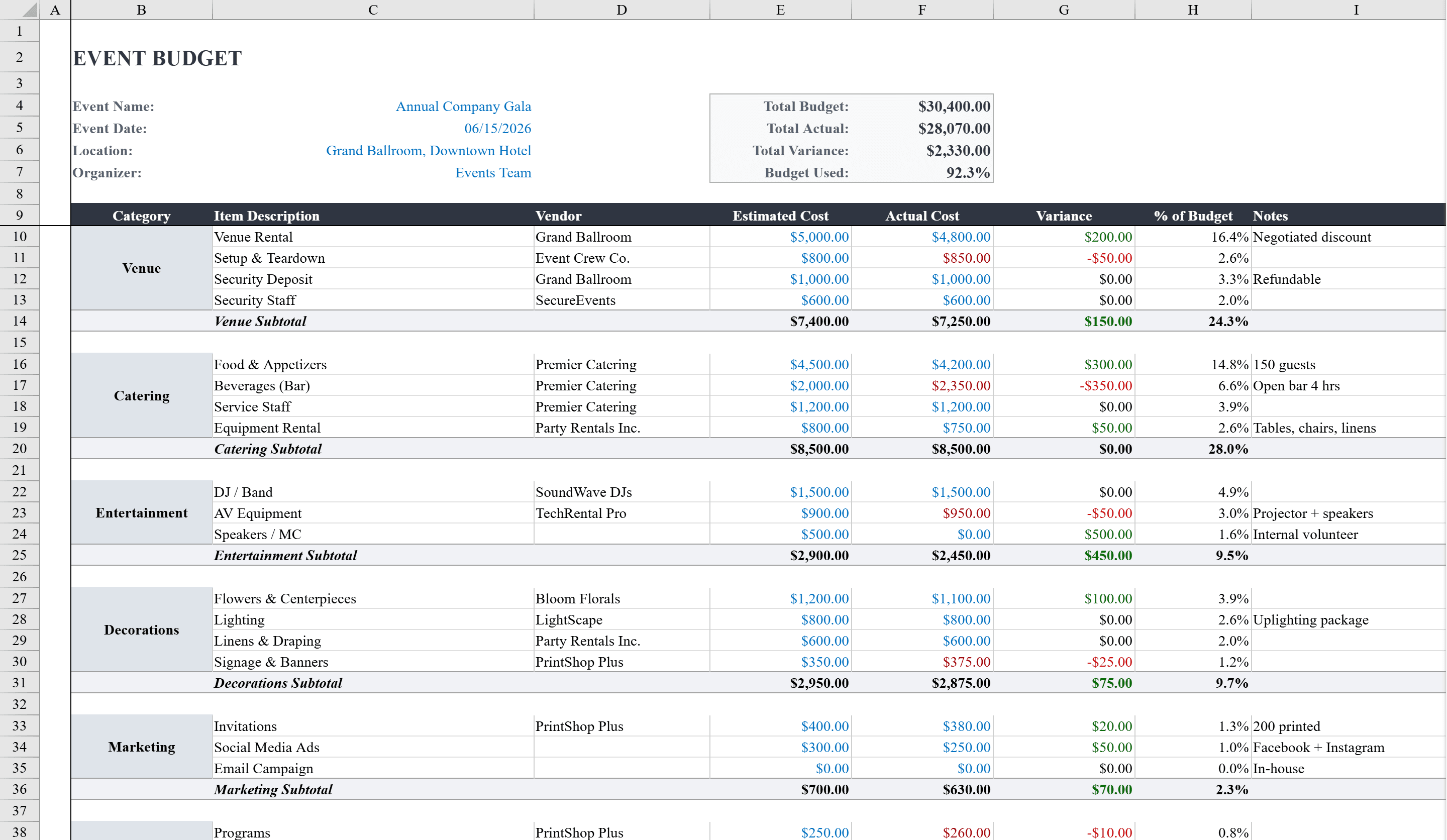
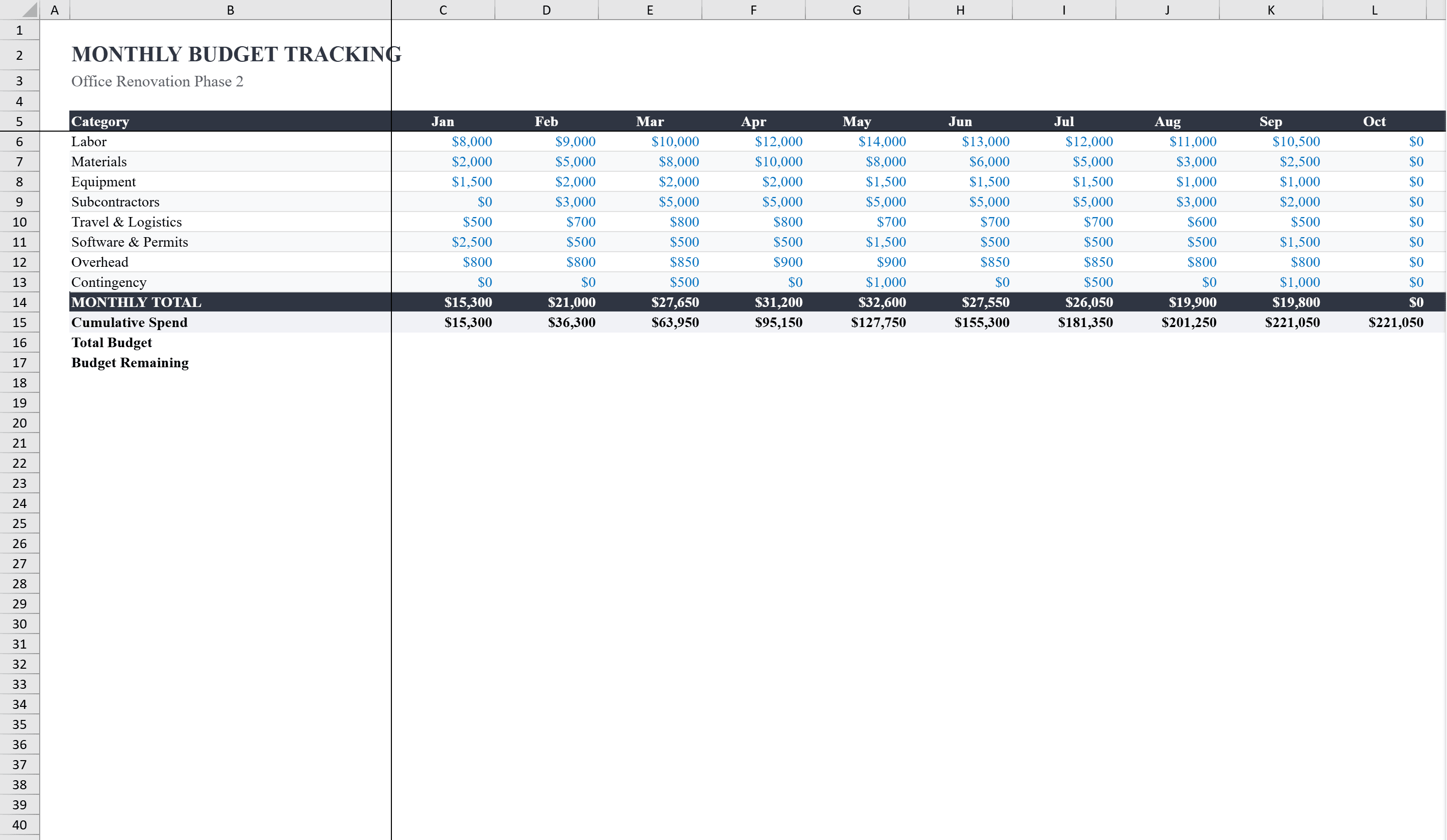
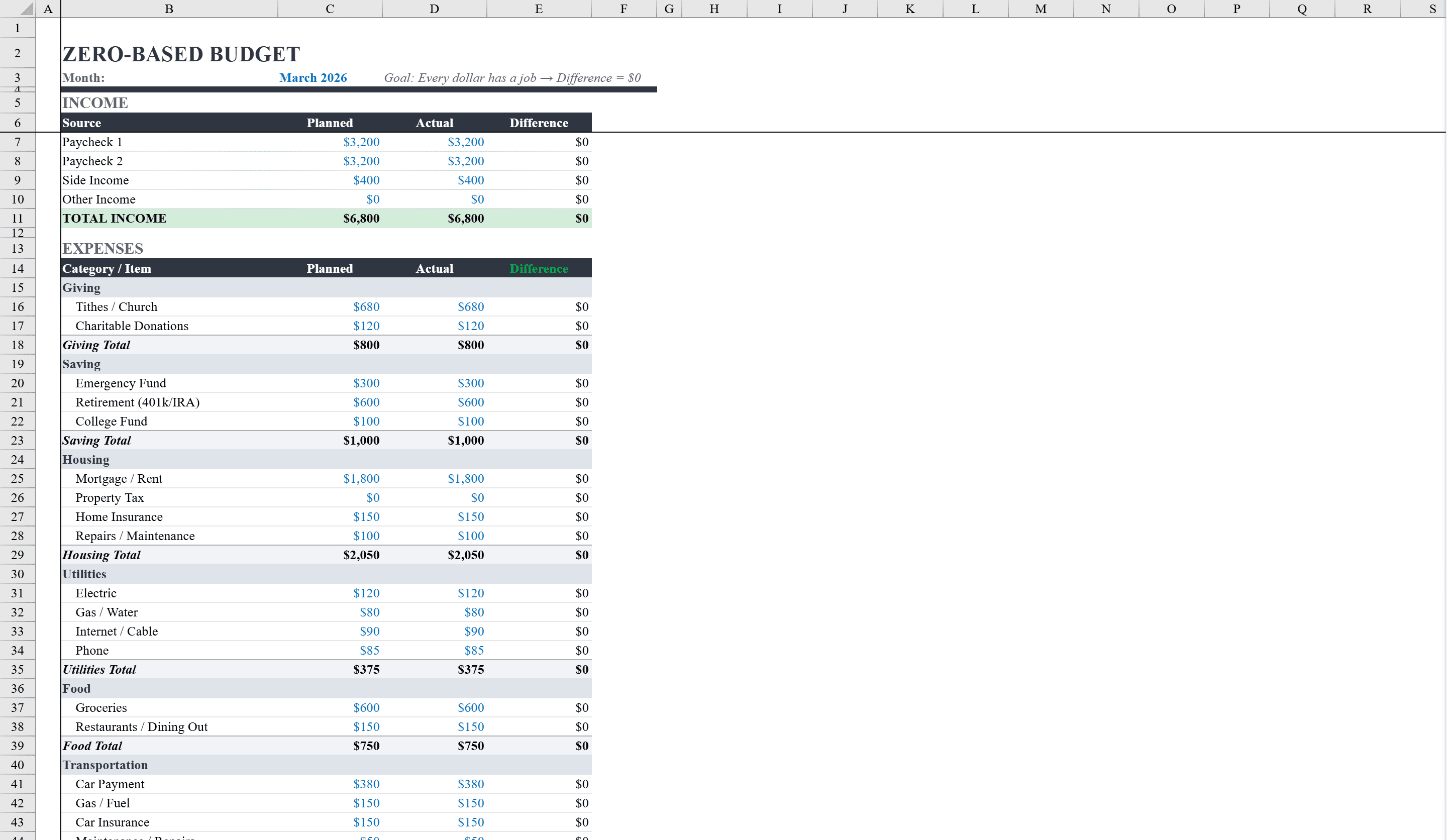
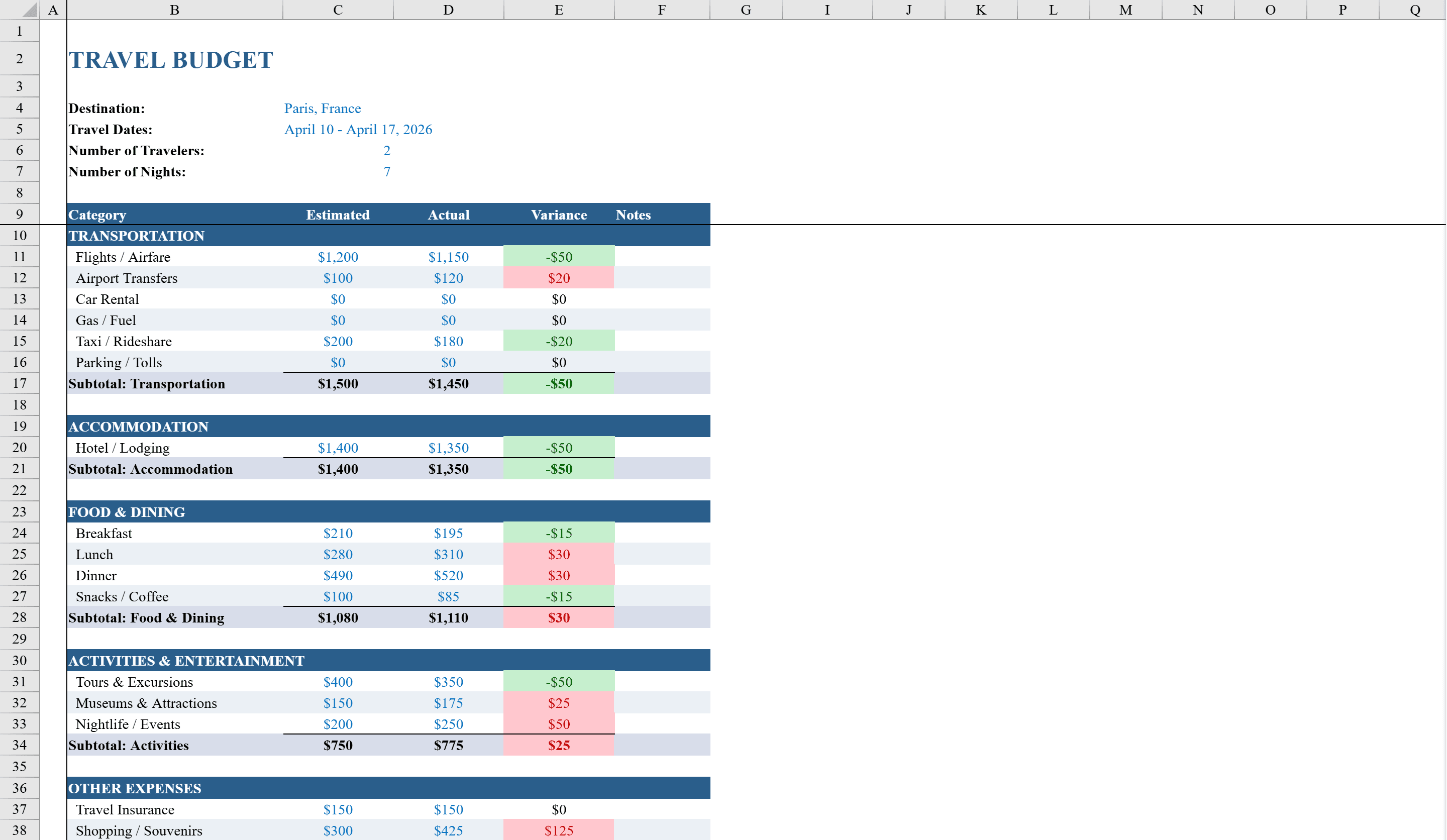
This Travel Budget Template for Excel helps travelers, travel coordinators, and business trip planners organize and track trip expenses against estimates. It covers five major spending categories -- transportation, accommodation, food and dining, activities and entertainment, and miscellaneous expenses -- with line items for specific costs like flights, hotels, rental cars, and meals. Built-in variance formulas automatically compare estimated versus actual spending for each item and category total. For larger events, pair it with an event budget planner or a project budget tracker. The template includes fields for destination, travel dates, number of travelers, and nights, letting you customize it for any trip while maintaining a clear overview of your total travel budget.
Travel Budget Features
- Five spending categories: transportation, accommodation, food, activities, and miscellaneous
- Automatic variance calculations comparing estimated vs. actual costs
- Fields for destination, travel dates, number of travelers, and nights
- Line items for specific costs like flights, hotels, rental cars, and meals
- Category totals with budget overview summary
How to Use This Travel Budget in Excel
- 1
Set trip details
Enter your destination, travel dates, number of travelers, and nights to configure the template for your specific trip.
- 2
Enter estimated costs
Fill in estimated amounts for each line item across transportation, accommodation, food, activities, and miscellaneous categories.
- 3
Log actual expenses
Record actual spending as costs are incurred. Variance formulas automatically calculate the difference from your estimates.
- 4
Review budget summary
Check category totals and overall budget variance to see where you are over or under budget and adjust plans accordingly.
Travel Budget FAQ
- Can I use this travel budget template for business trips?
- Yes. The template works for both personal vacations and business travel. Customize the line items and categories to match your company reimbursement requirements.
- How do I track expenses for multiple travelers?
- Enter the number of travelers in the trip details section. You can add per-person line items or track aggregate costs — the variance formulas work either way.
- Does this template support multiple currencies?
- The template uses a single currency by default. For international trips, convert amounts to your home currency before entering, or add a conversion column to the line items.