Zero Based Budget
Assign every dollar of income to a specific purpose so nothing goes unaccounted for at the end of the month.
About the Zero Based Budget
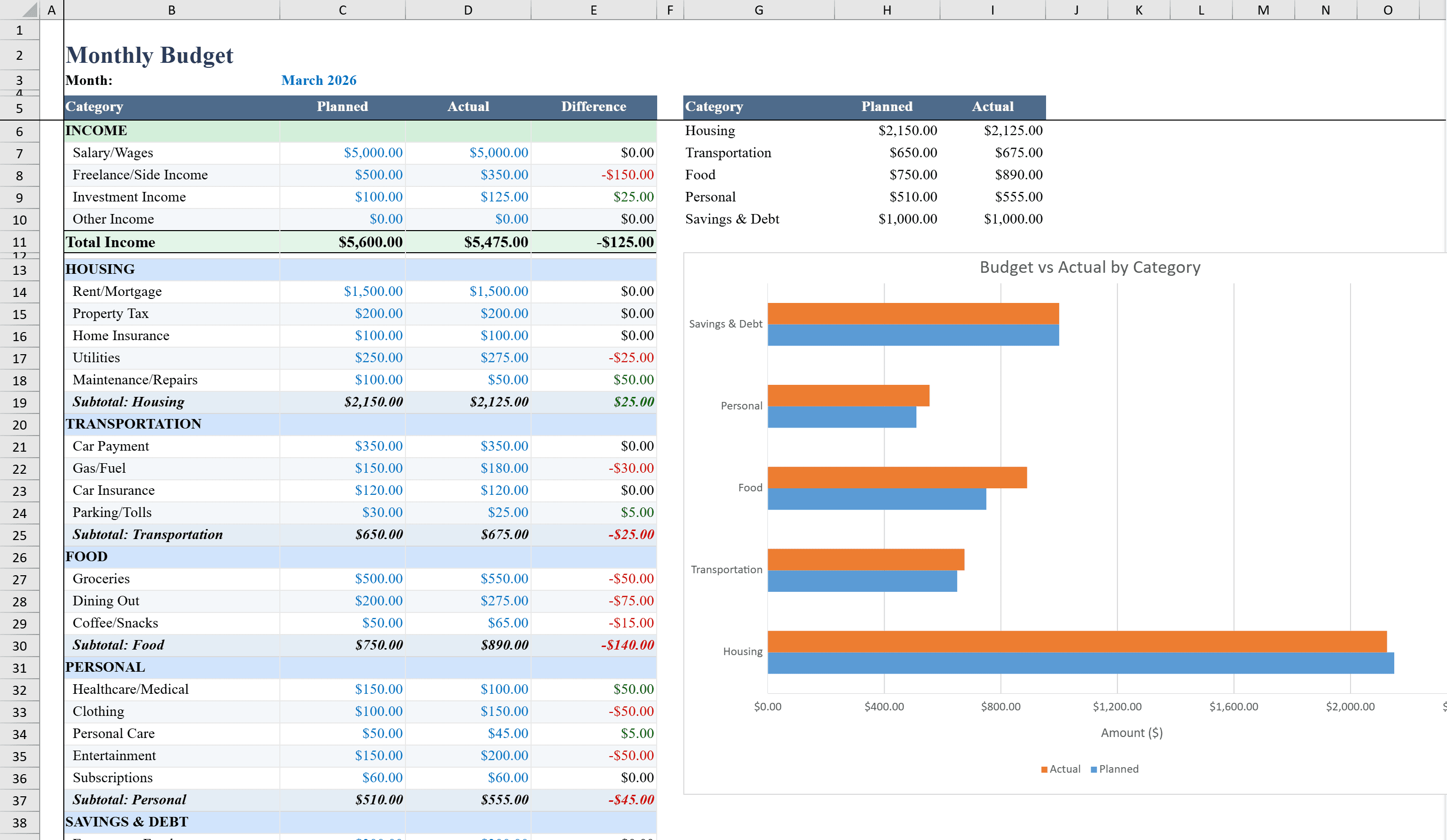
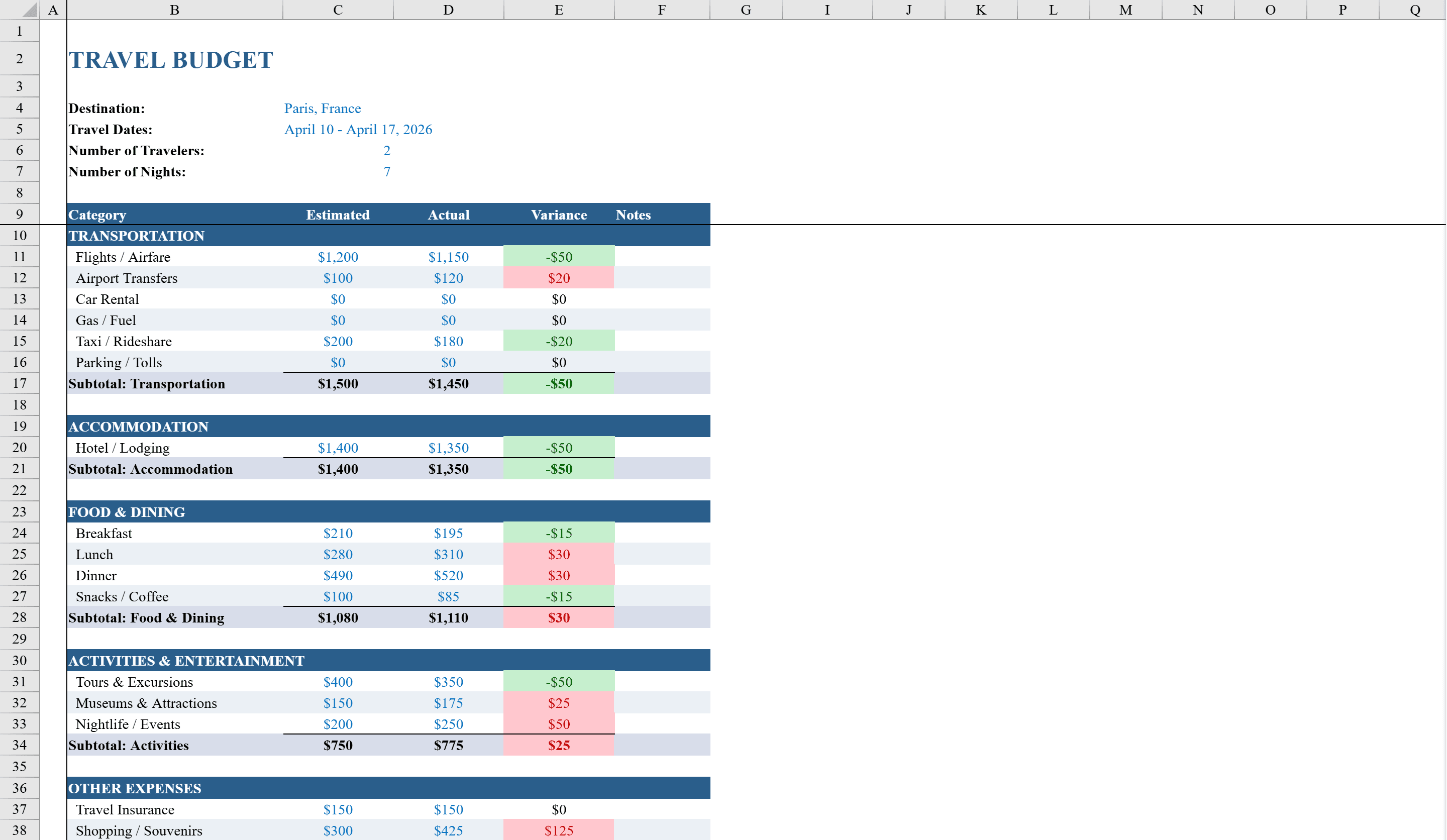
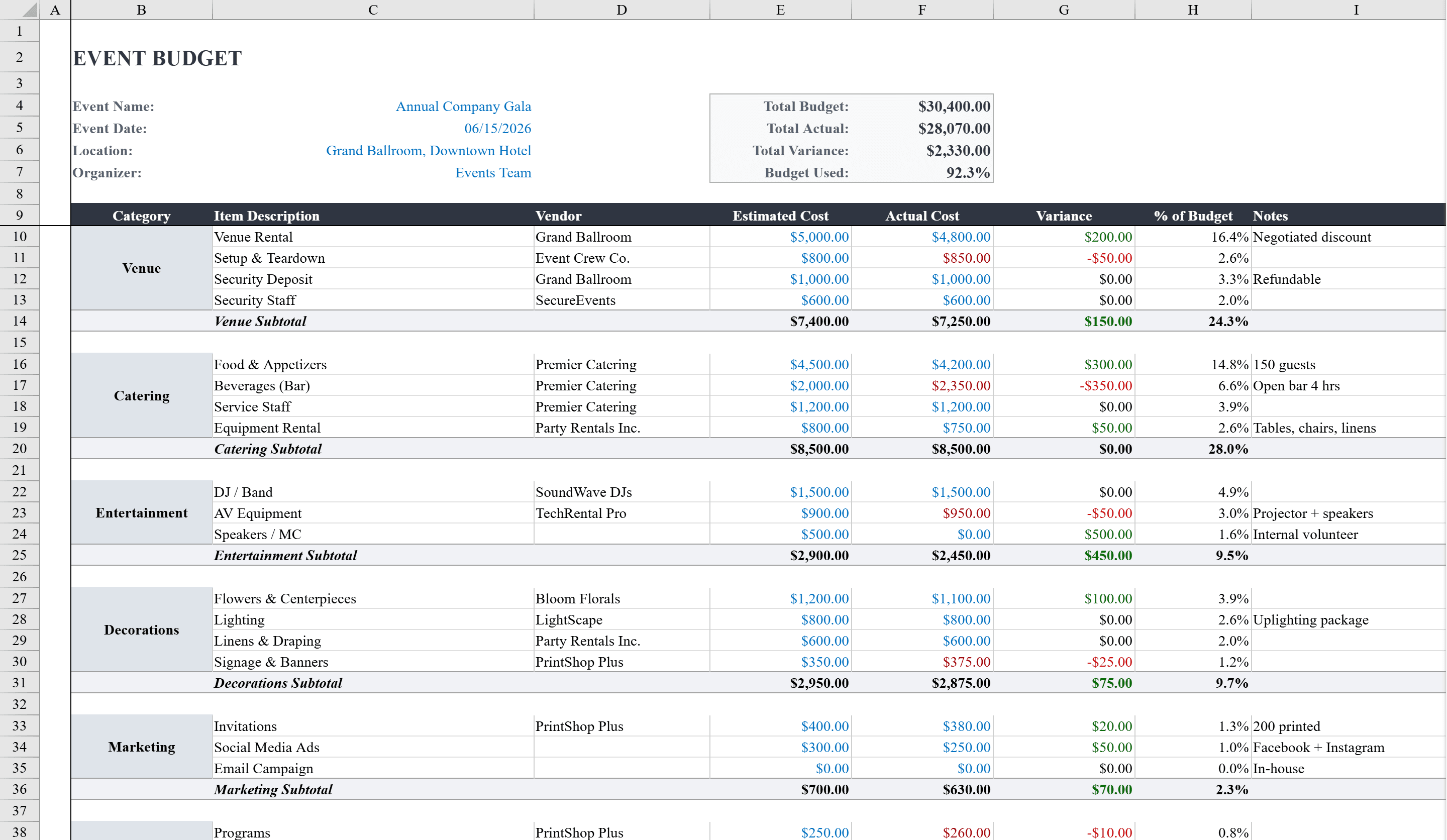
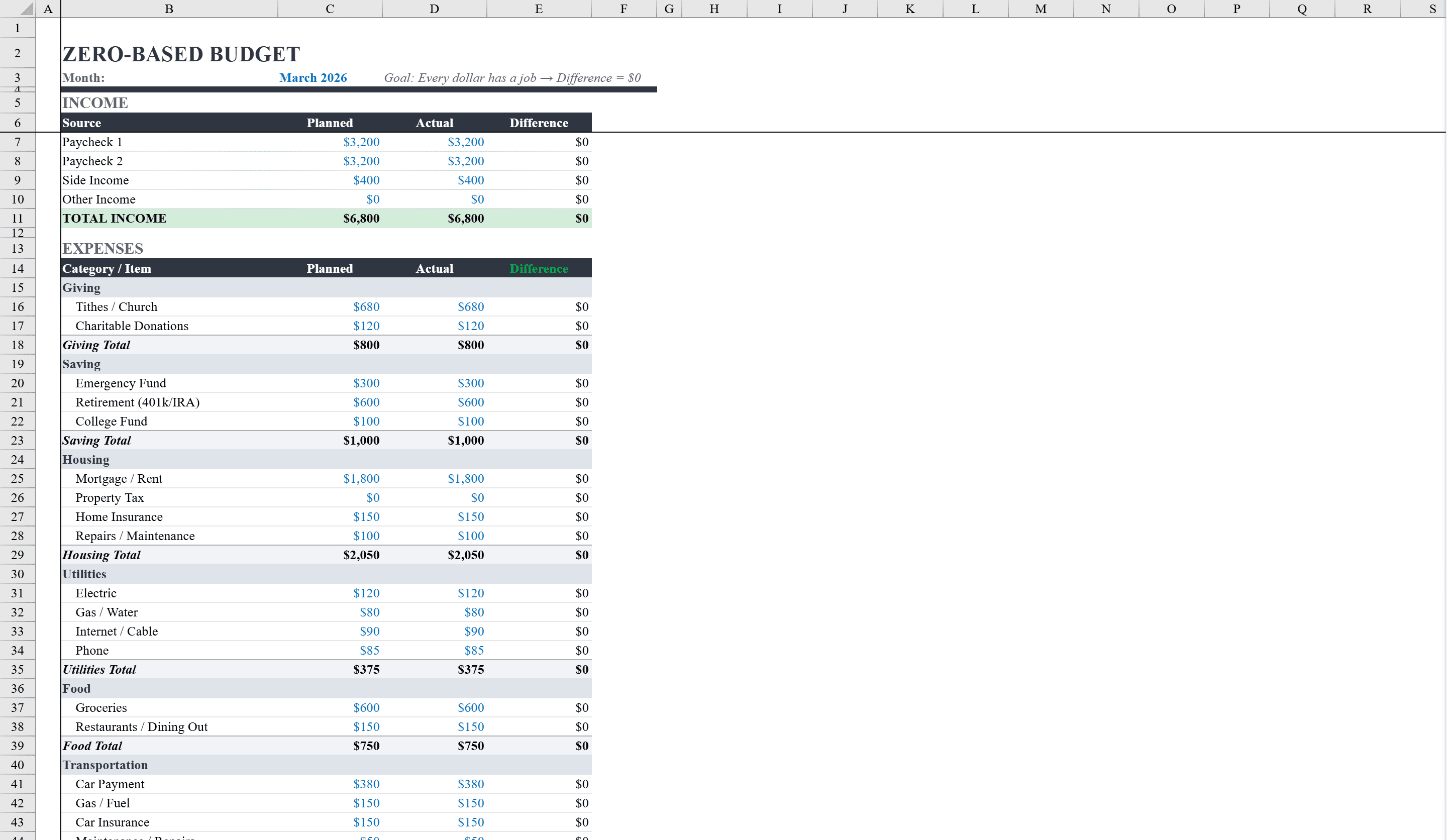
This Excel zero-based budget template helps individuals and families implement the zero-based budgeting method, where every dollar of income is assigned a purpose. It organizes expenses into detailed categories covering housing, utilities, food, transportation, insurance, health, personal care, entertainment, savings, debt payments, and giving, with columns for planned and actual amounts. Variance formulas automatically flag over- and under-spending with red and green conditional formatting. A built-in pie chart visualizes the planned budget breakdown by category, and data validation ensures only non-negative whole numbers are entered. The template is designed so total income minus total expenses equals zero, enforcing full allocation of every dollar. For a broader view of household finances, try the monthly budget template or dedicate a separate travel budget to upcoming trips.
Zero Based Budget Features
- Every dollar of income assigned to a category for full allocation
- Detailed categories: housing, utilities, food, transport, insurance, health, and more
- Planned vs. actual columns with red/green variance formatting
- Built-in pie chart visualizing planned budget breakdown by category
- Data validation ensures only non-negative whole numbers are entered
How to Use This Zero Based Budget in Excel
- 1
Enter your total income
Input all income sources at the top of the template. This is the amount that must be fully allocated across expense categories.
- 2
Plan your spending
Assign planned amounts to each category — housing, food, transport, savings, debt, etc. — until the remaining balance reaches zero.
- 3
Track actual spending
Log actual expenses throughout the month. Variance columns and color coding show where you are over or under your plan.
- 4
Review and adjust
Use the pie chart and variance data to refine your allocations for next month. The goal is zero remaining at month end.
Zero Based Budget FAQ
- What is zero-based budgeting?
- Zero-based budgeting assigns every dollar of income to a specific category — expenses, savings, or debt — so that income minus allocated amounts equals zero. It ensures no money goes unaccounted for.
- What if my income varies each month?
- Update the income field each month to reflect your actual earnings. Reallocate category amounts so the total still reaches zero. The template works for both fixed and variable incomes.
- Can I add custom expense categories?
- Yes. Add new rows for any categories you need. The pie chart and totals update automatically to include your additions.