Simple Invoice Template
Send polished invoices with auto-calculated totals and payment tracking in seconds.
About the Simple Invoice Template
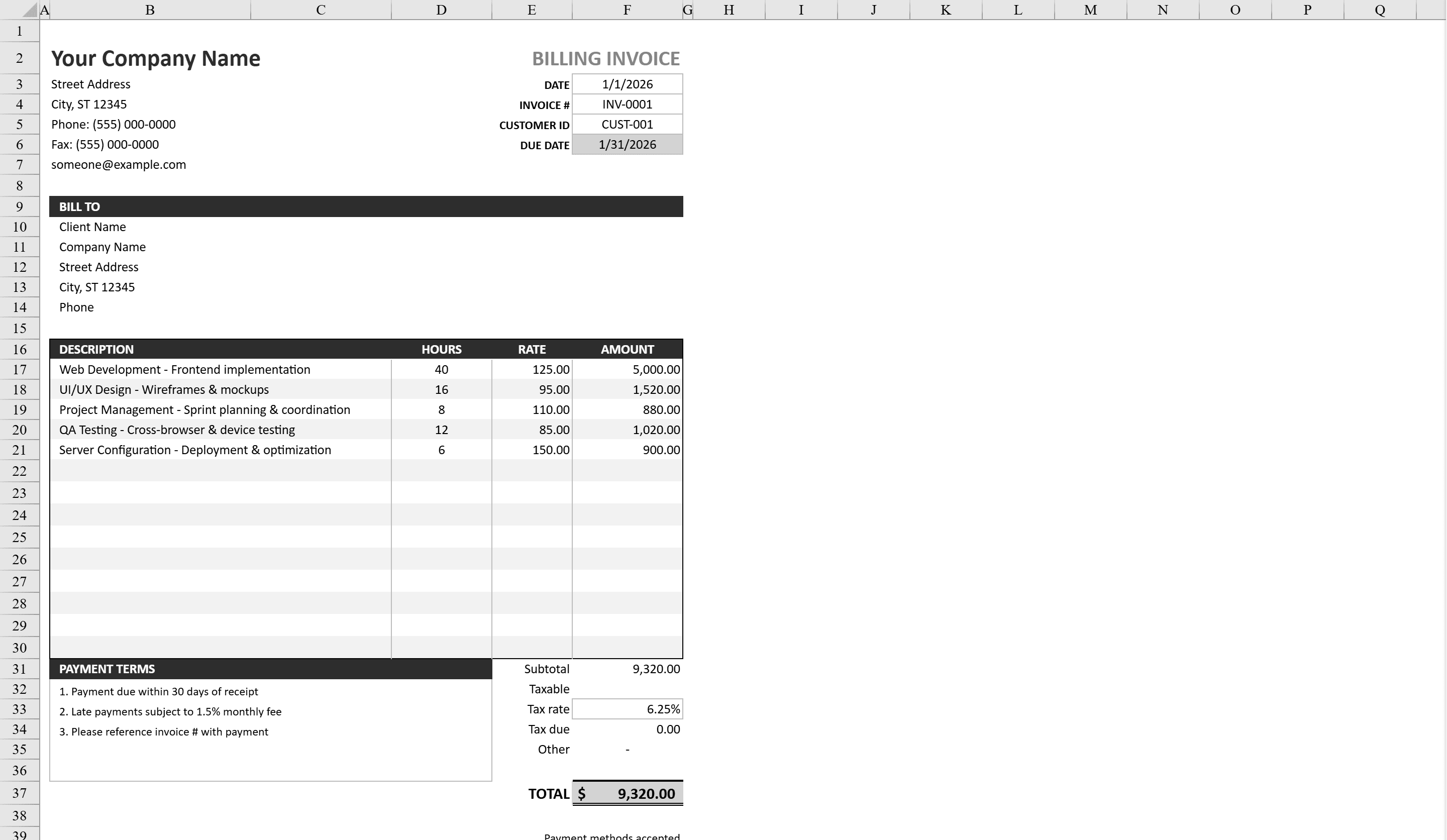
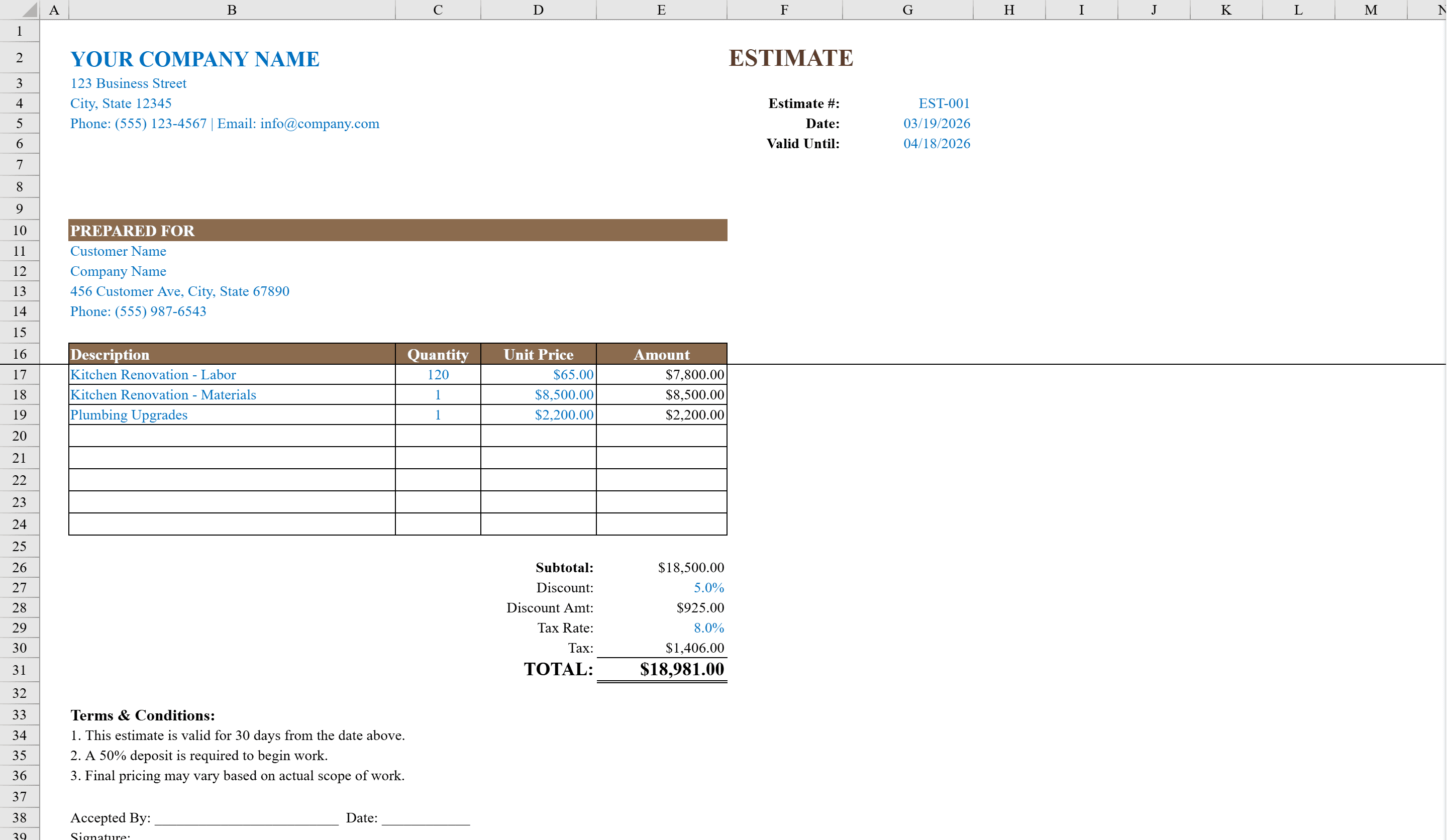
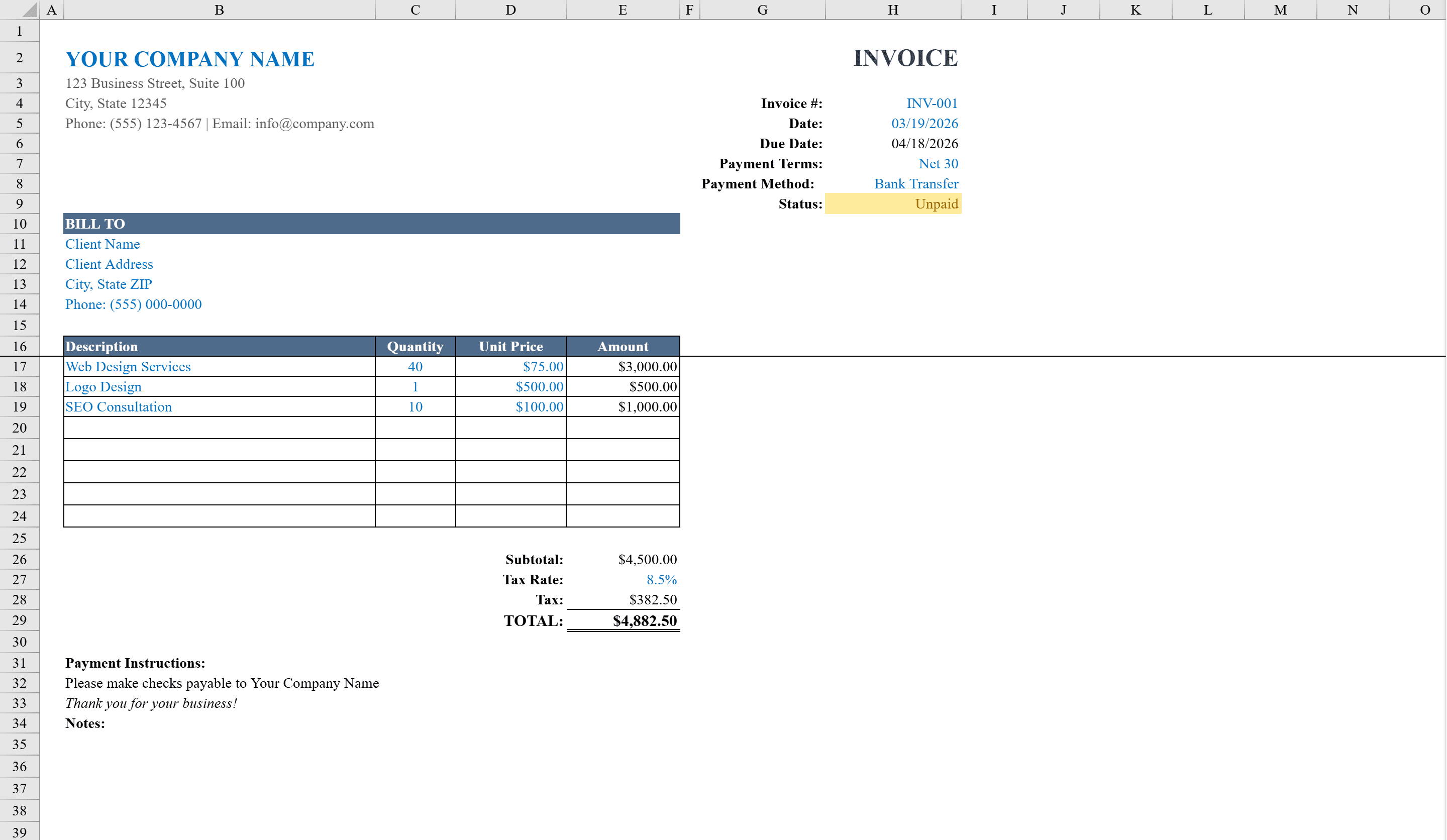
The Simple Invoice Template is a polished, professional Excel invoice ready for freelancers, consultants, and small businesses. It features a clean layout with your company details, client billing address, and invoice metadata including auto-calculated due dates based on selectable payment terms like Net 15, 30, 45, or 60 days. Enter line items with quantity and unit price, and formulas automatically compute line totals, subtotals, configurable tax, and the grand total. Status tracking with color-coded conditional formatting shows whether an invoice is Unpaid, Paid, or Overdue. Data validation ensures clean, error-free entries throughout. When you need a formal quote before invoicing, start with the estimate template instead.
Simple Invoice Template Features
- Auto-calculated due dates based on selectable Net 15, 30, 45, or 60 day terms
- Line items with quantity, unit price, and automatic line totals
- Configurable tax rate with automatic subtotal and grand total
- Color-coded status tracking for Unpaid, Paid, and Overdue invoices
- Data validation ensures clean, error-free entries throughout
How to Use This Simple Invoice Template in Excel
- 1
Add your company details
Enter your business name, address, and contact information in the header section of the invoice.
- 2
Fill in client and terms
Add the client billing address and select your payment terms from the dropdown to auto-calculate the due date.
- 3
Enter line items
Add each product or service with quantity and unit price. Totals, tax, and the grand total calculate automatically.
- 4
Track payment status
Update the invoice status to Unpaid, Paid, or Overdue and the color-coded formatting updates instantly.
Simple Invoice Template FAQ
- What payment terms are available?
- The template includes selectable payment terms of Net 15, Net 30, Net 45, and Net 60 days. The due date is auto-calculated based on your selection.
- How does the status tracking work?
- Conditional formatting automatically color-codes the invoice status. You can mark invoices as Unpaid, Paid, or Overdue for quick visual reference.
- Can I add tax to the invoice?
- Yes, the template includes a configurable tax rate field. Enter your tax percentage and the tax amount and grand total are calculated automatically.