Quote Template
Present professional, itemized pricing that clients can sign off on immediately.
About the Quote Template
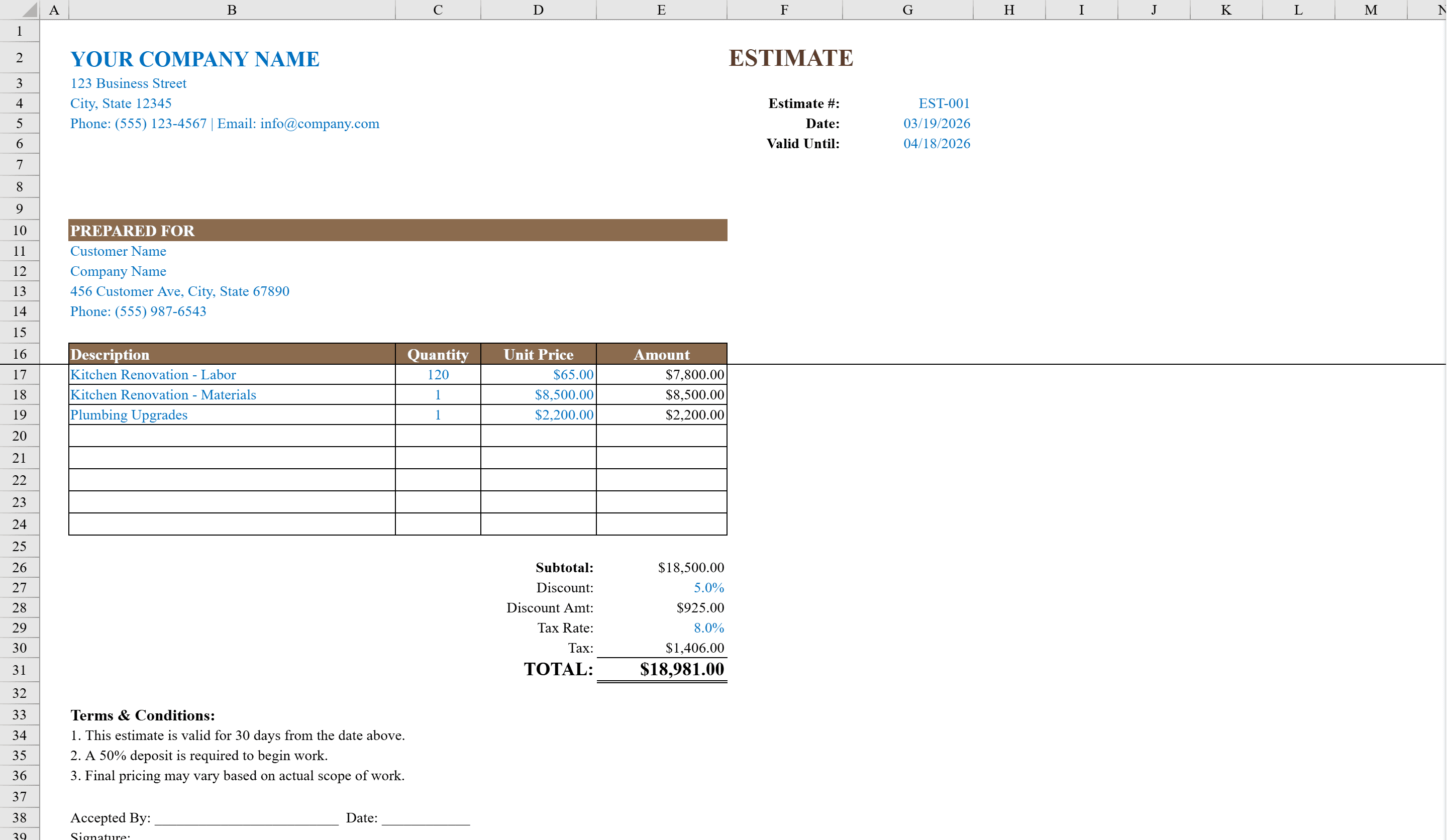
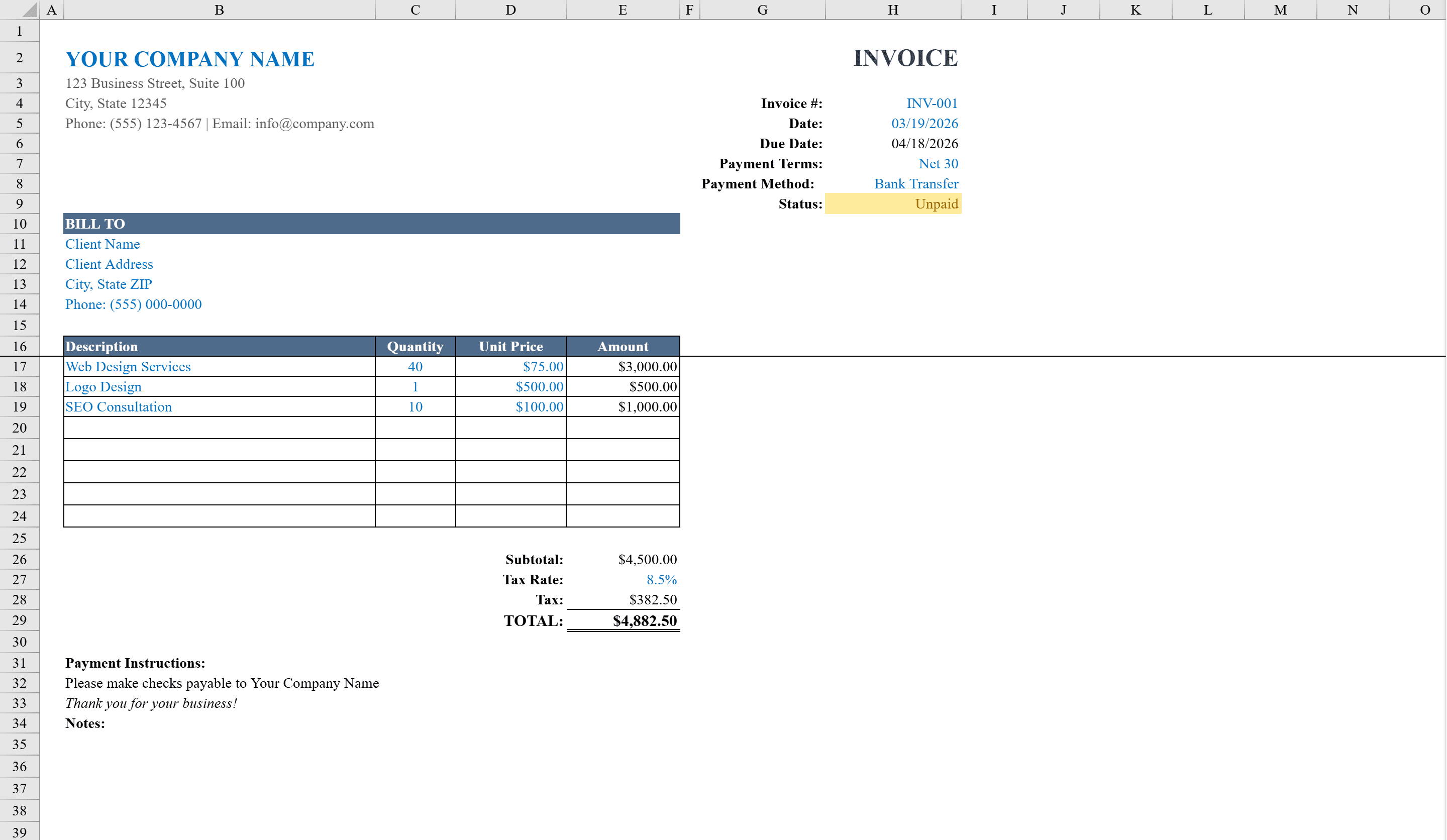
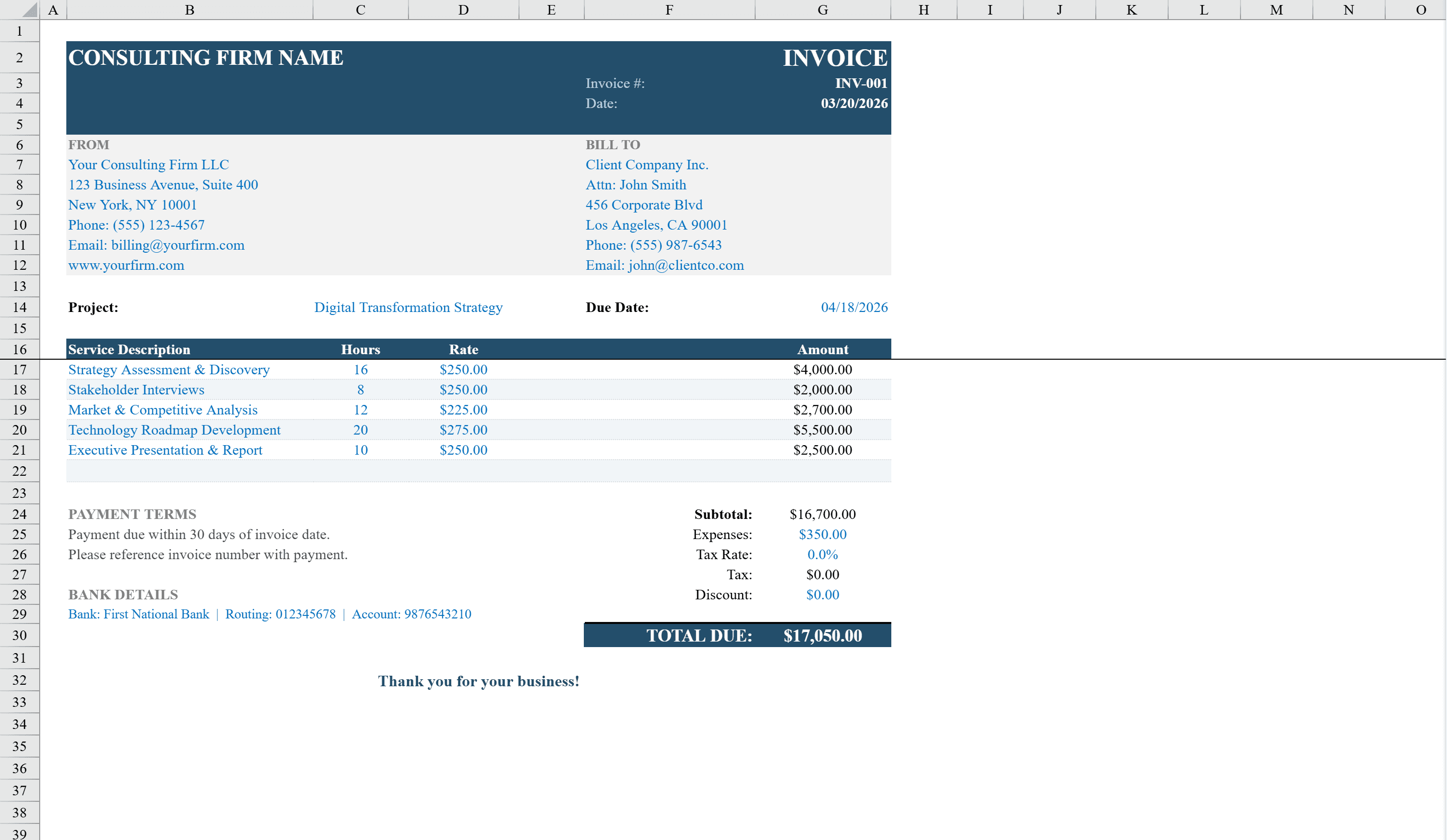
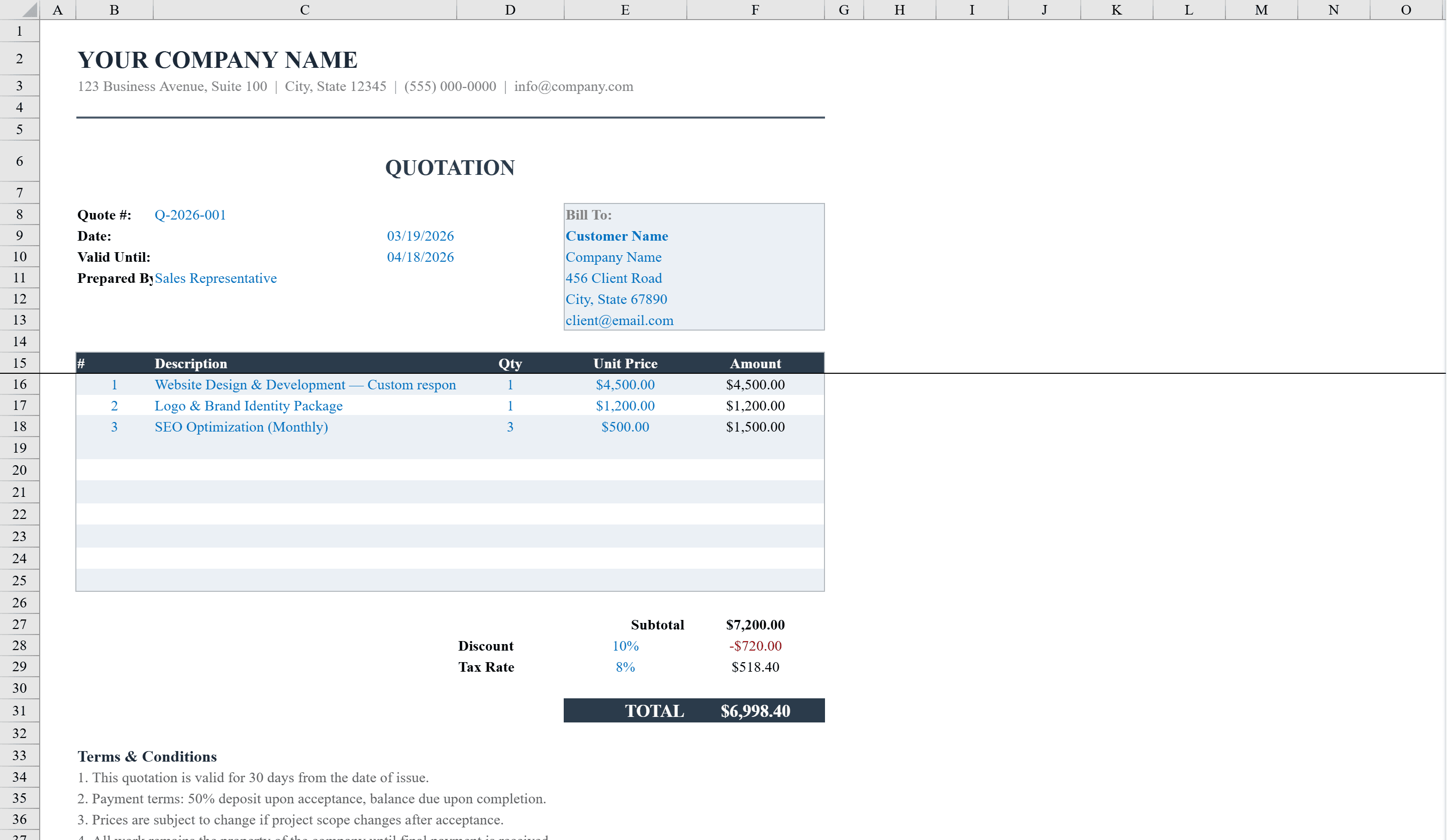
This professional quote template gives freelancers, consultants, and small businesses a polished way to present pricing to clients. It features a clean layout with your company header, quote details, and a structured Bill To section for customer information. The itemized pricing table supports up to 10 line items with automatic quantity-times-price calculations, discount percentage, and tax rate, culminating in a bold total. Built-in terms and conditions and a client signature acceptance block make it ready to send as a binding proposal. Data validation ensures accurate entries, and conditional formatting flags expired quotes and negative amounts. Need a less formal option first? Try the estimate template, or jump straight to a consulting invoice for hourly billing.
Quote Template Features
- Itemized pricing table supporting up to 10 line items
- Automatic quantity-times-price calculations with discount and tax
- Built-in terms and conditions section
- Client signature acceptance block for binding proposals
- Conditional formatting flags expired quotes and negative amounts
How to Use This Quote Template in Excel
- 1
Enter company and client details
Fill in your company header information and the client's billing details in the Bill To section.
- 2
Add line items
Enter up to 10 products or services with quantities and unit prices. Totals calculate automatically.
- 3
Set discount and tax
Configure the discount percentage and tax rate. The template computes the final total with all adjustments.
- 4
Send as proposal
Review the terms and conditions, then share the quote with the built-in client signature block for formal acceptance.
Quote Template FAQ
- How many line items can the quote include?
- The itemized pricing table supports up to 10 line items, each with automatic quantity-times-price calculations.
- Does the template include a signature block?
- Yes, a client signature acceptance block is built in, making the quote ready to send as a binding proposal.
- How does the template handle expired quotes?
- Conditional formatting automatically flags expired quotes based on the quote validity date, so you know when to follow up or issue a new quote.