Estimate Template
Deliver polished, itemized project quotes that clients can approve on the spot.
About the Estimate Template
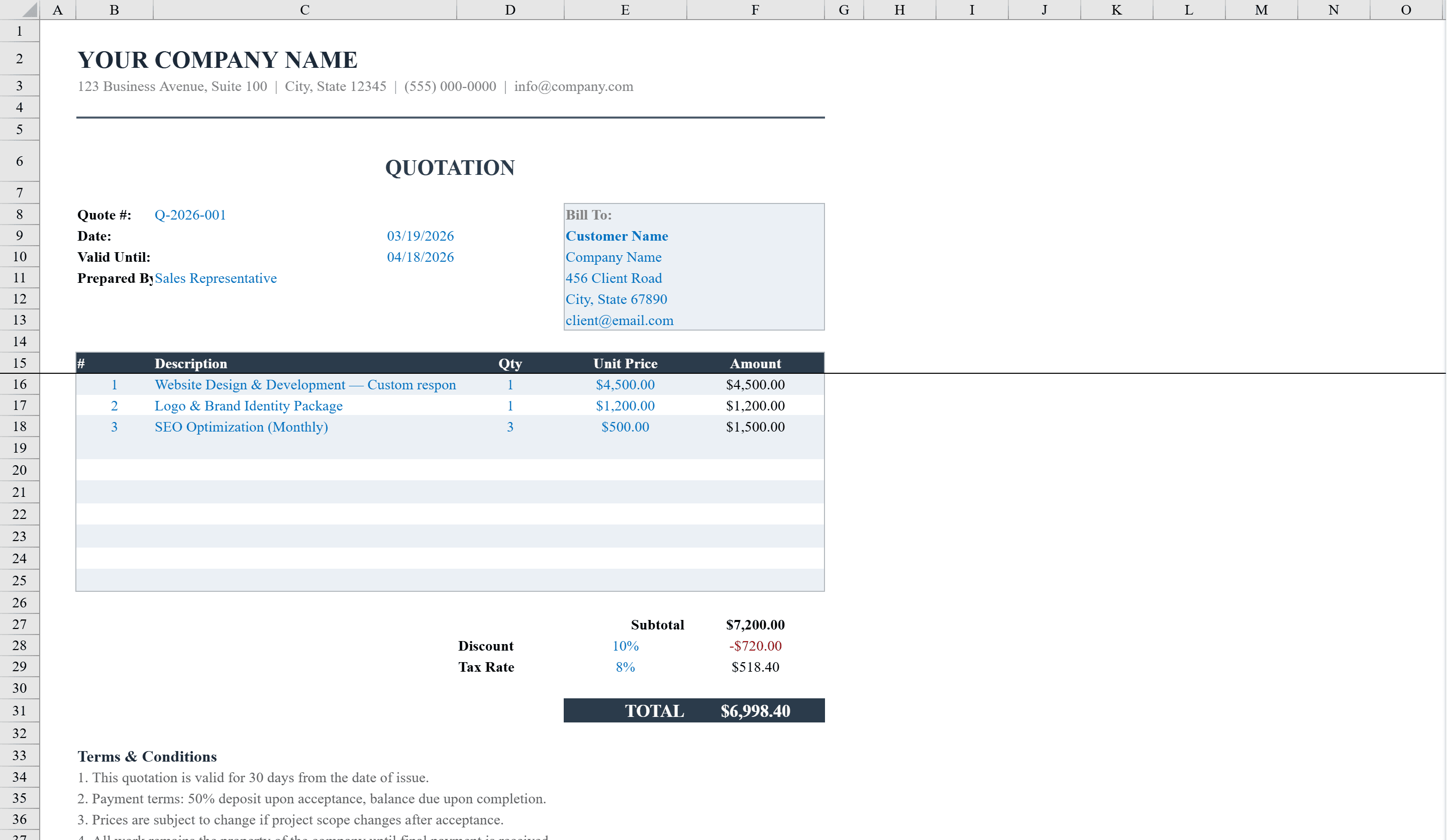
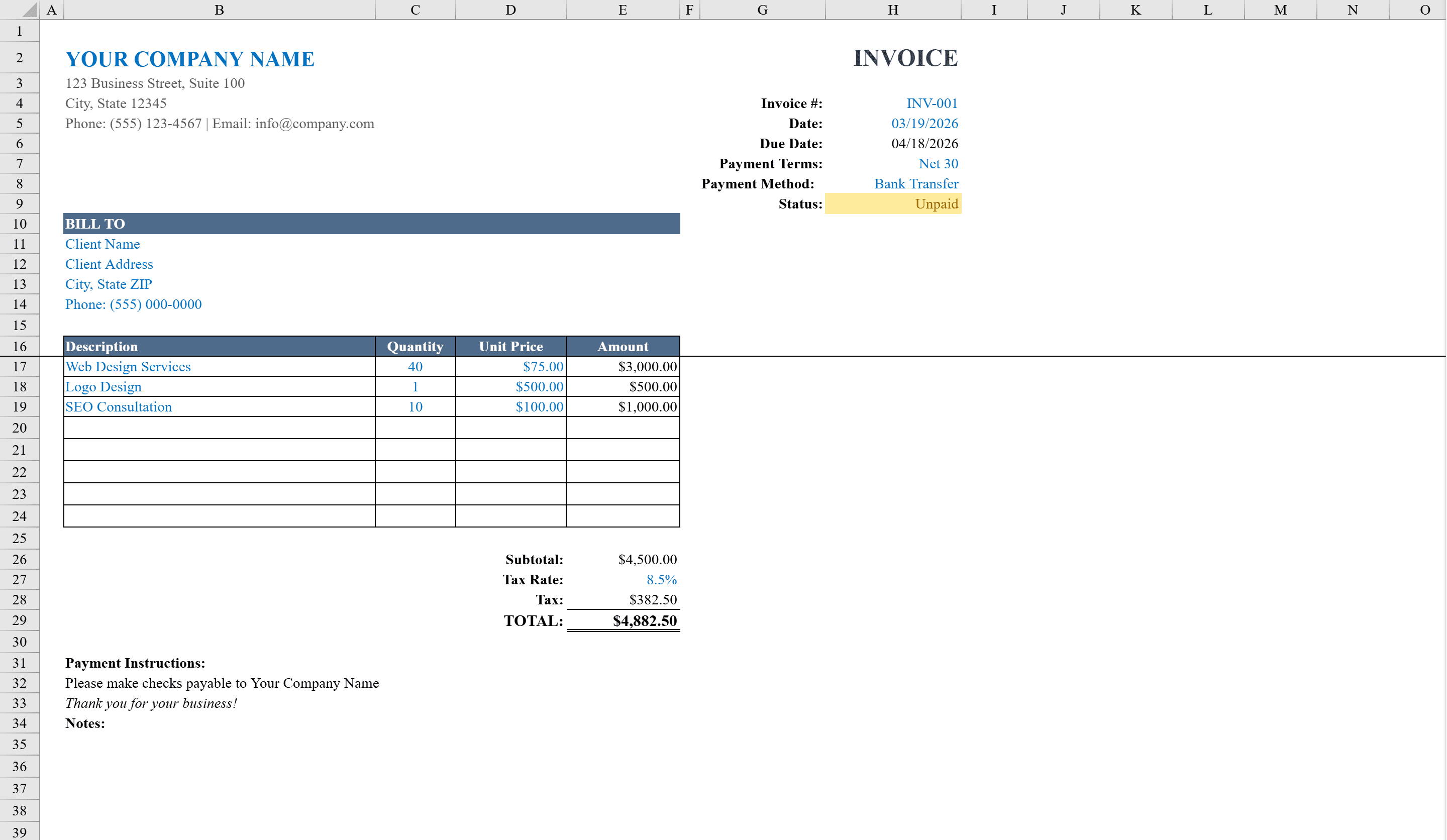
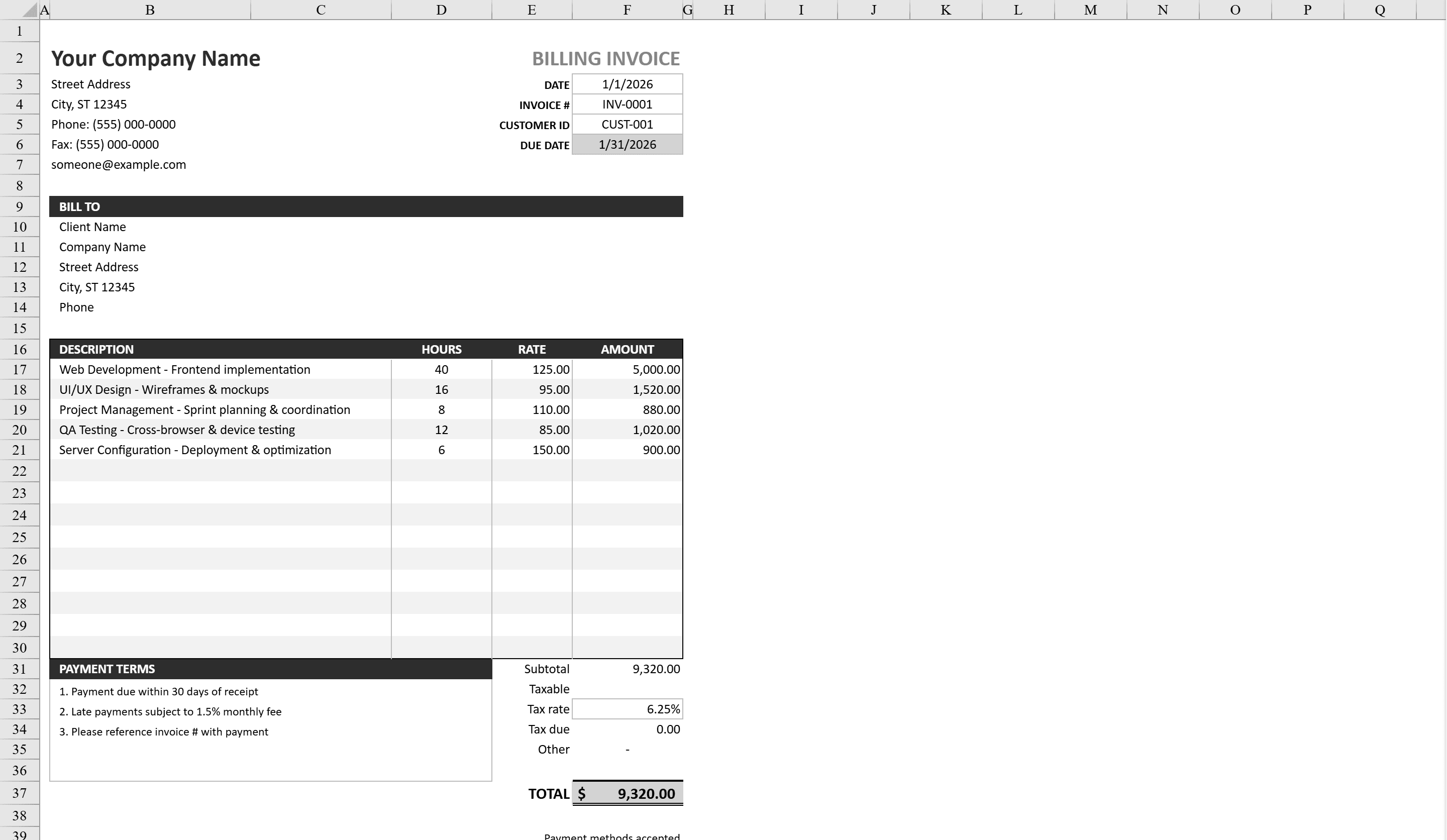
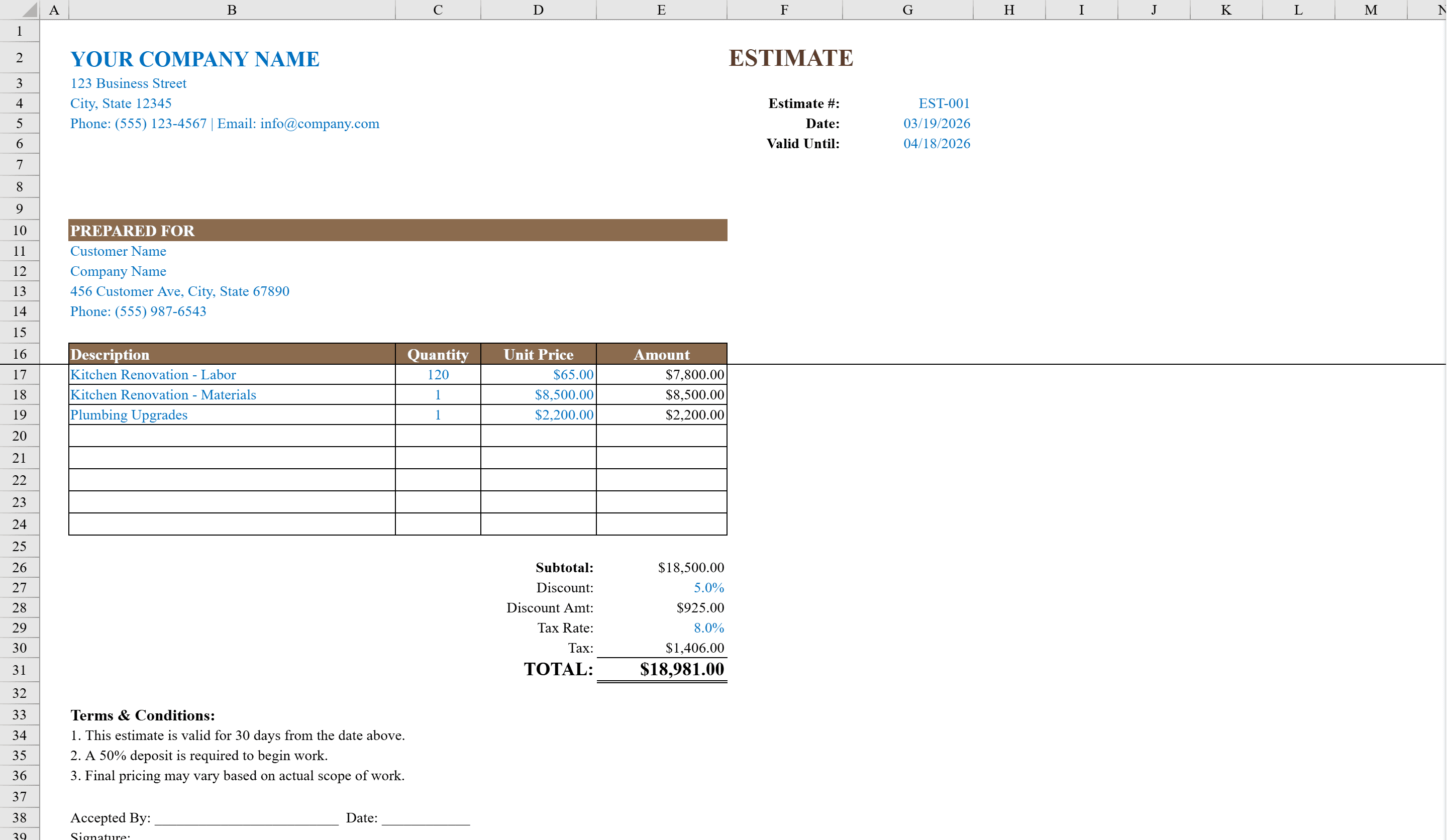
The Estimate Template is a professional Excel workbook built for contractors, service providers, and small businesses who need to deliver polished project quotes to clients. It features a branded layout with company details, customer information, and an itemized table supporting up to eight line items with quantity, unit price, and auto-calculated amounts. Built-in formulas handle subtotals, configurable discount percentages, tax rates, and a prominent grand total with a double-underline border. Category dropdowns for additional line items, data validation on all numeric fields, and terms and conditions with signature lines make this a complete, ready-to-send estimate document. Once the client approves, convert it into a simple invoice to collect payment.
Estimate Template Features
- Branded layout with company details and customer information
- Itemized table supporting up to eight line items with auto-calculated amounts
- Configurable discount percentages and tax rates
- Category dropdowns and data validation on all numeric fields
- Terms and conditions with signature lines for a complete document
How to Use This Estimate Template in Excel
- 1
Add business and client info
Enter your company details and customer information in the branded header section.
- 2
Itemize the estimate
Add up to eight line items with descriptions, quantities, and unit prices. Amounts calculate automatically.
- 3
Configure discounts and tax
Set your discount percentage and tax rate. The template computes subtotals, discounts, tax, and the grand total.
- 4
Send with terms
Review the terms and conditions section, then print or email the estimate with signature lines ready for client approval.
Estimate Template FAQ
- How many line items can I include in an estimate?
- The template supports up to eight line items, each with quantity, unit price, and auto-calculated amounts. Category dropdowns help organize additional items.
- Can I add discounts to the estimate?
- Yes, the template includes a configurable discount percentage field that automatically reduces the subtotal before tax is applied.
- Is this template suitable for contractors?
- Absolutely. It was built for contractors and service providers with a professional layout, itemized pricing, terms and conditions, and signature lines for client approval.