Invoice Template
Send polished, error-free invoices that get you paid faster.
About the Invoice Template
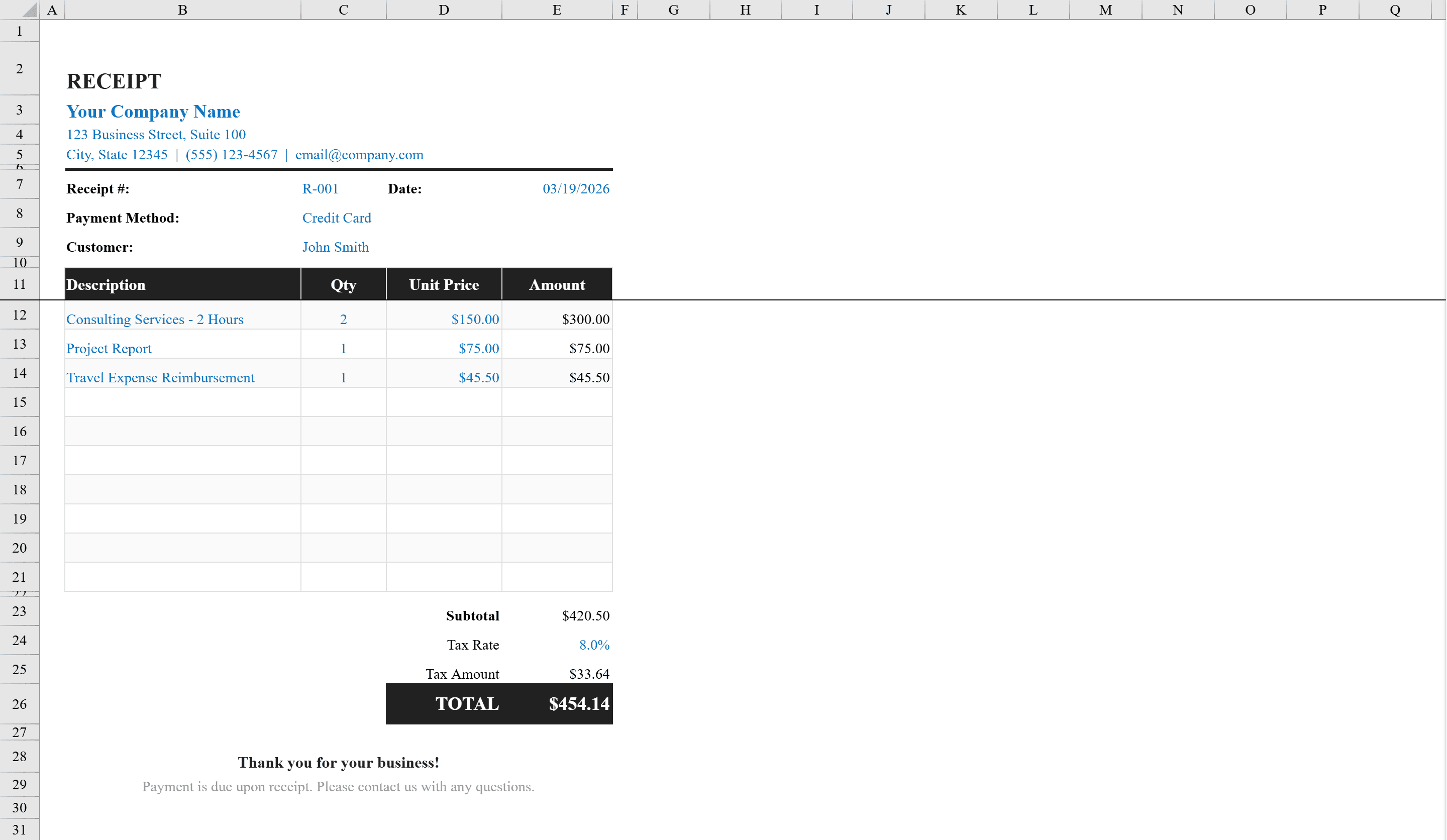
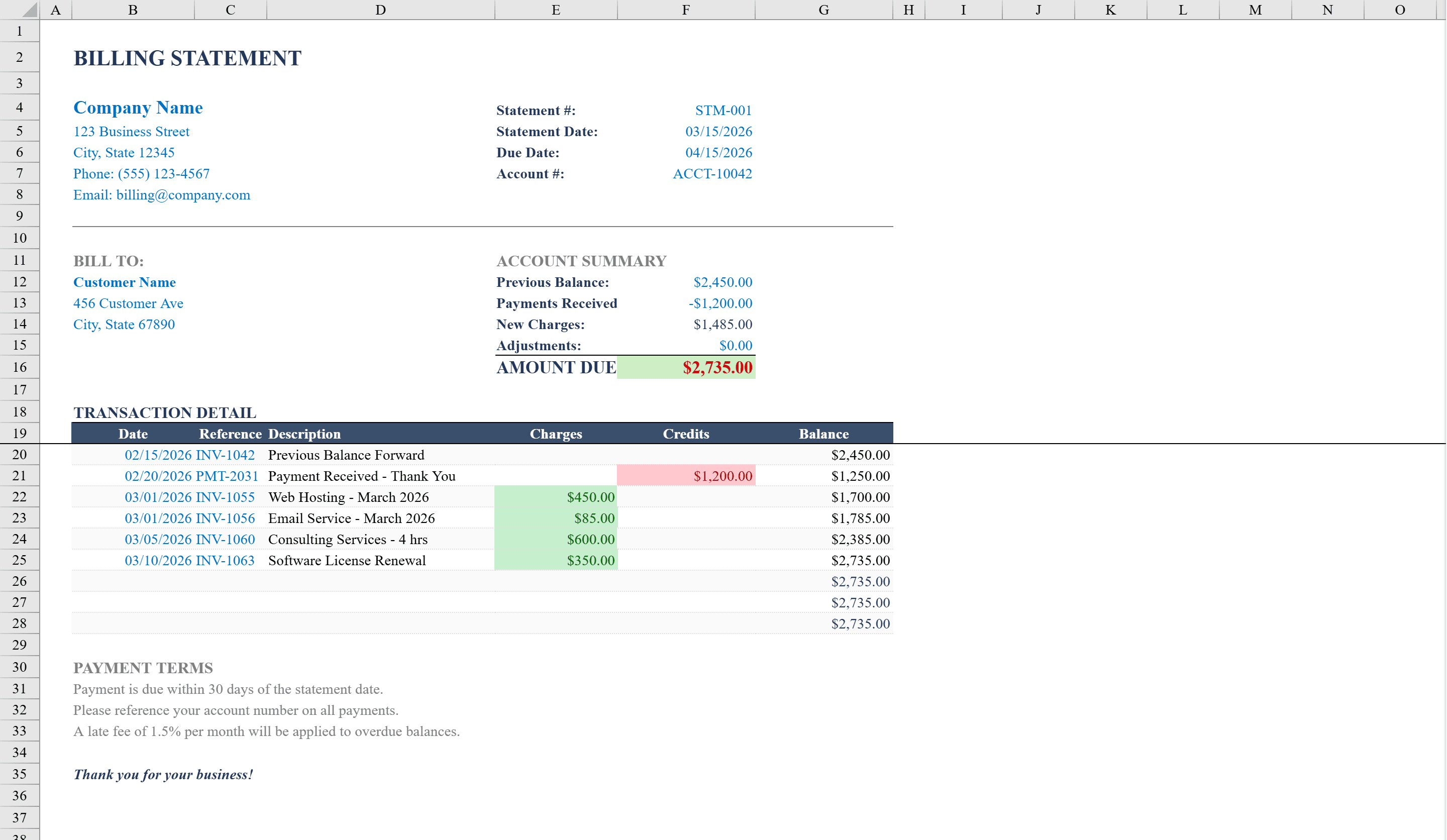
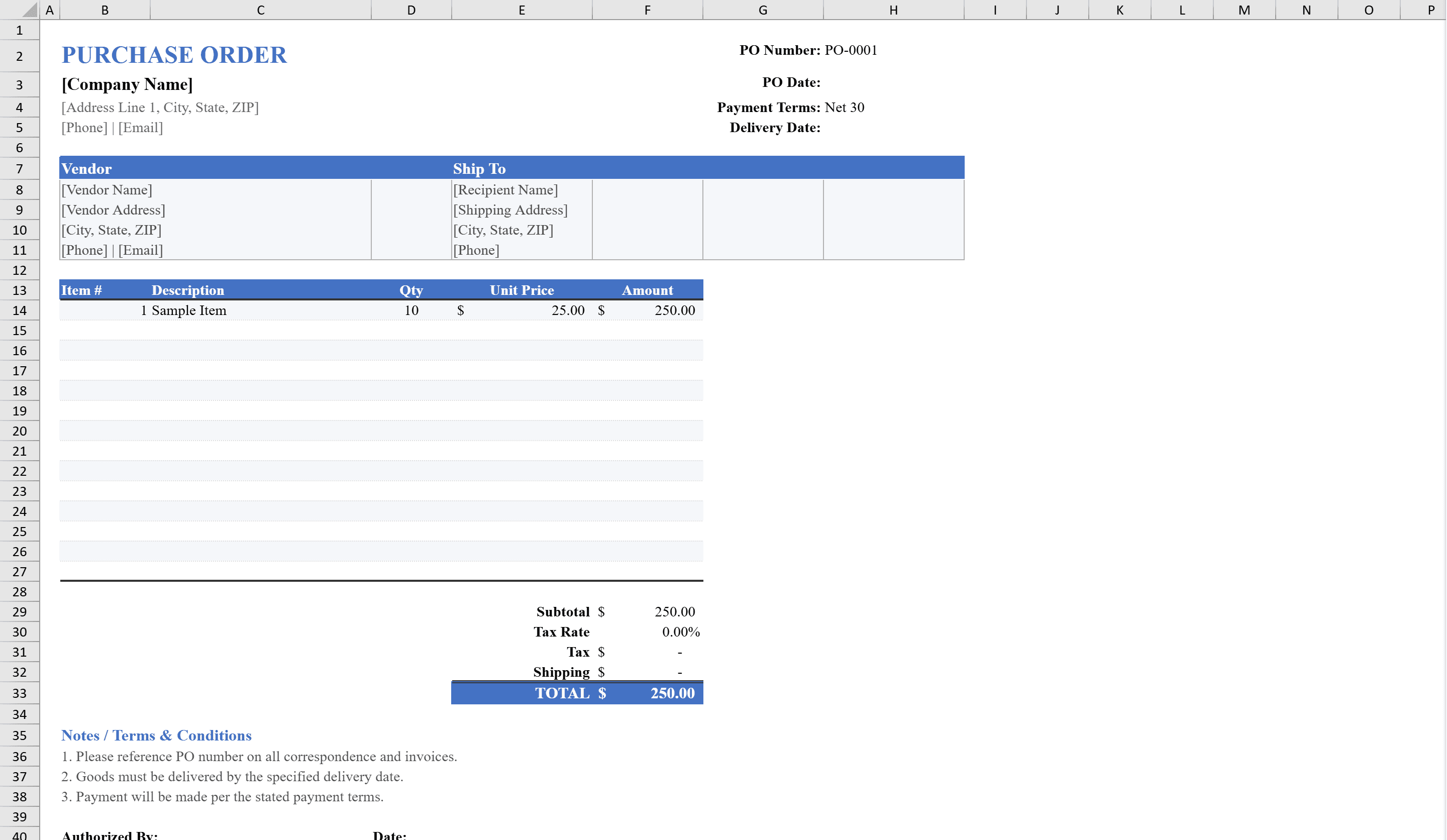
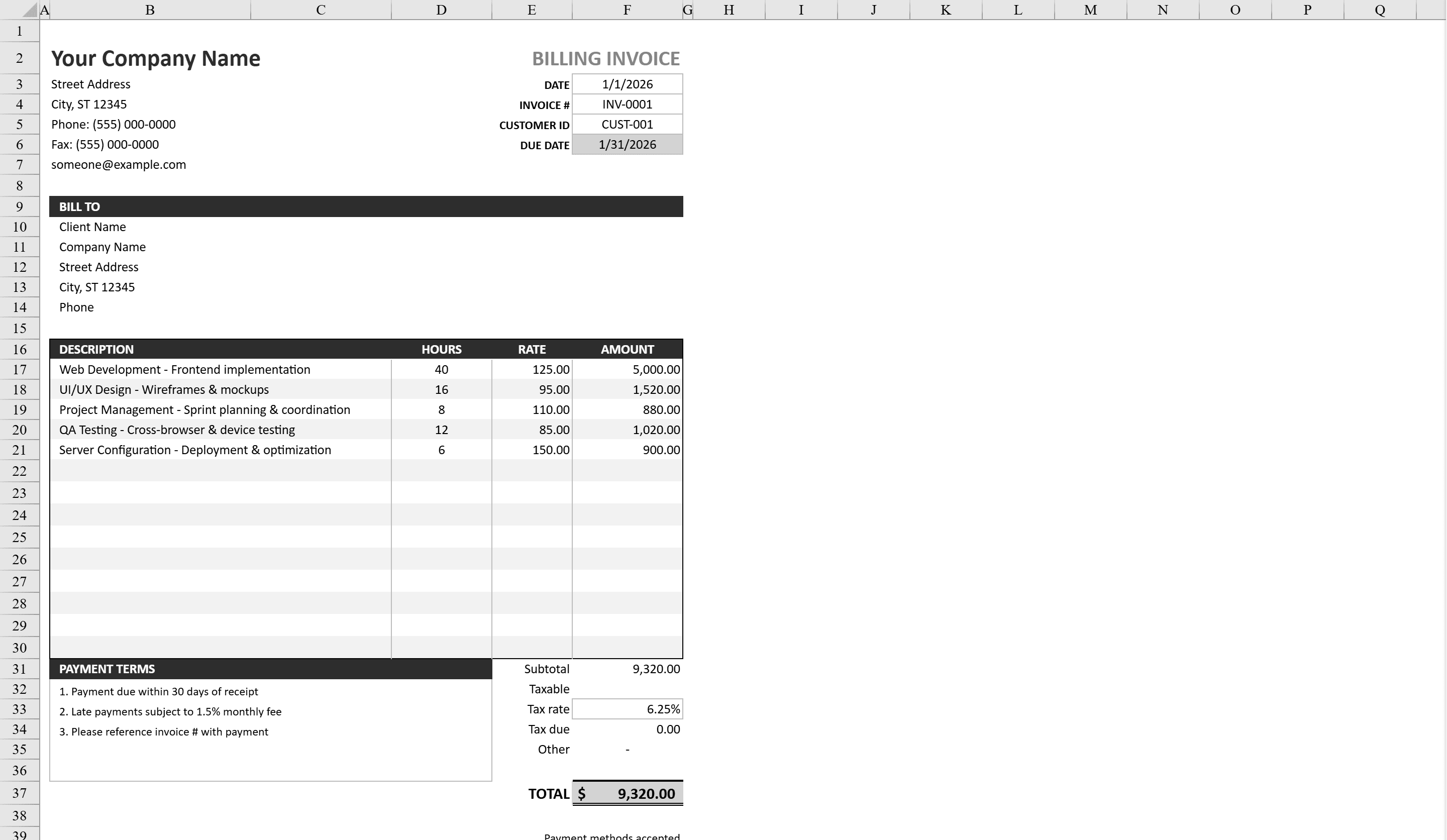
This professional invoice template provides a polished, ready-to-send billing document for freelancers, small businesses, and service providers. It features a clean layout with company logo placement, billing and shipping address blocks, and a detailed line-item table with automatic quantity-times-price calculations. Built-in formulas compute subtotals, configurable tax rates, discounts, and a prominent total due amount. Payment terms, due dates, and accepted payment methods are clearly displayed. Conditional formatting highlights overdue balances, and data validation ensures accurate numeric entries throughout. The print-optimized layout produces a professional invoice every time. For ongoing client billing, pair it with our Billing Statement Template.
Invoice Template Features
- Clean layout with company logo placement and address blocks
- Line-item table with automatic quantity-times-price calculations
- Configurable tax rates, discounts, and subtotal formulas
- Conditional formatting highlights overdue balances
- Print-optimized layout for professional output
How to Use This Invoice Template in Excel
- 1
Add company details
Enter your company name, logo, address, and contact information in the header section.
- 2
Fill in client information
Add the billing and shipping addresses for your client along with the invoice number and date.
- 3
Enter line items
List each product or service with quantity and unit price — amounts calculate automatically.
- 4
Set terms and send
Configure tax rate, discount, payment terms, and due date, then print or export as PDF.
Invoice Template FAQ
- Can I add my company logo to this invoice template?
- Yes, the template includes a designated logo placement area in the header. Simply insert your logo image and resize it to fit the allocated space.
- How does the tax calculation work?
- Enter your tax rate percentage in the designated cell and the template automatically calculates tax on the subtotal. You can also apply discounts before tax is computed.
- How many line items can I include?
- The template supports multiple line items out of the box. You can easily add more rows to the item table and the subtotal and total formulas will automatically include them.