Service Invoice Template
Bill clients professionally for hourly work with auto-calculated totals, tax, and discounts in a print-ready layout.
About the Service Invoice Template
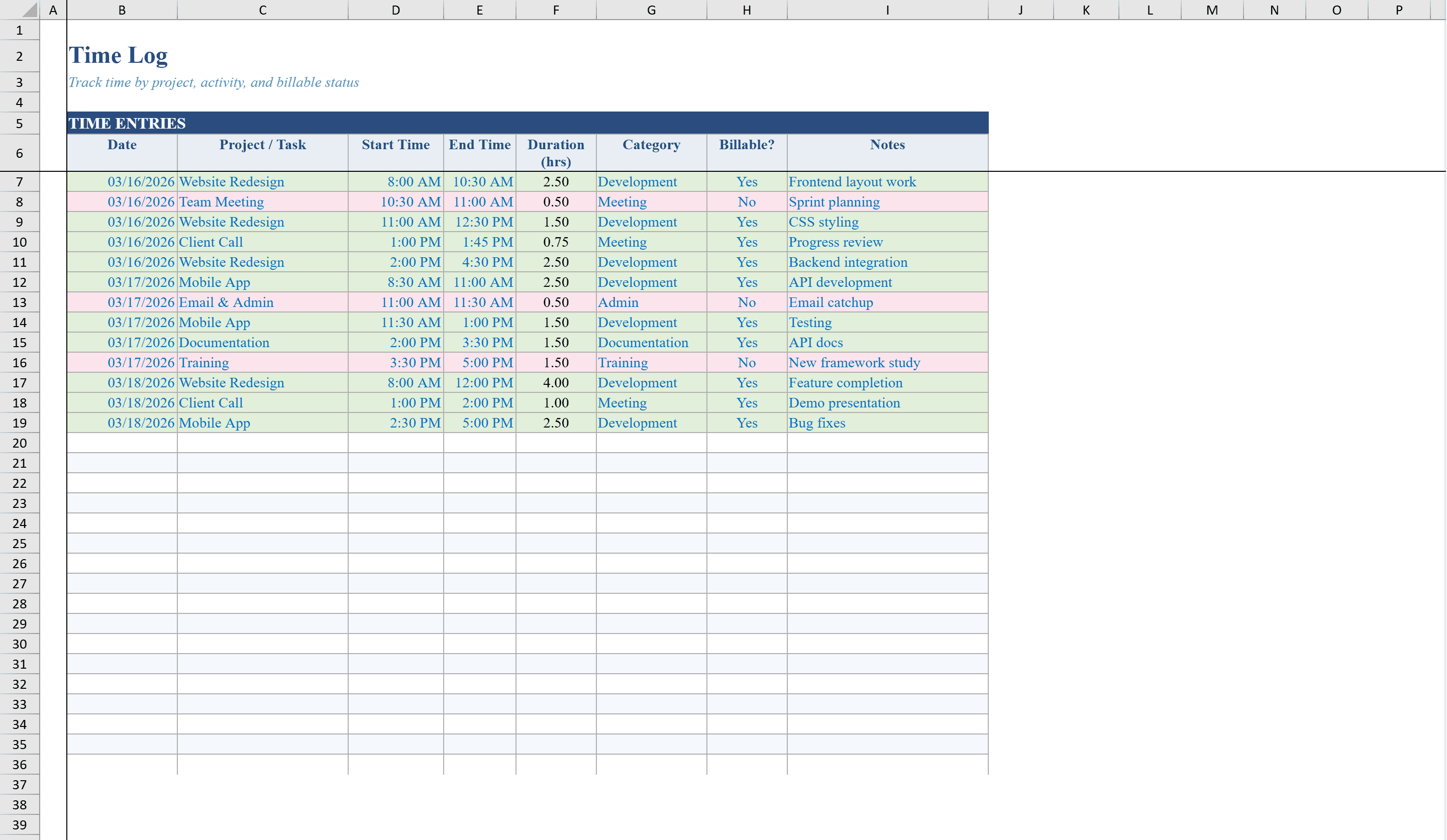
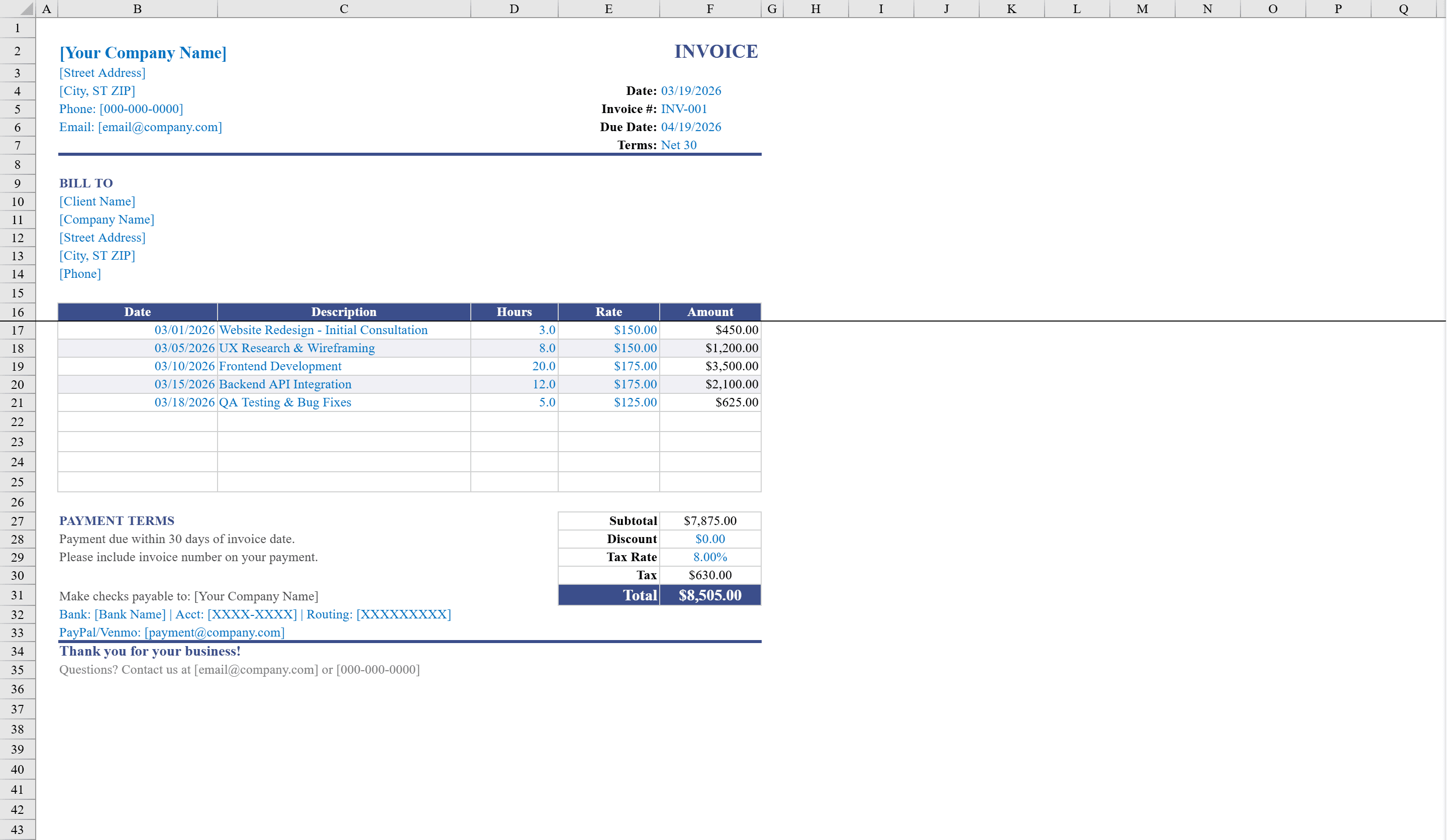
This service invoice template is designed for consultants, freelancers, and professional service providers who bill clients by the hour. The polished, print-ready layout includes company branding fields, a Bill To section, and a detailed line-item table with columns for date, description, hours, and hourly rate. Amounts calculate automatically, and a summary section computes subtotal, discount, tax, and total due. Track your billable hours first with the Time Log Template, then transfer totals here. Dropdown validation for payment terms and conditional formatting for negative amounts ensure accuracy. Just fill in your rates and hours, and the invoice is ready to send.
Service Invoice Template Features
- Line-item table with date, description, hours, and hourly rate
- Auto-calculated amounts per line item
- Summary section with subtotal, discount, tax, and total due
- Dropdown validation for payment terms
- Print-ready professional layout with company branding
How to Use This Service Invoice Template in Excel
- 1
Add company details
Enter your company name, logo, and contact information in the branding section.
- 2
Enter client info
Fill in the Bill To section with your client name and address details.
- 3
Log billable hours
Add line items with date, service description, hours worked, and hourly rate.
- 4
Review and send
Check the auto-calculated subtotal, discount, tax, and total due, then print or email the invoice.
Service Invoice Template FAQ
- Does the invoice calculate totals automatically?
- Yes, line-item amounts calculate from hours and rate, and the summary section auto-computes subtotal, discount, tax, and total due.
- Can I add my company branding?
- Yes, the template includes dedicated fields for company name, logo placement, and contact information for a professional branded invoice.
- Is the invoice print-ready?
- Yes, the polished layout is optimized for printing with clean formatting, conditional formatting for negative amounts, and dropdown validation for payment terms.