Sales Invoice Template
Generate polished product invoices with per-line discounts, shipping details, and auto-calculated totals in minutes.
About the Sales Invoice Template
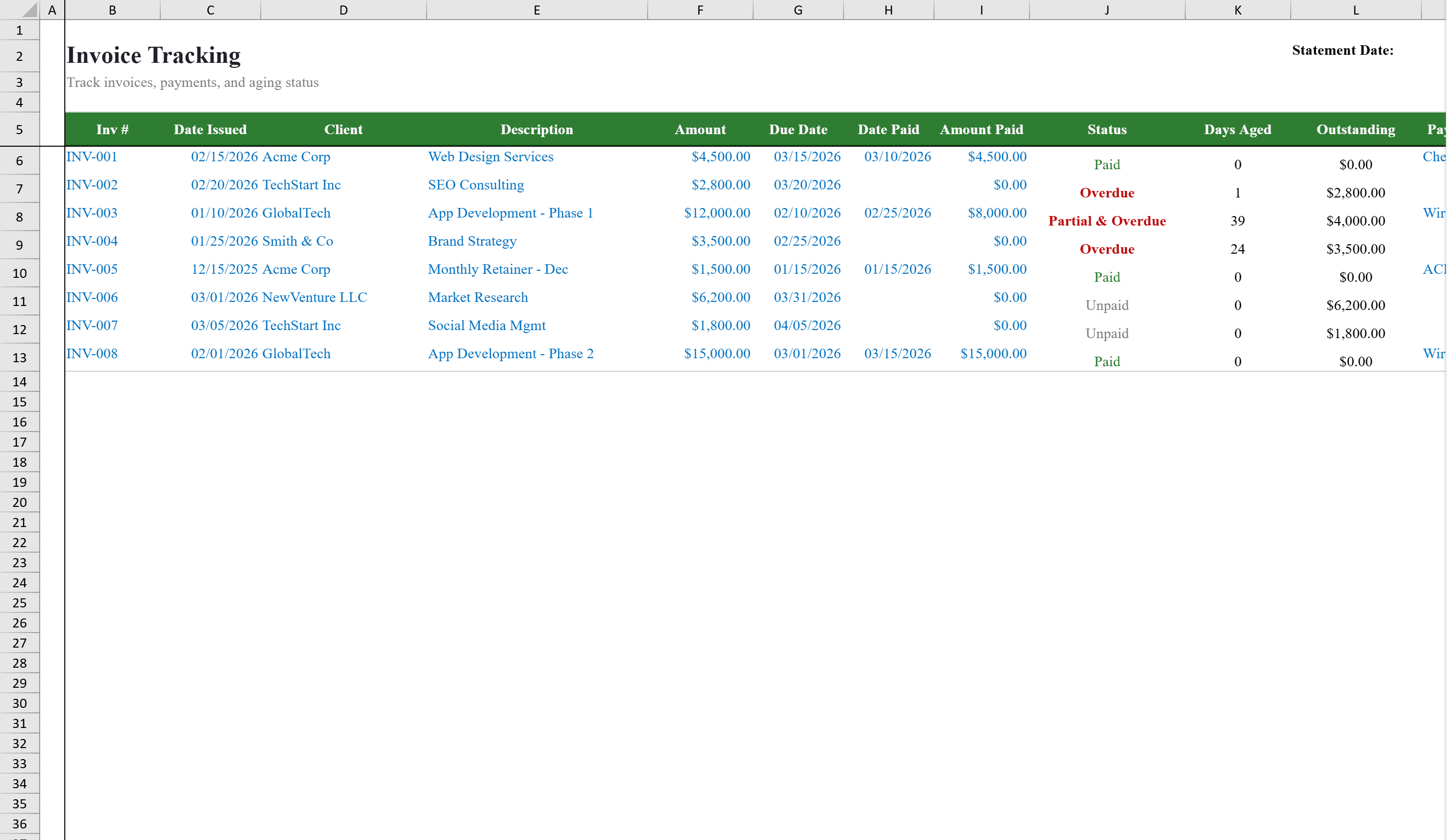
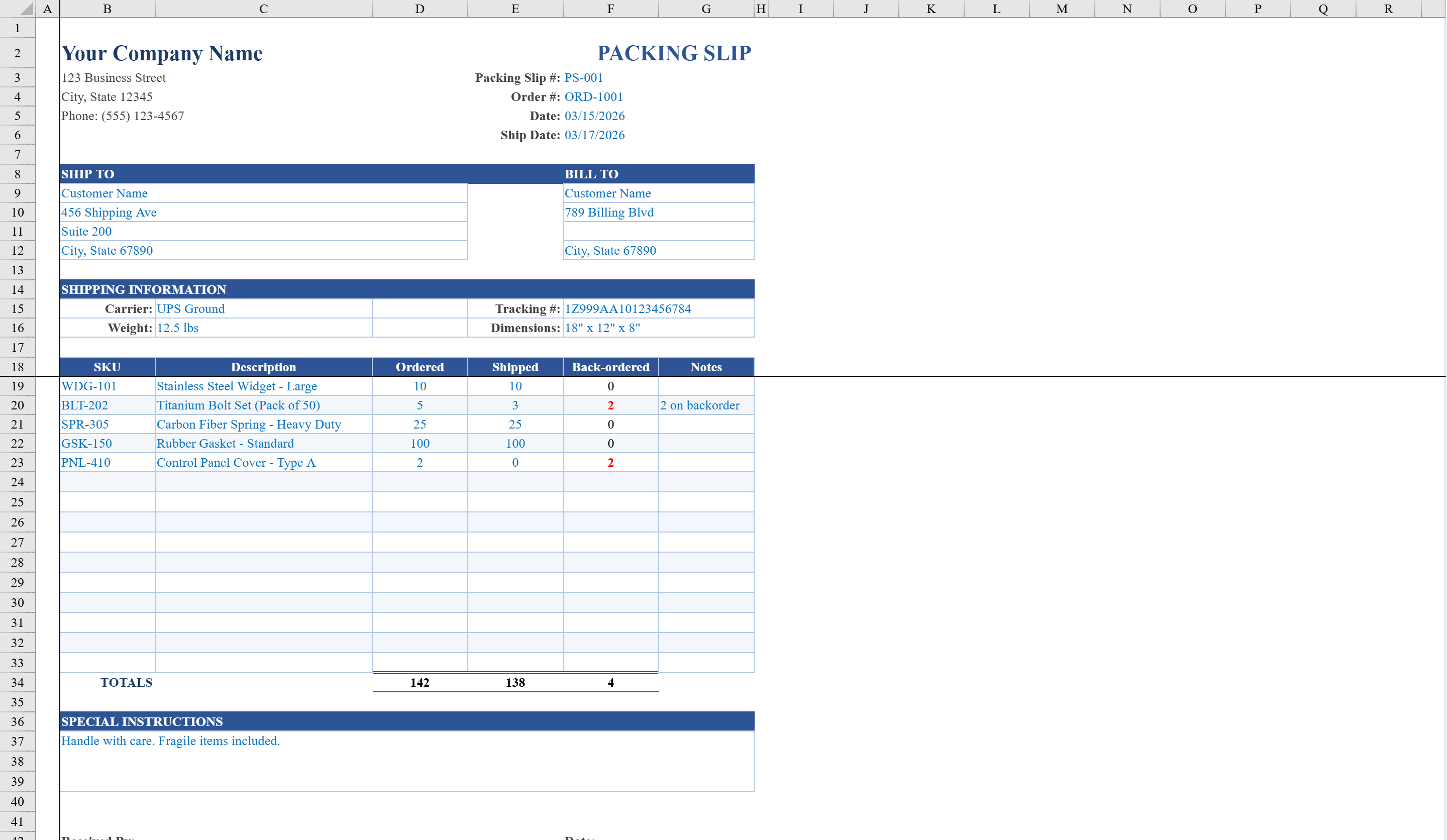
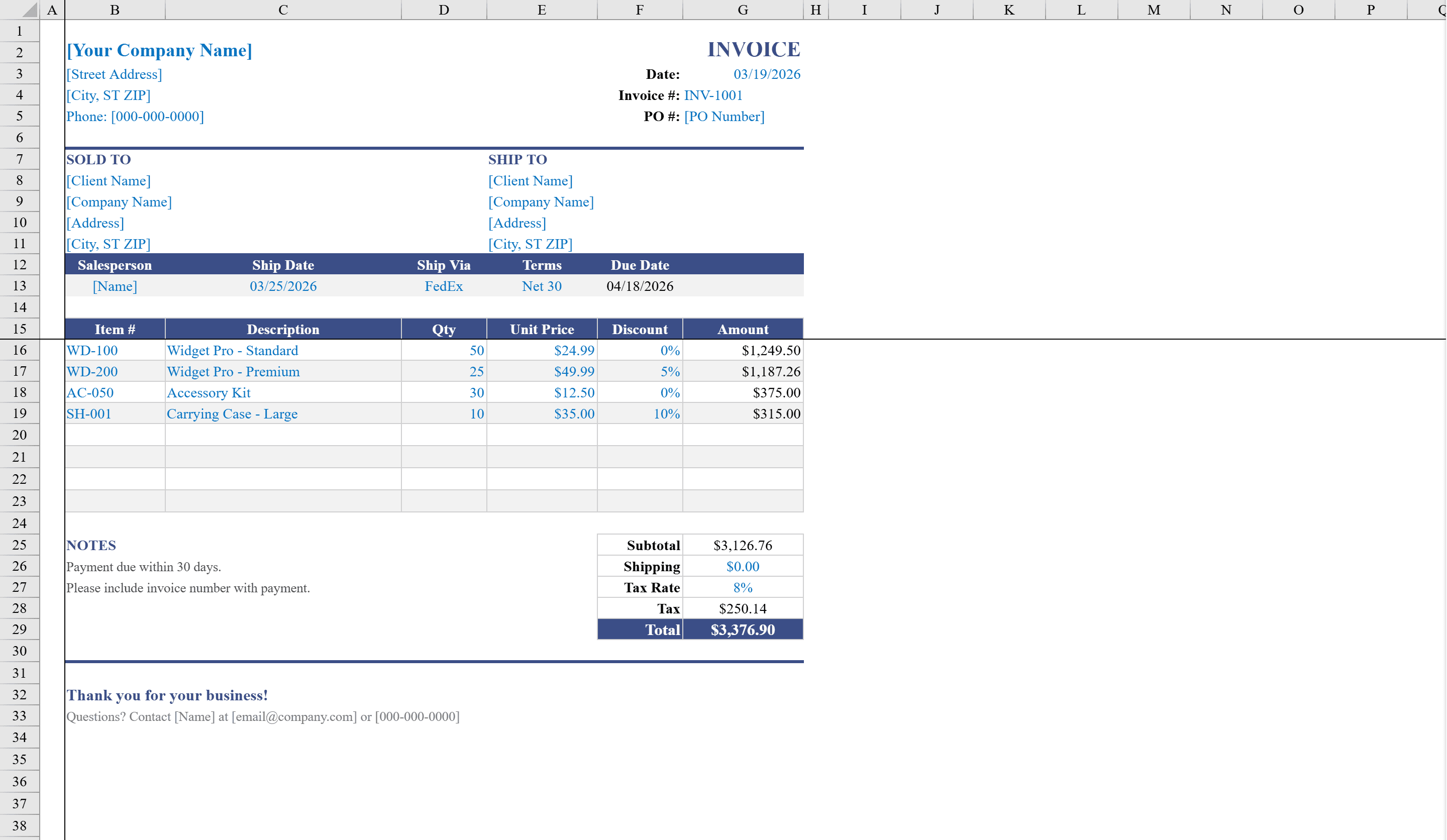
This sales invoice template is built for product-based businesses that need to bill customers for physical goods. The professional layout includes Sold To and Ship To address blocks, shipping details with method and salesperson fields, and a line-item table supporting item numbers, descriptions, quantities, unit prices, and per-line discounts. Amounts calculate automatically using quantity, price, and discount formulas, while the summary section tallies subtotal, shipping, tax, and total due. Include a Packing Slip with every shipment and track payments in the Invoice Tracking Template. Dropdown validation on shipping method and payment terms, plus conditional formatting on totals, keeps every invoice accurate and consistent.
Sales Invoice Template Features
- Sold To and Ship To address blocks with shipping details
- Line-item table with item numbers, quantities, unit prices, and per-line discounts
- Auto-calculated amounts using quantity, price, and discount formulas
- Summary section with subtotal, shipping, tax, and total due
- Dropdown validation for shipping method and payment terms
How to Use This Sales Invoice Template in Excel
- 1
Enter address details
Fill in the Sold To and Ship To address blocks with customer billing and shipping information.
- 2
Add line items
Enter item numbers, descriptions, quantities, unit prices, and any per-line discounts.
- 3
Set shipping and terms
Select shipping method and payment terms from dropdown lists and add salesperson details.
- 4
Review totals
Check auto-calculated subtotal, shipping, tax, and total due before sending the invoice.
Sales Invoice Template FAQ
- Does it support per-line discounts?
- Yes, the line-item table includes a per-line discount column, and amounts auto-calculate using quantity, price, and discount formulas.
- Can I include shipping details?
- Yes, the template has Sold To and Ship To address blocks, plus shipping method and salesperson fields with dropdown validation.
- How are totals calculated?
- The summary section automatically tallies subtotal, shipping charges, tax, and total due with conditional formatting ensuring accuracy.