Project Timeline Template
Visualize every phase, deadline, and milestone so your project stays on track.
About the Project Timeline Template
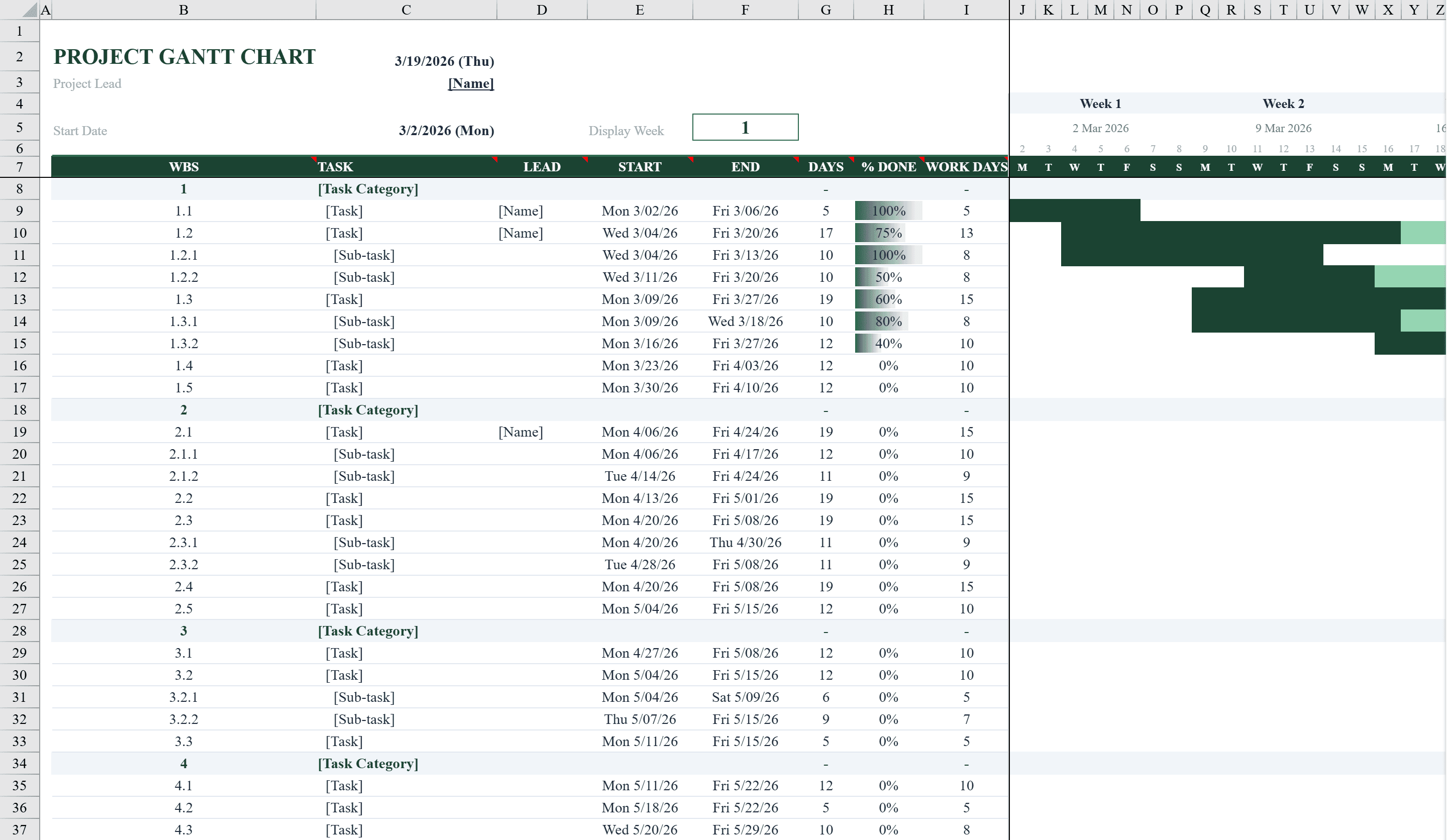
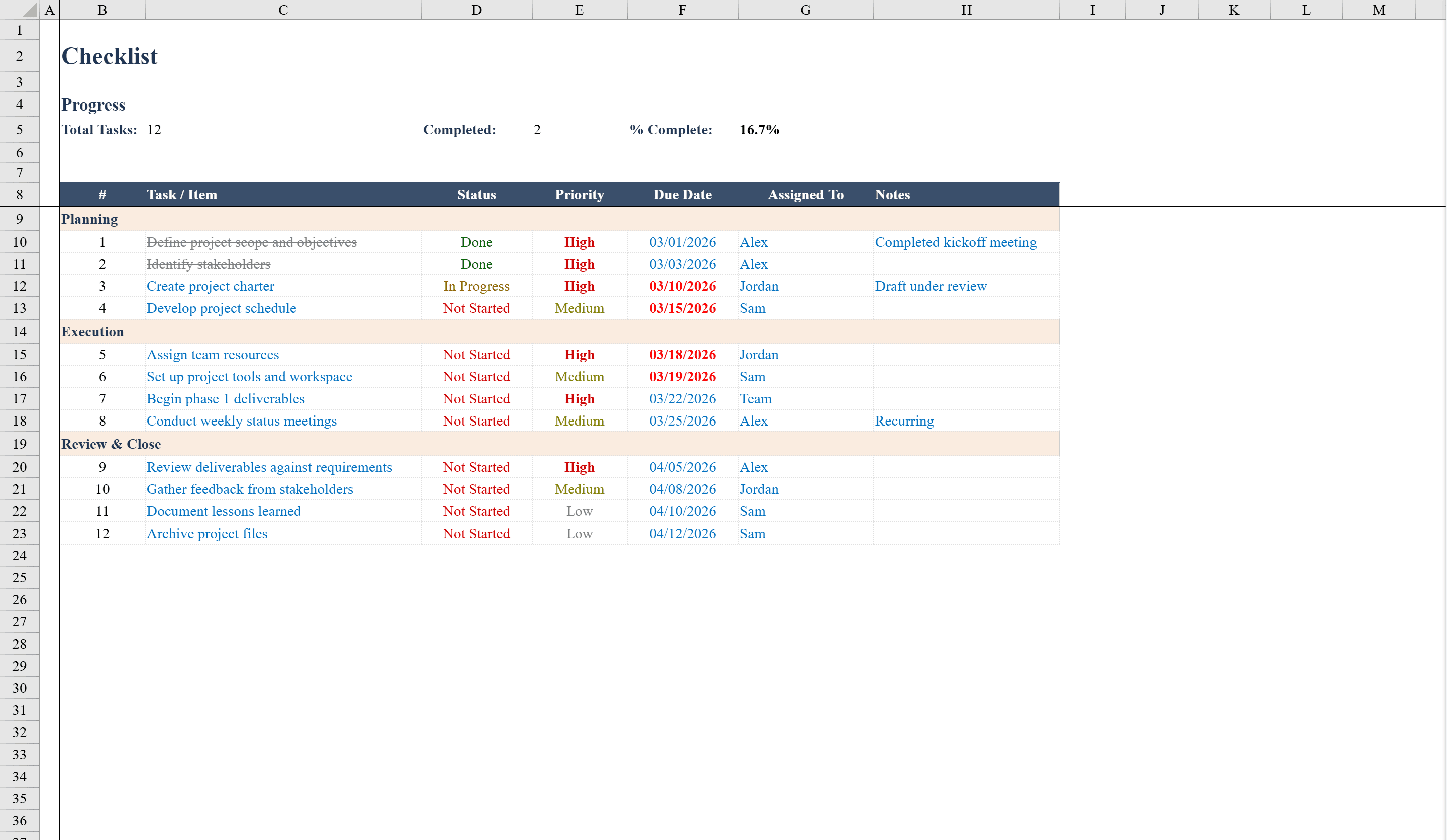
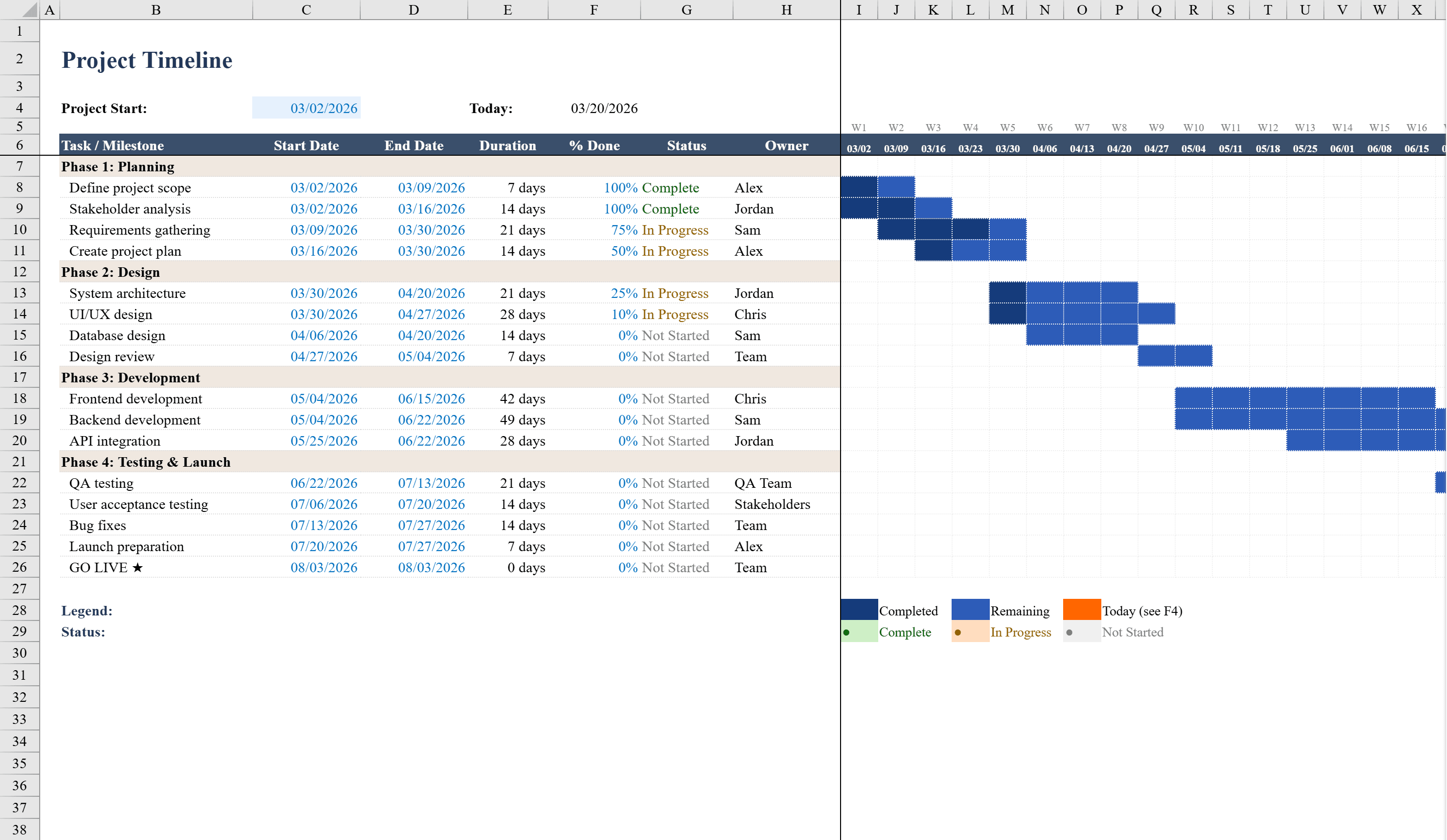
This Project Timeline Template is a professional Gantt-style planning workbook in Excel built for project managers and team leads who need to visualize task schedules across multiple phases. It organizes tasks into sections with columns for start date, end date, duration, percent complete, and status, with dropdown validation for status tracking. A dynamic timeline grid spanning multiple weeks uses conditional formatting to render horizontal progress bars that automatically shade based on each task's date range and completion percentage. Status values are color-coded -- green for complete, amber for in progress, and gray for not started -- providing an instant visual summary of project health. Pair it with a Checklist Template to track task-level details alongside the visual timeline.
Project Timeline Template Features
- Gantt-style timeline grid with conditional formatting progress bars
- Task columns for start date, end date, duration, percent complete, and status
- Multi-phase task organization with dropdown status validation
- Color-coded status: green (complete), amber (in progress), gray (not started)
- Dynamic weekly timeline that shades based on date range and completion
How to Use This Project Timeline Template in Excel
- 1
Define tasks and phases
Enter tasks organized by phase with descriptions, start dates, end dates, and assigned owners.
- 2
Set completion and status
Enter the percent complete for each task and select a status from the dropdown: Not Started, In Progress, or Complete.
- 3
View the timeline
Scroll across the weekly timeline grid to see auto-generated progress bars color-coded by status and completion percentage.
- 4
Track project health
Use the color-coded status indicators — green, amber, and gray — to quickly assess overall project health.
Project Timeline Template FAQ
- How are the progress bars generated?
- Conditional formatting checks each cell in the timeline grid against the task's start and end dates, shading cells that fall within the range. Completion percentage controls how much of the bar appears in the completed color.
- How is this different from the Gantt chart template?
- Both use Gantt-style visualization, but this template emphasizes multi-phase organization with dynamic progress bars that reflect completion percentage, while the Gantt chart template focuses on task ownership and phase summaries.
- Can I extend the timeline beyond the default weeks?
- Yes, add more date columns to the right of the timeline grid and copy the conditional formatting rules to extend the visualization as far as needed.