Checklist Template
Never lose track of a task again with built-in progress dashboards and priority tracking.
About the Checklist Template
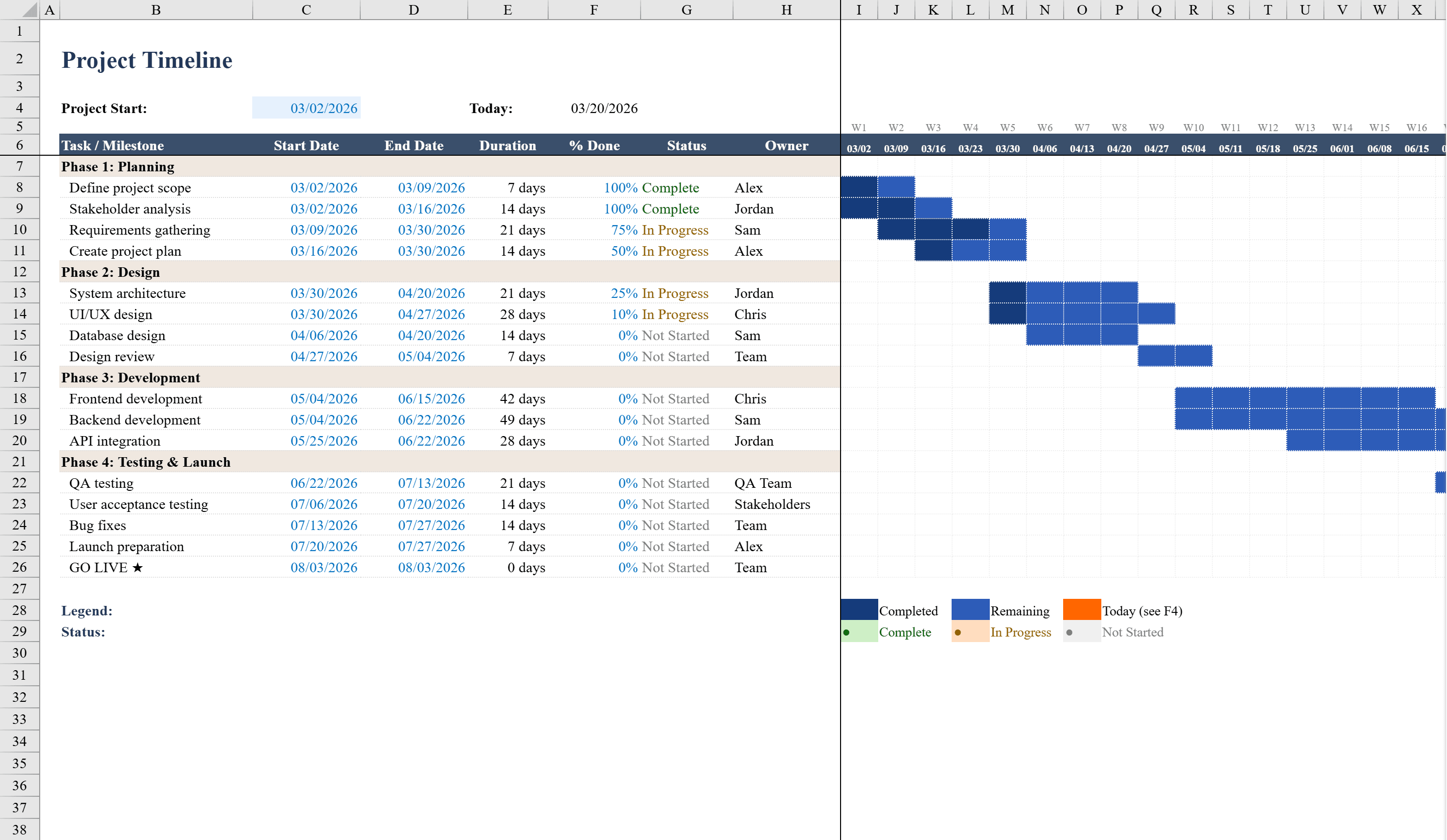
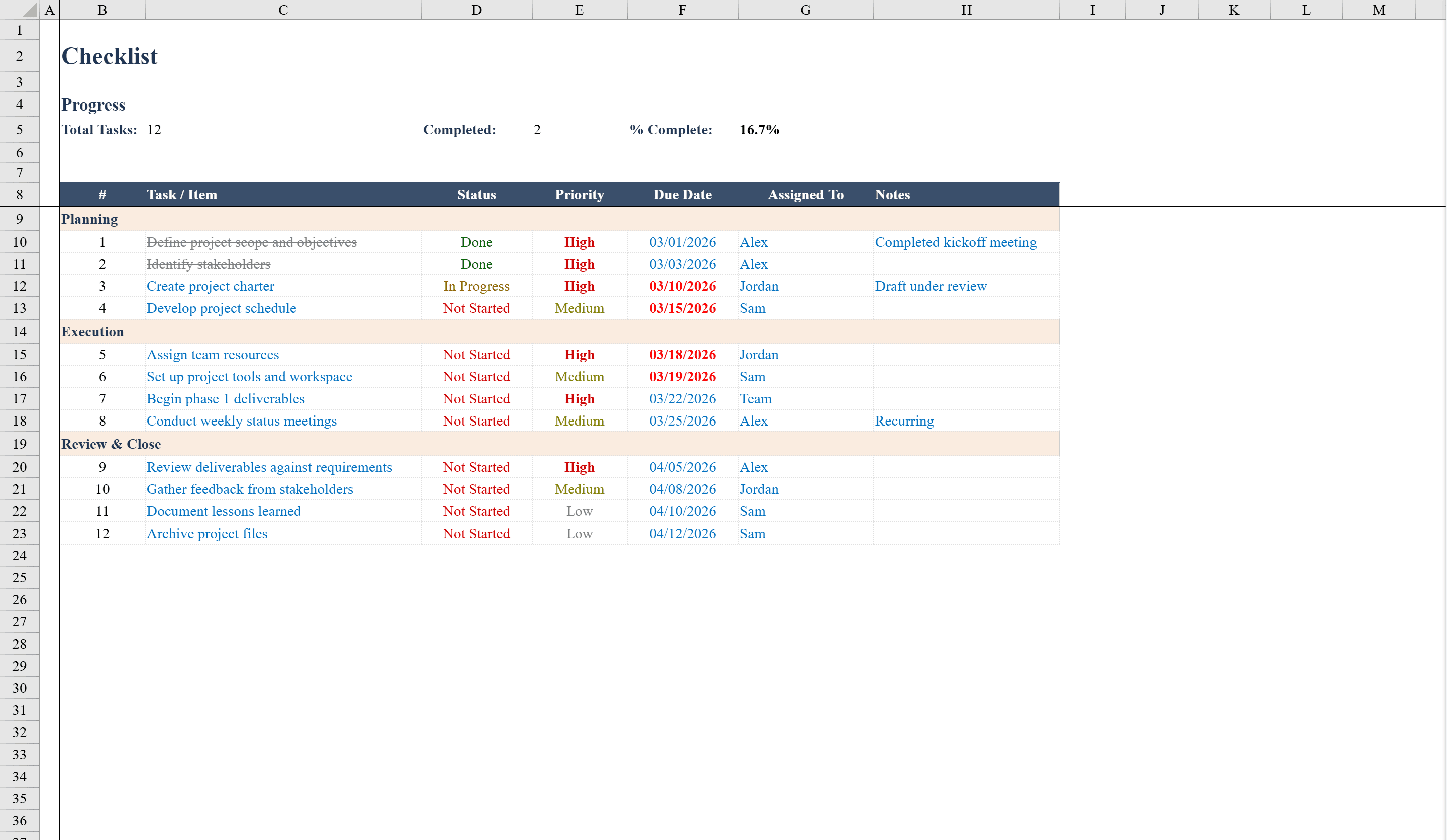
This Checklist Template is a versatile project management tool in Excel, ideal for teams and individuals who need to track tasks through structured phases. It organizes work into three sections -- Planning, Execution, and Review & Close -- with columns for task description, status, priority, due date, assignee, and notes. A built-in progress dashboard automatically calculates total tasks, completed count, and percent complete. Dropdown menus enforce consistent status and priority entries, while conditional formatting color-codes statuses, bolds overdue dates in red, and applies strikethrough to completed tasks. Includes a separate Instructions sheet for easy onboarding. For projects that need a visual timeline alongside your task list, combine this with the Gantt Chart Template.
Checklist Template Features
- Three-phase task organization: Planning, Execution, and Review & Close
- Progress dashboard with total tasks, completed count, and percent complete
- Dropdown menus for consistent status and priority entries
- Conditional formatting color-codes statuses and bolds overdue dates in red
- Strikethrough styling on completed tasks and separate Instructions sheet
How to Use This Checklist Template in Excel
- 1
Add tasks by phase
Enter tasks under the appropriate phase — Planning, Execution, or Review & Close — with descriptions and assignees.
- 2
Set priority and due dates
Use the priority dropdown and enter due dates for each task to establish urgency and deadlines.
- 3
Update task status
Mark tasks as Not Started, In Progress, or Complete using the status dropdown as work progresses.
- 4
Monitor progress
Check the dashboard at the top for real-time counts of total, completed, and in-progress tasks with percentage complete.
Checklist Template FAQ
- What project phases are included?
- The template includes three phases: Planning, Execution, and Review & Close. You can rename these phases or add new sections to match your workflow.
- How does the progress dashboard work?
- It automatically counts total tasks, completed tasks, and calculates the percentage complete based on status values — no manual updating required.
- Can I assign tasks to different team members?
- Yes, each task has an assignee column. You can sort or filter by assignee to see each team member's workload.