Inventory Spreadsheet
Stay on top of stock levels, reorder points, and total inventory value so you never run out of critical items.
About the Inventory Spreadsheet
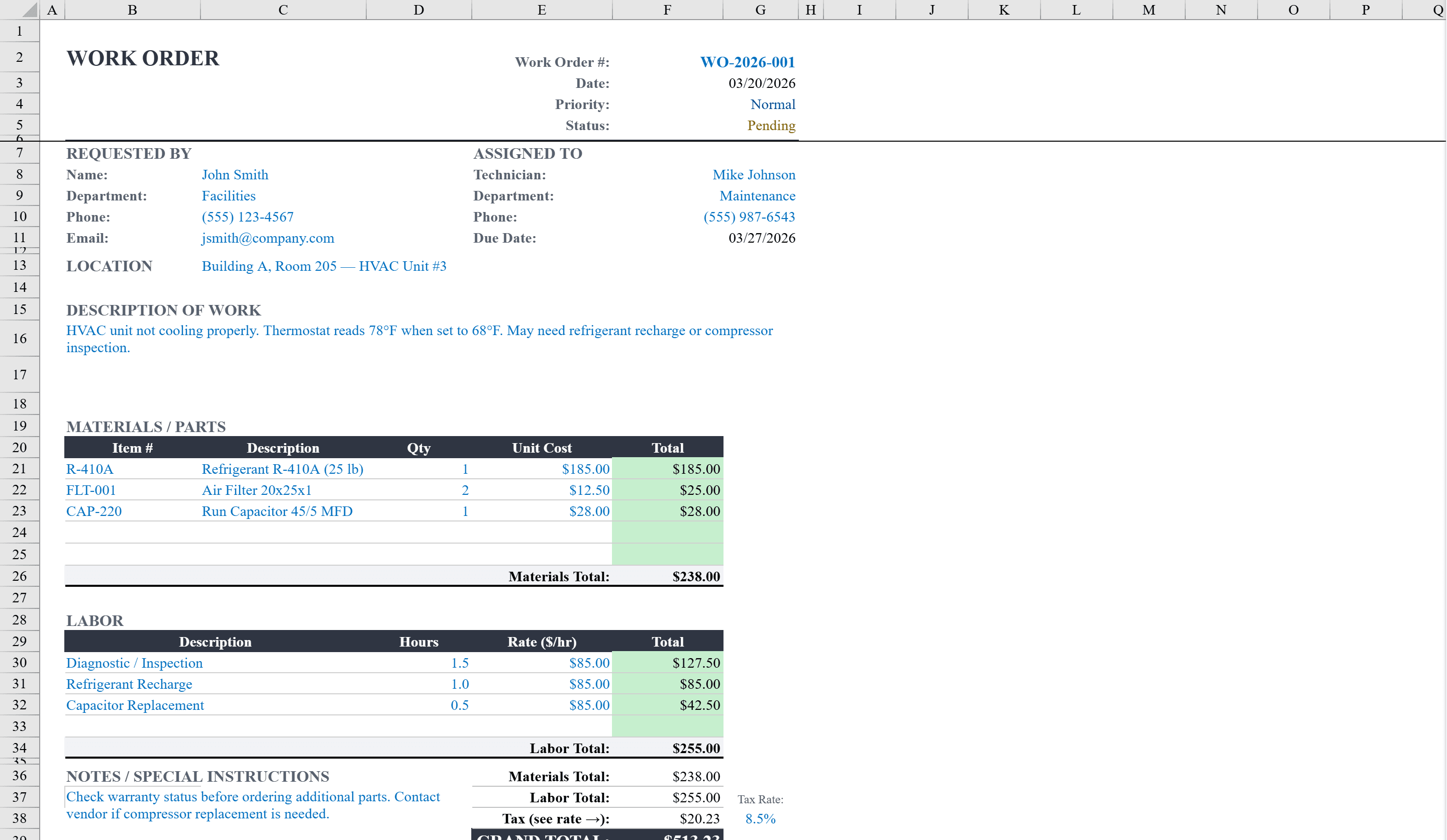
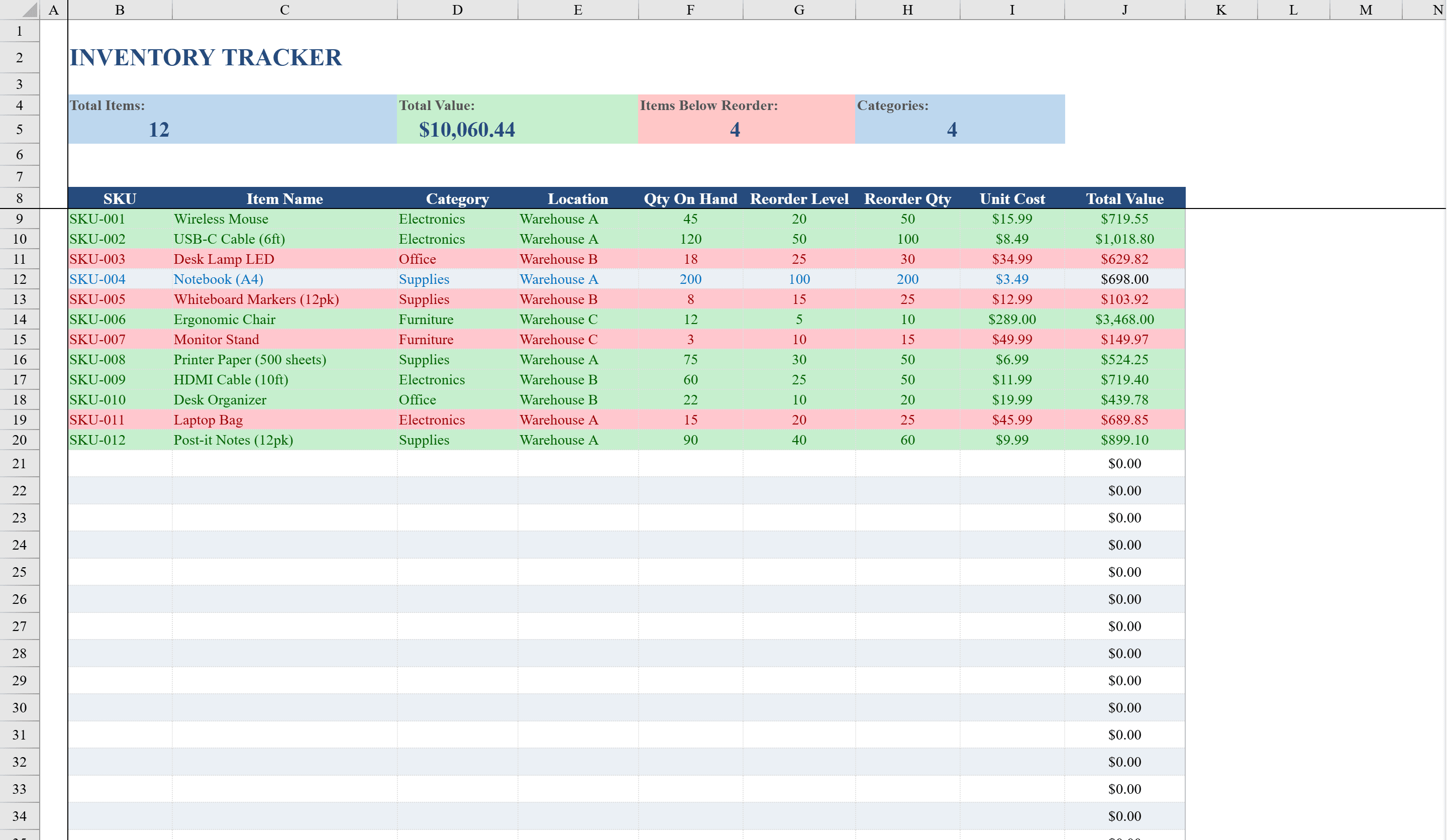
This Inventory Spreadsheet Template for Excel provides a ready-to-use stock management system for small businesses, warehouse managers, and operations teams. It tracks items by SKU, name, category, location, quantity on hand, reorder level, reorder quantity, and unit cost, with automatic total value calculations. A dashboard summary row displays total items, total inventory value, items below reorder point, and category count at a glance. Conditional formatting highlights low-stock items in red and well-stocked items in green. Dropdown validation for categories and warehouse locations ensures consistent data entry across up to 50 inventory items. Pair it with a work order template to link stock consumption directly to maintenance requests.
Inventory Spreadsheet Features
- Track items by SKU, name, category, location, quantity, and unit cost
- Automatic total value calculations per item
- Dashboard summary with total items, inventory value, and low-stock count
- Conditional formatting highlights low-stock (red) and well-stocked (green) items
- Dropdown validation for categories and warehouse locations
How to Use This Inventory Spreadsheet in Excel
- 1
Add inventory items
Enter each product with its SKU, name, category, warehouse location, quantity on hand, reorder level, and unit cost.
- 2
Set reorder thresholds
Define reorder levels and reorder quantities for each item. Items falling below the threshold are automatically highlighted in red.
- 3
Monitor the dashboard
Check the summary row for total inventory value, number of items below reorder point, and category counts at a glance.
- 4
Update stock regularly
Adjust quantities as inventory moves in and out. Conditional formatting updates automatically to reflect current stock status.
Inventory Spreadsheet FAQ
- How many items can this inventory template track?
- The template supports up to 50 inventory items out of the box. You can extend it by adding more rows — all formulas and conditional formatting will apply to new entries.
- Can I customize the product categories?
- Yes. Edit the dropdown validation list to add, rename, or remove categories. The dashboard summary will automatically reflect your custom categories.
- Does this template track inventory across multiple warehouses?
- Yes. Each item has a location field with dropdown validation for warehouse selection. Filter by location to view inventory for a specific warehouse.