Eisenhower Matrix
Cut through competing priorities by sorting every task into four actionable quadrants based on urgency and importance.
About the Eisenhower Matrix
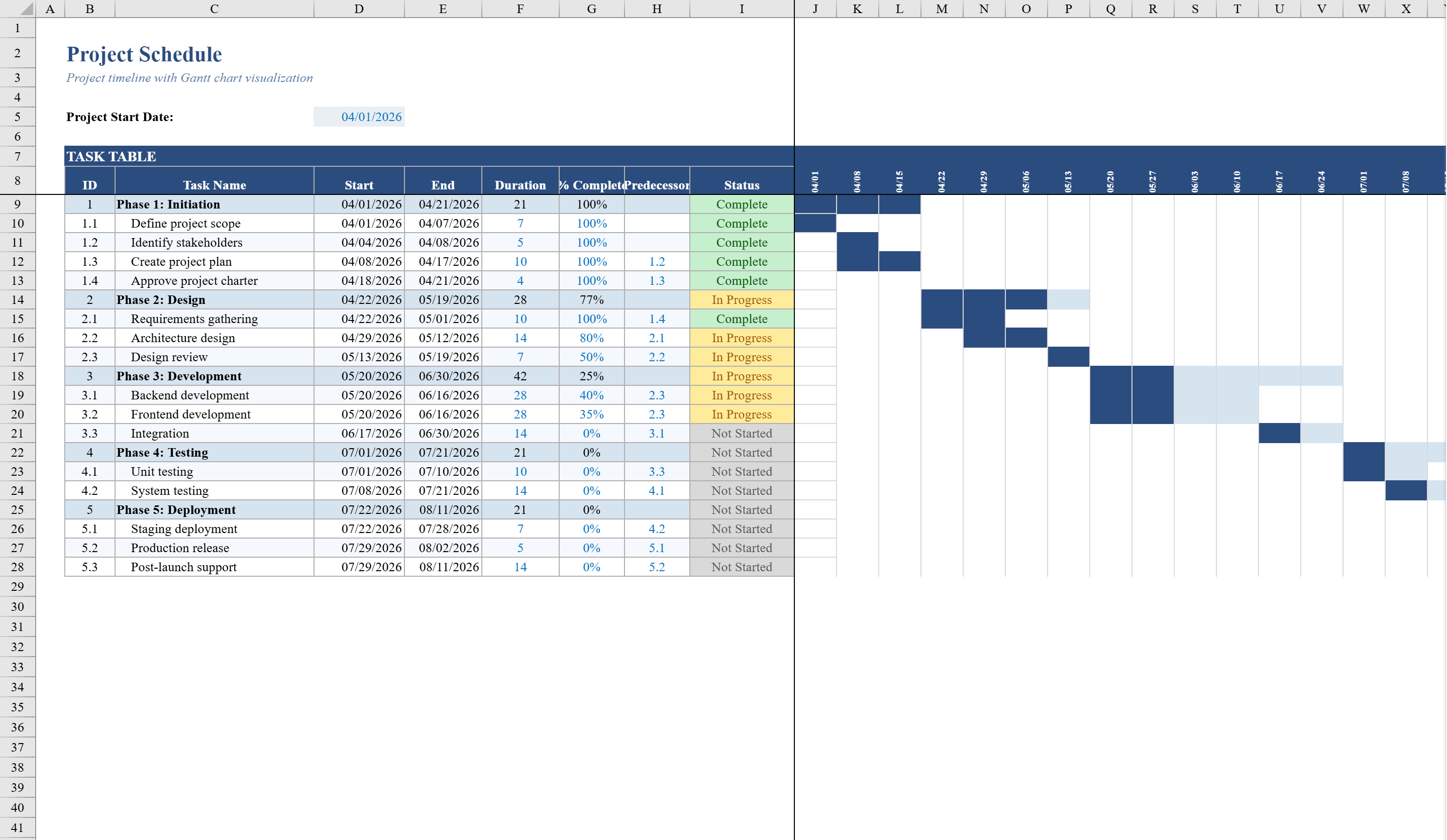
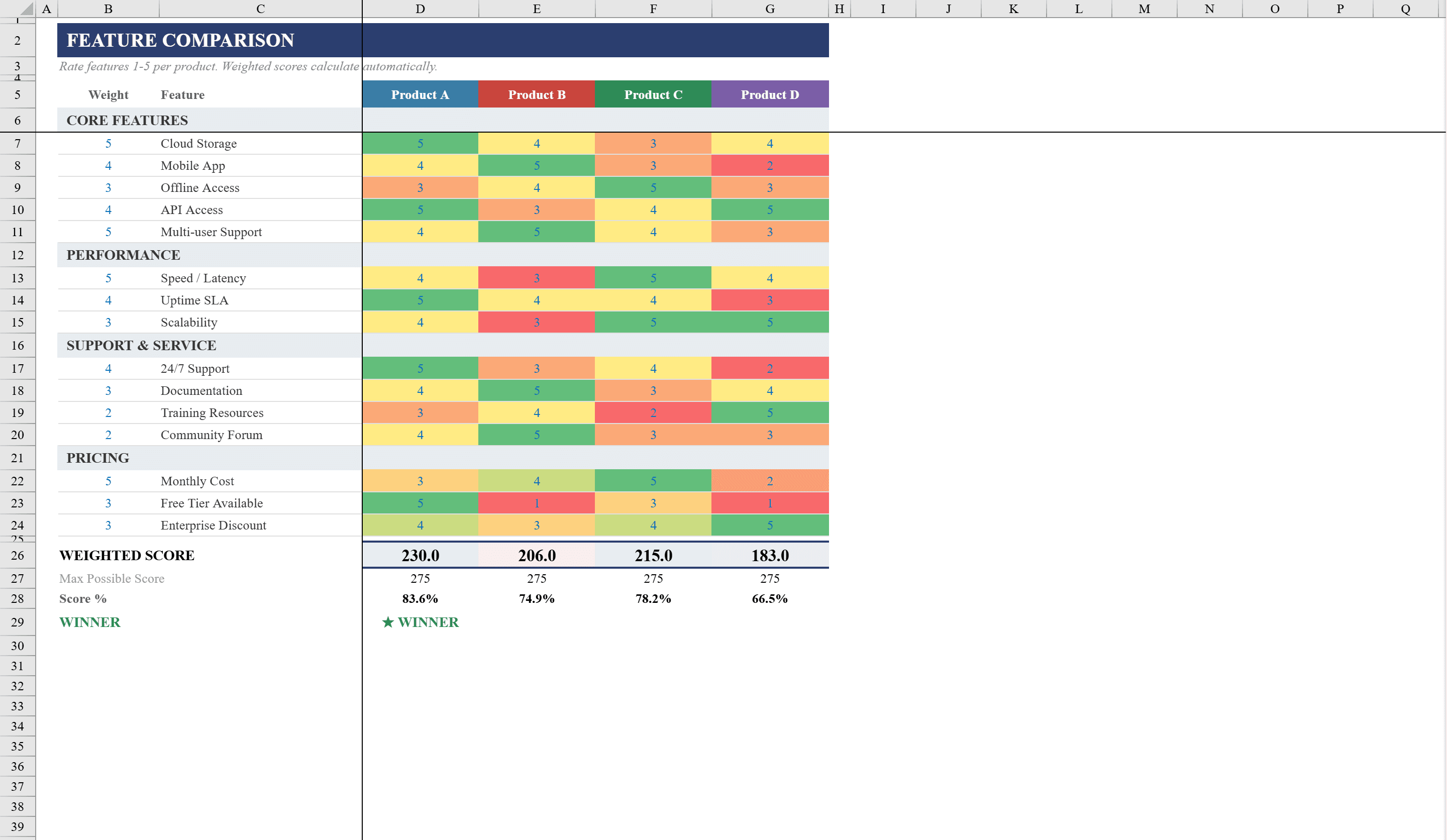
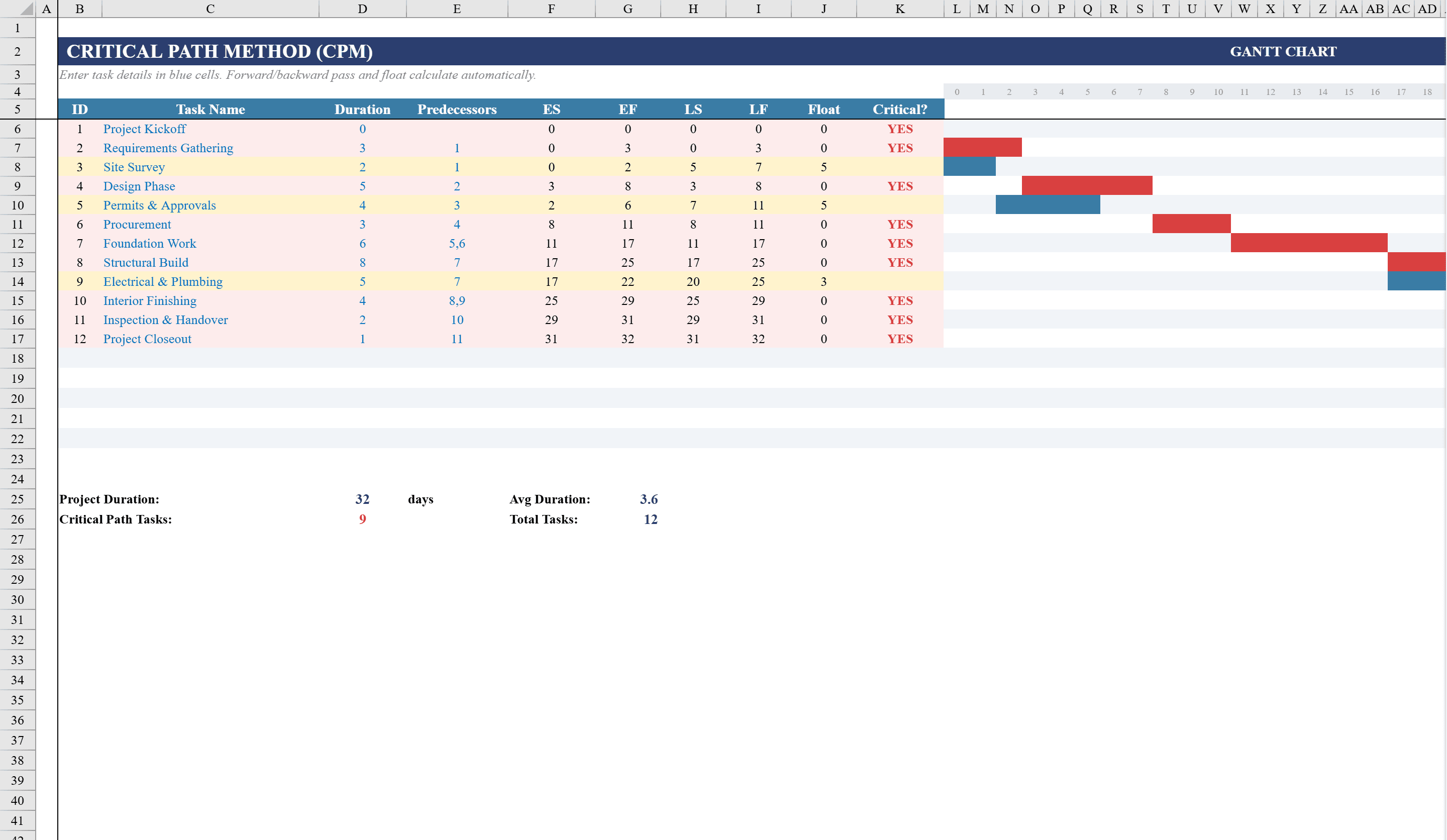
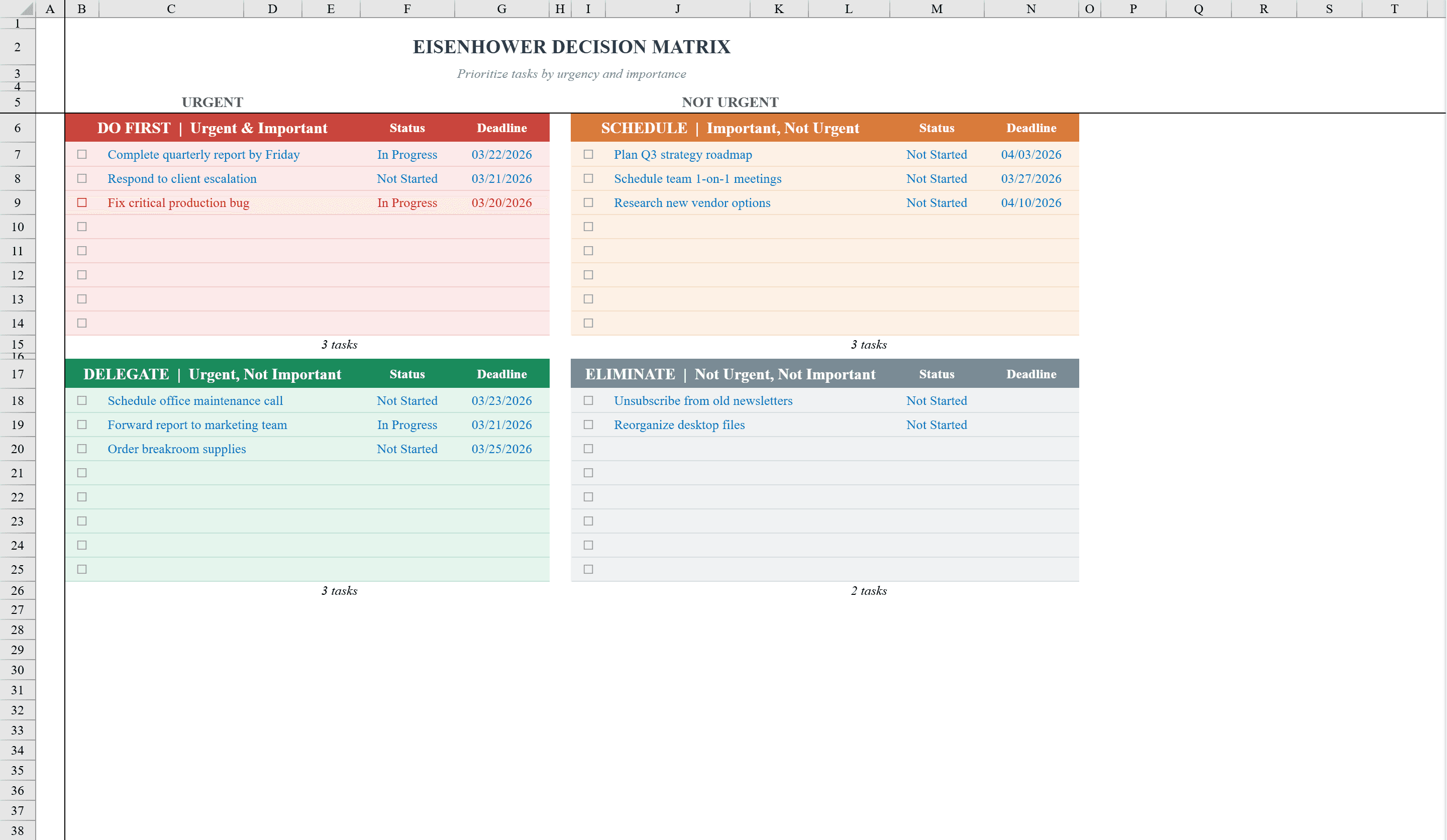
Prioritize your workload with clarity using this Eisenhower Matrix Template for Excel. Designed for professionals, managers, and anyone juggling competing demands, this spreadsheet organizes tasks into four quadrants based on urgency and importance: Do First, Schedule, Delegate, and Eliminate. Each quadrant supports up to eight tasks with status tracking and deadline fields. Built-in conditional formatting automatically highlights completed tasks in green and overdue items in red, so nothing slips through the cracks. Dropdown menus for status selection and date validation keep entries consistent and error-free. A print-ready layout makes it easy to share or post at your desk. Once priorities are clear, map them onto a project schedule or evaluate options with a feature comparison matrix.
Eisenhower Matrix Features
- Four quadrants: Do First, Schedule, Delegate, and Eliminate
- Up to eight tasks per quadrant with status and deadline fields
- Conditional formatting highlights completed (green) and overdue (red) tasks
- Dropdown menus for status selection with date validation
- Print-ready layout for desk posting or team sharing
How to Use This Eisenhower Matrix in Excel
- 1
List your tasks
Enter all current tasks across the four quadrants based on urgency and importance: Do First, Schedule, Delegate, or Eliminate.
- 2
Set deadlines and status
Assign a deadline and status to each task using the dropdown menus. Date validation ensures accurate entries.
- 3
Review color-coded alerts
Completed tasks turn green and overdue items turn red automatically, helping you focus on what needs attention now.
- 4
Reassess regularly
Update the matrix daily or weekly. Move tasks between quadrants as priorities shift to keep your focus aligned with your goals.
Eisenhower Matrix FAQ
- What is the Eisenhower Matrix?
- The Eisenhower Matrix is a time management tool that categorizes tasks into four quadrants based on urgency and importance: Do First (urgent + important), Schedule (important, not urgent), Delegate (urgent, not important), and Eliminate (neither).
- How many tasks can I add per quadrant?
- Each quadrant supports up to eight tasks. If you need more, insert additional rows within the quadrant section — the conditional formatting will extend automatically.
- Can I use this for team task management?
- Yes. Add an assignee column to each quadrant to delegate tasks across team members. The print-ready layout makes it easy to share in meetings.