Project Schedule Template
Keep every task, deadline, and milestone visible in one dynamic Gantt chart that updates as your project evolves.
About the Project Schedule Template
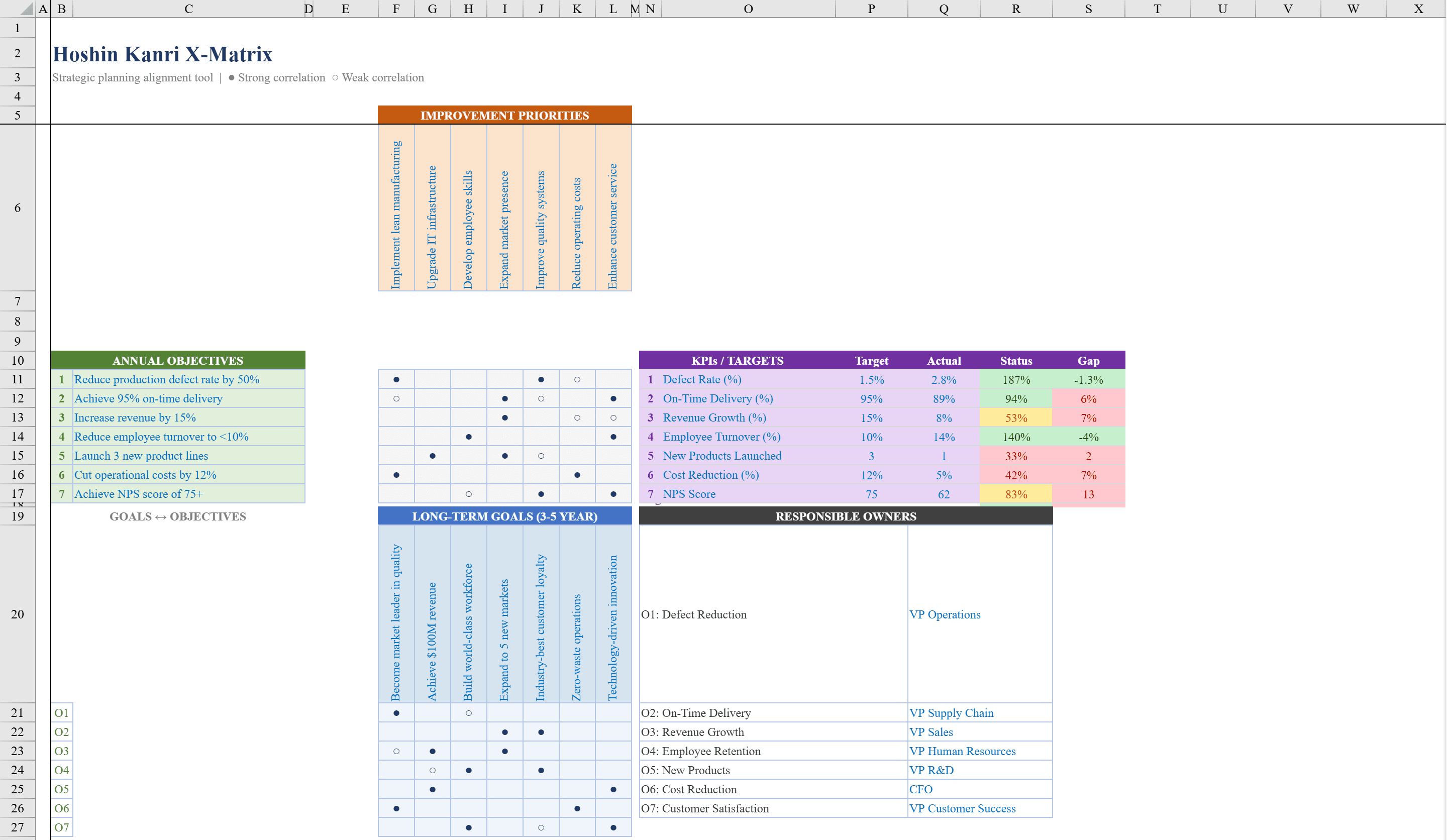
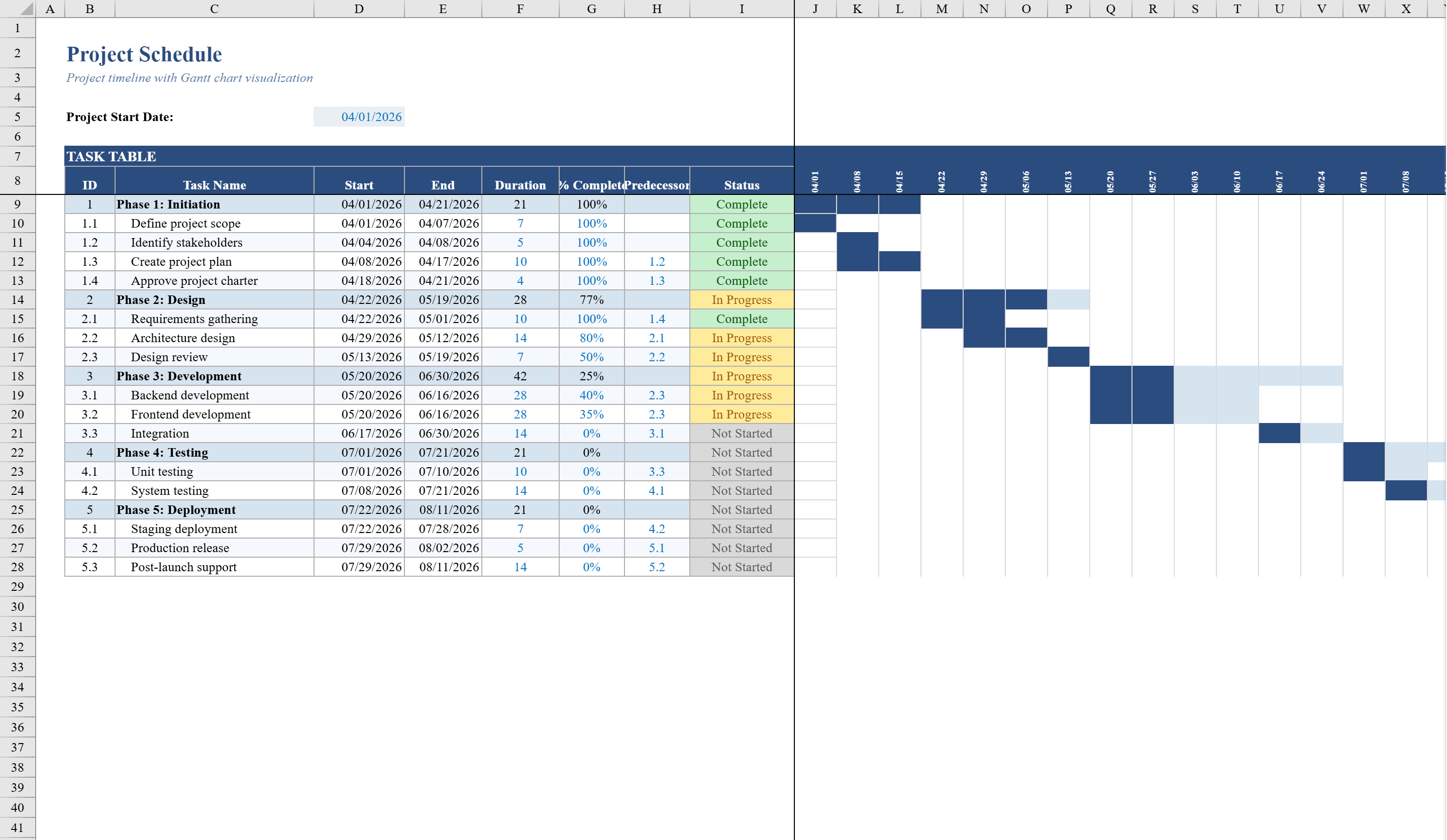
This project schedule template is a comprehensive Excel-based Gantt chart tool built for project managers who need to plan, track, and visualize multi-phase projects. Define tasks with start dates, durations, and completion percentages across up to 20 rows organized by project phase. The spreadsheet automatically calculates end dates, phase-level duration summaries, and status indicators including Complete, In Progress, Overdue, and Not Started. Conditional formatting generates a dynamic Gantt bar timeline directly in the grid, with filled bars showing progress against planned duration. Color-coded status labels and data validation on completion percentages keep your schedule accurate and actionable. For strategic alignment across initiatives, pair this with a Hoshin Kanri X-Matrix to link project tasks to organizational goals.
Project Schedule Template Features
- Up to 20 task rows organized by project phase
- Auto-calculated end dates and phase-level duration summaries
- Dynamic Gantt bar timeline with progress visualization
- Color-coded status labels: Complete, In Progress, Overdue, Not Started
- Data validation on completion percentages
How to Use This Project Schedule Template in Excel
- 1
Define project phases
Organize your project into phases and list individual tasks under each phase heading.
- 2
Enter task details
Add start dates, durations, and completion percentages for each task row.
- 3
Monitor status
Review auto-generated status indicators showing Complete, In Progress, Overdue, or Not Started.
- 4
Track progress
Use the dynamic Gantt bar timeline to visualize progress against planned durations.
Project Schedule Template FAQ
- How many tasks can I track in this project schedule?
- The template supports up to 20 task rows organized by project phase, with automatic end date calculations and phase-level summaries.
- Does the Gantt chart update automatically?
- Yes, conditional formatting generates a dynamic Gantt bar timeline that updates as you enter start dates, durations, and completion percentages.
- What status indicators are included?
- The template automatically assigns four status labels: Complete, In Progress, Overdue, and Not Started, based on dates and completion percentages.