Critical Path
Identify the tasks that drive your project timeline and see exactly where delays will push back your end date.
About the Critical Path
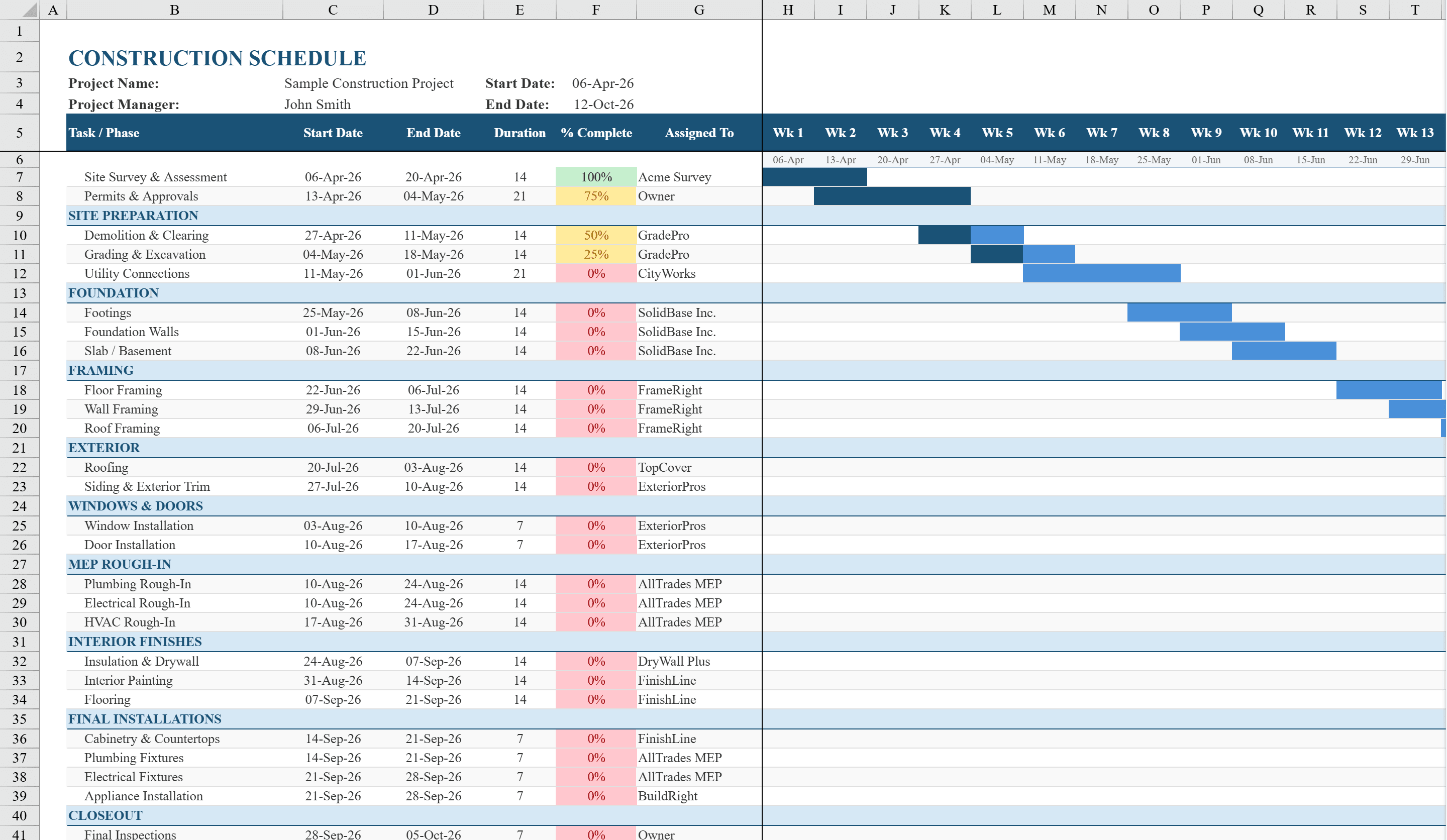
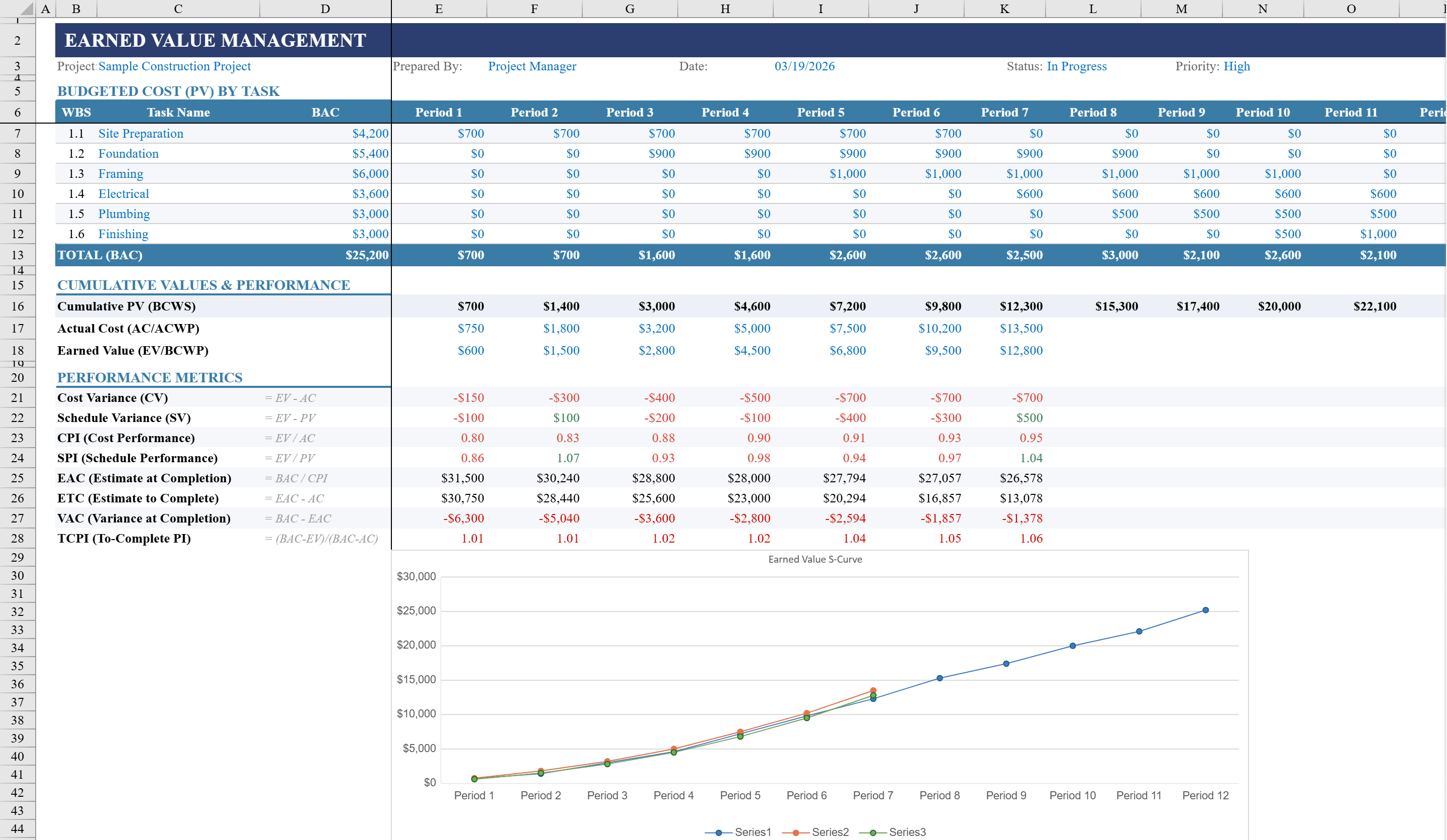
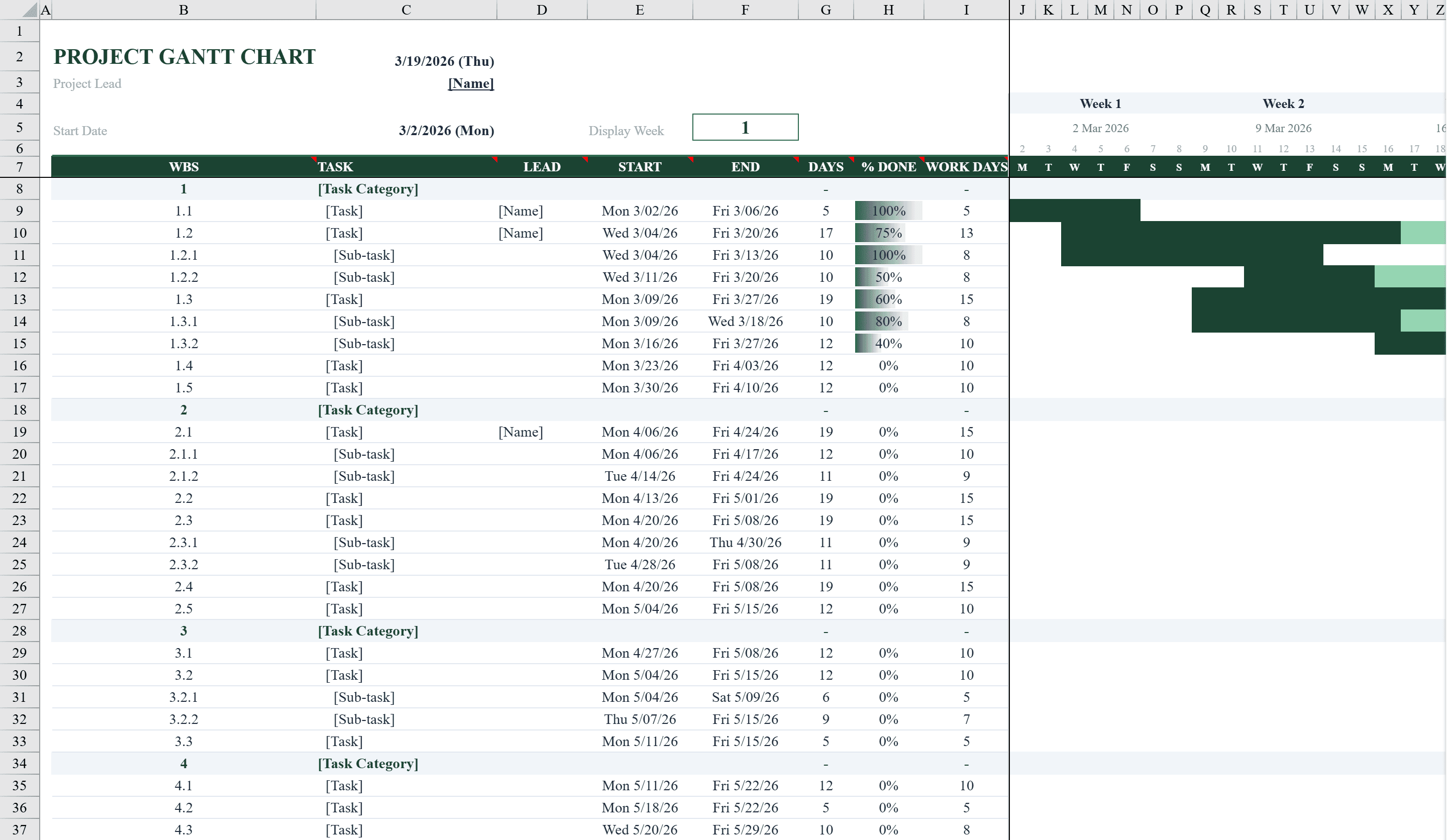
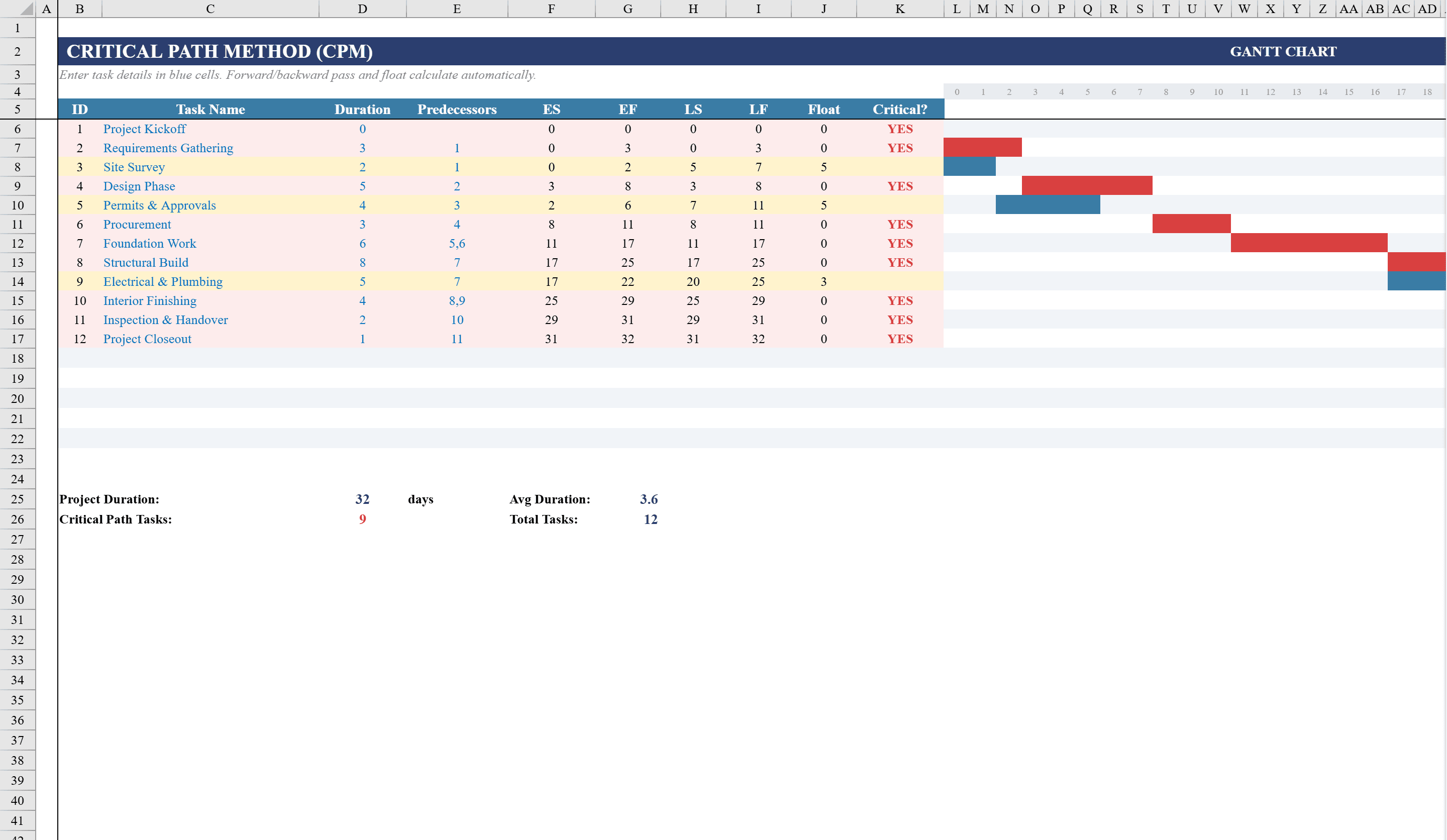
Plan and visualize project timelines with this Critical Path Template for Excel. Designed for project managers and team leads, this template calculates early start, early finish, late start, late finish, and float for up to 18 tasks using predecessor-based scheduling formulas. Tasks with zero float are automatically flagged as critical path items. A built-in Gantt chart rendered through conditional formatting displays critical tasks in red and non-critical tasks in blue directly in the spreadsheet. Summary rows show total project duration, average task duration, and task counts, giving you a complete scheduling tool without specialized software. Apply it to a construction schedule or overlay cost performance with an earned value management template.
Critical Path Features
- Calculates early start, early finish, late start, late finish, and float
- Predecessor-based scheduling formulas for up to 18 tasks
- Zero-float tasks automatically flagged as critical path items
- Gantt chart via conditional formatting: red for critical, blue for non-critical
- Summary rows with total project duration and task counts
How to Use This Critical Path in Excel
- 1
Define your tasks
Enter up to 18 tasks with names, durations, and predecessor task numbers. The template uses predecessors to build the schedule network.
- 2
Review calculated dates
Early start, early finish, late start, late finish, and float are calculated automatically for each task based on predecessor relationships.
- 3
Identify the critical path
Tasks with zero float are highlighted as critical path items. Any delay to these tasks will delay the entire project.
- 4
Use the Gantt chart
The conditional-formatting Gantt chart displays critical tasks in red and non-critical tasks in blue for a visual project timeline.
Critical Path FAQ
- What is the critical path method?
- The critical path method (CPM) identifies the longest sequence of dependent tasks in a project. Tasks on the critical path have zero float — any delay directly extends the project end date.
- Can I add more than 18 tasks?
- Yes. Insert additional rows and extend the predecessor formulas. The Gantt chart conditional formatting will apply to new rows automatically.
- How are predecessor relationships defined?
- Enter the task number(s) that must complete before each task can start in the predecessor column. The template supports single and multiple predecessors for finish-to-start relationships.