Construction Schedule
Visualize every phase of your build on a Gantt-style timeline so contractors and stakeholders stay aligned from groundbreaking to final inspection.
About the Construction Schedule
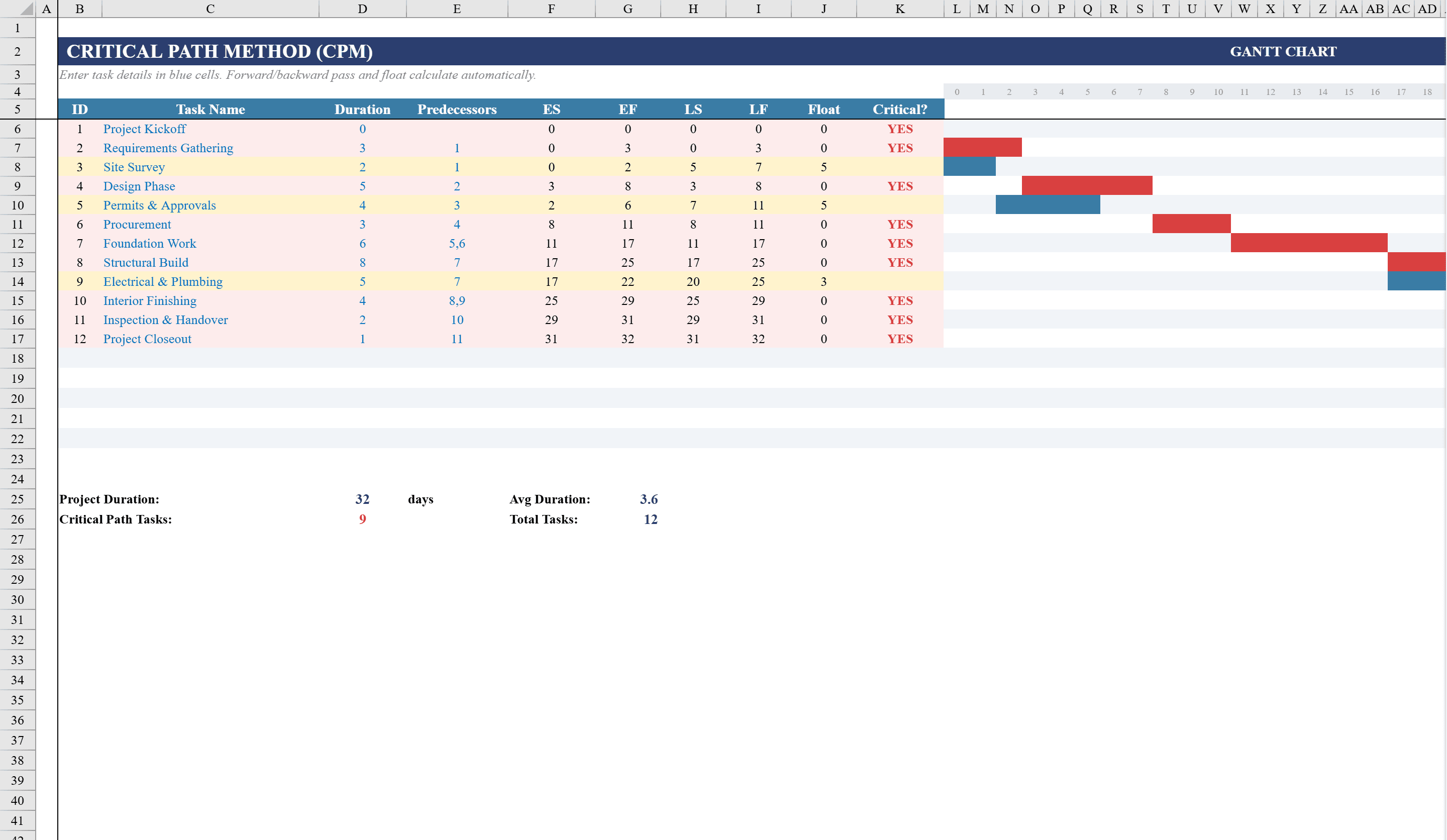
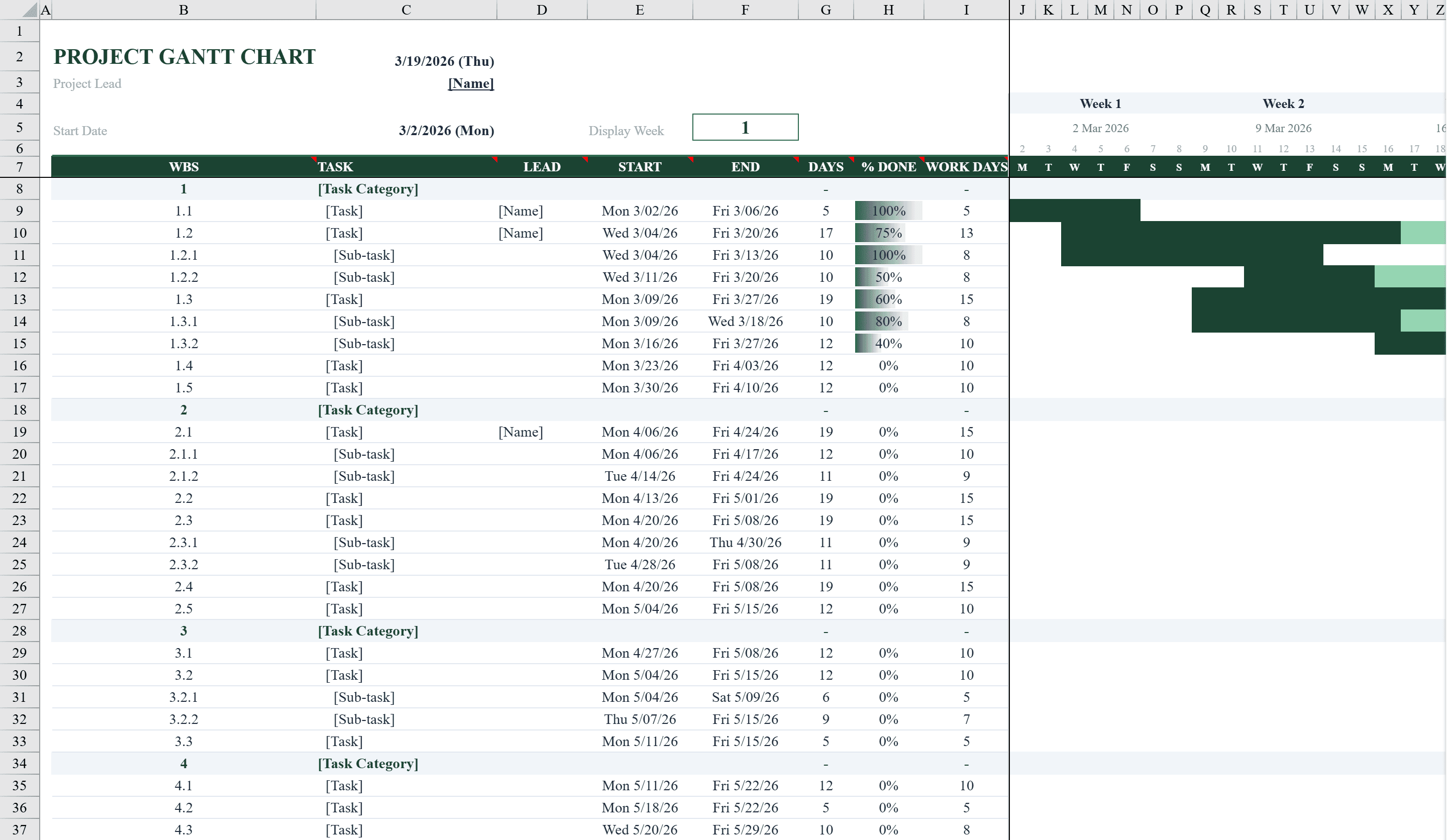
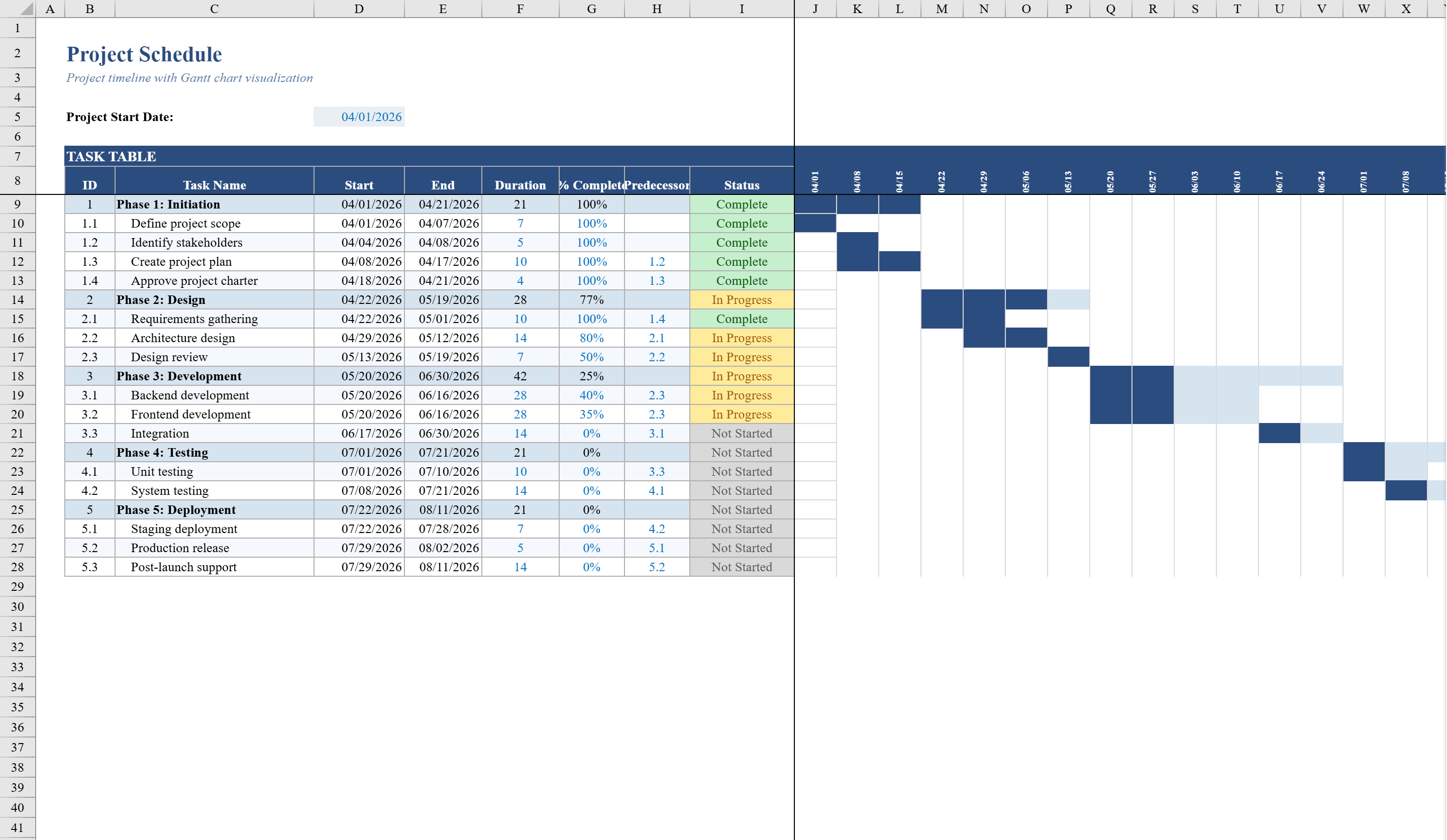
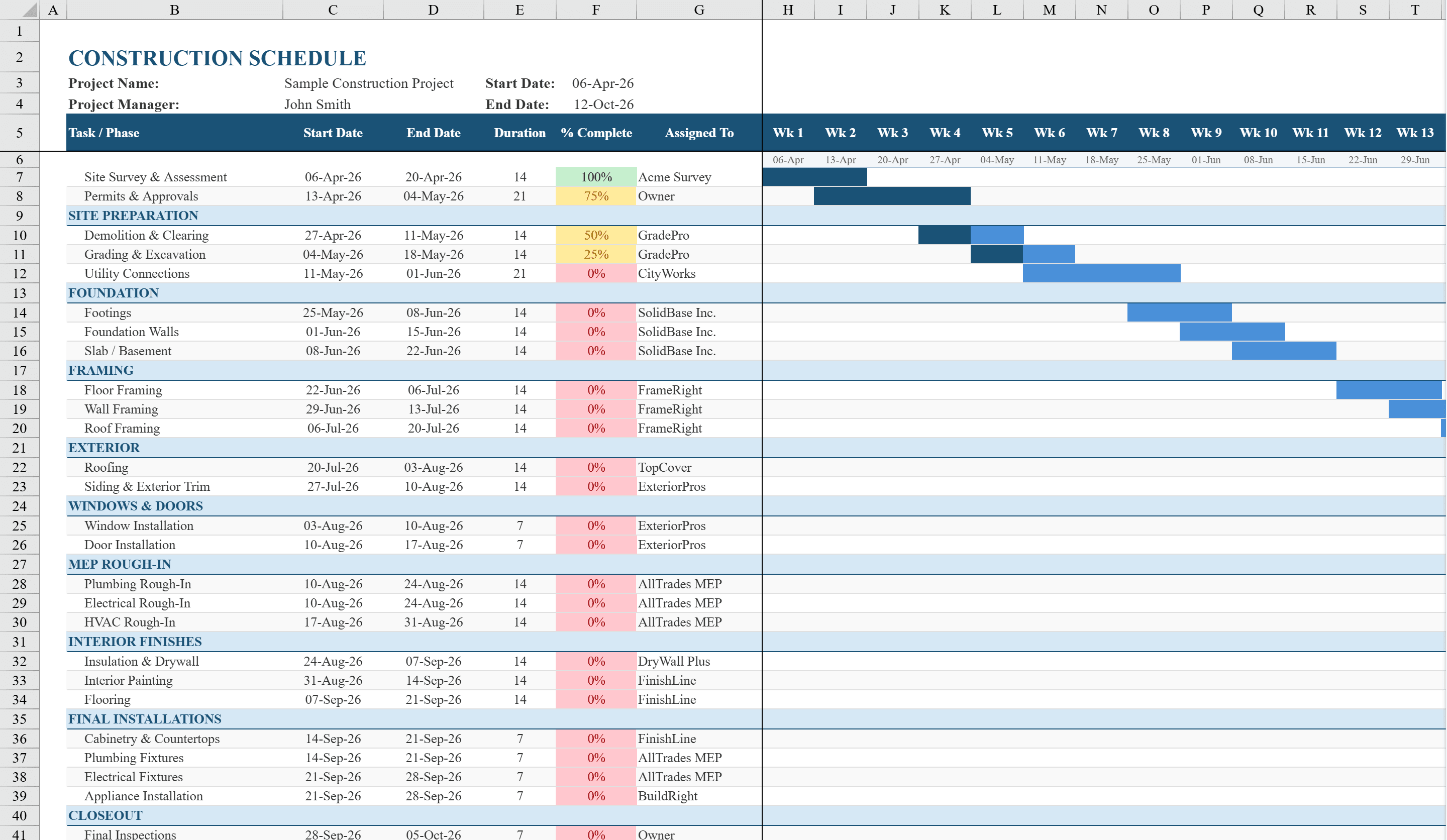
This Excel construction schedule template serves as a visual project timeline for residential or commercial builds, featuring a Gantt-style chart powered entirely by conditional formatting. It covers over 30 typical construction tasks organized into phases such as pre-construction, site work, foundation, framing, roofing, exterior, MEP rough-in, interior, finishing, landscaping, and final inspection. Each task row tracks start date, end date, completion percentage, and assigned contractor, with the Gantt bars automatically rendering in two tones: medium blue for scheduled duration and dark blue for completed progress. Color-coded status indicators highlight tasks as not started, in progress, or complete. For dependency-driven scheduling, pair this with a critical path template or a Gantt chart.
Construction Schedule Features
- Gantt-style chart powered entirely by conditional formatting
- Over 30 construction tasks organized by phase (foundation, framing, MEP, etc.)
- Tracks start date, end date, completion percentage, and assigned contractor
- Two-tone Gantt bars: medium blue for scheduled, dark blue for completed
- Color-coded status indicators for not started, in progress, and complete
How to Use This Construction Schedule in Excel
- 1
Define project phases
Review the pre-built construction phases and tasks. Add, remove, or rename tasks to match your specific project scope.
- 2
Set dates and contractors
Enter start and end dates for each task and assign the responsible contractor. The Gantt chart renders automatically.
- 3
Update completion progress
Enter completion percentages as work progresses. Dark blue bars visually show how much of each task is finished.
- 4
Monitor the timeline
Use the Gantt chart to identify scheduling conflicts, track overall progress, and communicate the timeline to stakeholders.
Construction Schedule FAQ
- Can I add more construction tasks?
- Yes. Insert new rows within any phase section. The Gantt chart conditional formatting will extend to new rows automatically.
- Does this template handle task dependencies?
- The template does not enforce automatic dependencies, but you can manually align start dates with predecessor end dates. For dependency-driven scheduling, see the Critical Path template.
- Can I use this for renovation projects?
- Absolutely. Remove phases that do not apply (like foundation or framing) and add renovation-specific tasks. The template is fully customizable.