Feature Comparison
Score competing products side by side across weighted features so your team can make data-driven purchasing decisions.
About the Feature Comparison
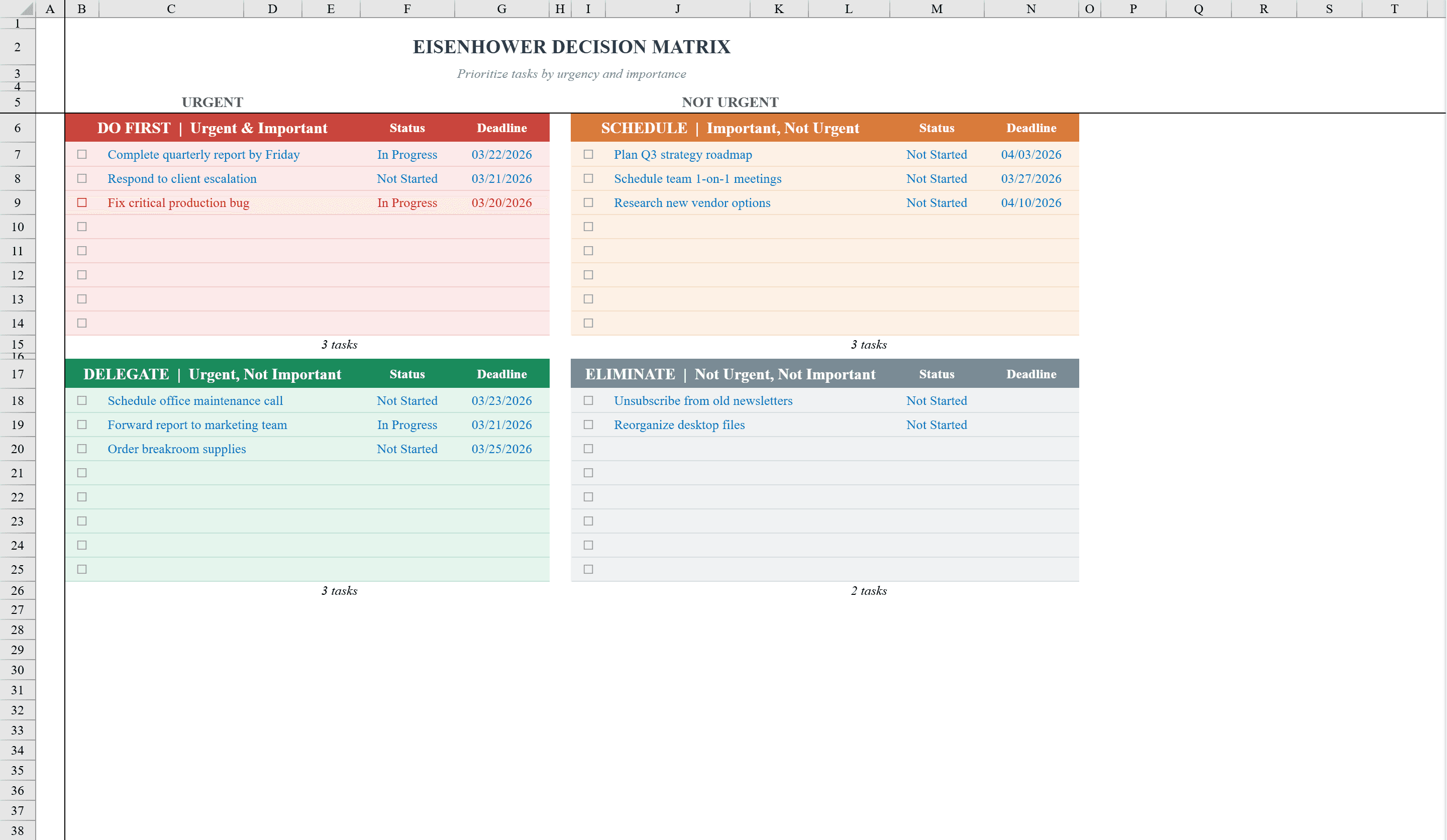
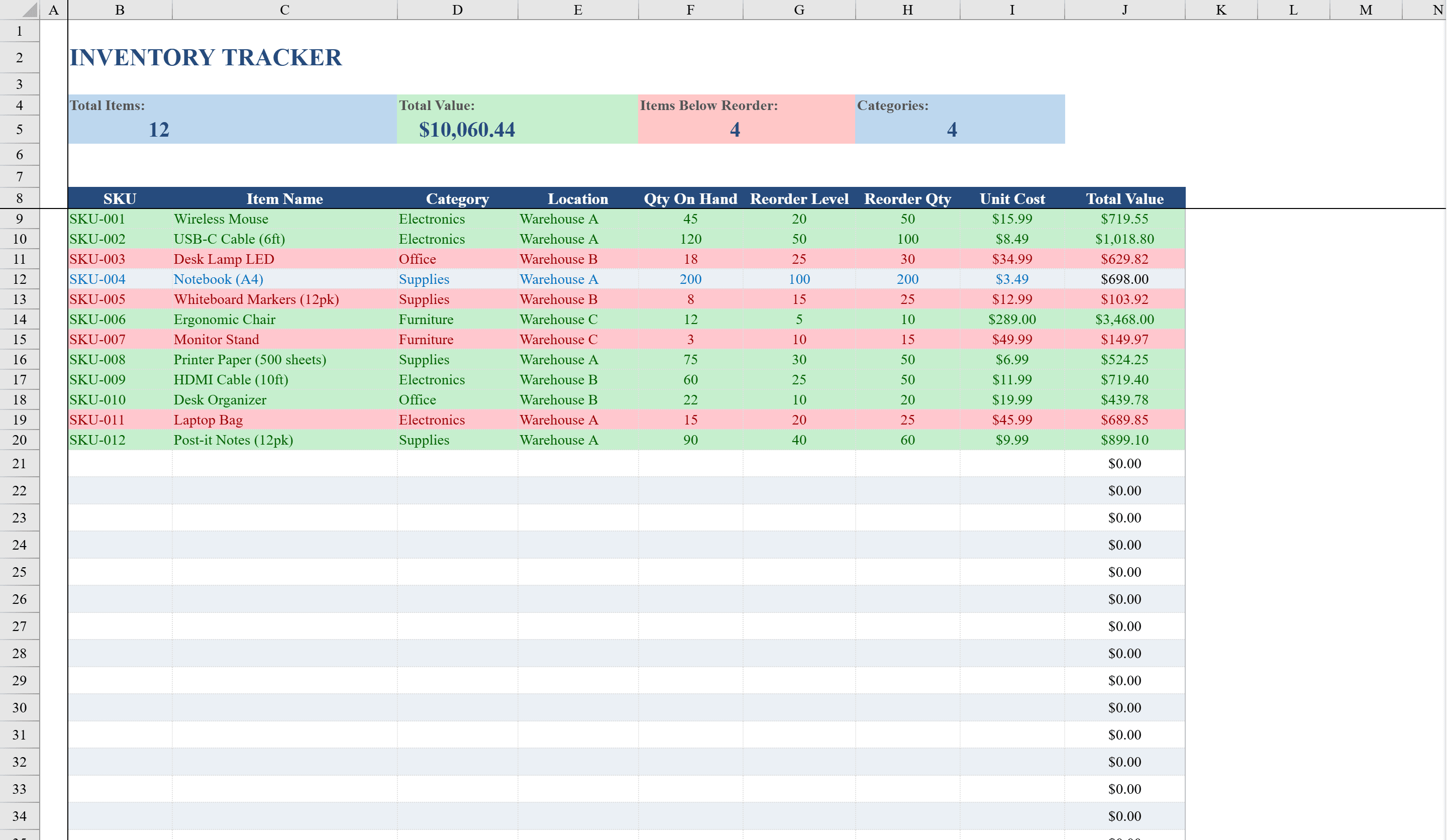
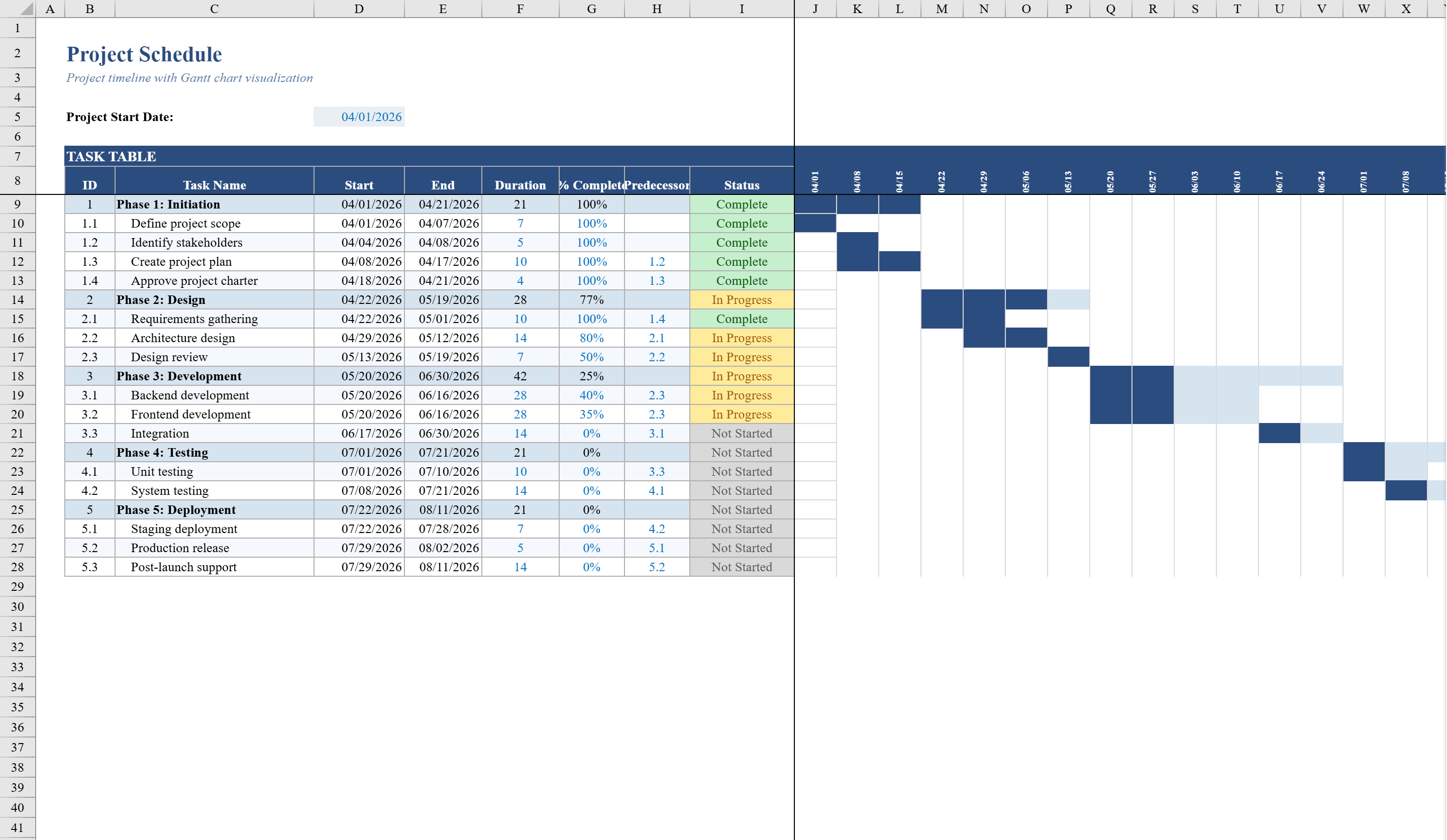
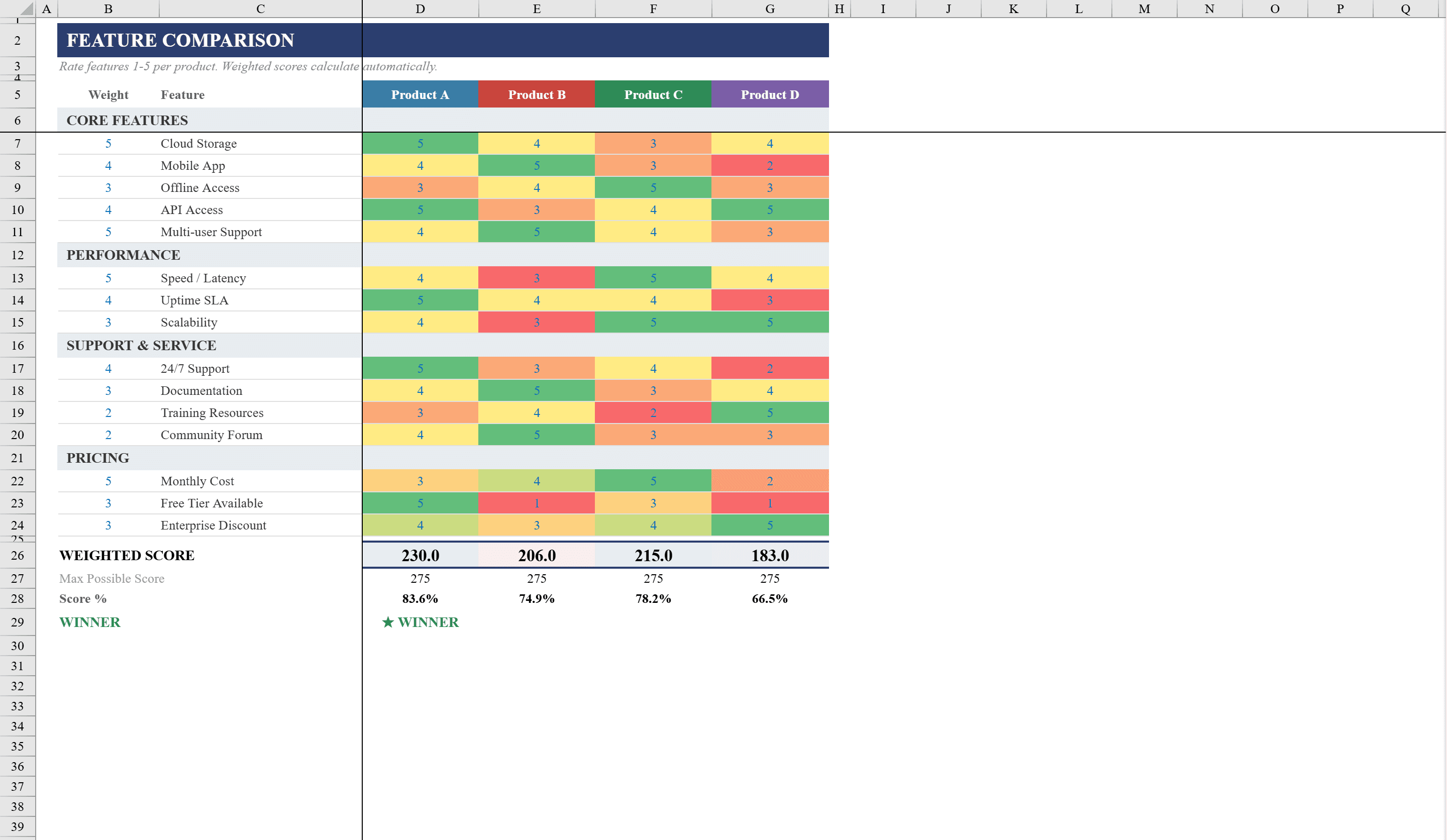
Evaluate competing products or solutions side by side with this Feature Comparison Template for Excel. Ideal for product managers, procurement teams, and decision-makers, this template scores up to four products across 15 features organized into four categories: Core Features, Performance, Support and Service, and Pricing. Each feature carries a customizable importance weight from 1 to 5, and ratings use the same scale. SUMPRODUCT formulas calculate weighted scores automatically, with percentage rankings and an automatic winner declaration. Three-color conditional formatting scales provide visual heat maps of ratings, making strengths and weaknesses obvious at a glance. Once you have chosen a winner, prioritize implementation tasks with an Eisenhower matrix or lay them out on a project schedule.
Feature Comparison Features
- Compare up to four products across 15 features in four categories
- Customizable importance weights (1-5) and rating scale (1-5)
- SUMPRODUCT formulas calculate weighted scores automatically
- Percentage rankings and automatic winner declaration
- Three-color conditional formatting heat maps for visual comparison
How to Use This Feature Comparison in Excel
- 1
Define features and weights
Review the 15 features across four categories. Customize feature names and assign importance weights from 1 (low) to 5 (critical).
- 2
Enter product names
Add up to four products or solutions you are comparing in the column headers.
- 3
Rate each product
Score each product on every feature from 1 to 5. Weighted scores and rankings calculate automatically via SUMPRODUCT formulas.
- 4
Review results
Check the percentage rankings, heat map coloring, and automatic winner declaration to inform your decision.
Feature Comparison FAQ
- Can I compare more than four products?
- The template is designed for up to four products. Add more columns to compare additional options — the SUMPRODUCT formulas and conditional formatting can be extended.
- How do importance weights affect the score?
- Each feature rating is multiplied by its importance weight before summing. A feature weighted 5 has five times the impact of one weighted 1, ensuring critical features drive the final ranking.
- Can I customize the feature categories?
- Yes. Rename the four category headers and the individual features within each to match your specific evaluation criteria.