CAGR Calculator
Calculate and compare compound annual growth rates for up to three investments with ten-year projections and visual growth charts.
About the CAGR Calculator
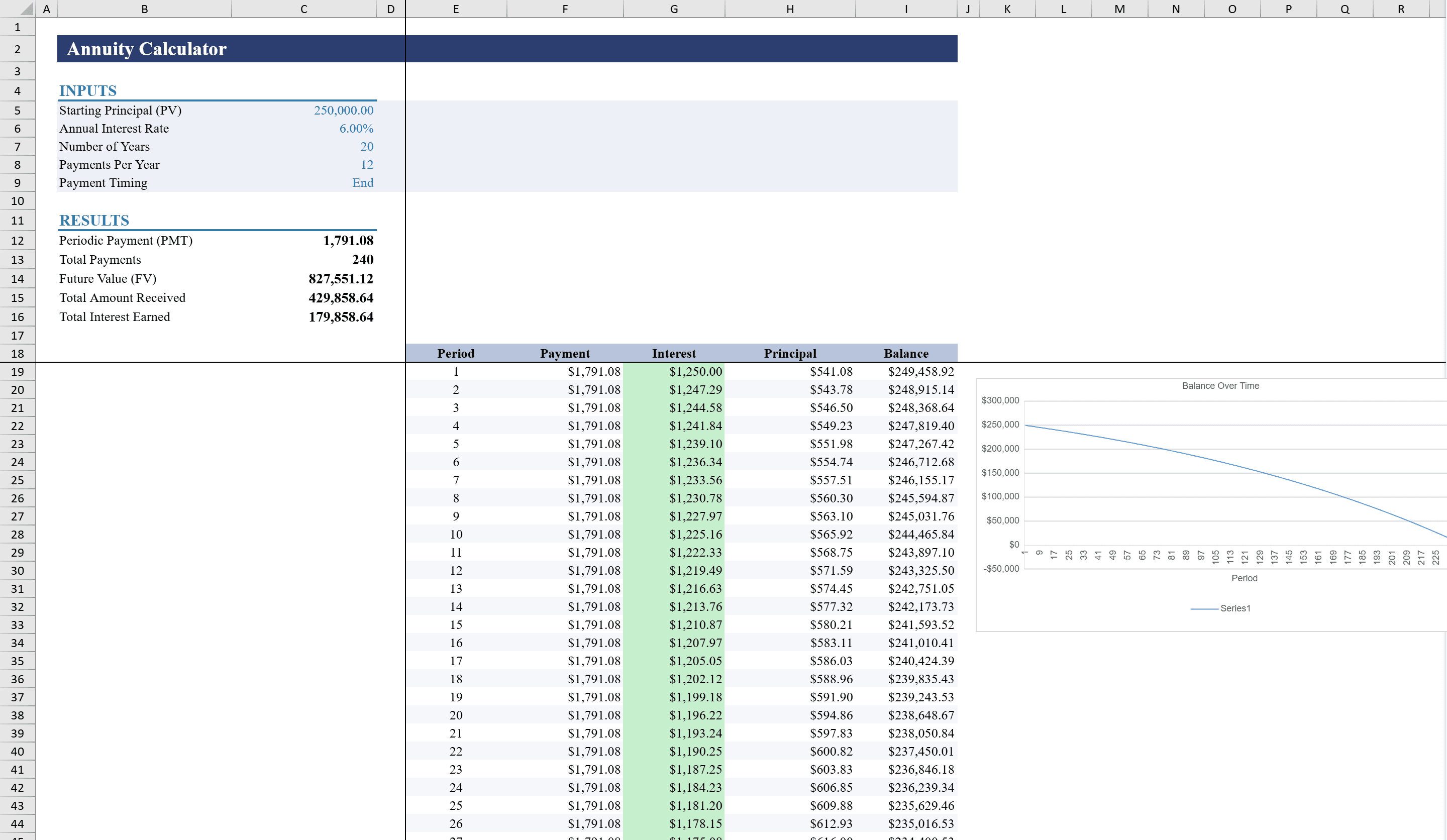
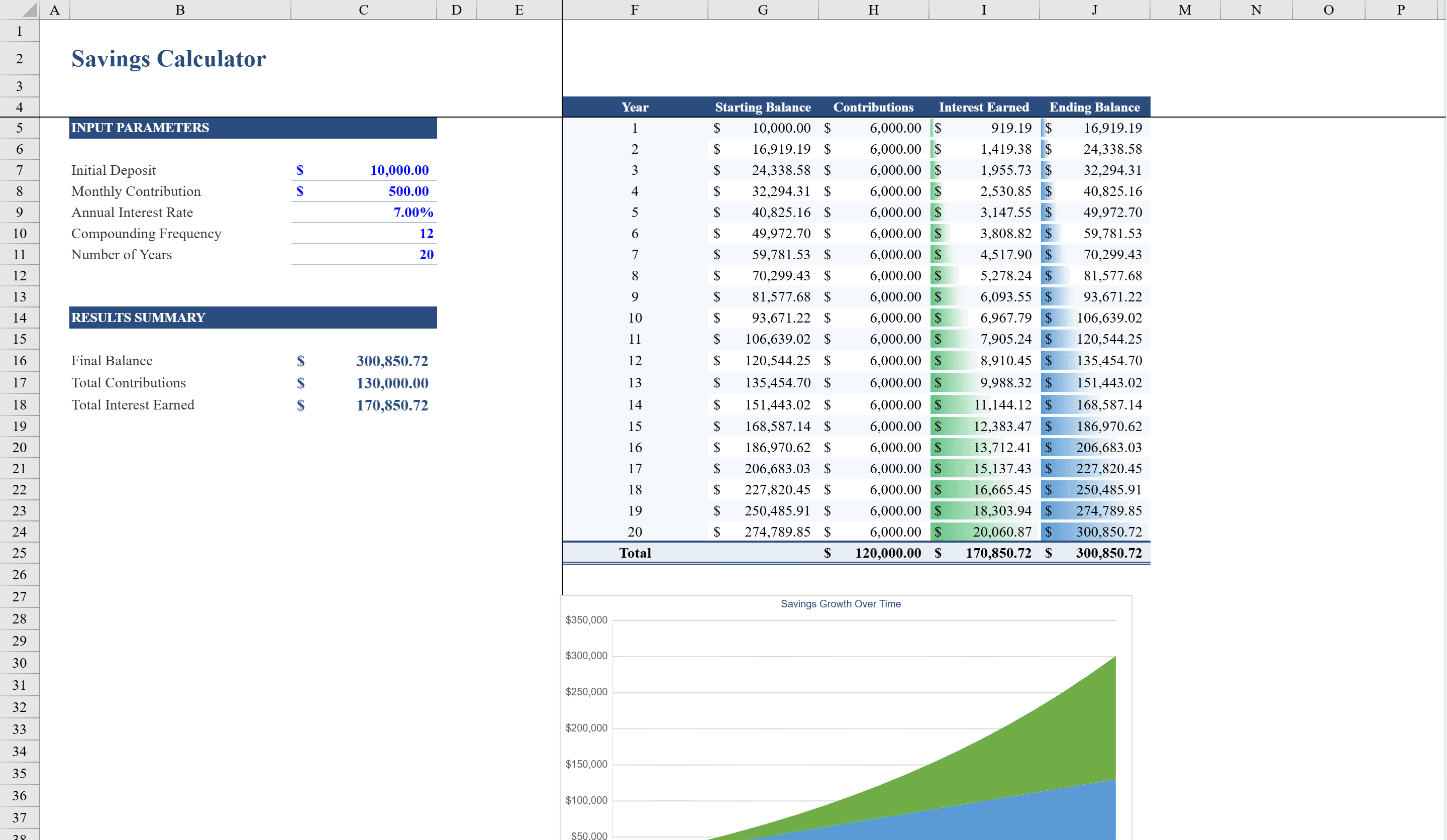
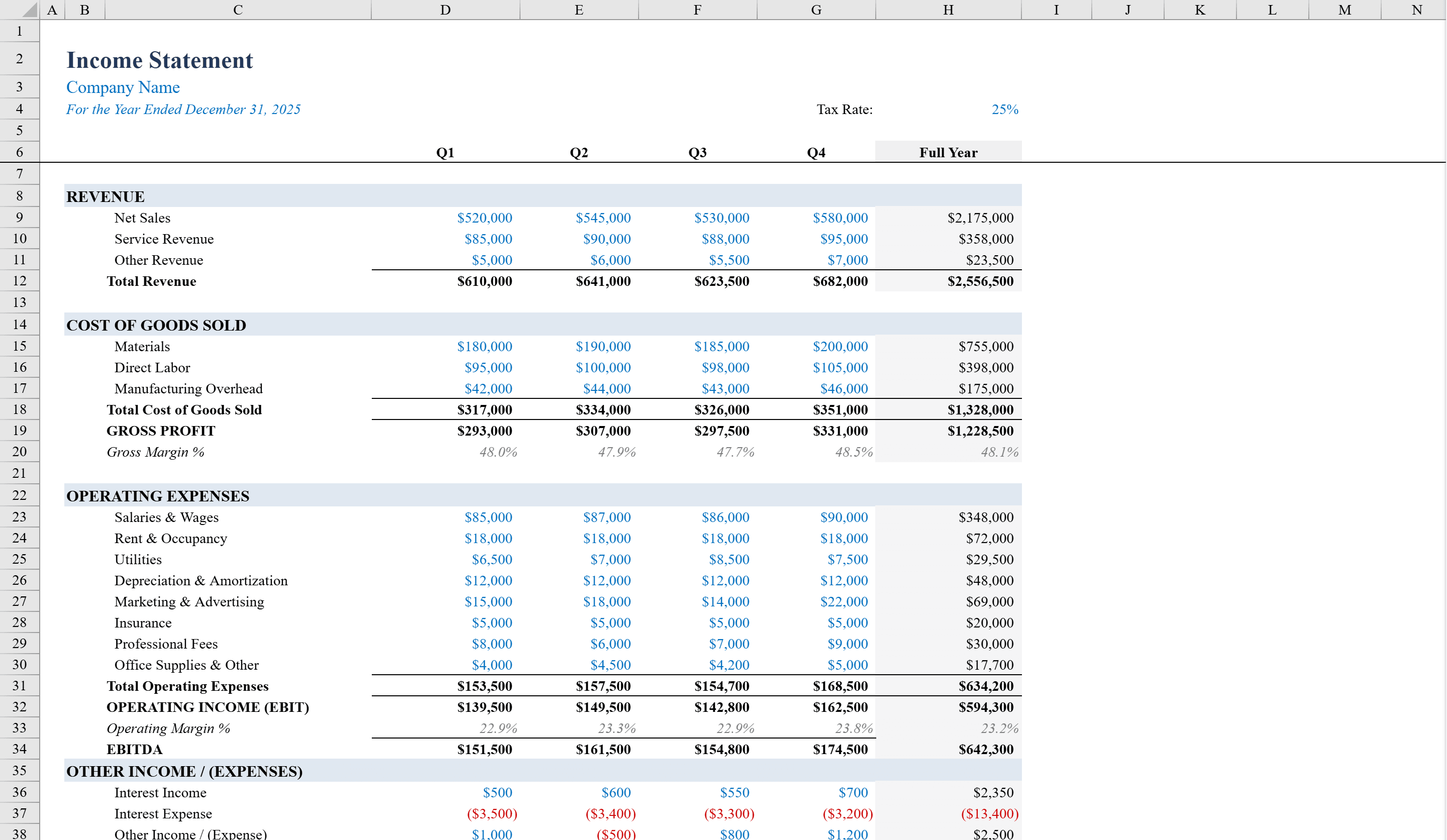
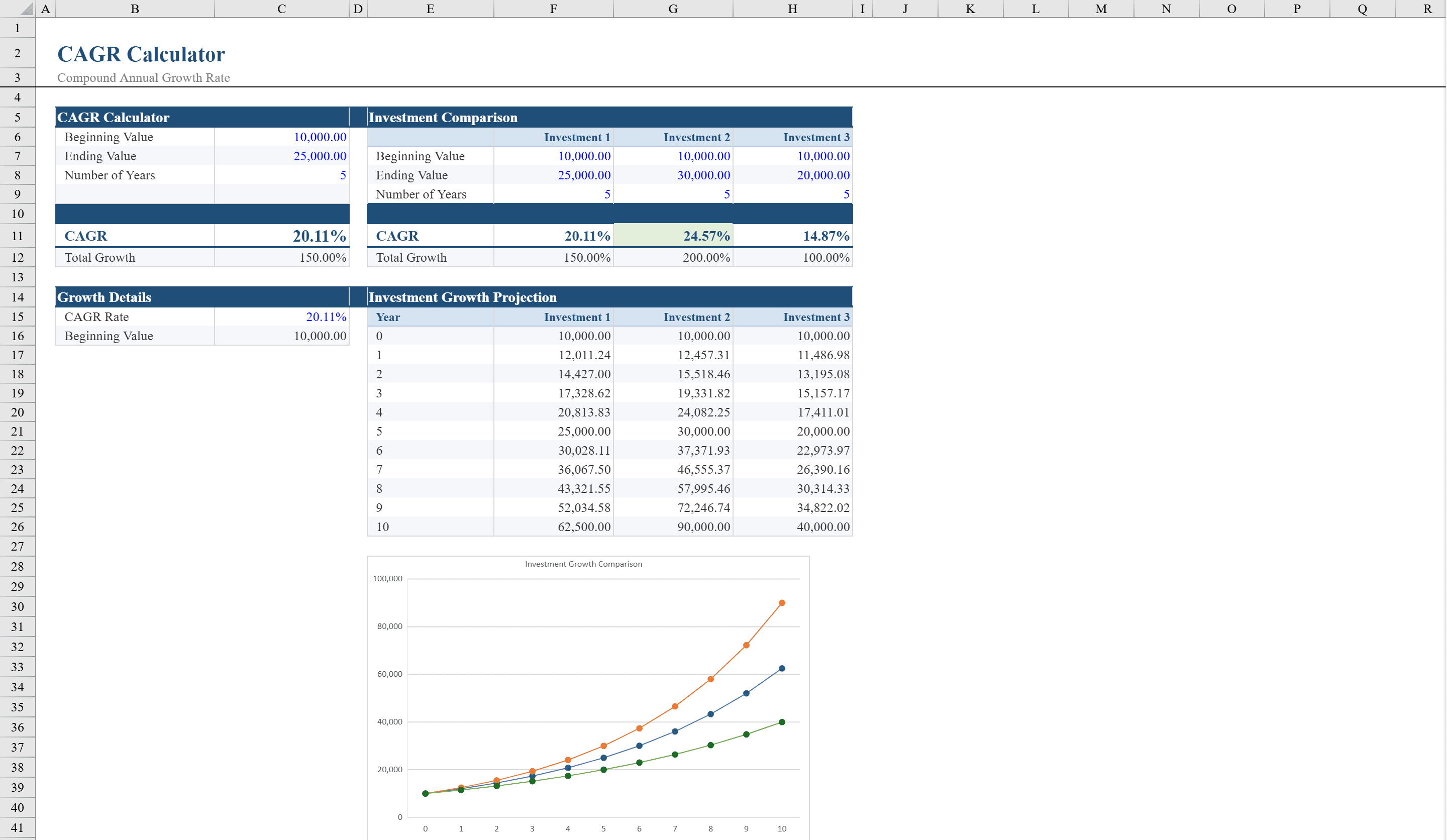
Measure and compare investment growth rates with this CAGR Calculator for Excel. Designed for investors, financial analysts, and business planners, this template calculates the Compound Annual Growth Rate from beginning and ending values over any time period. A multi-investment comparison section lets you evaluate up to three investments side by side, with a year-by-year projection table and a line chart visualizing growth trajectories over ten years. Conditional formatting highlights negative returns in red and identifies the top-performing investment. Input validation ensures accurate entries, making this a reliable tool for benchmarking portfolio performance and forecasting future values. Model retirement payouts with the annuity calculator or project regular savings with the savings calculator.
CAGR Calculator Features
- CAGR calculation from beginning and ending values over any time period
- Multi-investment comparison for up to three investments side by side
- Year-by-year projection table spanning ten years
- Line chart visualizing growth trajectories
- Conditional formatting highlights negative returns and top performer
How to Use This CAGR Calculator in Excel
- 1
Enter investment values
Input the beginning value, ending value, and number of years for each investment to calculate the CAGR automatically.
- 2
Compare multiple investments
Add up to three investments in the comparison section to see their CAGRs, projected values, and relative performance side by side.
- 3
Review the projection table
The year-by-year table shows how each investment's value grows over ten years based on its calculated CAGR.
- 4
Analyze the growth chart
Use the line chart to visualize and compare growth trajectories. The top-performing investment is highlighted automatically.
CAGR Calculator FAQ
- What is CAGR?
- Compound Annual Growth Rate (CAGR) is the annualized average rate of return for an investment over a specified time period. It smooths out volatility to show the steady rate at which an investment would have grown.
- Can I use this for revenue growth analysis?
- Yes. CAGR works for any metric that grows over time — revenue, user base, market size, or portfolio value. Enter the starting and ending values with the time period.
- How does the multi-investment comparison work?
- Enter beginning value, ending value, and years for up to three investments. The template calculates each CAGR and projects all three growth curves on the same chart for easy comparison.