Savings Calculator
Project how your savings will grow over twenty years with compound interest so you can set realistic financial goals.
About the Savings Calculator
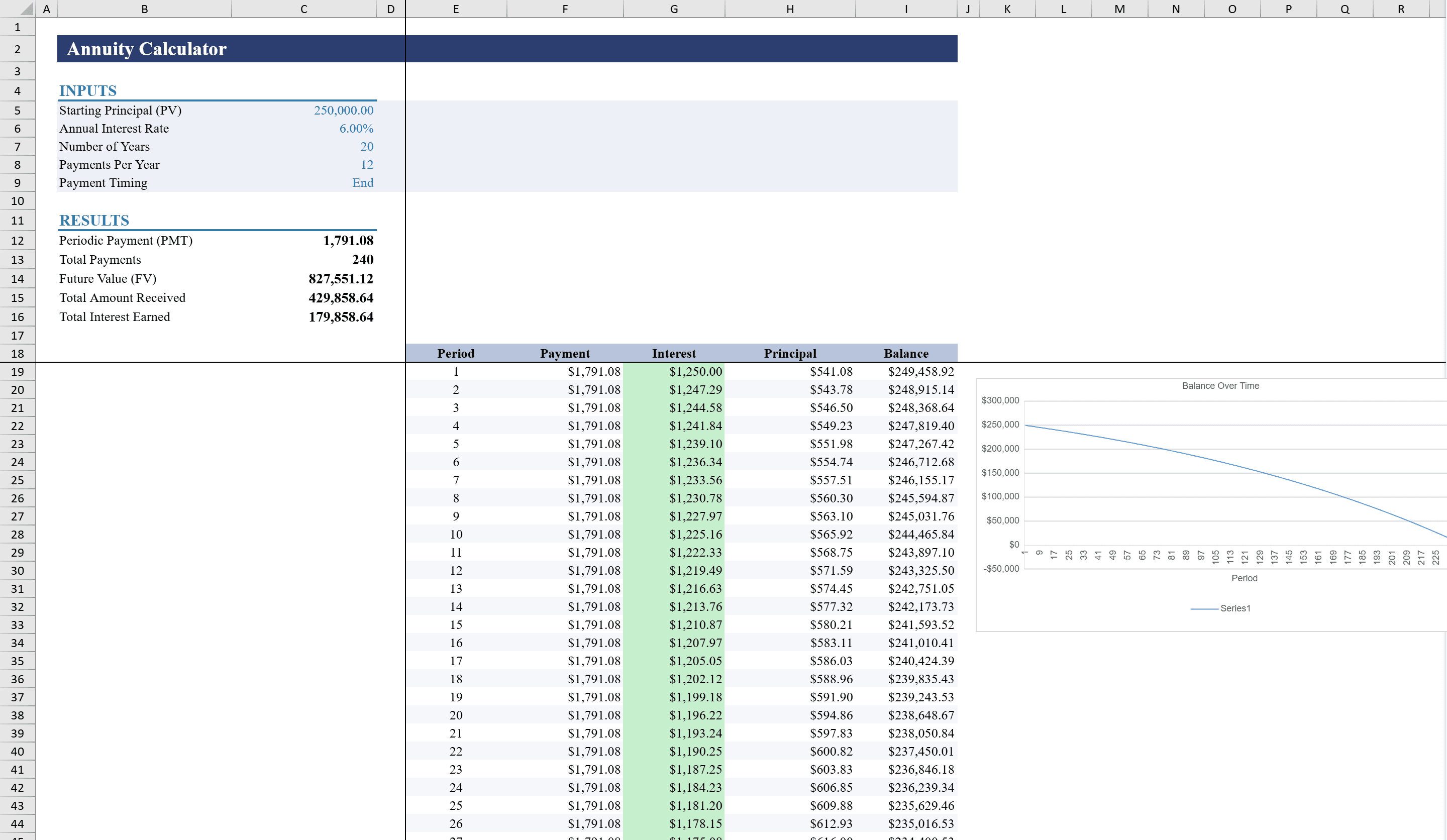
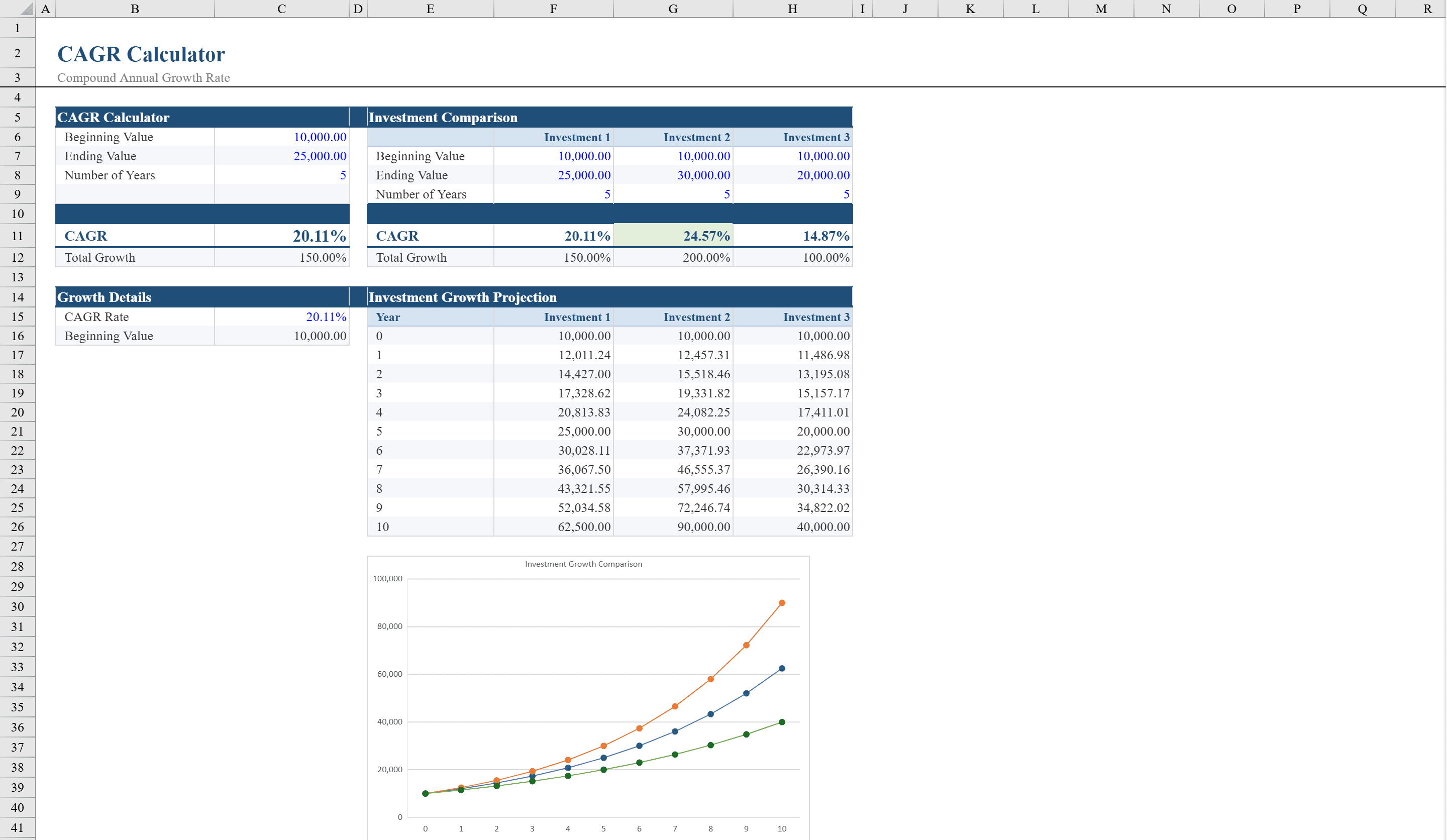
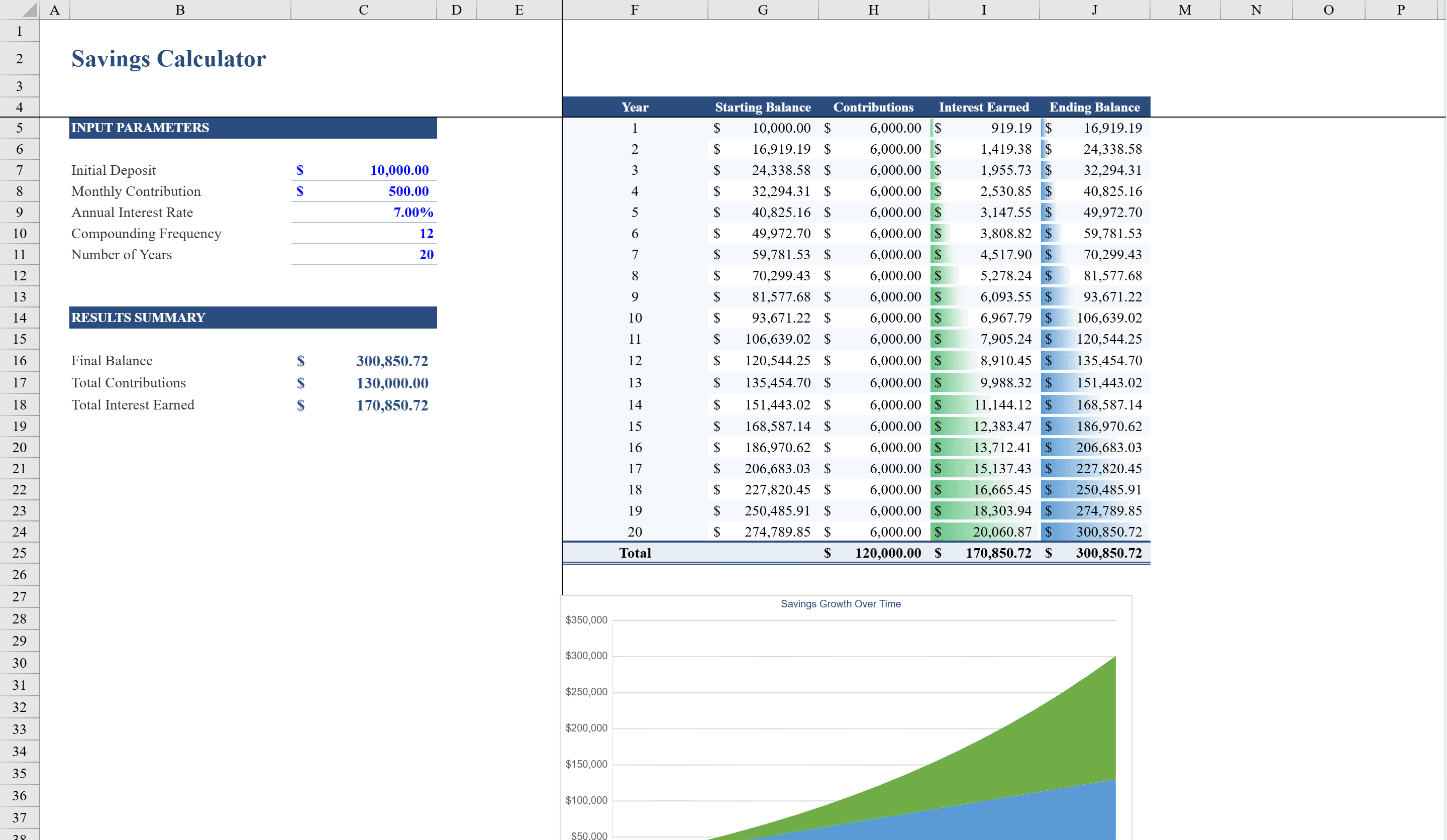
This savings calculator Excel template helps individuals and financial planners project long-term savings growth with precision. Enter your initial deposit, recurring monthly contributions, annual interest rate, and compounding frequency to instantly generate a 20-year savings schedule. The spreadsheet automatically calculates year-by-year ending balances, total contributions, and cumulative interest earned. Built-in data validation ensures accurate inputs, while conditional formatting with data bars provides a visual snapshot of interest growth. A stacked area chart illustrates total contributions versus interest earned over time, making it easy to see how compound interest accelerates your wealth. Compare growth rates across assets with the CAGR calculator or plan retirement income using the annuity calculator.
Savings Calculator Features
- Inputs for initial deposit, monthly contributions, interest rate, and compounding frequency
- 20-year savings schedule with year-by-year balances
- Automatic total contributions and cumulative interest calculations
- Data bars via conditional formatting for visual interest growth
- Stacked area chart showing contributions vs. interest earned over time
How to Use This Savings Calculator in Excel
- 1
Enter your savings parameters
Input your initial deposit, monthly contribution amount, annual interest rate, and preferred compounding frequency (monthly, quarterly, or annually).
- 2
Review the 20-year schedule
The schedule shows year-by-year ending balances, total contributions to date, and cumulative interest earned.
- 3
Visualize growth with the chart
The stacked area chart separates contributions from interest earned, showing how compound interest accelerates growth over time.
- 4
Adjust and compare scenarios
Change the interest rate or monthly contribution to model different scenarios and see how small changes compound over 20 years.
Savings Calculator FAQ
- What compounding frequencies are supported?
- The template supports monthly, quarterly, semi-annual, and annual compounding. Select your preferred frequency from the dropdown and all calculations adjust automatically.
- Can I extend the projection beyond 20 years?
- Yes. Add more rows to the schedule table. The formulas will continue the compound interest calculations for any number of additional years.
- How accurate are the projections?
- The projections use standard compound interest formulas and are mathematically precise for a fixed interest rate. Actual returns may vary with market conditions, but the template gives you a reliable baseline for planning.