Annuity Calculator
Model annuity payouts and growth across 240 periods so you can plan retirement income with confidence.
About the Annuity Calculator
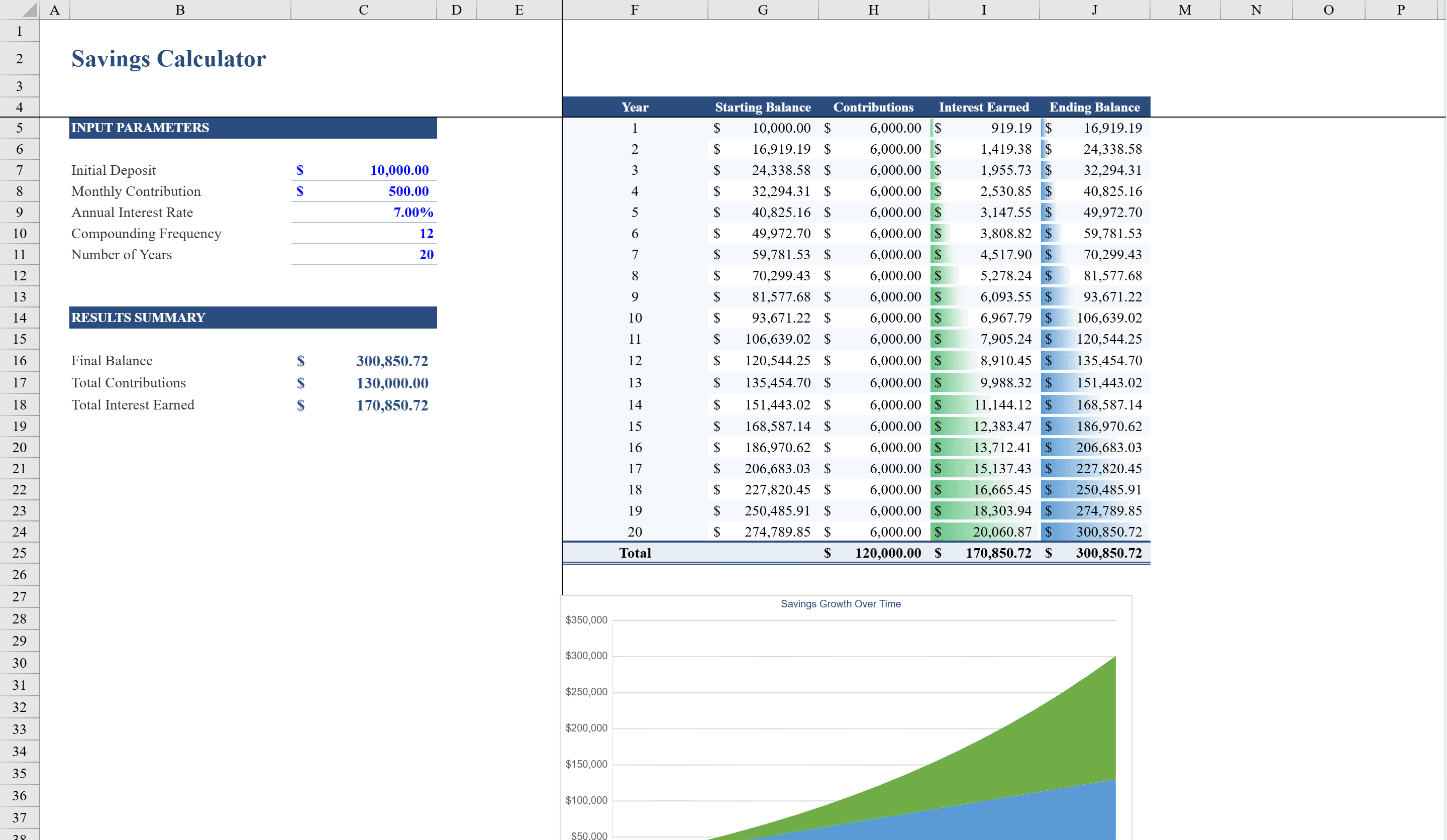
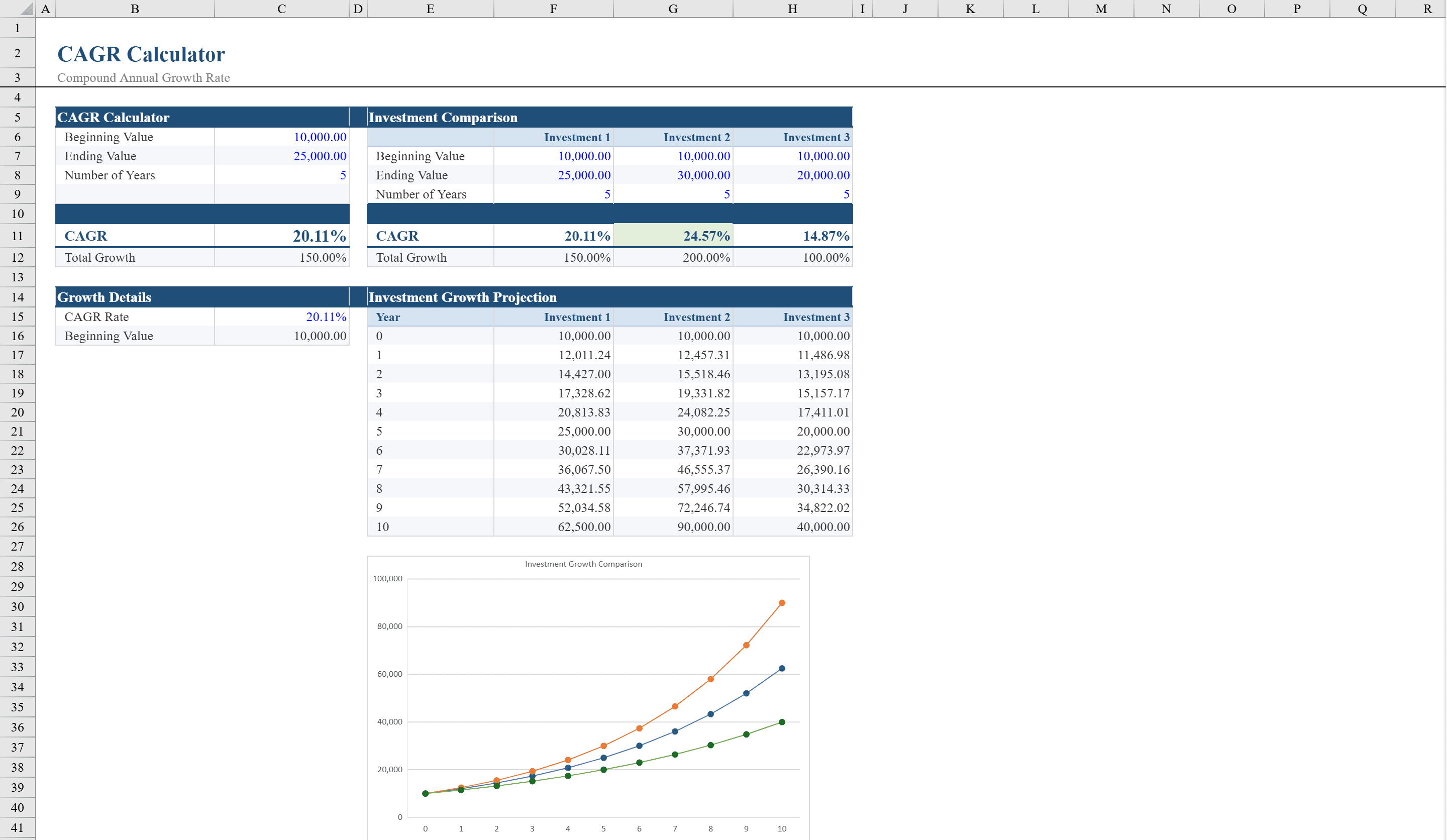
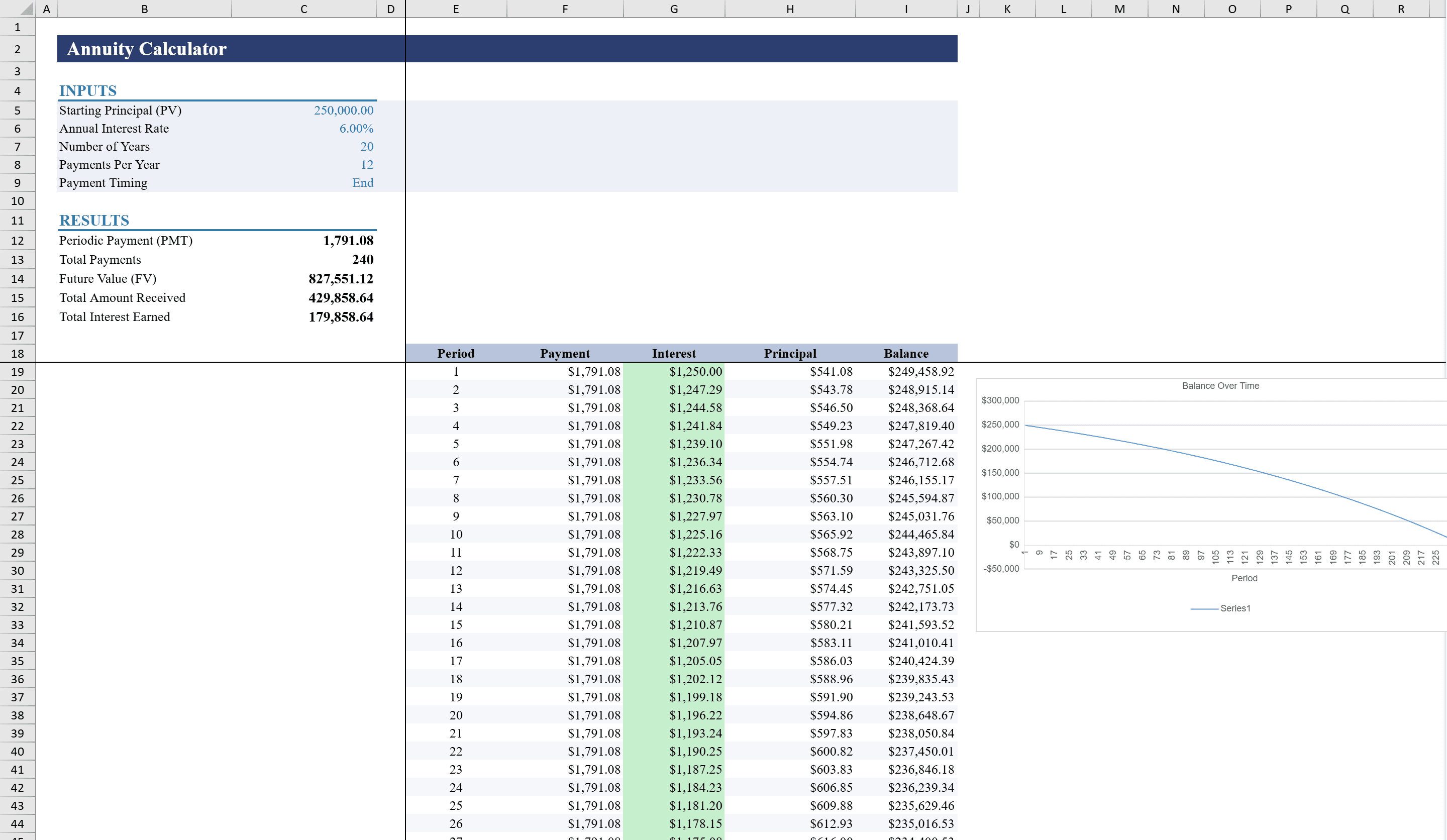
Model annuity payouts and growth with precision using this Annuity Calculator for Excel. Perfect for financial planners, retirees, and investors, this two-sheet workbook includes a detailed calculator with a full 240-period amortization schedule and a line chart showing balance over time, plus a basic calculator offering three solve-for scenarios: periodic payment, starting principal, and number of years. Supports both beginning and end-of-period payment timing. Built-in formulas handle PMT, PV, FV, and NPER calculations automatically, with input validation and dropdown controls ensuring accurate results every time. Compare annuity returns against other investments with a CAGR calculator or project regular deposits using a savings calculator.
Annuity Calculator Features
- Detailed calculator with 240-period amortization schedule
- Three solve-for scenarios: periodic payment, starting principal, and number of years
- Supports beginning and end-of-period payment timing
- Built-in PMT, PV, FV, and NPER formulas
- Line chart showing balance over time
How to Use This Annuity Calculator in Excel
- 1
Choose your calculation mode
Select whether to solve for periodic payment, starting principal, or number of years using the basic calculator sheet.
- 2
Enter annuity parameters
Input the interest rate, payment frequency, starting balance, and payment timing (beginning or end of period).
- 3
Review the amortization schedule
The detailed calculator sheet generates a full 240-period schedule showing each period's payment, interest, and remaining balance.
- 4
Analyze the balance chart
Use the line chart to visualize how the annuity balance changes over time under your chosen parameters.
Annuity Calculator FAQ
- What is the difference between beginning and end-of-period payments?
- Beginning-of-period (annuity due) means payments occur at the start of each period, while end-of-period (ordinary annuity) means payments occur at the end. The calculator supports both and adjusts all calculations accordingly.
- Can I model different payout frequencies?
- Yes. Adjust the payment frequency to model monthly, quarterly, semi-annual, or annual payments. The amortization schedule and formulas adapt automatically.
- How many periods does the amortization schedule cover?
- The detailed schedule covers up to 240 periods, which is 20 years of monthly payments. This is sufficient for most annuity analysis scenarios.