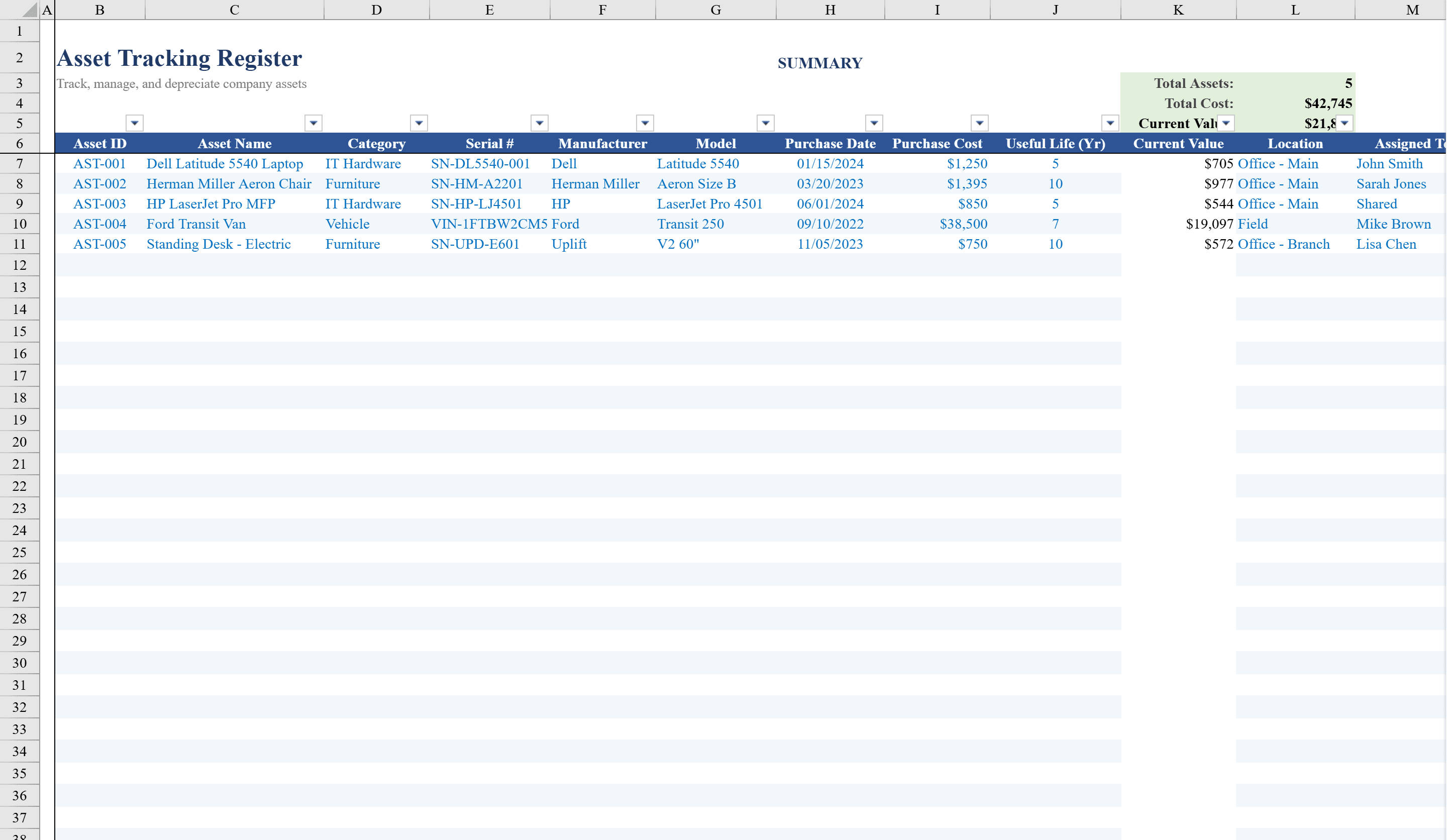
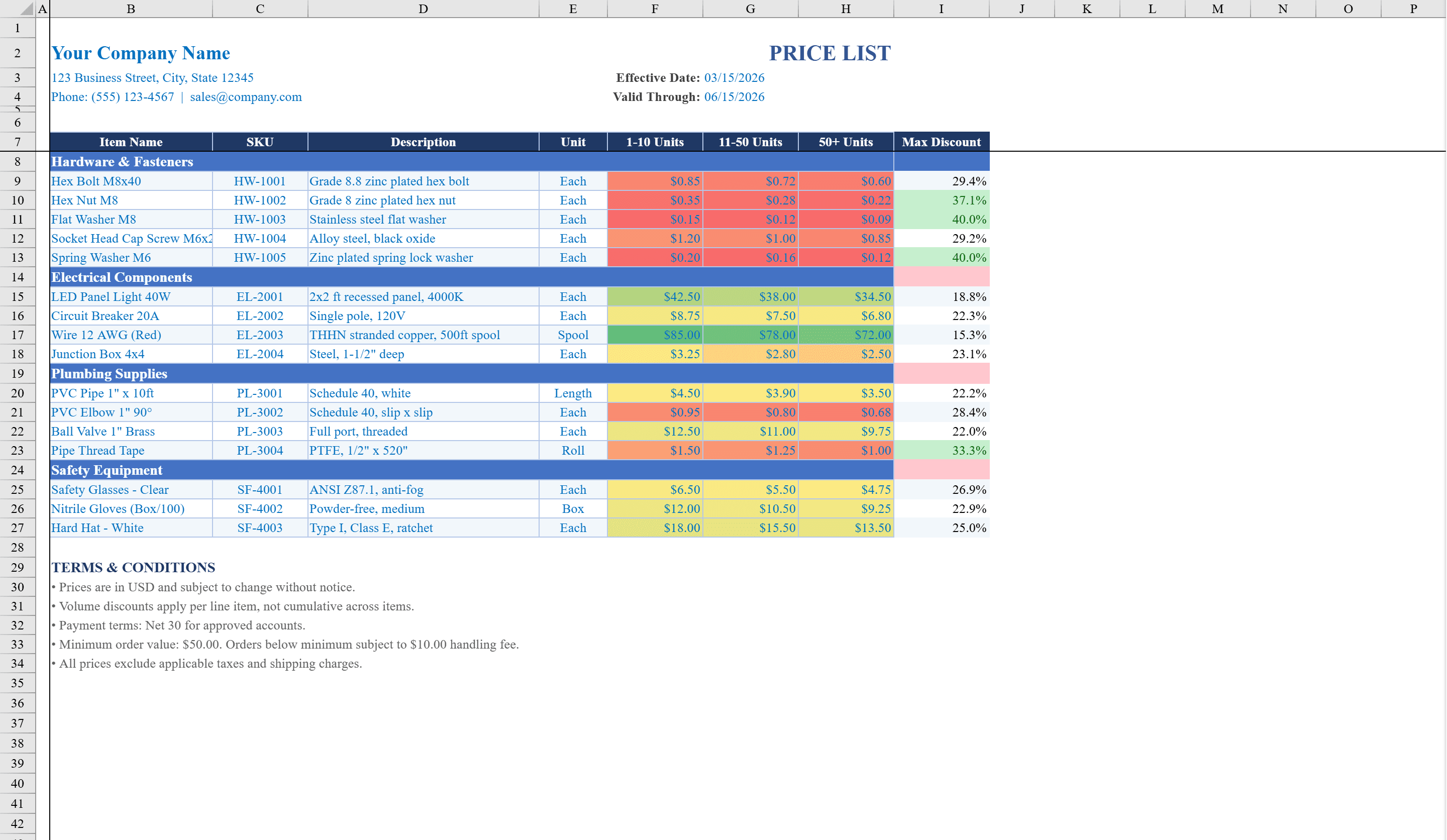
Bill of Materials Template
Document every component, cost, and lead time in your product assembly so nothing falls through the cracks.
About the Bill of Materials Template
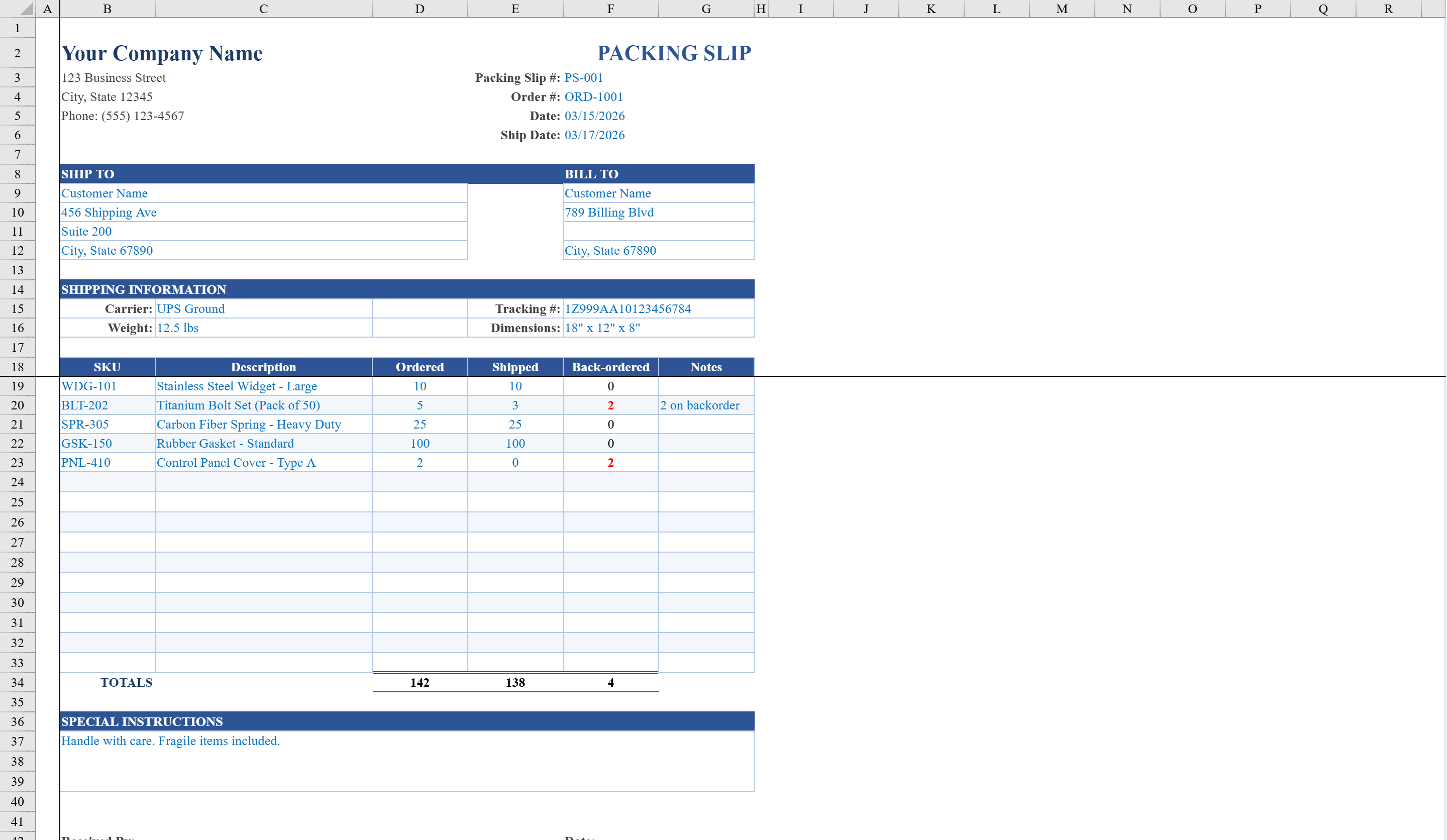
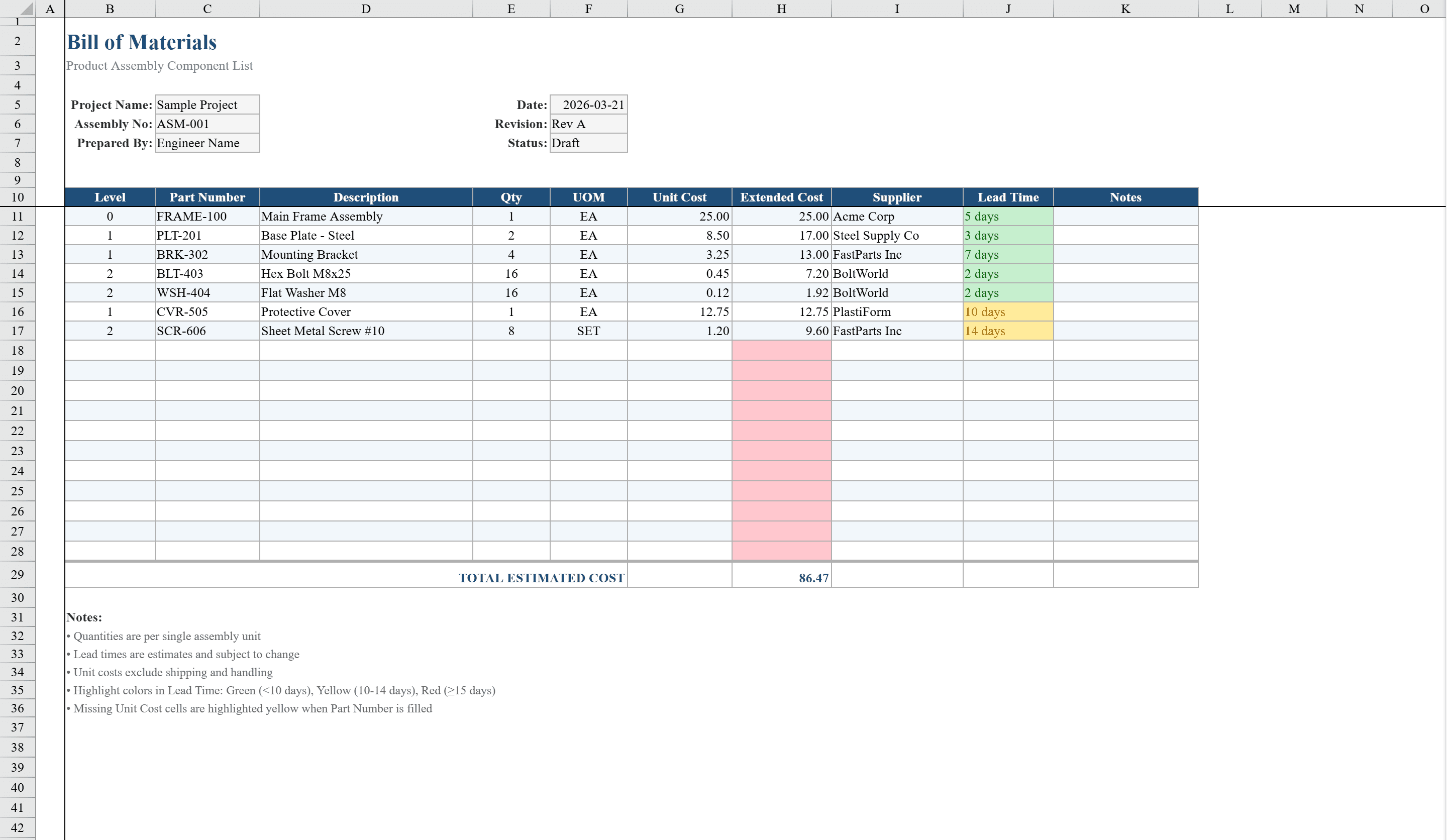
This bill of materials template is a structured Excel workbook for engineers, product designers, and manufacturing planners who need to document multi-level product assemblies. Track up to 18 line items with BOM level hierarchy, part numbers, descriptions, quantities, units of measure, unit costs, and extended costs calculated automatically. Data validation dropdowns enforce consistent entries for BOM levels, units, and document status. Conditional formatting highlights lead time risks with color-coded alerts and flags missing cost data. When parts are ready to ship, generate a Packing Slip to keep fulfillment aligned with the BOM. A totals row provides an instant cost summary, while header fields capture assembly name, revision, and status for complete documentation of your product structure.
Bill of Materials Template Features
- Up to 18 line items with BOM level hierarchy
- Auto-calculated extended costs from quantity and unit cost
- Data validation for BOM levels, units, and document status
- Color-coded lead time risk alerts
- Header fields for assembly name, revision, and status
How to Use This Bill of Materials Template in Excel
- 1
Set assembly details
Fill in the header fields with assembly name, revision number, and document status.
- 2
Enter part information
Add part numbers, descriptions, quantities, units of measure, and unit costs for each component.
- 3
Define BOM hierarchy
Use the BOM level dropdown to organize components into parent-child assembly relationships.
- 4
Review cost summary
Check auto-calculated extended costs and the totals row for a complete assembly cost overview.
Bill of Materials Template FAQ
- How many parts can this BOM template track?
- The template supports up to 18 line items with multi-level BOM hierarchy, part numbers, descriptions, quantities, and auto-calculated costs.
- Does it support multi-level assemblies?
- Yes, data validation dropdowns let you assign BOM levels to organize components into parent-child assembly relationships.
- How are lead time risks highlighted?
- Conditional formatting uses color-coded alerts to flag components with lead time risks and highlights missing cost data for quick identification.