Asset Tracking Template
Keep every piece of equipment, its depreciation, and its maintenance schedule in one auditable register.
About the Asset Tracking Template
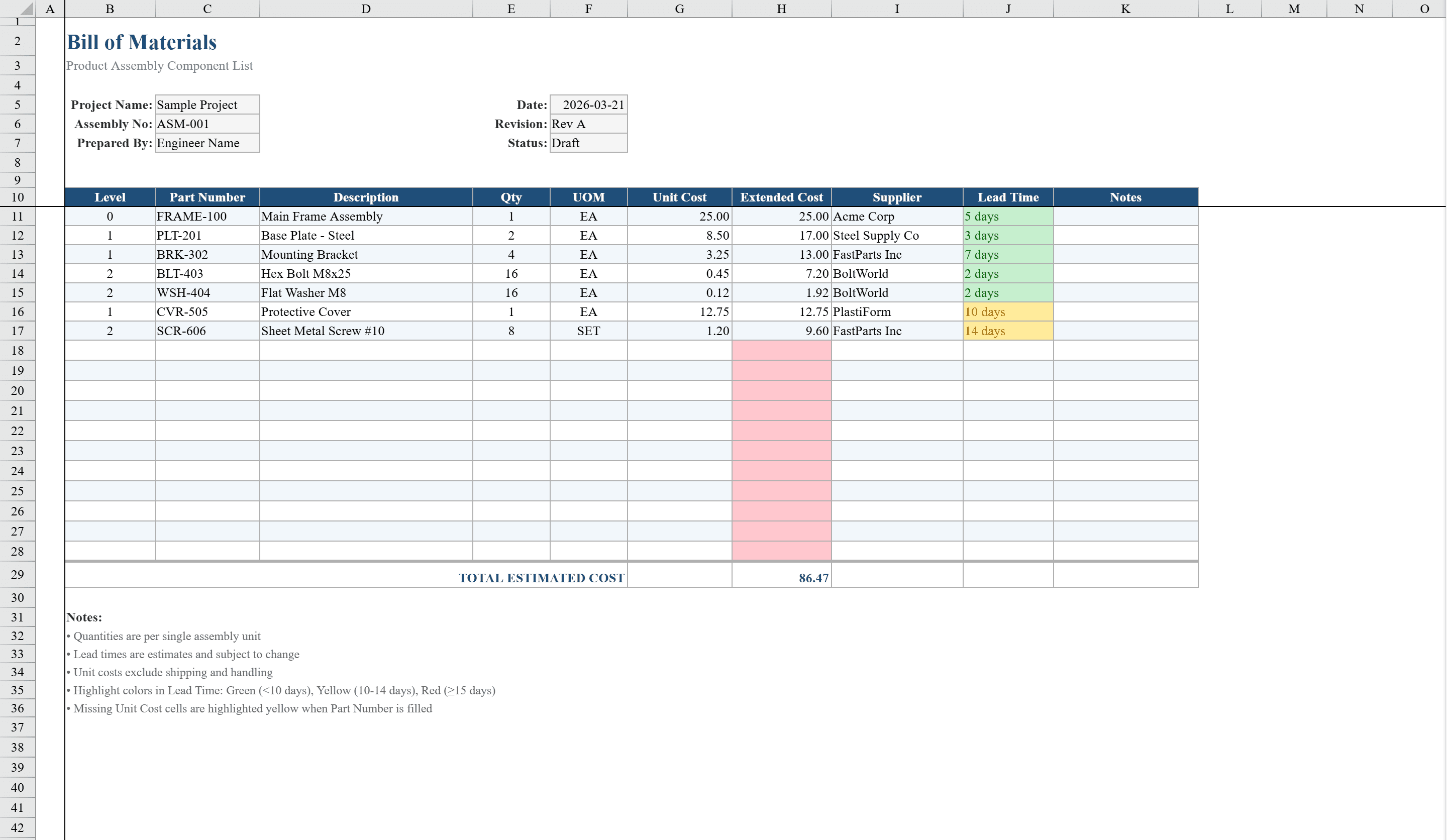
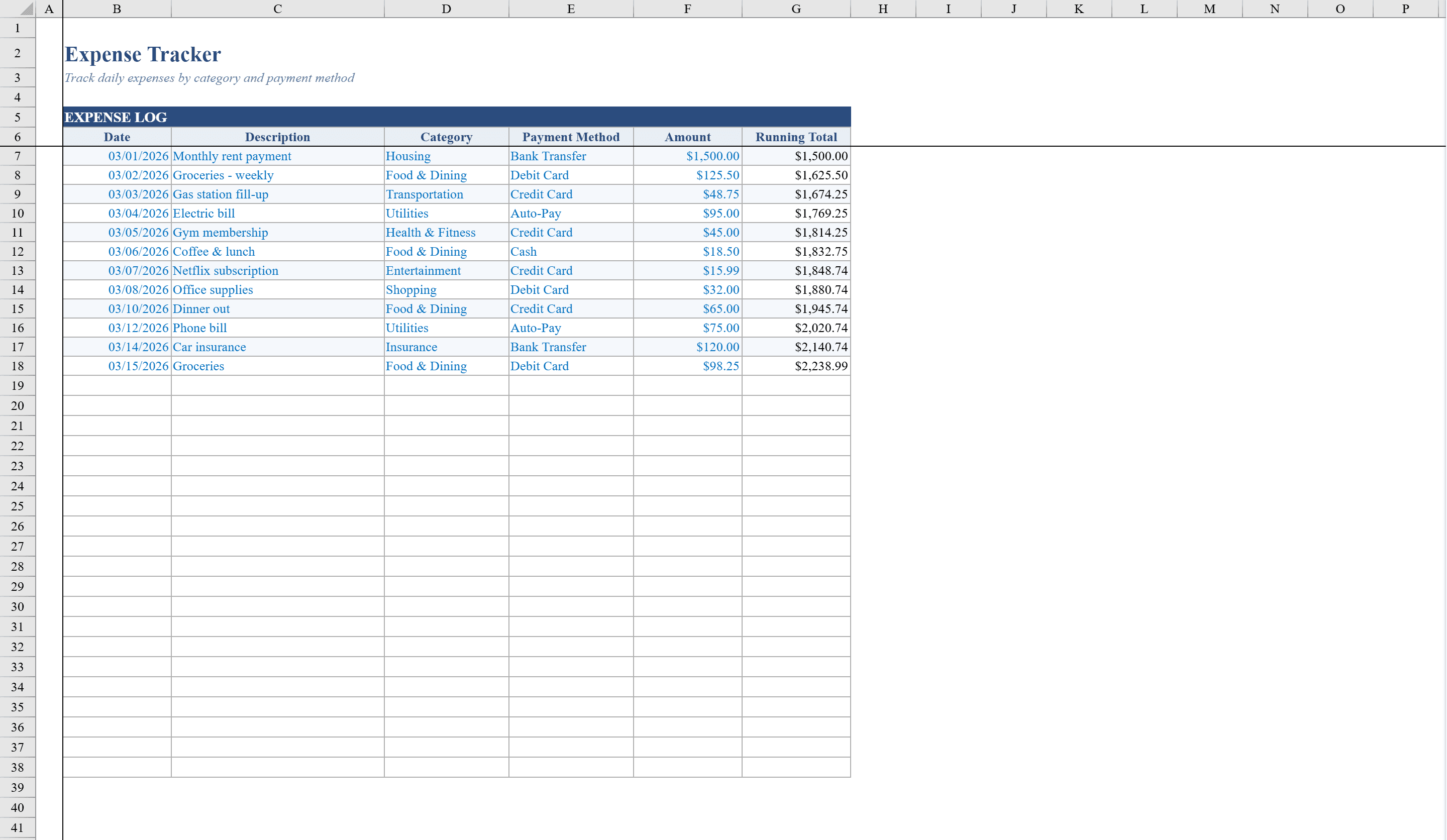
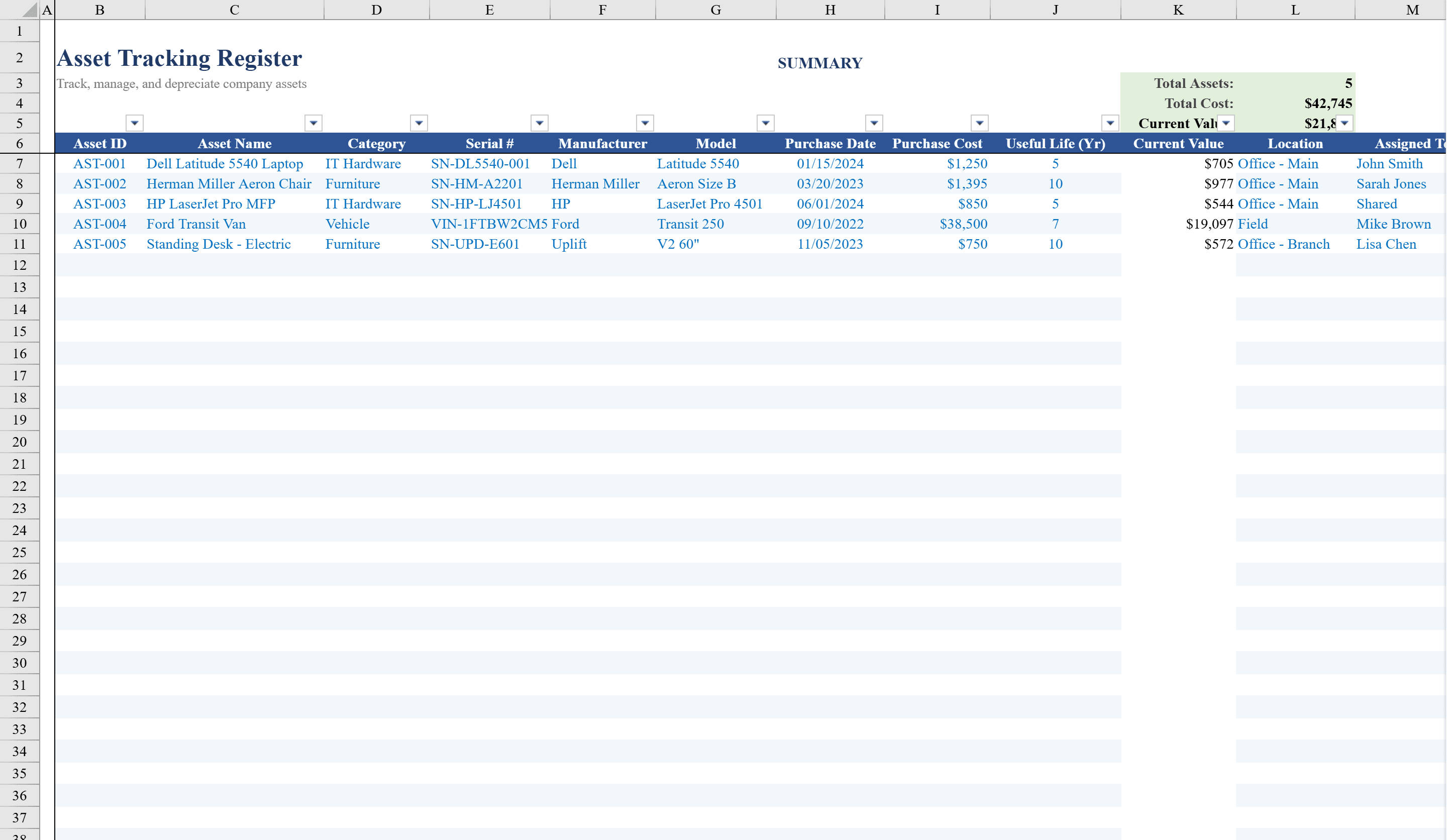
This Excel asset tracking template provides organizations with a comprehensive register for managing equipment, furniture, IT hardware, software, vehicles, and tools across multiple locations. With 50 pre-formatted rows and 16 data columns covering asset ID, category, description, department, manufacturer, purchase date, cost, useful life, and auto-calculated current book value using straight-line depreciation, it delivers real-time visibility into your asset portfolio. Conditional formatting warns of low-value assets, overdue warranty expirations, and upcoming maintenance dates. Roll asset costs into your Bill of Materials for complete product costing. Built-in dropdown validation for categories, conditions, and locations plus auto-filtering keeps your data clean and accessible for audits, insurance, and capital planning.
Asset Tracking Template Features
- 50 pre-formatted rows with 16 data columns
- Auto-calculated book value using straight-line depreciation
- Conditional formatting for low-value assets and overdue warranties
- Maintenance date tracking with upcoming alerts
- Dropdown validation for categories, conditions, and locations
How to Use This Asset Tracking Template in Excel
- 1
Register assets
Enter asset ID, category, description, department, manufacturer, purchase date, and cost for each item.
- 2
Set depreciation parameters
Define useful life for each asset and the template auto-calculates current book value using straight-line depreciation.
- 3
Track warranties and maintenance
Enter warranty expiration and maintenance dates to receive color-coded alerts for overdue items.
- 4
Filter and audit
Use dropdown validation and auto-filtering to sort by category, condition, or location for audits and reporting.
Asset Tracking Template FAQ
- How many assets can I track?
- The template includes 50 pre-formatted rows with 16 data columns each, suitable for managing equipment, IT hardware, vehicles, and more across multiple locations.
- Does it calculate depreciation?
- Yes, current book value is auto-calculated using straight-line depreciation based on purchase cost and useful life.
- How are warranty and maintenance alerts handled?
- Conditional formatting warns of overdue warranty expirations and upcoming maintenance dates with color-coded visual alerts.