SWOT Analysis Template
Turn strategic insights into prioritized action items your team can execute.
About the SWOT Analysis Template
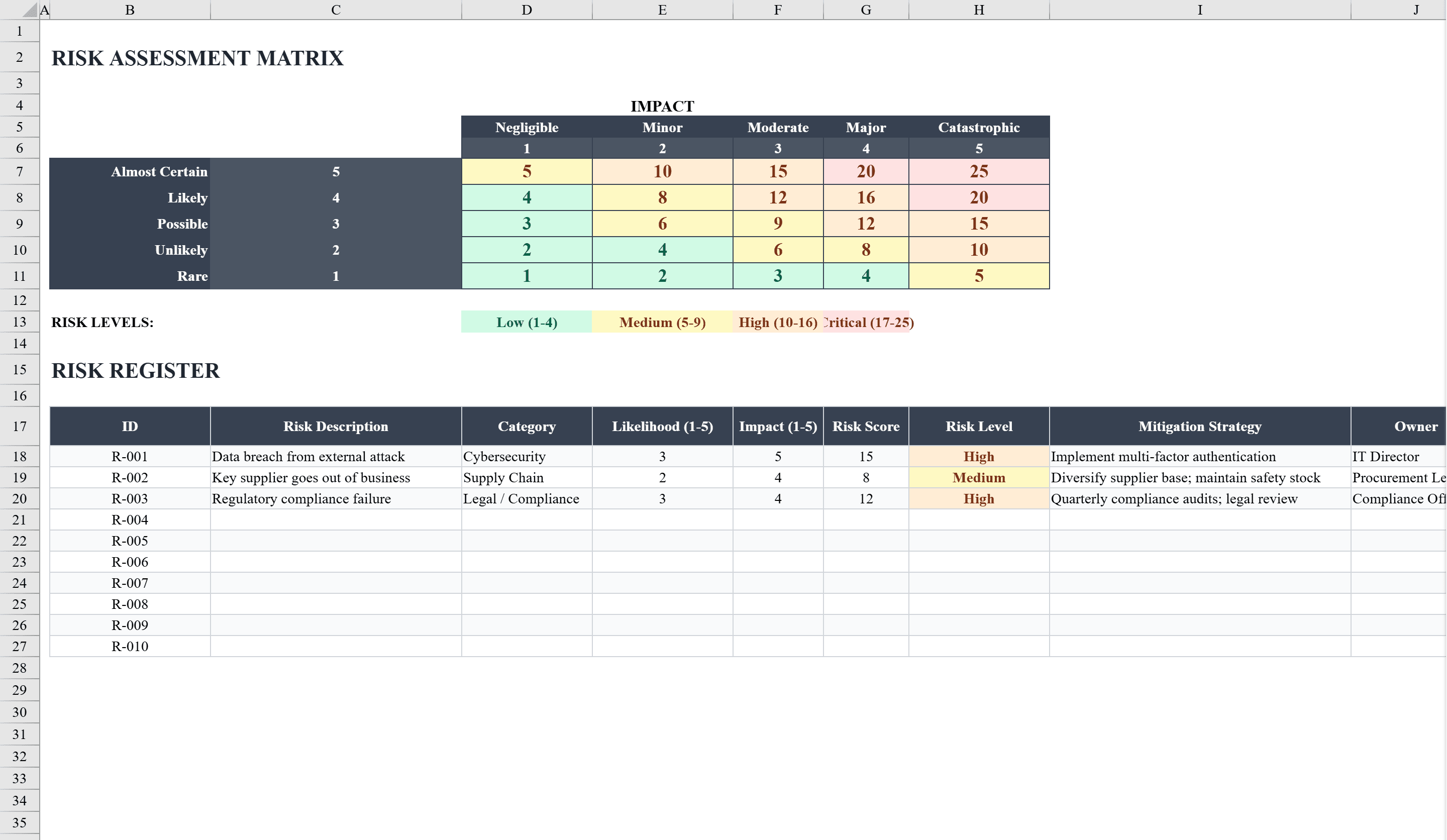
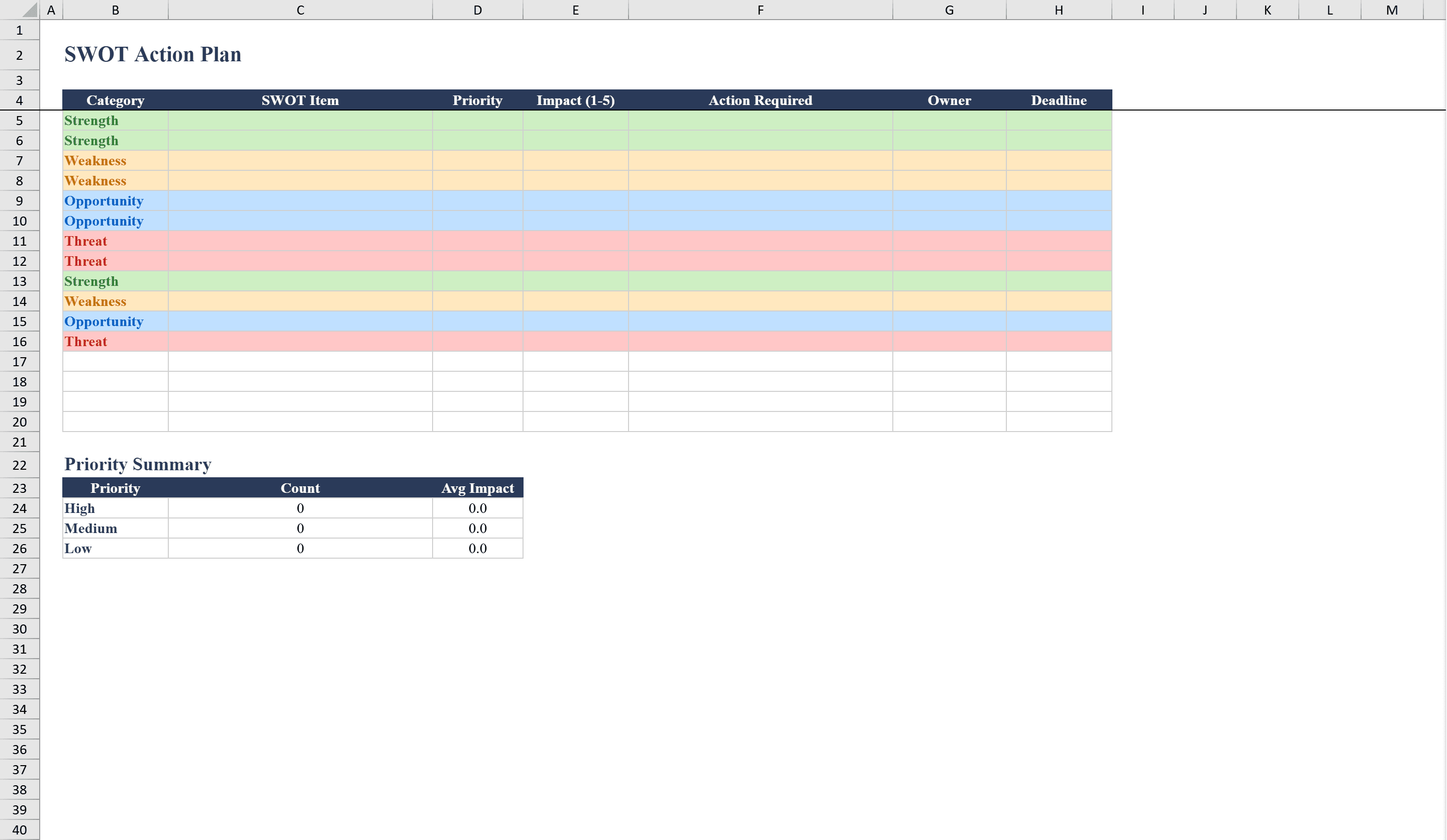
The SWOT Analysis Template is a structured Excel workbook for business strategists, project managers, and teams conducting strategic planning. It features a clean two-sheet layout: the SWOT Analysis sheet provides a professional four-quadrant grid for documenting Strengths, Weaknesses, Opportunities, and Threats with up to eight entries per quadrant. The companion Action Plan sheet lets you translate each SWOT finding into prioritized action items with columns for category, description, owner, priority level, timeline, and status tracking. Data validation dropdowns ensure consistent entries, and conditional formatting highlights priority levels for quick review. Pair it with a risk assessment matrix to quantify the threats you identify.
SWOT Analysis Template Features
- Professional four-quadrant grid for Strengths, Weaknesses, Opportunities, and Threats
- Up to eight entries per quadrant for thorough analysis
- Companion Action Plan sheet to translate findings into prioritized actions
- Columns for category, owner, priority, timeline, and status tracking
- Conditional formatting highlights priority levels for quick review
How to Use This SWOT Analysis Template in Excel
- 1
Document your SWOT factors
Fill in up to eight entries per quadrant for Strengths, Weaknesses, Opportunities, and Threats on the analysis sheet.
- 2
Create action items
Switch to the Action Plan sheet and translate each SWOT finding into specific, actionable tasks.
- 3
Assign ownership and priority
Use dropdown menus to assign an owner, priority level, and timeline to each action item.
- 4
Track progress
Update status fields as action items progress and use conditional formatting to monitor priority levels at a glance.
SWOT Analysis Template FAQ
- How many items can I add to each SWOT quadrant?
- Each quadrant supports up to eight entries, giving you room for a thorough analysis of Strengths, Weaknesses, Opportunities, and Threats.
- What is the Action Plan sheet for?
- The Action Plan sheet lets you convert SWOT findings into prioritized action items with assigned owners, timelines, and status tracking to ensure follow-through.
- Can I use this for team workshops?
- Yes, the structured format with dropdown validation makes it ideal for collaborative SWOT sessions. Team members can contribute entries and the consistent format keeps everything organized.