Fishbone Diagram Template
Uncover the real root causes behind quality issues with a structured Ishikawa diagram and priority-ranked cause catalog.
About the Fishbone Diagram Template
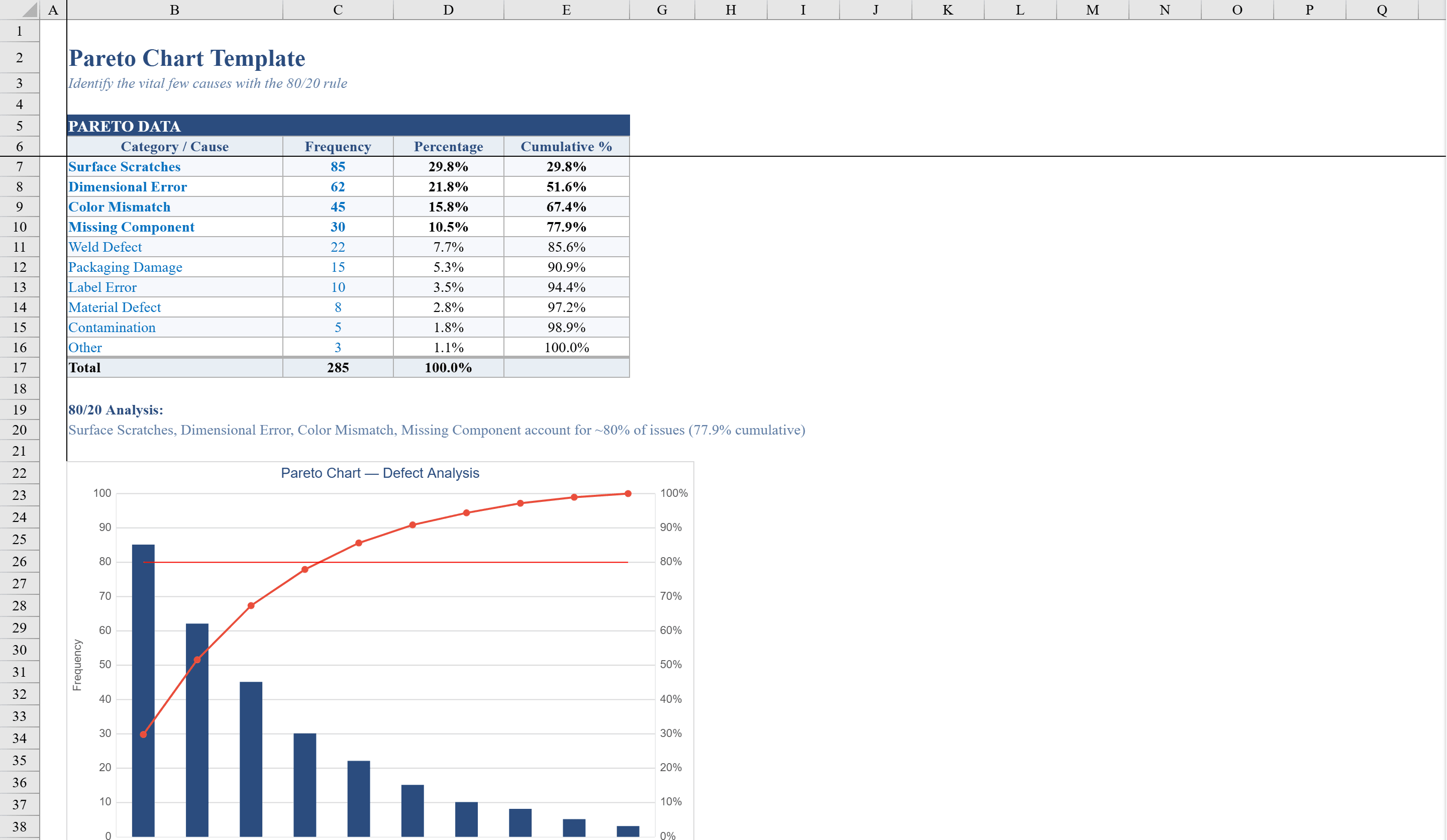
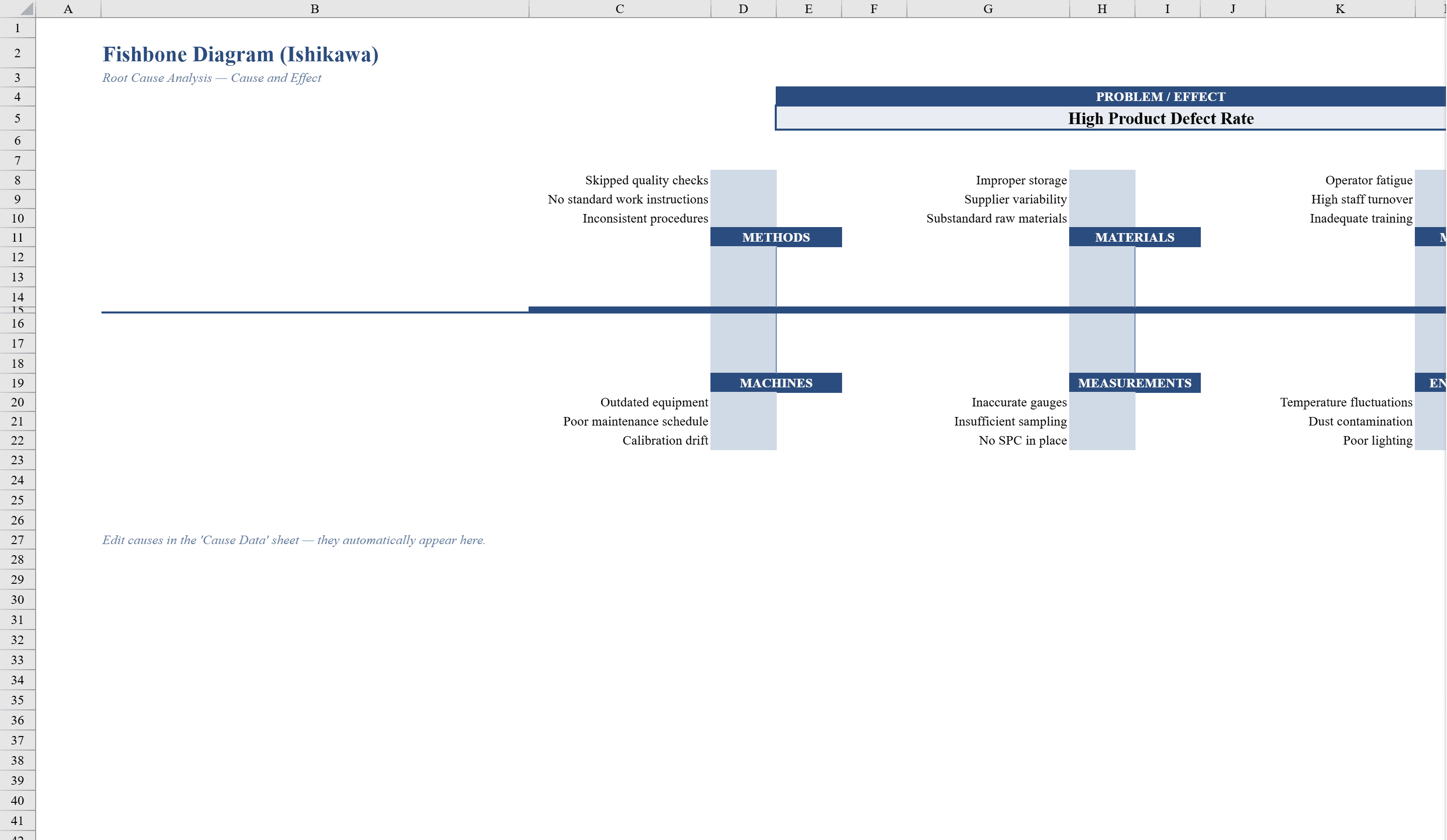
This fishbone diagram template provides a structured Excel-based approach to root cause analysis, ideal for quality teams and continuous improvement practitioners. Organized across two sheets, the Fishbone Diagram sheet presents a visual Ishikawa layout with six customizable cause categories, while the Cause Data sheet lets you systematically catalog individual causes with priority ratings of High, Medium, or Low. Color-coded conditional formatting highlights priority levels and flags incomplete entries. Data validation dropdown lists ensure consistent priority assignments. After identifying root causes, use a Pareto Chart to quantify which ones drive the most defects. The template supports print-ready output on both sheets, making it easy to document and share findings from brainstorming sessions and problem-solving workshops.
Fishbone Diagram Template Features
- Visual Ishikawa layout with six customizable cause categories
- Cause Data sheet for systematic cataloging with priority ratings
- Color-coded conditional formatting for High, Medium, and Low priorities
- Data validation dropdown lists for consistent priority assignments
- Print-ready output on both sheets
How to Use This Fishbone Diagram Template in Excel
- 1
Define the problem
Enter your problem statement in the fishbone diagram head on the Fishbone Diagram sheet.
- 2
Add causes by category
Populate the six customizable cause categories with potential root causes from your brainstorming session.
- 3
Catalog and prioritize
Use the Cause Data sheet to systematically log each cause with High, Medium, or Low priority ratings.
- 4
Share findings
Print both sheets to document and distribute your root cause analysis results.
Fishbone Diagram Template FAQ
- What are the six cause categories in the fishbone diagram?
- The template includes six customizable cause categories based on the classic Ishikawa model. You can rename them to match your specific analysis needs.
- Can I add priority levels to individual causes?
- Yes, the Cause Data sheet includes dropdown lists for assigning High, Medium, or Low priority ratings with color-coded conditional formatting.
- Is this template suitable for team brainstorming?
- Absolutely. The structured layout is designed for brainstorming sessions and problem-solving workshops, with print-ready output for sharing findings.