Monte Carlo Simulation Excel
Quantify project risk and set realistic budgets by running 1,000 probabilistic cost simulations directly in Excel.
About the Monte Carlo Simulation Excel
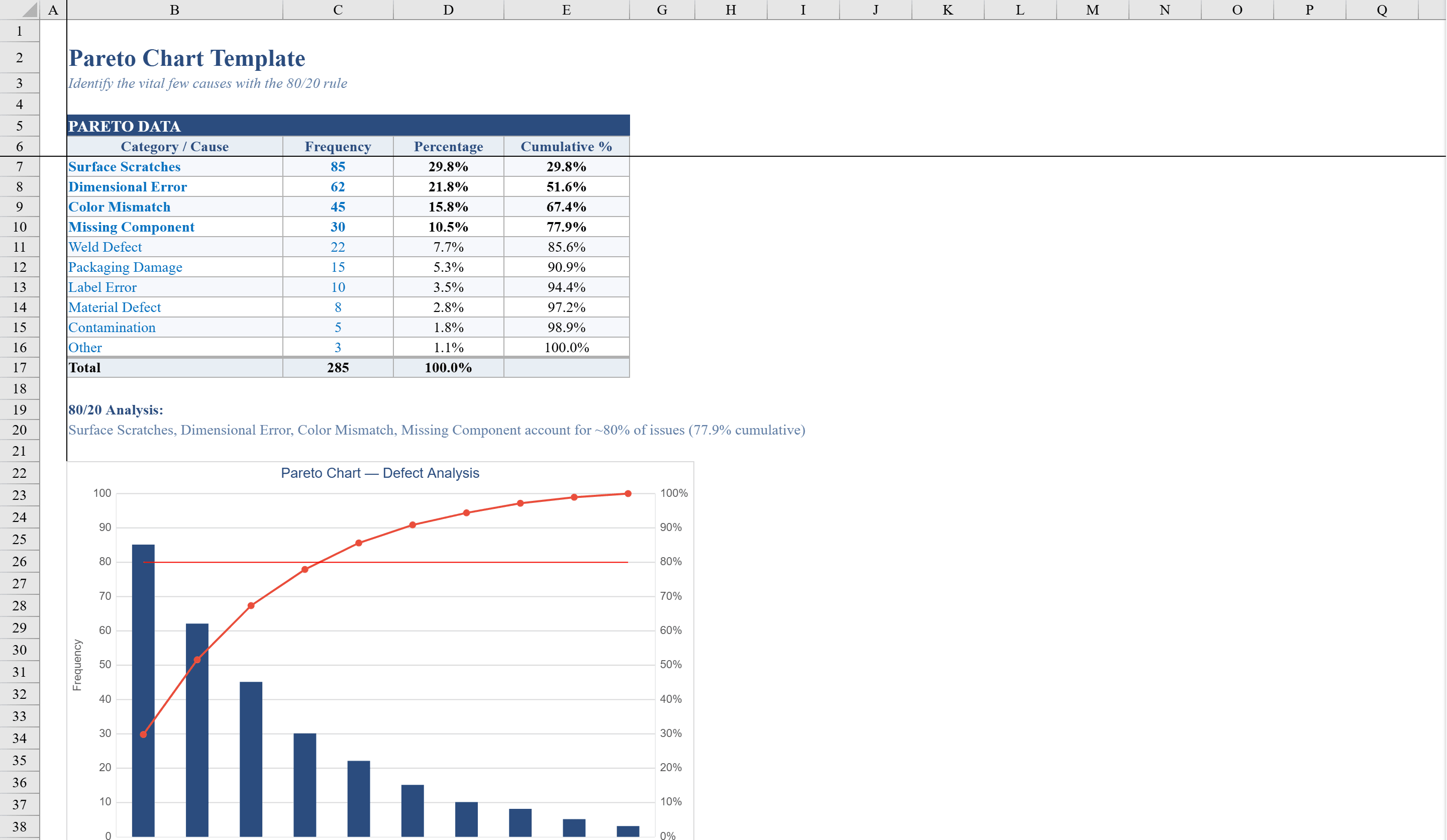
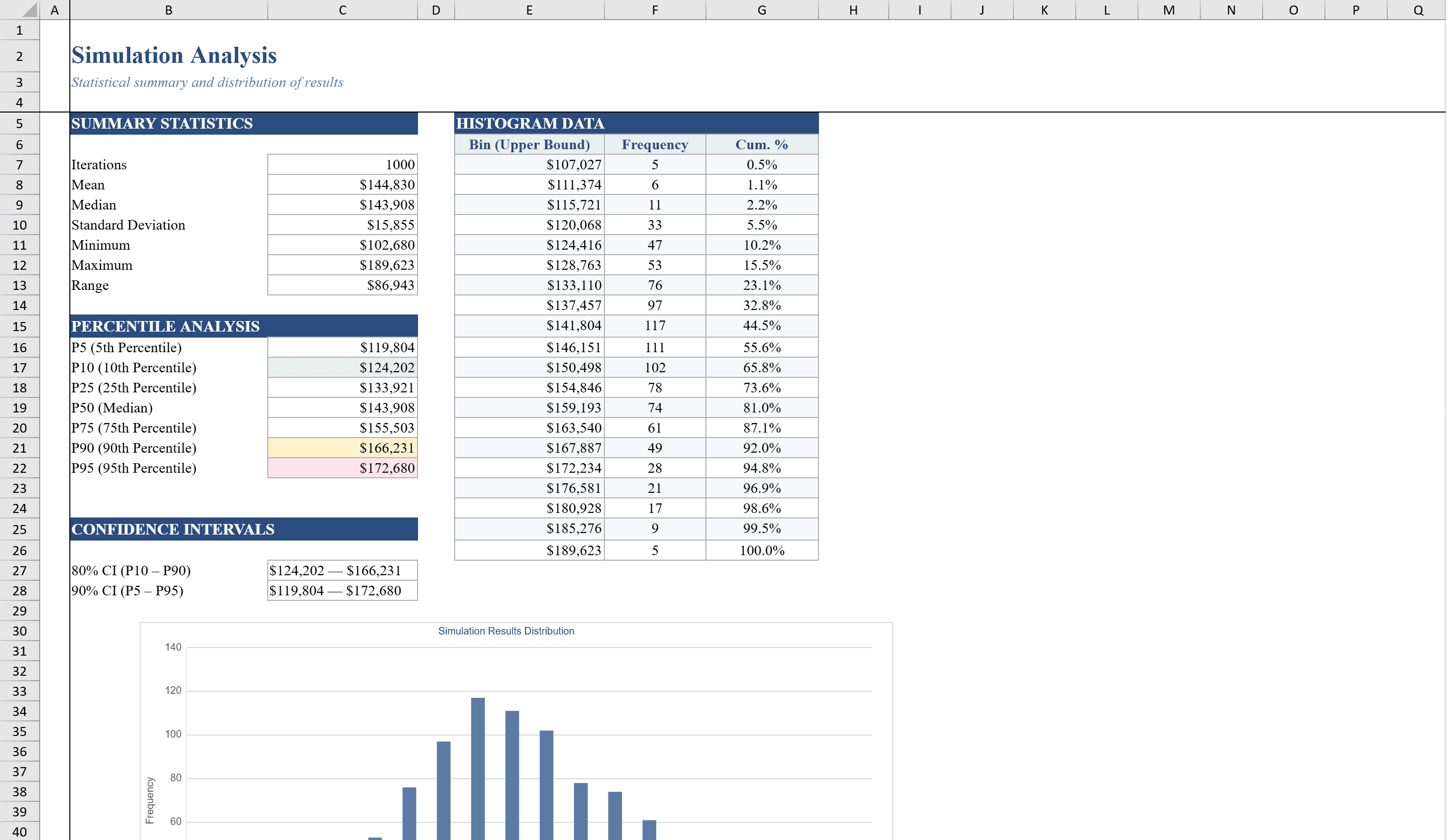
This Monte Carlo simulation Excel template enables project managers and analysts to perform probabilistic cost estimation using 1,000 randomized iterations. Across three organized sheets, you define input variables such as labor, materials, equipment, permits, and contingency with minimum, most likely, and maximum values using triangular distributions. The Simulation sheet runs a full data table of iterations, while the Analysis sheet delivers summary statistics including mean, median, standard deviation, and percentile confidence levels. A histogram with cumulative percentage overlay visualizes the probability distribution of total project costs, helping teams quantify risk and set realistic budgets. Combine simulation results with a Pareto Chart to prioritize the cost drivers that matter most.
Monte Carlo Simulation Excel Features
- 1,000 randomized iterations with triangular distributions
- Input variables for labor, materials, equipment, permits, and contingency
- Summary statistics including mean, median, standard deviation, and percentiles
- Histogram with cumulative percentage overlay
- Confidence level analysis for budget planning
How to Use This Monte Carlo Simulation Excel in Excel
- 1
Define input variables
Enter minimum, most likely, and maximum values for each cost category using triangular distributions.
- 2
Run simulation
The Simulation sheet automatically generates 1,000 randomized iterations based on your inputs.
- 3
Review statistics
Check the Analysis sheet for mean, median, standard deviation, and percentile confidence levels.
- 4
Interpret results
Use the histogram and cumulative percentage chart to set realistic budgets and quantify project risk.
Monte Carlo Simulation Excel FAQ
- How many iterations does this Monte Carlo template run?
- The template runs 1,000 randomized iterations using a data table approach, providing statistically meaningful results for cost estimation and risk analysis.
- What probability distribution does the template use?
- It uses triangular distributions defined by minimum, most likely, and maximum values for each input variable, which is ideal for expert-estimated cost ranges.
- Can I customize the input variables?
- Yes, you can modify the cost categories and their min/most likely/max values to match your specific project requirements.