Checkbook Register Template
Never lose track of a deposit or withdrawal again with auto-updating balances, category summaries, and overdraft alerts.
About the Checkbook Register Template
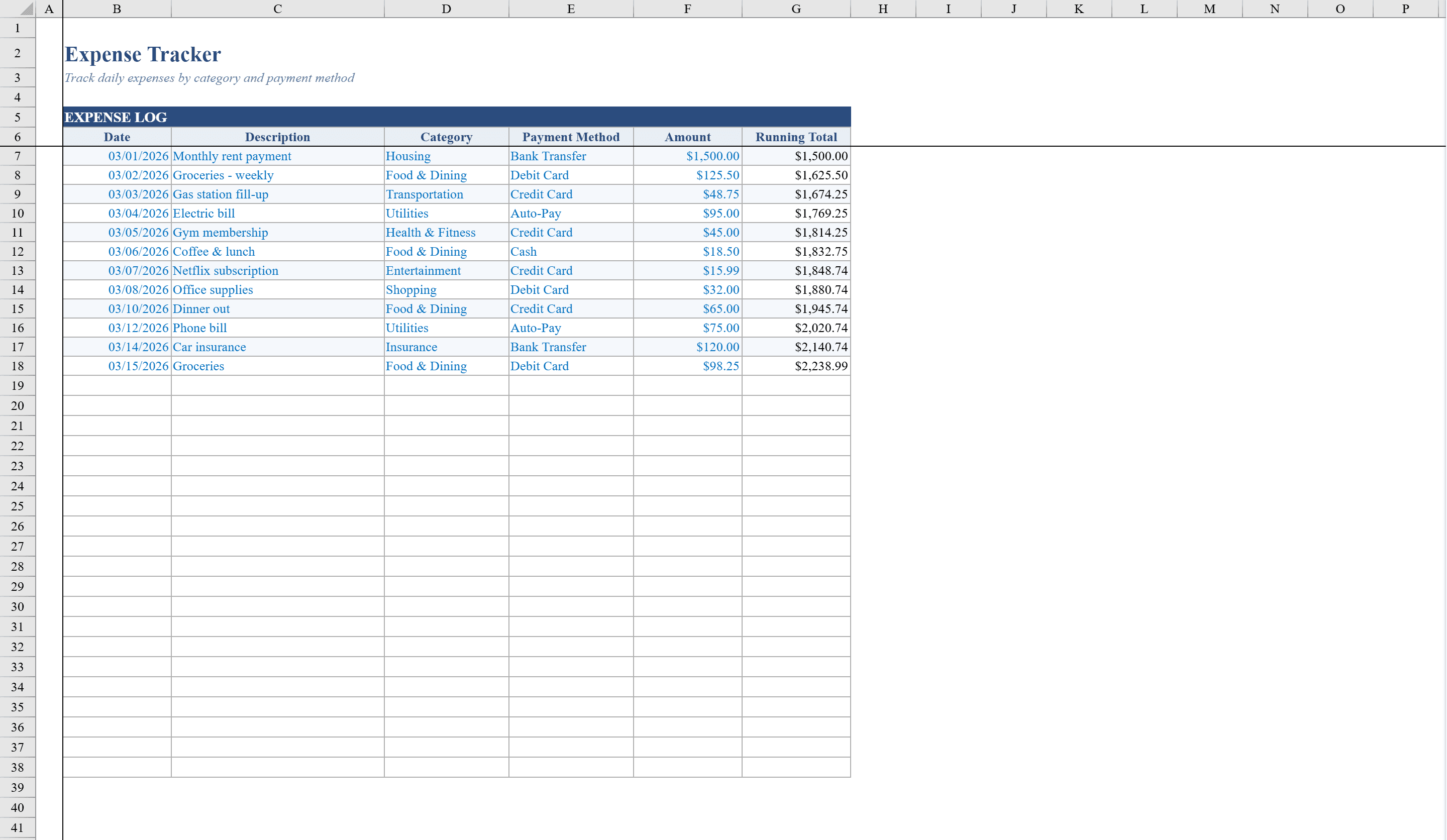
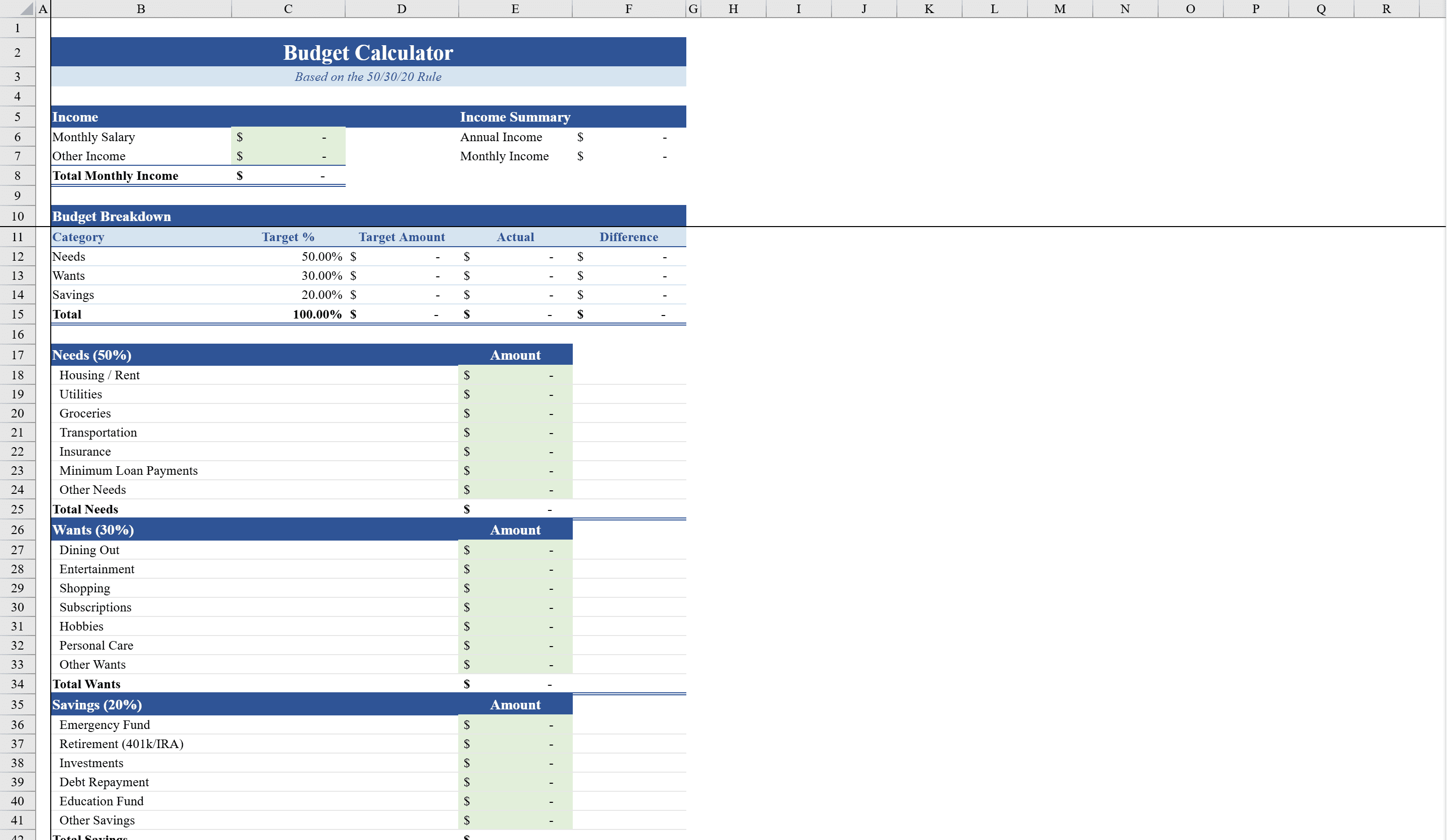
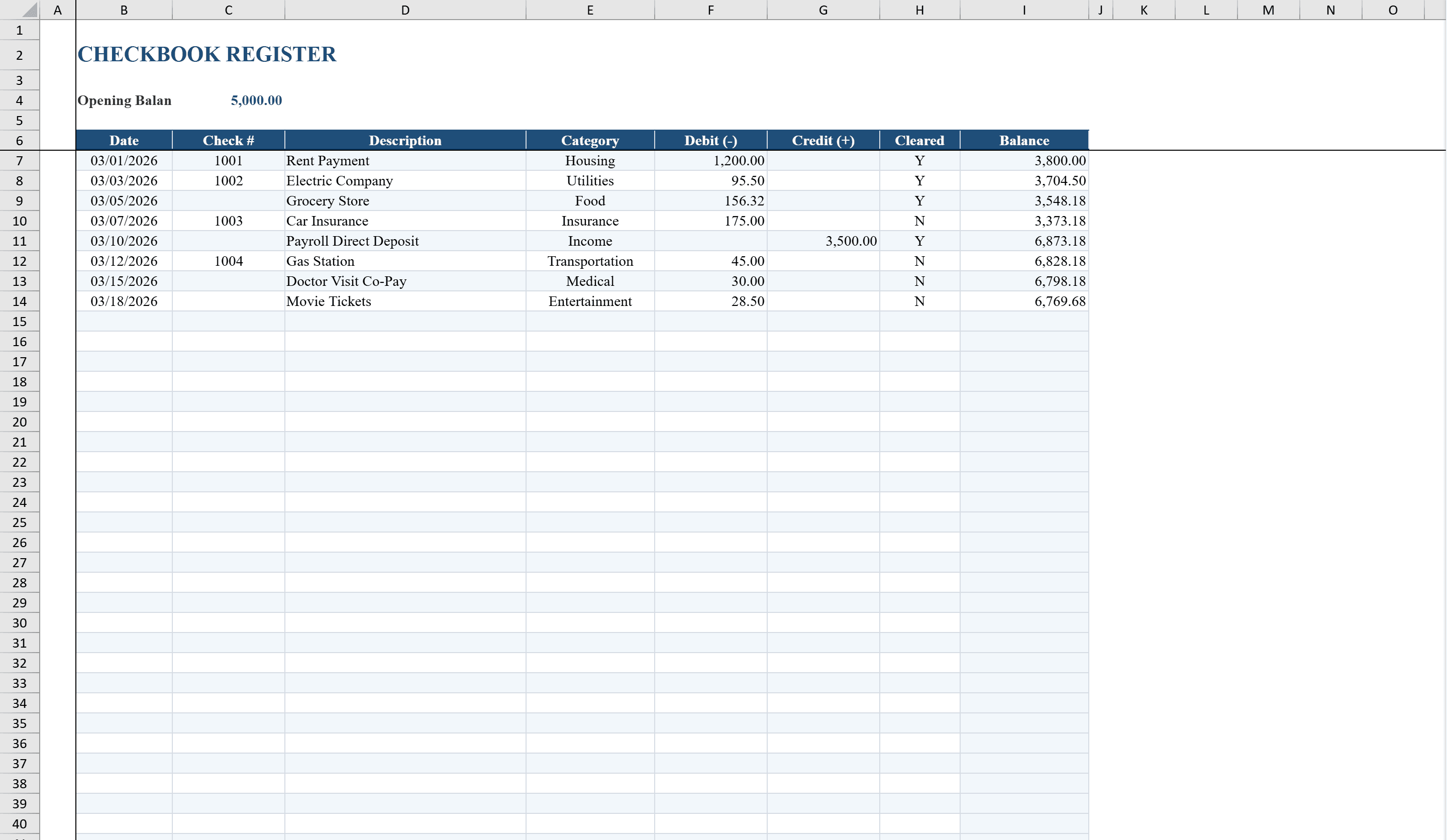
This checkbook register template provides individuals and small businesses with a straightforward way to track every deposit and withdrawal in one place. Enter check numbers, dates, descriptions, and category tags, and the running balance updates automatically. Conditional formatting flags negative balances in red, while dropdown lists for categories and cleared status keep entries consistent. For deeper spending analysis, pair it with the Expense Tracker and the Budget Calculator. A companion Category Summary sheet uses SUMIF formulas to total spending by category, calculate net cash flow, and display account statistics, giving you a clear picture of where your money goes each month.
Checkbook Register Template Features
- Running balance that updates automatically with each entry
- Conditional formatting flagging negative balances in red
- Dropdown lists for categories and cleared status
- Category Summary sheet with SUMIF totals by category
- Net cash flow and account statistics calculations
How to Use This Checkbook Register Template in Excel
- 1
Record transactions
Enter check numbers, dates, descriptions, amounts, and category tags for each deposit or withdrawal.
- 2
Monitor balance
The running balance updates automatically, with negative balances flagged in red.
- 3
Track cleared status
Use the dropdown list to mark transactions as cleared for bank reconciliation.
- 4
Review category totals
Check the Category Summary sheet for spending totals by category, net cash flow, and account statistics.
Checkbook Register Template FAQ
- Does the balance update automatically?
- Yes, the running balance updates automatically with each new deposit or withdrawal entry, and negative balances are flagged in red.
- Can I categorize transactions?
- Yes, dropdown lists let you assign categories to each transaction, and the Category Summary sheet totals spending by category using SUMIF formulas.
- Does it track net cash flow?
- Yes, the companion Category Summary sheet calculates net cash flow and displays account statistics for a complete monthly financial picture.