Budget Calculator
Take control of your finances with the 50/30/20 rule and instantly see whether your spending aligns with your plan.
About the Budget Calculator
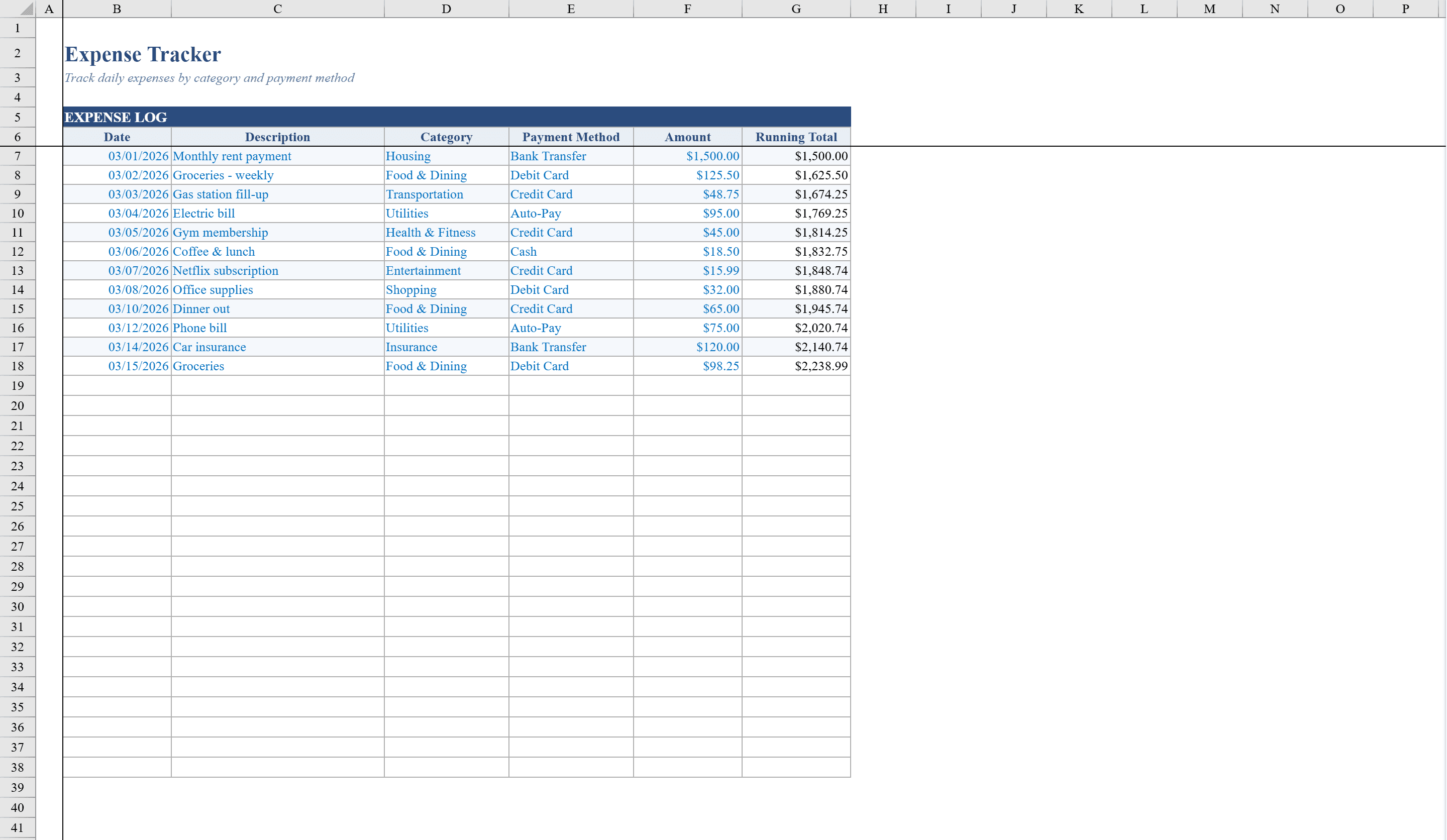
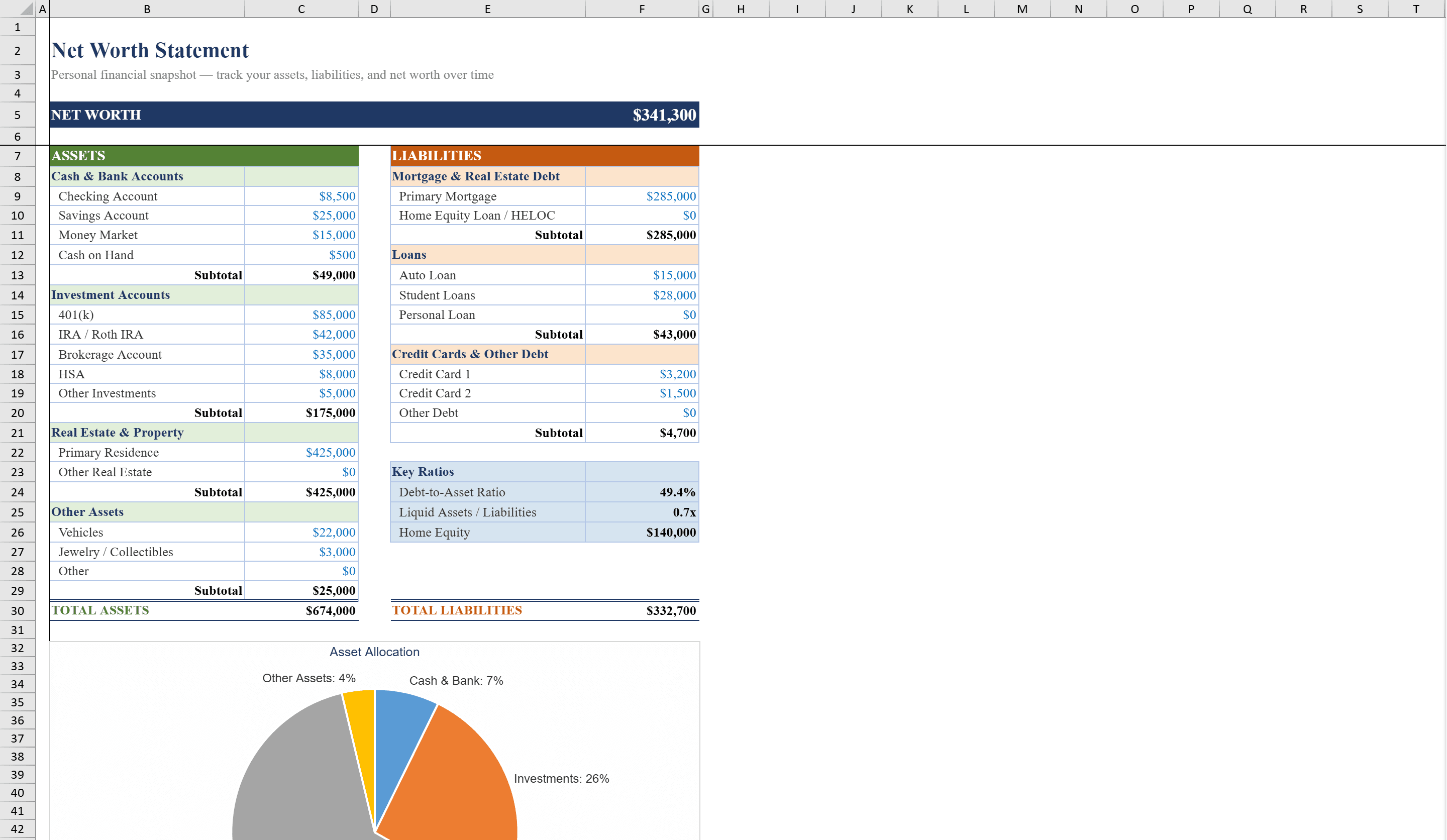
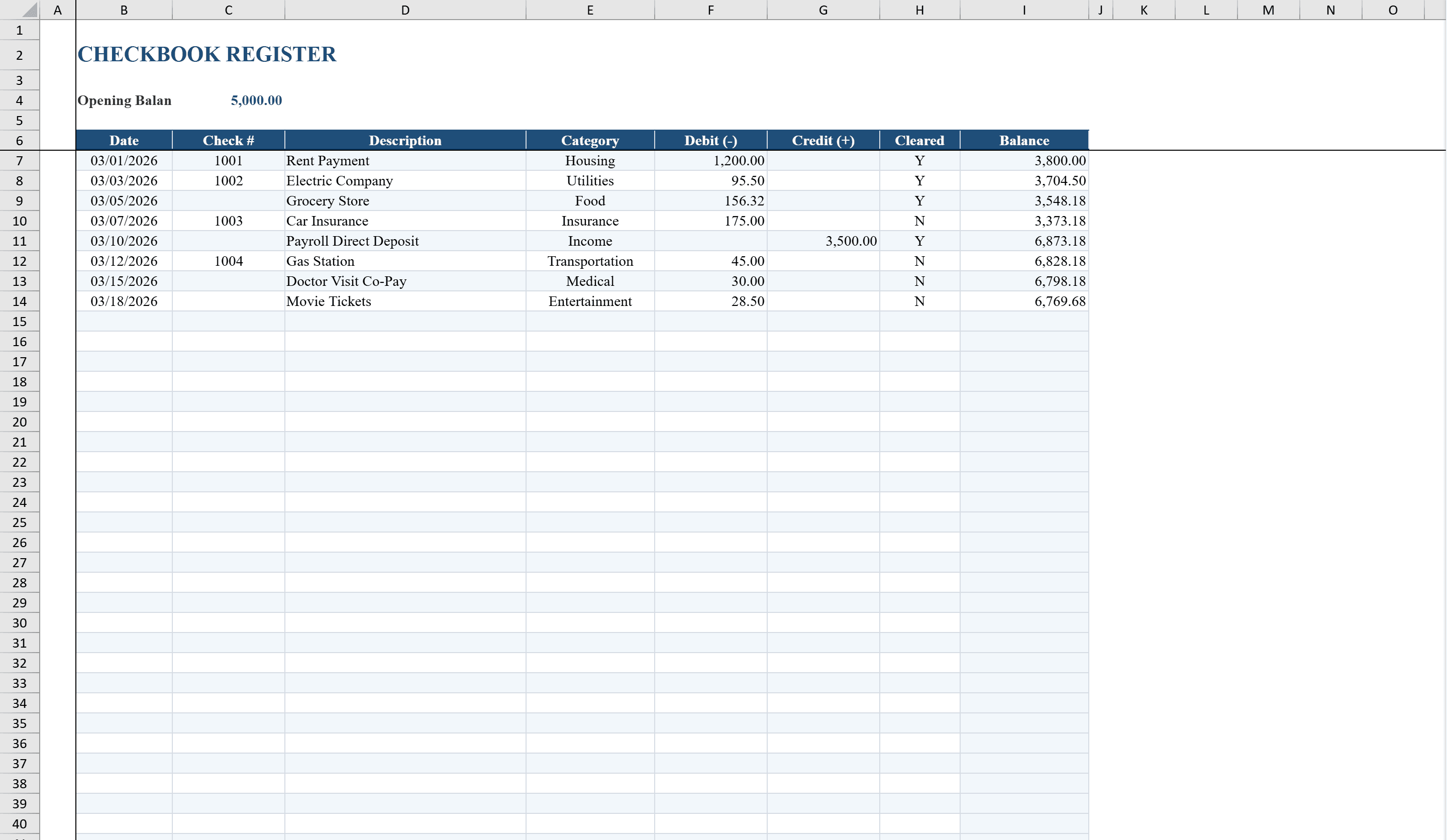
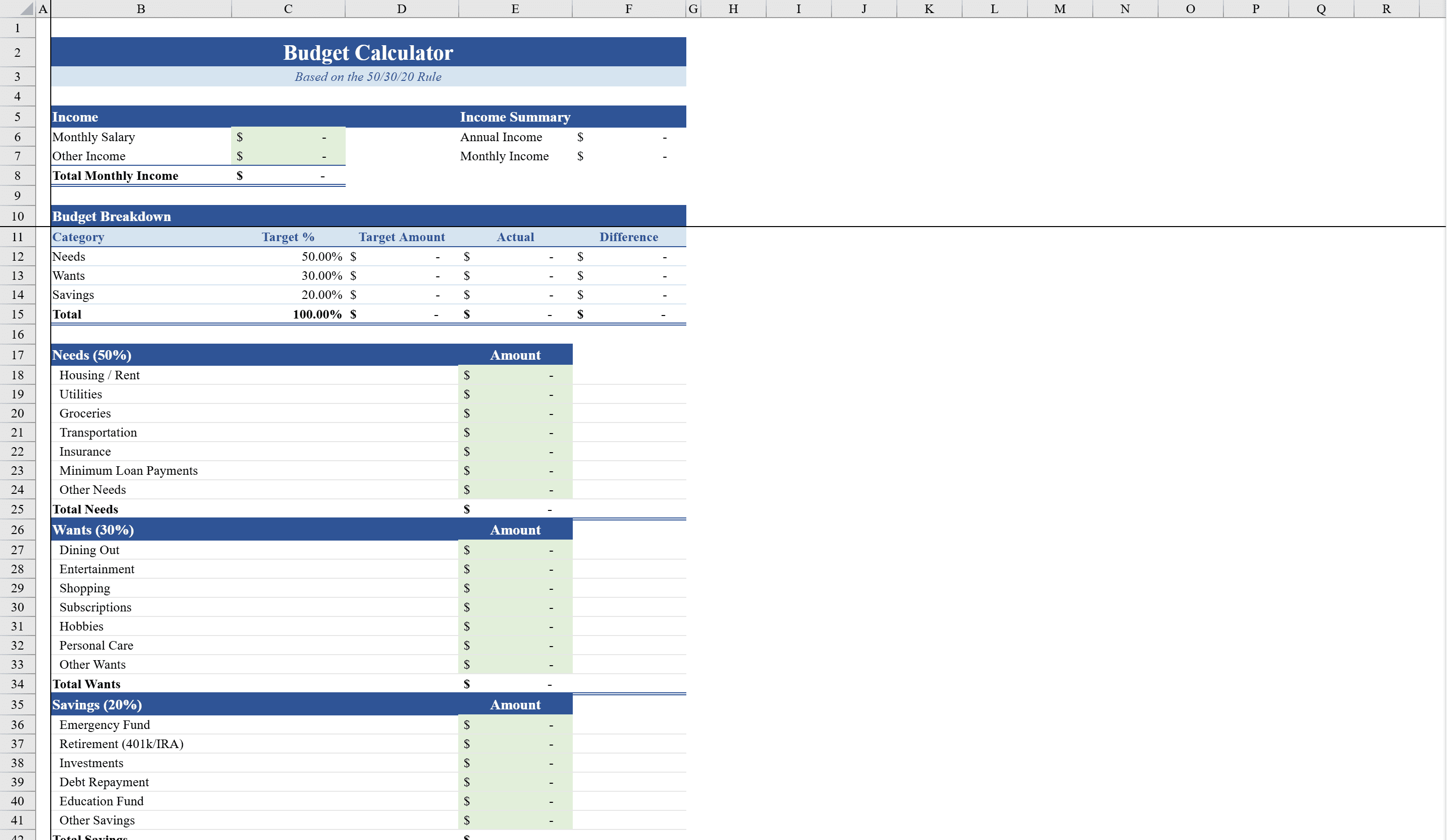
This Excel budget calculator implements the popular 50/30/20 budgeting rule to help individuals and families take control of their finances. Enter your monthly income and set target percentages for needs, wants, and savings, then log detailed expenses across all three categories to see how your actual spending compares to your plan. Auto-calculated summaries show allocated amounts, actual totals, and remaining balances with conditional formatting that turns green when under budget and red when overspent. An embedded pie chart visualizes your actual budget allocation at a glance. Track individual transactions in the Expense Tracker and measure your overall financial health with the Net Worth Spreadsheet. With built-in data validation to prevent input errors, this template makes disciplined budgeting simple and visual.
Budget Calculator Features
- 50/30/20 rule with customizable target percentages
- Detailed expense logging across needs, wants, and savings
- Auto-calculated allocated amounts, actual totals, and remaining balances
- Conditional formatting: green for under budget, red for overspent
- Embedded pie chart for actual budget allocation
How to Use This Budget Calculator in Excel
- 1
Enter your income
Input your monthly income and set target percentages for needs, wants, and savings categories.
- 2
Log expenses
Record detailed expenses across all three budget categories as they occur.
- 3
Review allocations
Check auto-calculated summaries showing allocated amounts, actual totals, and remaining balances.
- 4
Visualize spending
Use the embedded pie chart and color-coded formatting to see your budget performance at a glance.
Budget Calculator FAQ
- What is the 50/30/20 budgeting rule?
- The 50/30/20 rule allocates 50% of income to needs, 30% to wants, and 20% to savings. This template lets you customize these percentages to fit your situation.
- Can I customize the budget percentages?
- Yes, you can set custom target percentages for needs, wants, and savings categories to match your personal financial goals.
- How does the template show if I am over budget?
- Conditional formatting turns green when you are under budget and red when overspent, with a pie chart showing your actual allocation.