Startup Costs Template
Map out every launch expense and funding source so you know your exact capital gap.
About the Startup Costs Template
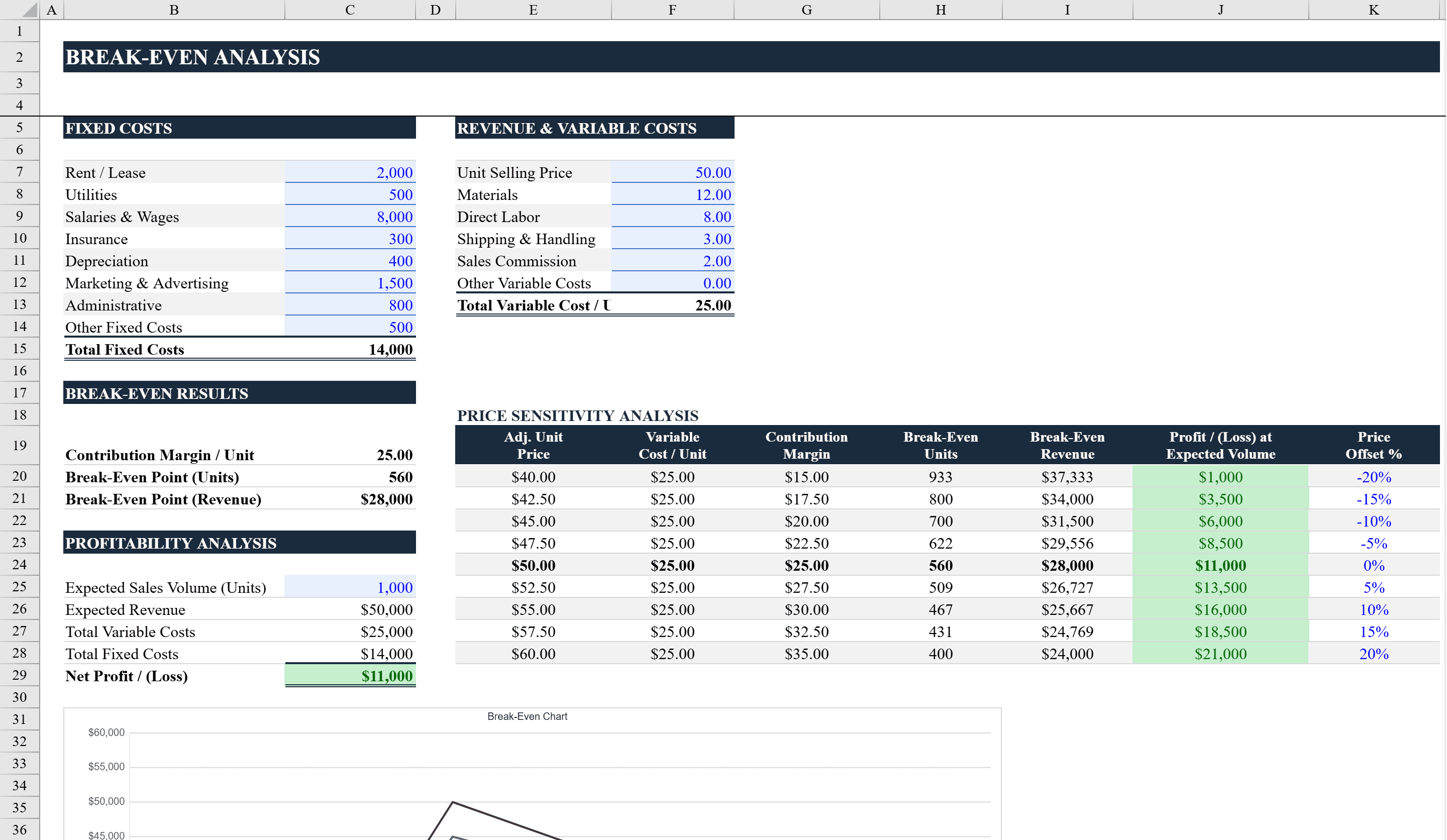
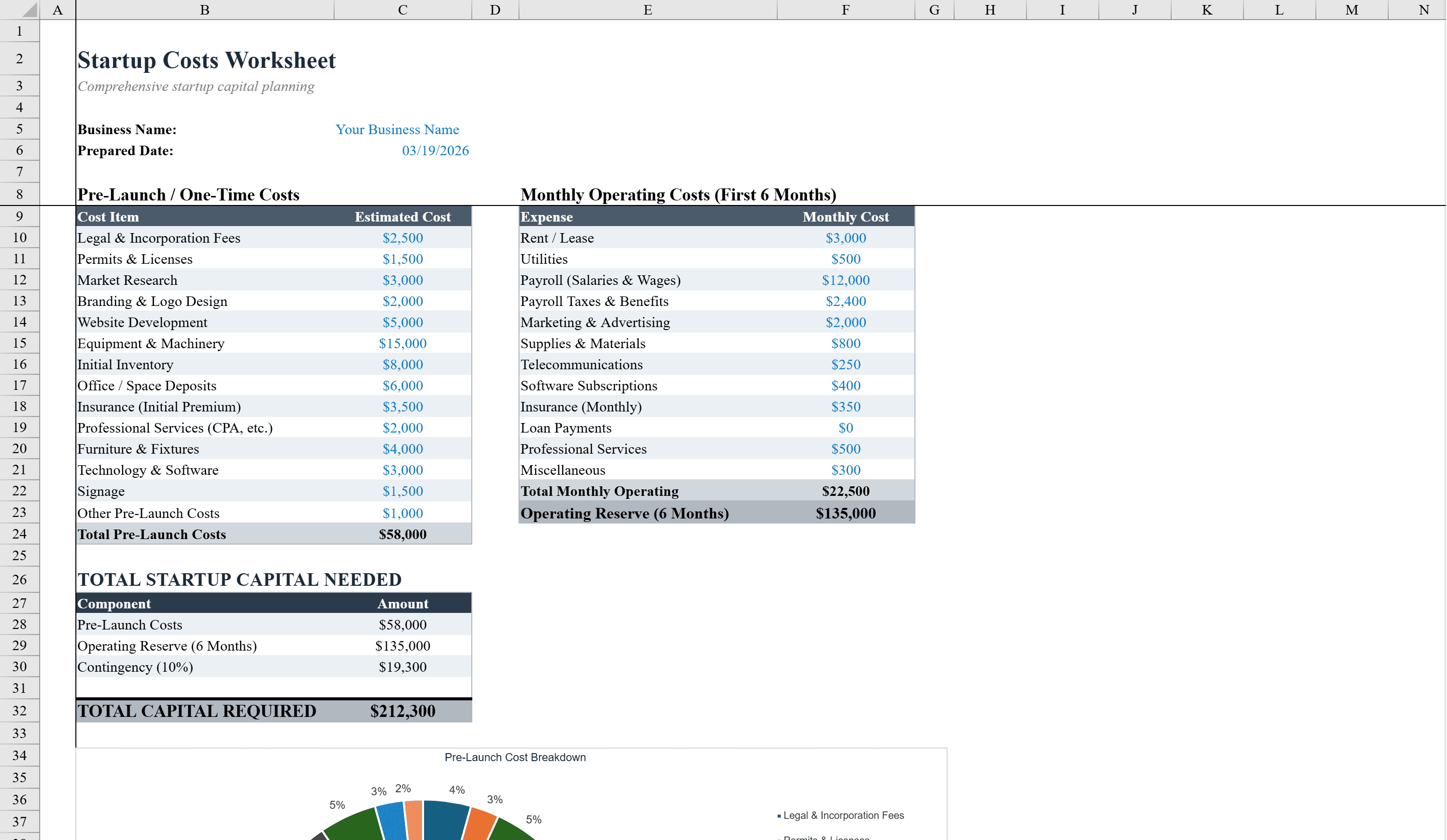
This startup costs template helps entrepreneurs and new business owners plan and track every expense involved in launching a venture. Organized across two sheets, the Startup Costs sheet itemizes pre-launch expenses across multiple categories with automatic subtotals and a grand total, while the Funding Sources sheet tracks where the money is coming from with a dropdown menu of common funding types including personal savings, SBA loans, angel investors, and crowdfunding. A pie chart visualizes cost distribution and a bar chart shows funding by source. Conditional formatting on the funding gap indicator shows whether you are fully funded or have a shortfall. Once your costs are mapped, run a break-even analysis to find out how quickly you can recoup the investment.
Startup Costs Template Features
- Itemized pre-launch expenses across multiple categories with automatic subtotals
- Funding Sources sheet tracking personal savings, SBA loans, angel investors, and more
- Pie chart visualizing cost distribution across categories
- Bar chart showing funding by source
- Conditional formatting on funding gap indicator showing fully funded or shortfall status
How to Use This Startup Costs Template in Excel
- 1
Itemize startup expenses
List all pre-launch costs on the Startup Costs sheet organized by category. Subtotals and the grand total calculate automatically.
- 2
Identify funding sources
Switch to the Funding Sources sheet and enter each funding source with its amount using the dropdown menu.
- 3
Analyze the funding gap
Review the funding gap indicator to see if you are fully funded or have a shortfall that needs to be addressed.
- 4
Review visual summaries
Check the pie chart for cost distribution and the bar chart for funding breakdown to present to investors or partners.
Startup Costs Template FAQ
- What funding types are included in the dropdown?
- The template includes common funding types such as personal savings, SBA loans, angel investors, crowdfunding, and more, all selectable from a dropdown menu.
- How does the funding gap indicator work?
- The template compares total startup costs against total funding sources and uses conditional formatting to show whether you are fully funded (green) or have a shortfall (red).
- Can I use this for a business plan?
- Yes, the itemized cost breakdown, funding sources, and visual charts are ideal for including in business plans and investor presentations.