Petty Cash
Keep your office cash fund audit-ready with a running balance, category summaries, and automatic low-balance warnings.
About the Petty Cash
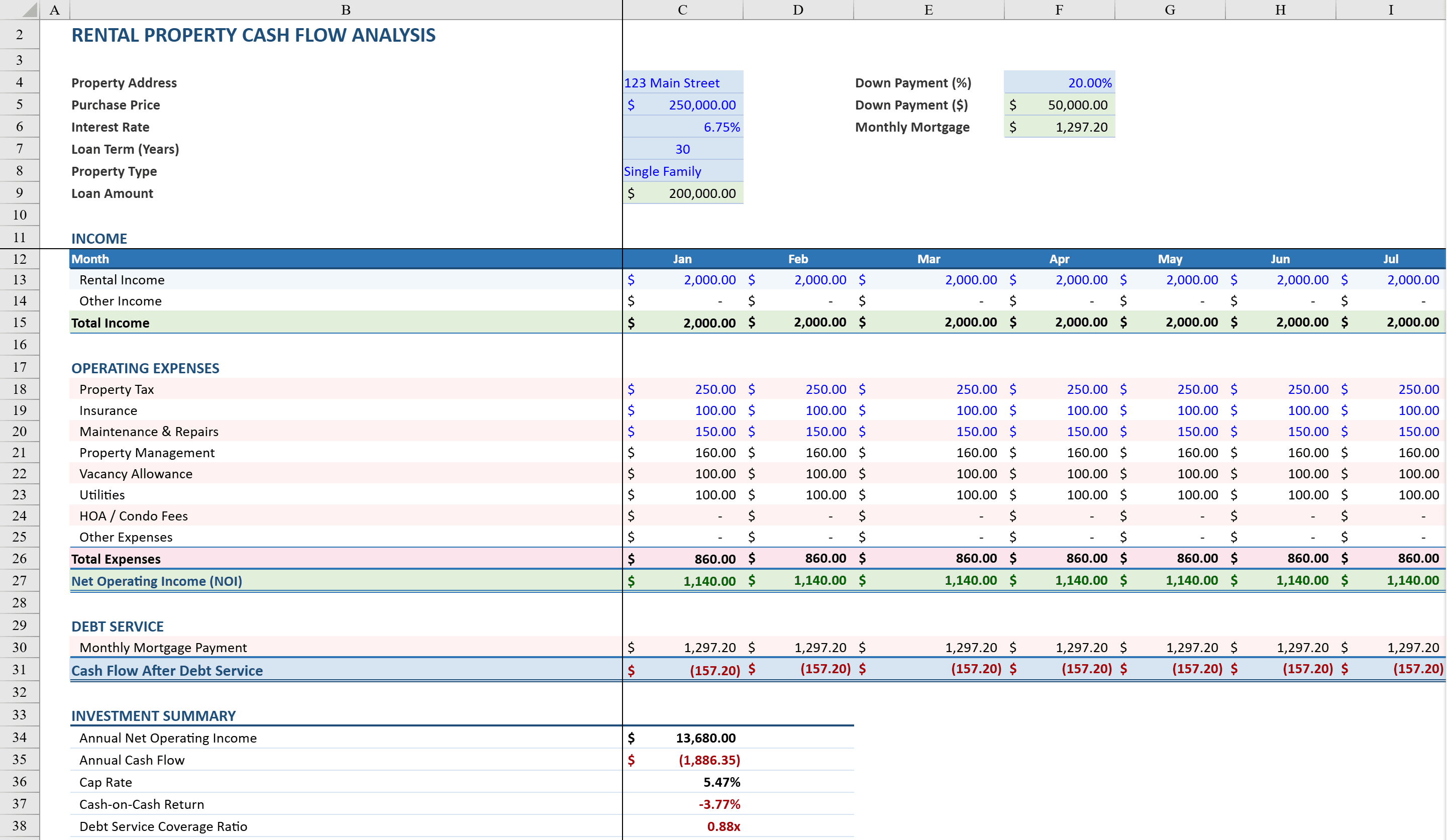
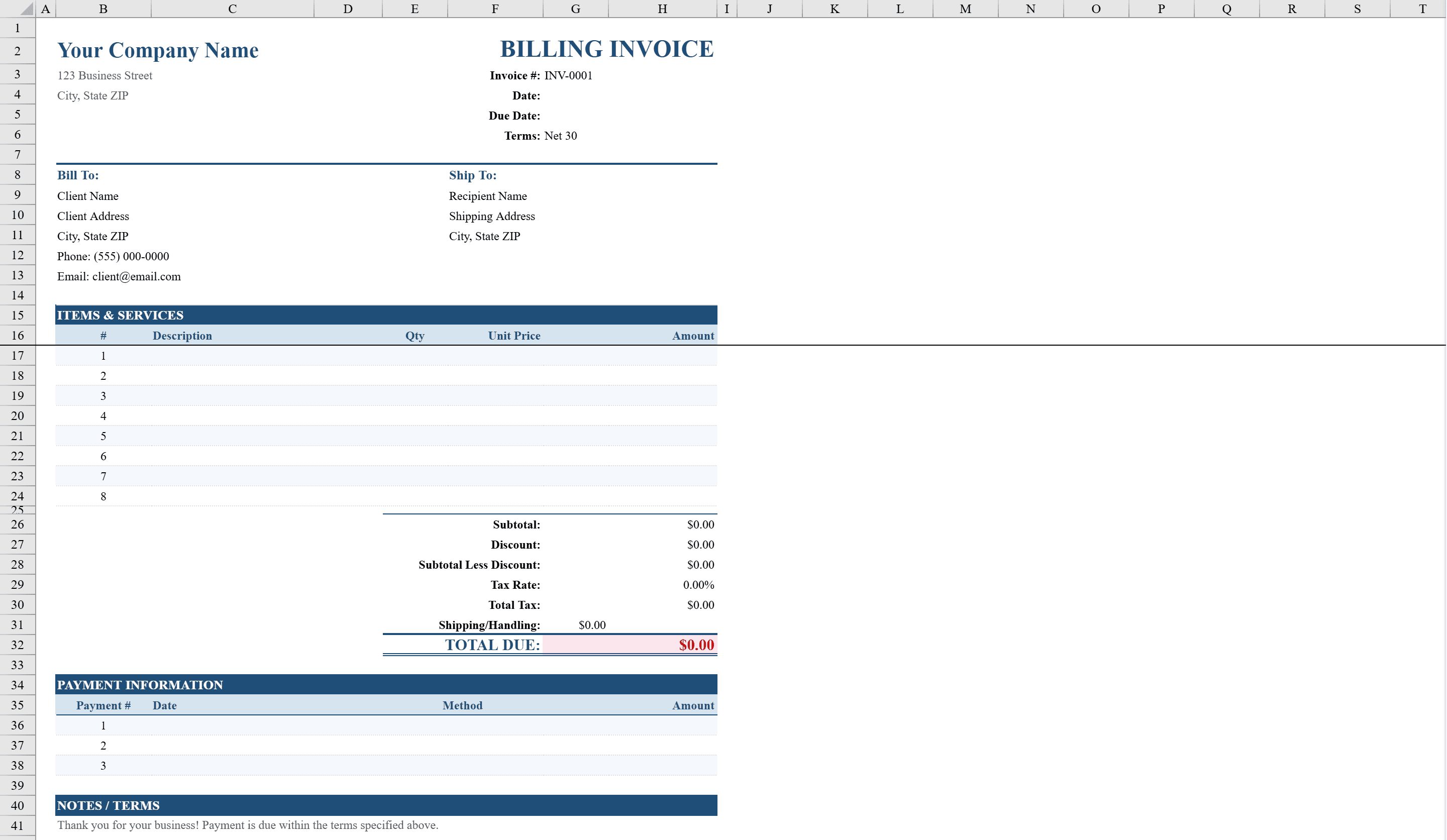
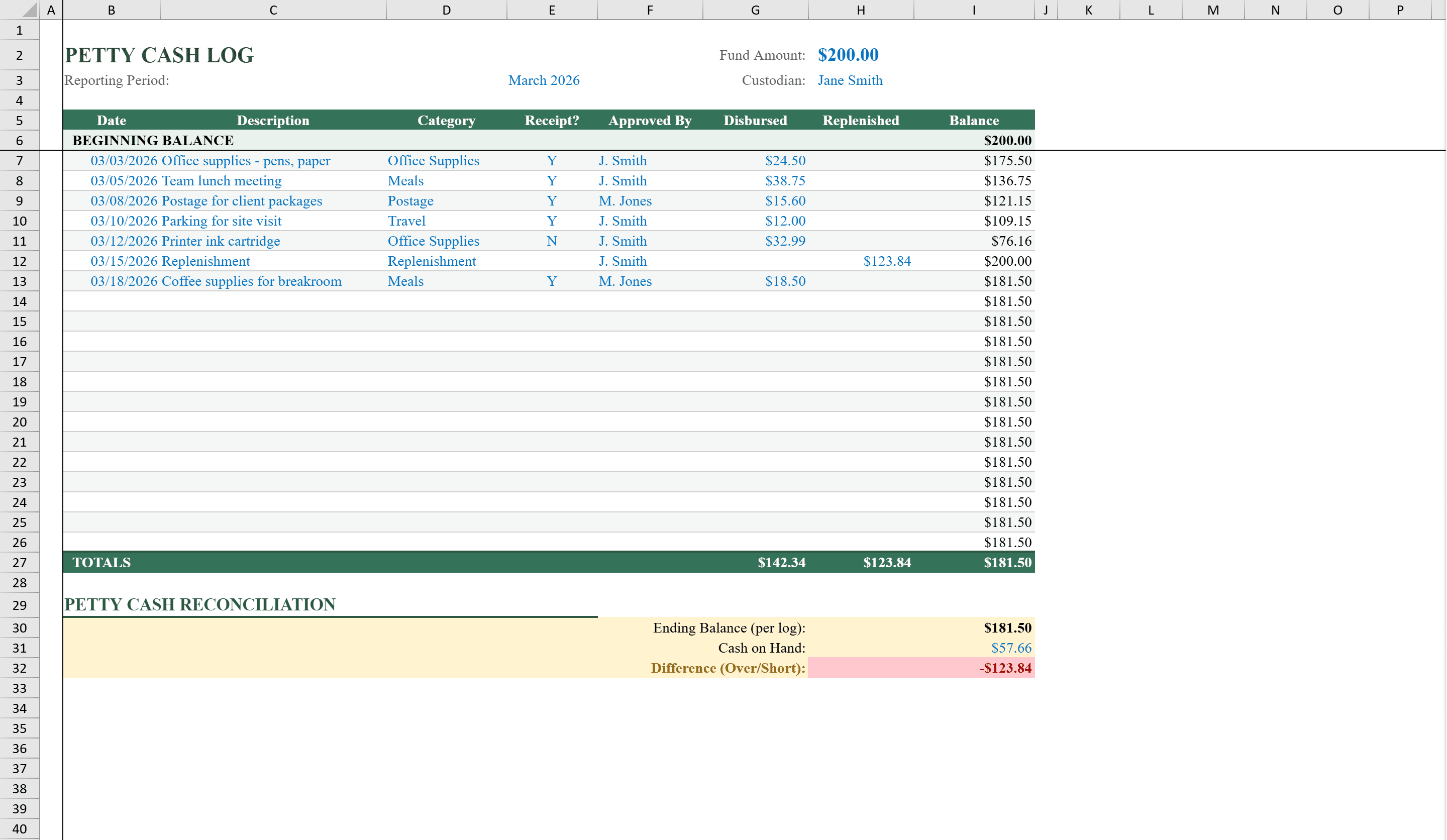
Take control of office cash spending with this Petty Cash Template for Excel. Built for office managers, administrative staff, and small business owners, this two-sheet workbook includes a detailed transaction log tracking dates, descriptions, categories, receipt status, approvals, disbursements, and replenishments with a running balance that updates automatically. A separate Monthly Summary sheet breaks down spending by category with percentage-of-total calculations using SUMIF formulas. Conditional formatting warns when the balance runs low or when reconciliation reveals discrepancies. Dropdown menus for expense categories and receipt tracking keep entries standardized and audit-ready. For property-related expenses, pair this with a rental property cash flow tracker or issue payments using a billing invoice.
Petty Cash Features
- Transaction log with dates, categories, receipt status, and approvals
- Running balance that updates automatically with each entry
- Monthly Summary sheet with category spending and percentage-of-total breakdowns
- Conditional formatting warns on low balance and reconciliation discrepancies
- Dropdown menus for expense categories and receipt tracking
How to Use This Petty Cash in Excel
- 1
Set the starting balance
Enter the initial petty cash fund amount at the top of the transaction log. This establishes the starting point for the running balance.
- 2
Log each transaction
Record every disbursement and replenishment with date, description, category, amount, receipt status, and approval. The running balance updates automatically.
- 3
Track receipts and approvals
Use dropdown menus to mark receipt status and approval for each transaction. This keeps the log audit-ready and standardized.
- 4
Review monthly summaries
Check the Monthly Summary sheet for category-level spending breakdowns and percentage-of-total calculations to identify spending patterns.
Petty Cash FAQ
- How does the low-balance warning work?
- Conditional formatting monitors the running balance. When it falls below a configurable threshold, the balance cell is highlighted to alert you that a replenishment is needed.
- Can I customize the expense categories?
- Yes. Edit the dropdown validation list to add or modify categories. The Monthly Summary sheet will automatically include your custom categories in its SUMIF calculations.
- Does this template support reconciliation?
- Yes. Compare the calculated running balance against a physical cash count. Conditional formatting highlights discrepancies, making it easy to identify and investigate differences.