Billing Invoice
Send polished, accurate invoices in minutes with automatic line-item calculations and overdue balance alerts built in.
About the Billing Invoice
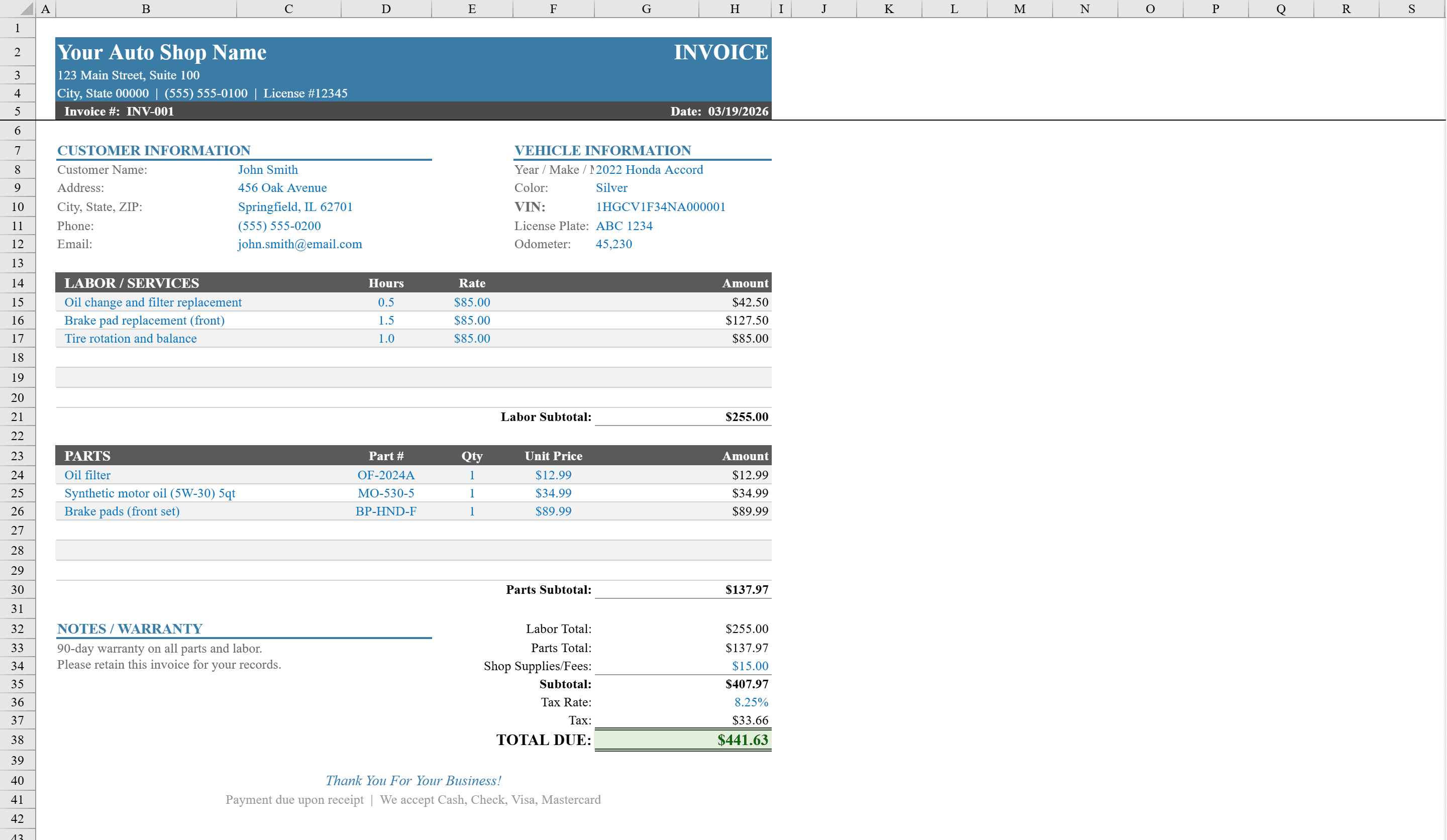
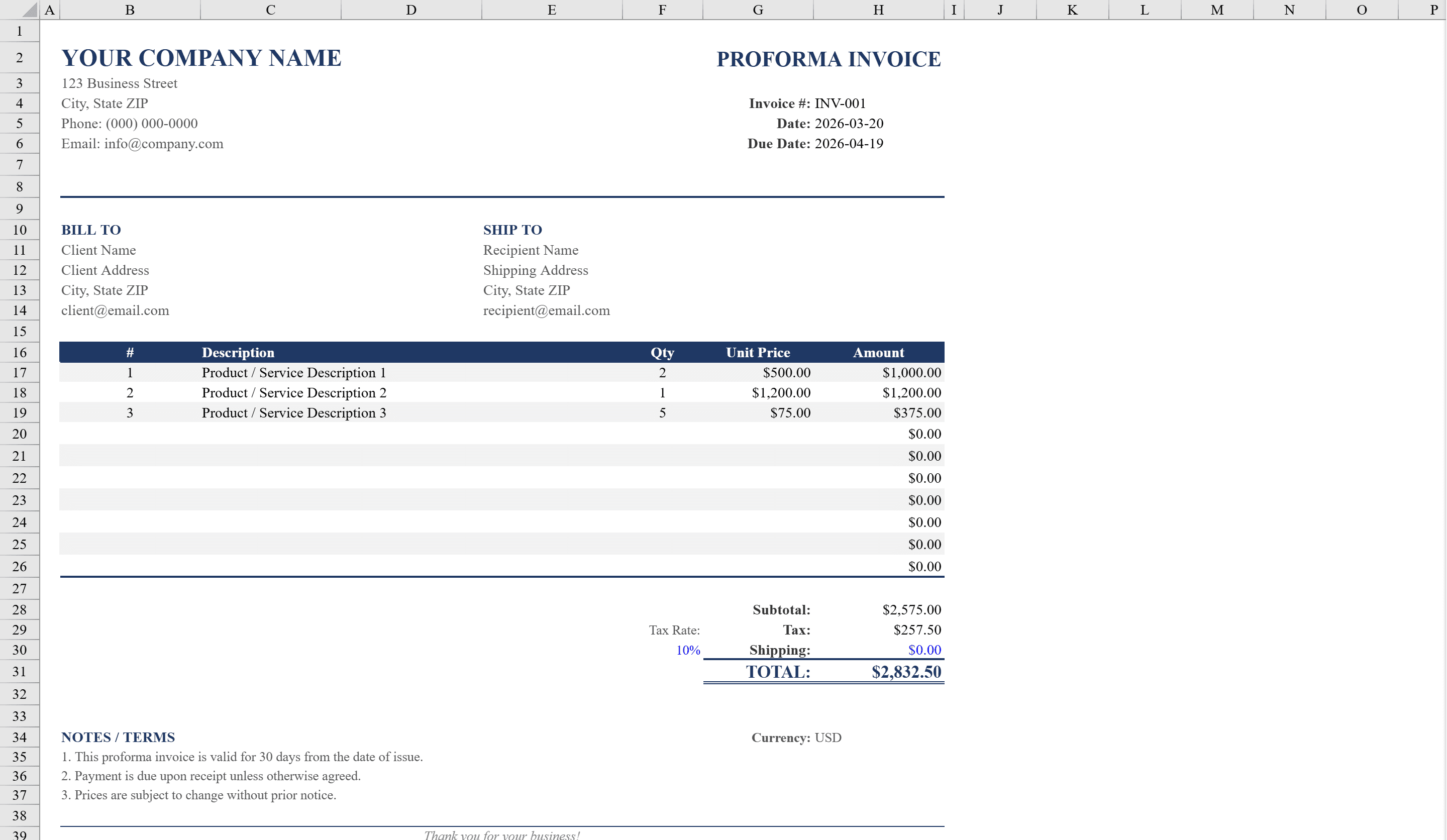
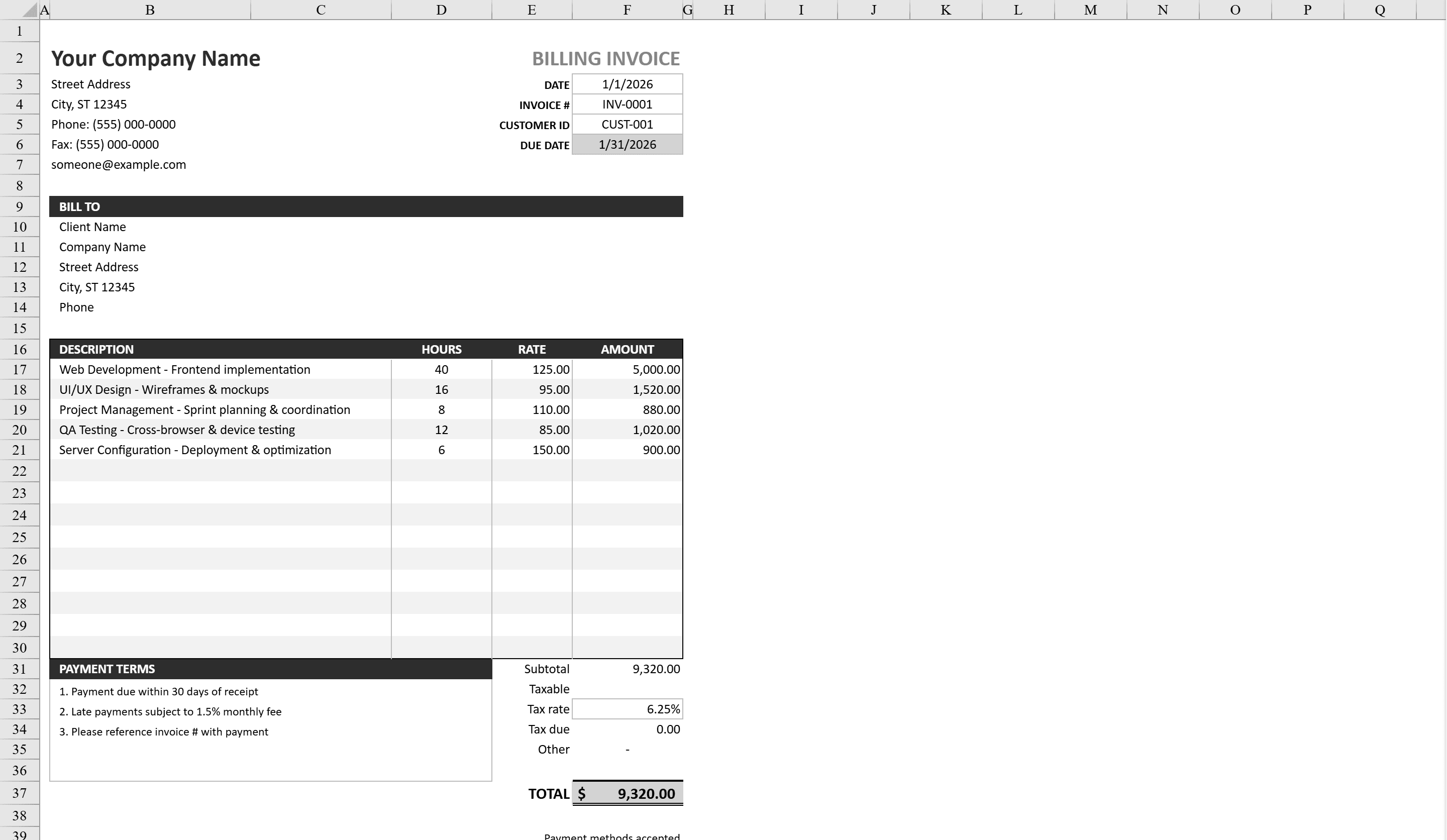
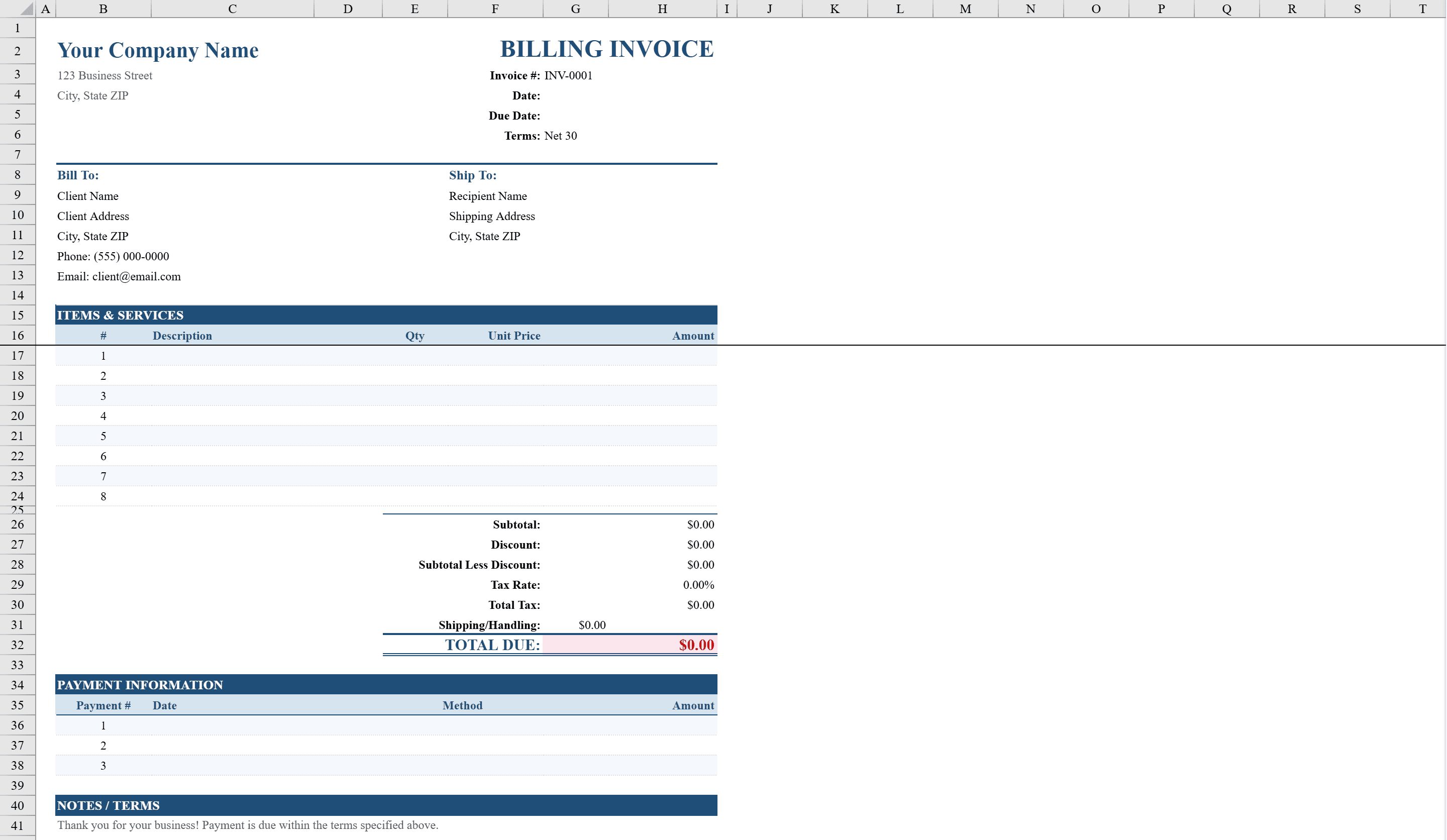
Create polished, accurate invoices in minutes with this Billing Invoice Template for Excel. Designed for freelancers, consultants, and small businesses, this template features up to eight line items with automatic quantity-times-rate calculations, plus fields for discounts, adjustments, tax, and a grand total. Payment terms are selectable from a dropdown menu with options from Net 15 to Due on Receipt, and conditional formatting highlights overdue balances in red. A dedicated payment information section supports multiple methods including check, wire transfer, ACH, and credit card. Complete with company details, client information, and a print-ready layout. For automotive work, try the auto repair invoice, or use a proforma invoice for international pre-shipment billing.
Billing Invoice Features
- Up to eight line items with automatic quantity-times-rate calculations
- Fields for discounts, adjustments, tax, and grand total
- Payment term dropdown: Net 15, Net 30, Net 60, Due on Receipt
- Conditional formatting highlights overdue balances in red
- Payment information section supporting check, wire, ACH, and credit card
How to Use This Billing Invoice in Excel
- 1
Add your company details
Enter your business name, address, and contact information in the header. Add your logo and invoice number.
- 2
Enter client and line items
Fill in client details and list each service or product with description, quantity, and rate. Totals calculate automatically.
- 3
Set payment terms
Select payment terms from the dropdown (Net 15, Net 30, Net 60, or Due on Receipt) and enter any applicable discounts or adjustments.
- 4
Send or print
Review the grand total and payment information section. The template is print-ready and can be saved as PDF for email delivery.
Billing Invoice FAQ
- How does the overdue balance highlighting work?
- Conditional formatting compares the due date against the current date. If the invoice is past due and has an outstanding balance, the amount due is highlighted in red automatically.
- Can I add more than eight line items?
- Yes. Insert additional rows in the line items section. The subtotal, tax, and grand total formulas will automatically include new entries.
- What payment methods are supported?
- The payment information section includes fields for check, wire transfer, ACH, and credit card details. Customize or add methods to match your business preferences.