Amortization Schedule
Watch every dollar of principal and interest unfold across the life of your loan.
About the Amortization Schedule
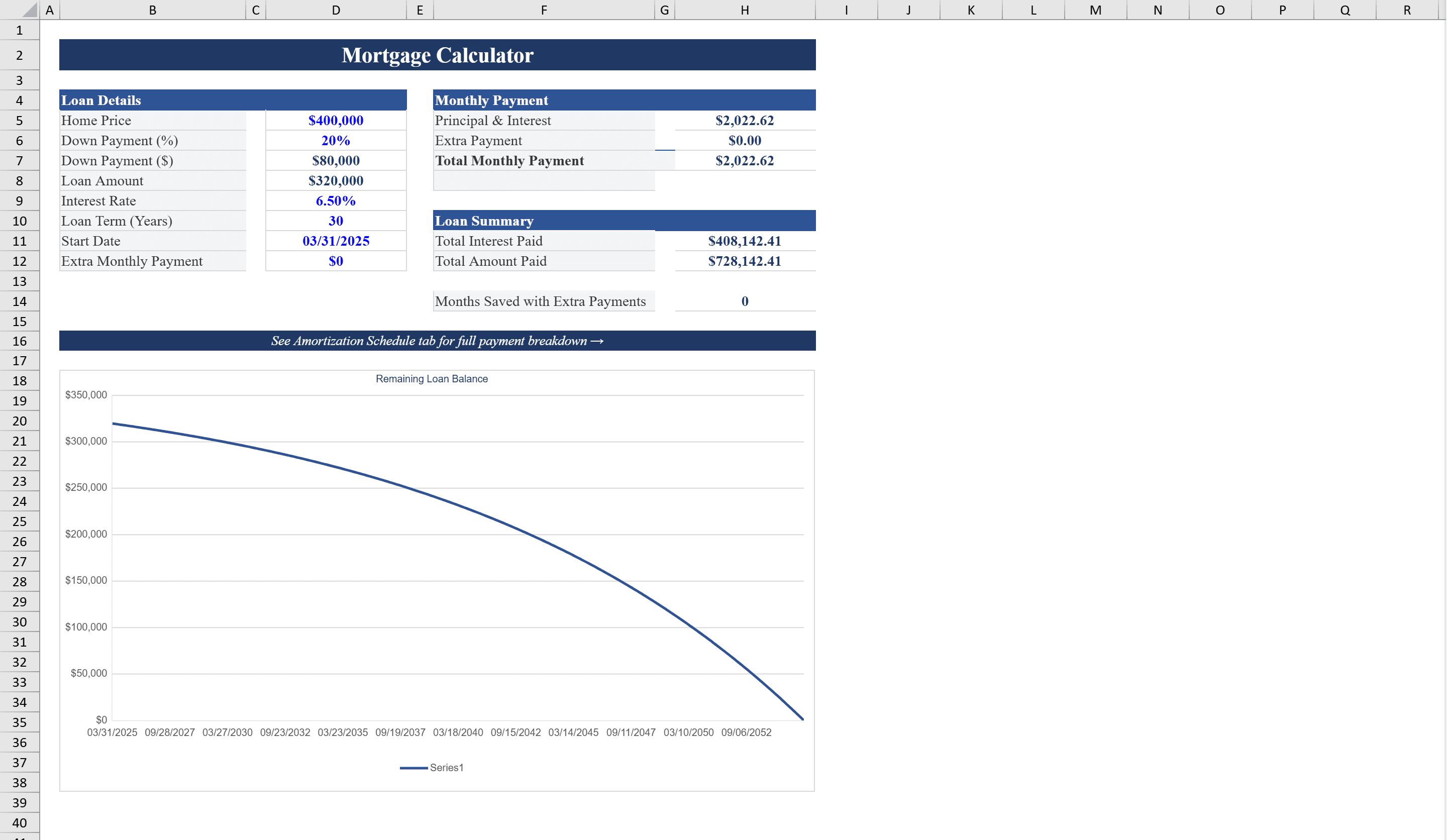
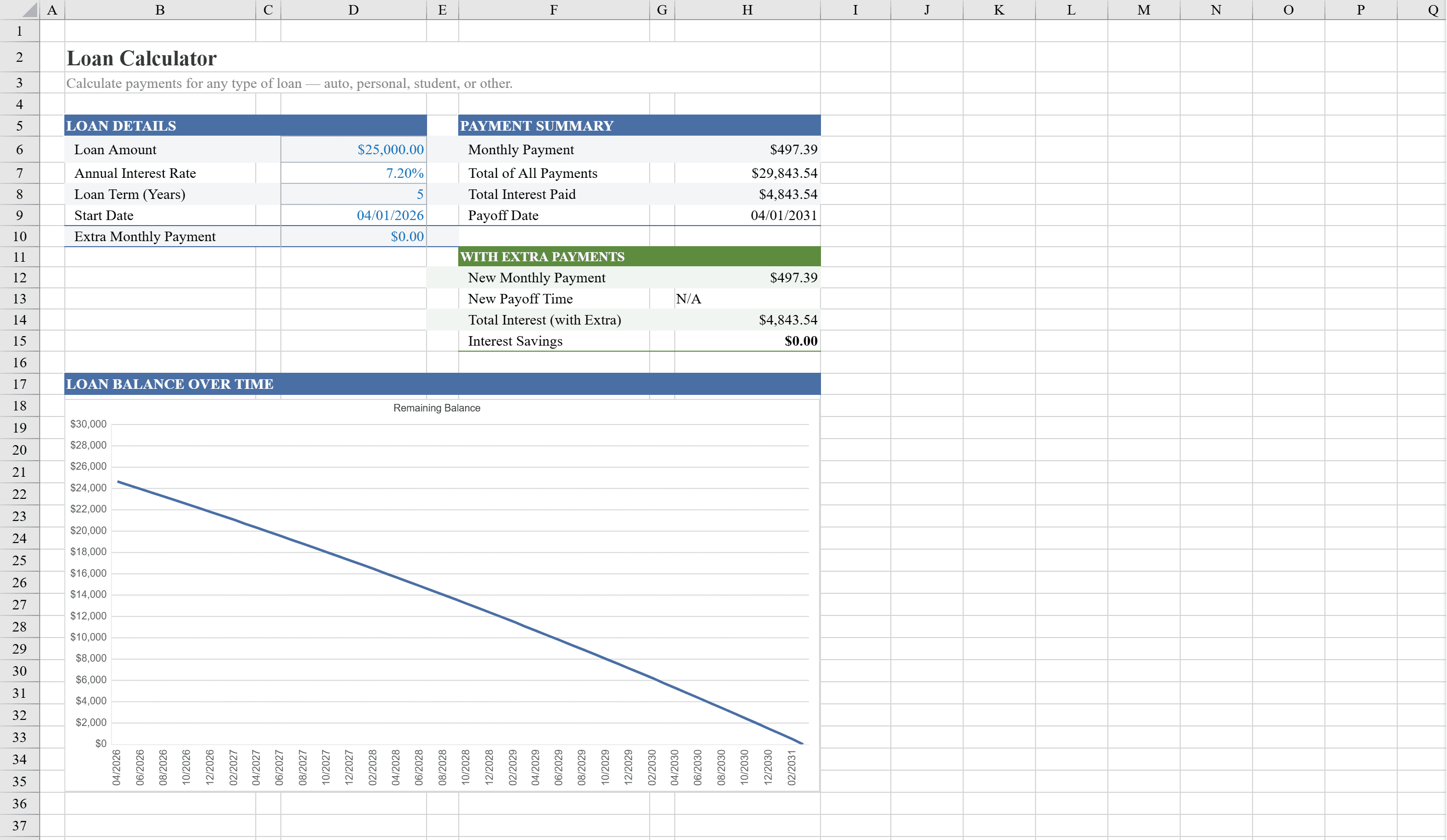
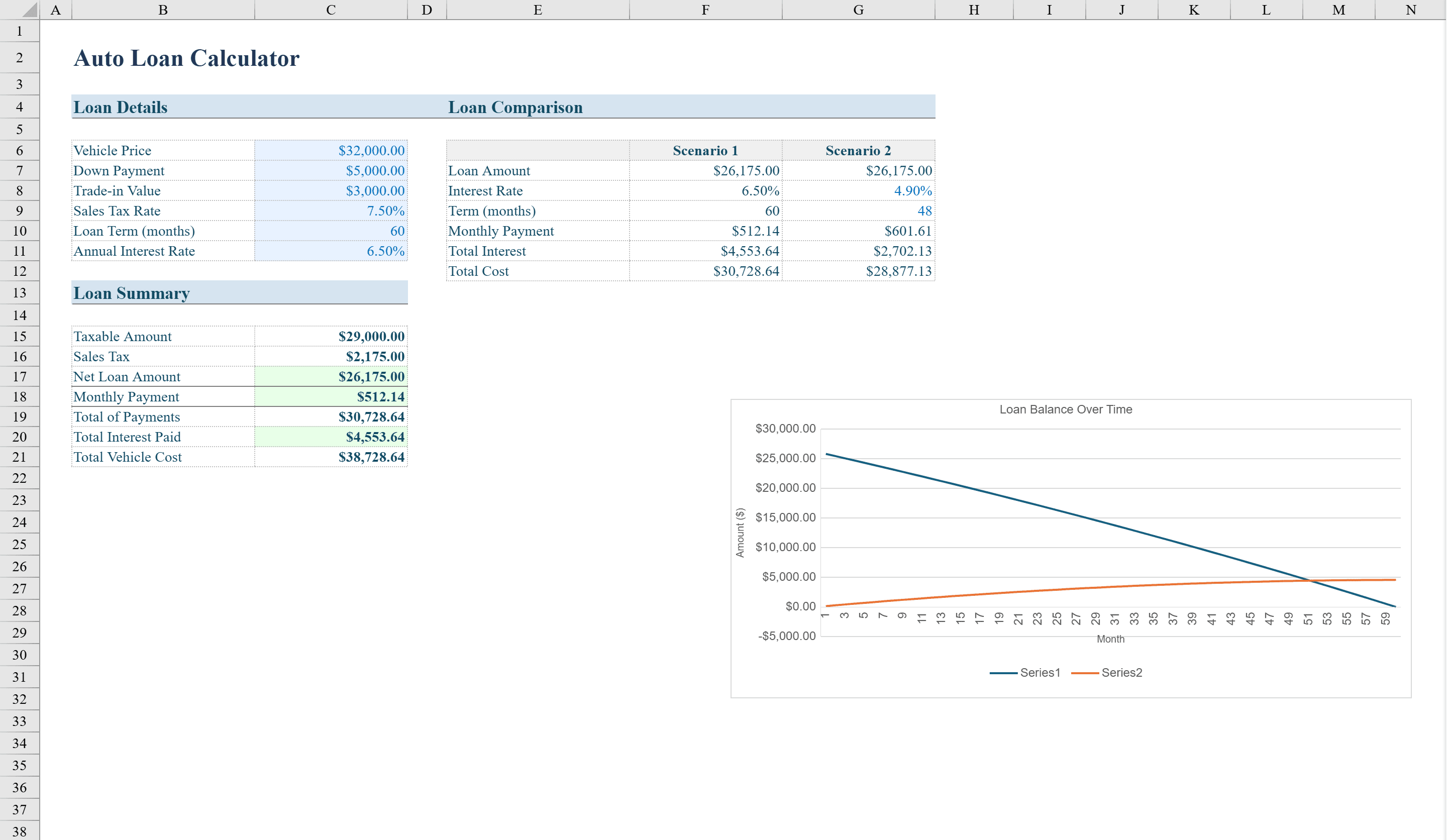
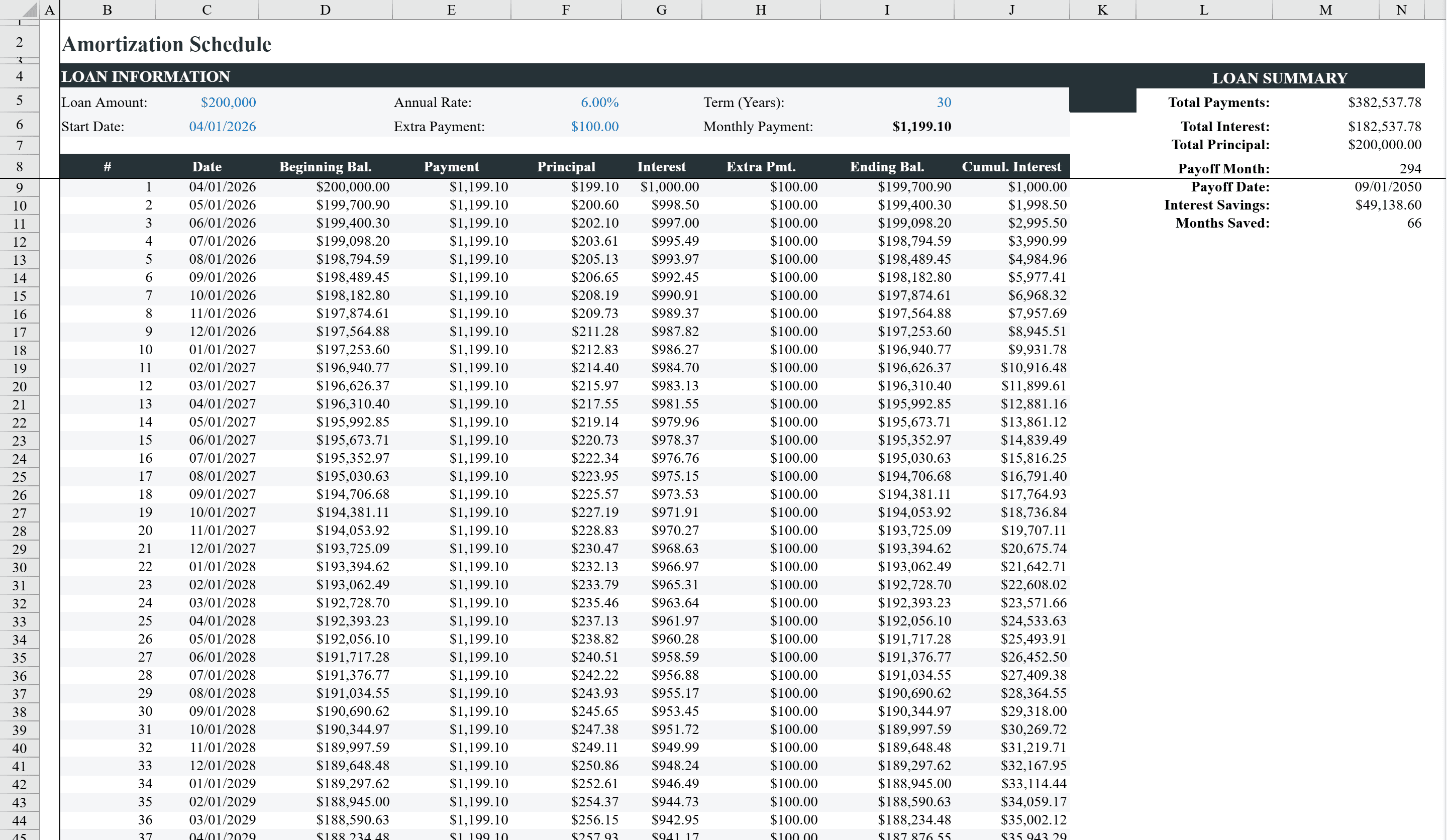
This amortization schedule provides a detailed, month-by-month breakdown of any fixed-rate loan for up to 360 payments. Enter your loan amount, annual interest rate, loan term in years, first payment date, and optional extra monthly payment to generate a complete payment table showing each month's payment number, date, beginning balance, total payment, principal, interest, extra payment, and remaining balance. Two embedded charts visualize the loan balance over time and the principal-versus-interest breakdown per payment. Conditional formatting highlights when the loan reaches a zero balance, and data validation ensures all inputs fall within valid ranges. Use it alongside the Mortgage Calculator for a complete home-loan analysis.
Amortization Schedule Features
- Complete payment table for up to 360 monthly payments
- Columns for payment date, principal, interest, extra payment, and balance
- Two embedded charts for loan balance and principal-vs-interest breakdown
- Optional extra monthly payment support with early payoff detection
- Data validation ensures all inputs fall within valid ranges
How to Use This Amortization Schedule in Excel
- 1
Enter loan details
Input your loan amount, annual interest rate, loan term in years, and first payment date.
- 2
Set extra payments
Optionally enter a monthly extra payment amount to model accelerated payoff scenarios.
- 3
Review payment table
Scroll through the month-by-month schedule showing principal, interest, extra payment, and remaining balance.
- 4
Analyze with charts
Use the embedded charts to visualize the loan balance trajectory and how the principal-to-interest ratio shifts over time.
Amortization Schedule FAQ
- How many payments does this amortization schedule support?
- The schedule supports up to 360 monthly payments, covering loan terms up to 30 years. Conditional formatting automatically detects when the balance reaches zero.
- Can I include a first payment date?
- Yes, enter your first payment date and the schedule generates the exact date for every subsequent payment, making it easy to align with your actual loan timeline.
- How is the principal-vs-interest breakdown shown?
- An embedded chart displays the principal and interest portions of each payment, clearly illustrating how more of your payment goes toward principal as the loan matures.