Credit Card Payoff Calculator
See exactly how much faster you become debt-free by paying more than the minimum each month.
About the Credit Card Payoff Calculator
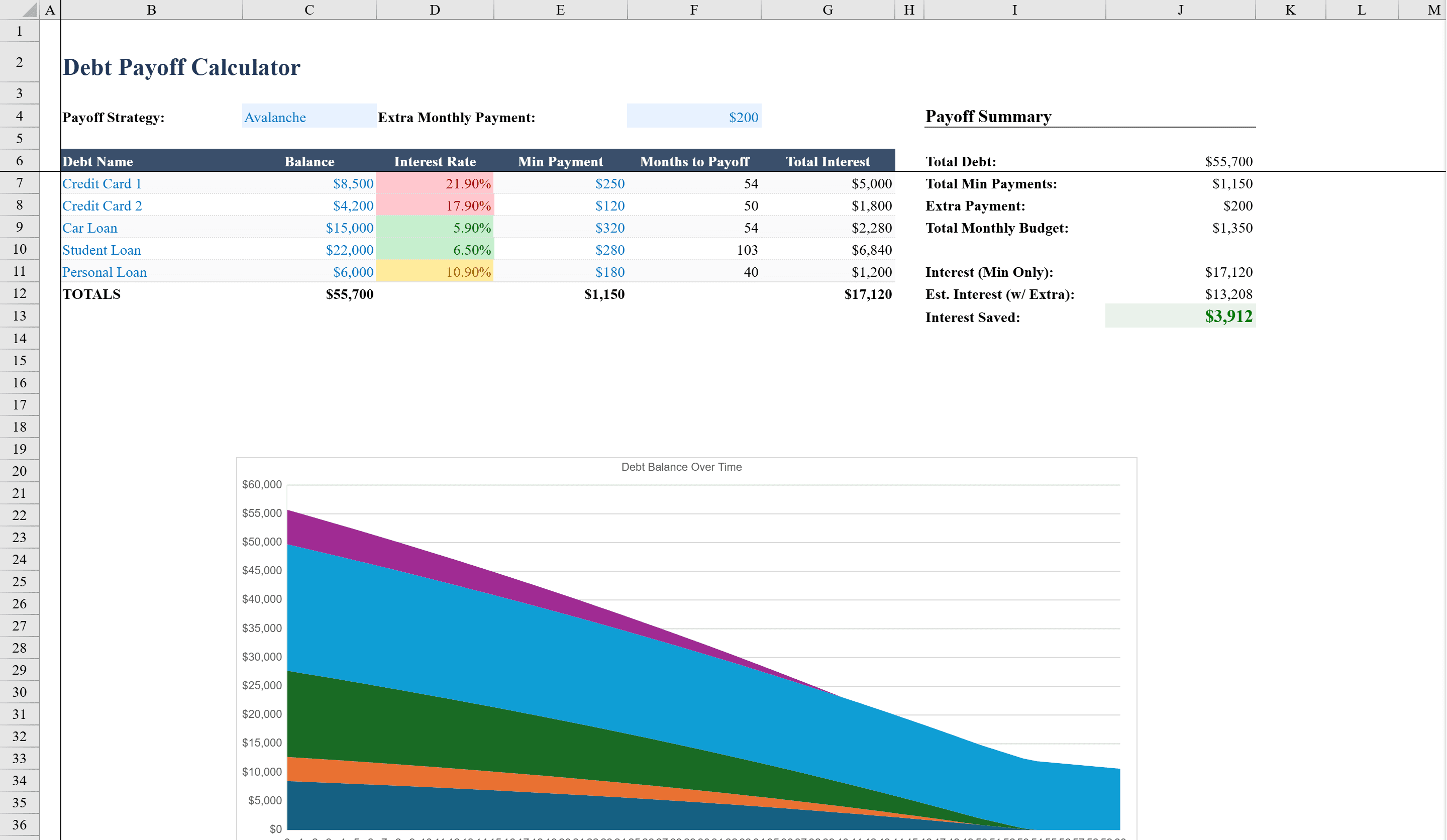
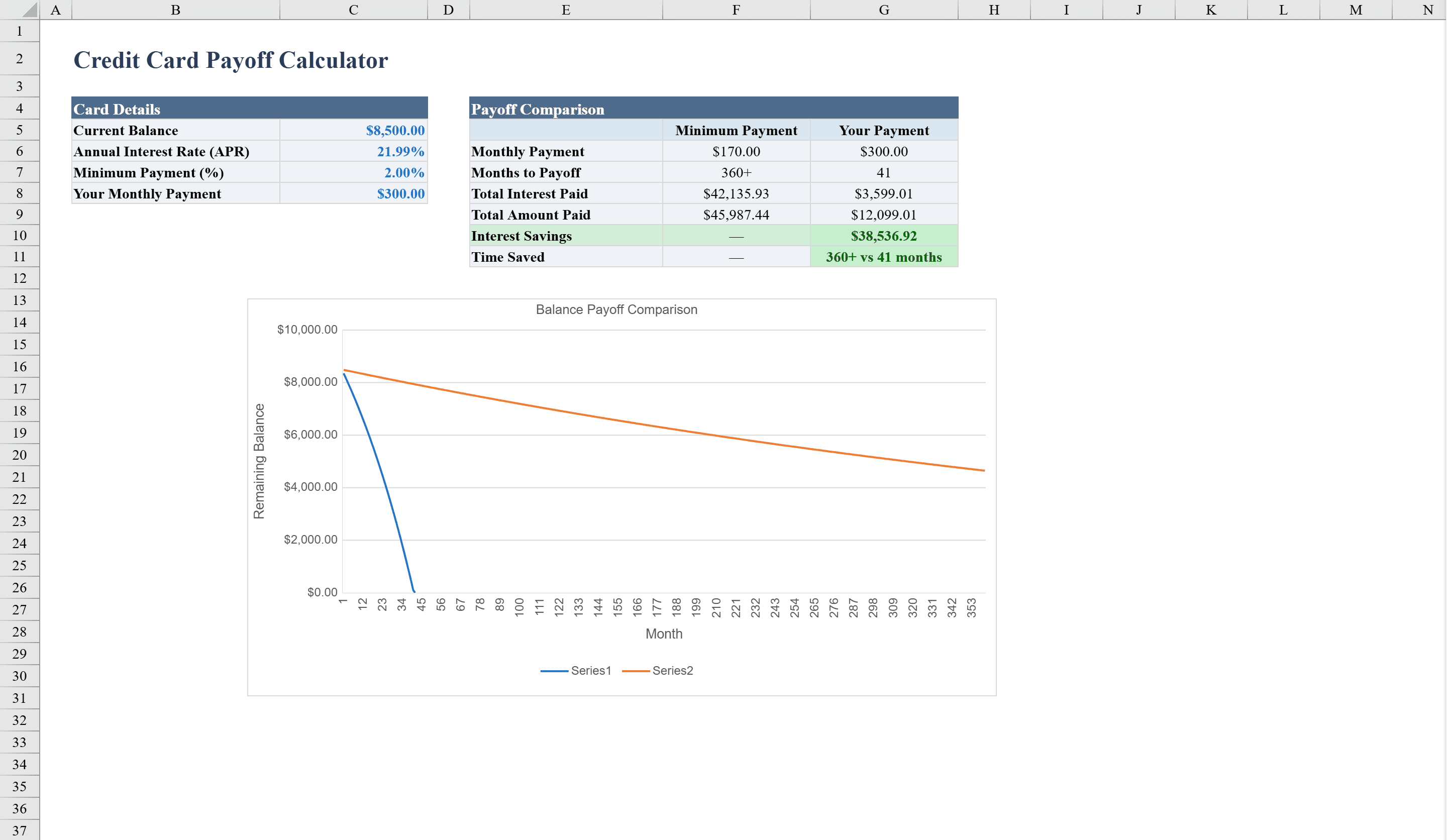
The Credit Card Payoff Calculator is a powerful Excel tool for anyone looking to take control of credit card debt. Enter your balance, APR, fixed monthly payment, and minimum payment percentage to instantly see two side-by-side amortization schedules comparing your custom payment plan against minimum payments only. A built-in line chart visually illustrates how much faster you pay off the balance and how much interest you save with higher payments. The calculator supports up to 360 months of projections with automatic row generation, color-coded interest warnings, and data validation to ensure accurate inputs. Managing multiple debts beyond credit cards? The Debt Payoff Calculator handles up to five balances with Avalanche and Snowball strategy support.
Credit Card Payoff Calculator Features
- Side-by-side amortization: custom payment plan vs minimum payments only
- Line chart comparing payoff speed and interest savings
- Supports up to 360 months of projections with automatic row generation
- Color-coded interest warnings based on rate severity
- Data validation ensures accurate balance, APR, and payment inputs
How to Use This Credit Card Payoff Calculator in Excel
- 1
Enter card details
Input your current credit card balance, APR, and minimum payment percentage.
- 2
Set your payment plan
Enter a fixed monthly payment amount higher than the minimum to model an accelerated payoff strategy.
- 3
Compare schedules
Review the two side-by-side amortization schedules to see the difference between your plan and minimum payments.
- 4
Visualize savings
Check the line chart to see how much faster you become debt-free and how much interest you save.
Credit Card Payoff Calculator FAQ
- How does the minimum payment comparison work?
- The calculator generates two parallel amortization schedules — one using your chosen fixed payment and one using only the minimum payment percentage — so you can see exactly how much time and interest you save.
- How far out do the projections go?
- The calculator supports up to 360 months of projections with automatic row generation, covering even large balances with low payments.
- What do the color-coded interest warnings mean?
- Conditional formatting applies color codes based on the severity of your interest rate, giving you an immediate visual indicator of how costly your debt is.